Penly is an award-winning note-taking utility. Download the latest version for free and take your document editing to the next level. Penly includes extensive editing options, allowing you to create impressive content that rivals handwritten notes. Users can choose from a wide variety of paper options and experiment with various monthly, daily, and weekly calendar widgets. Come and use Penly, a powerful all-in-one tool that's a reliable choice for digital work and life planning!
Click to load YouTube / 点击加载视频
YouTube ↗Wonderful Function
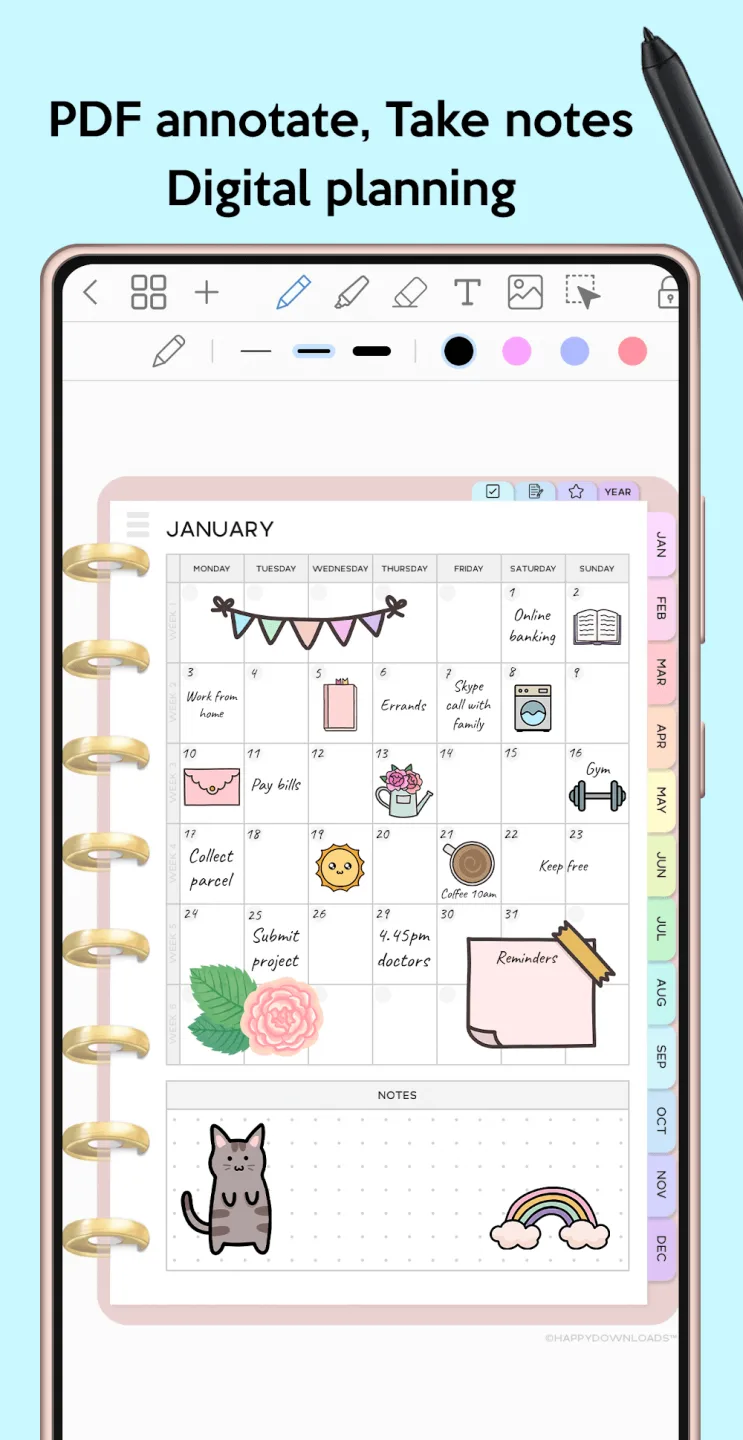
Penly's core feature is that it lets you create structured daily, weekly, or monthly plans using built-in templates. You can write directly with your finger or a stylus, type text, insert images, or use stickers for a more personalized experience. Each planner is date-free, so users can reuse pages at any time without having to wait for new versions.
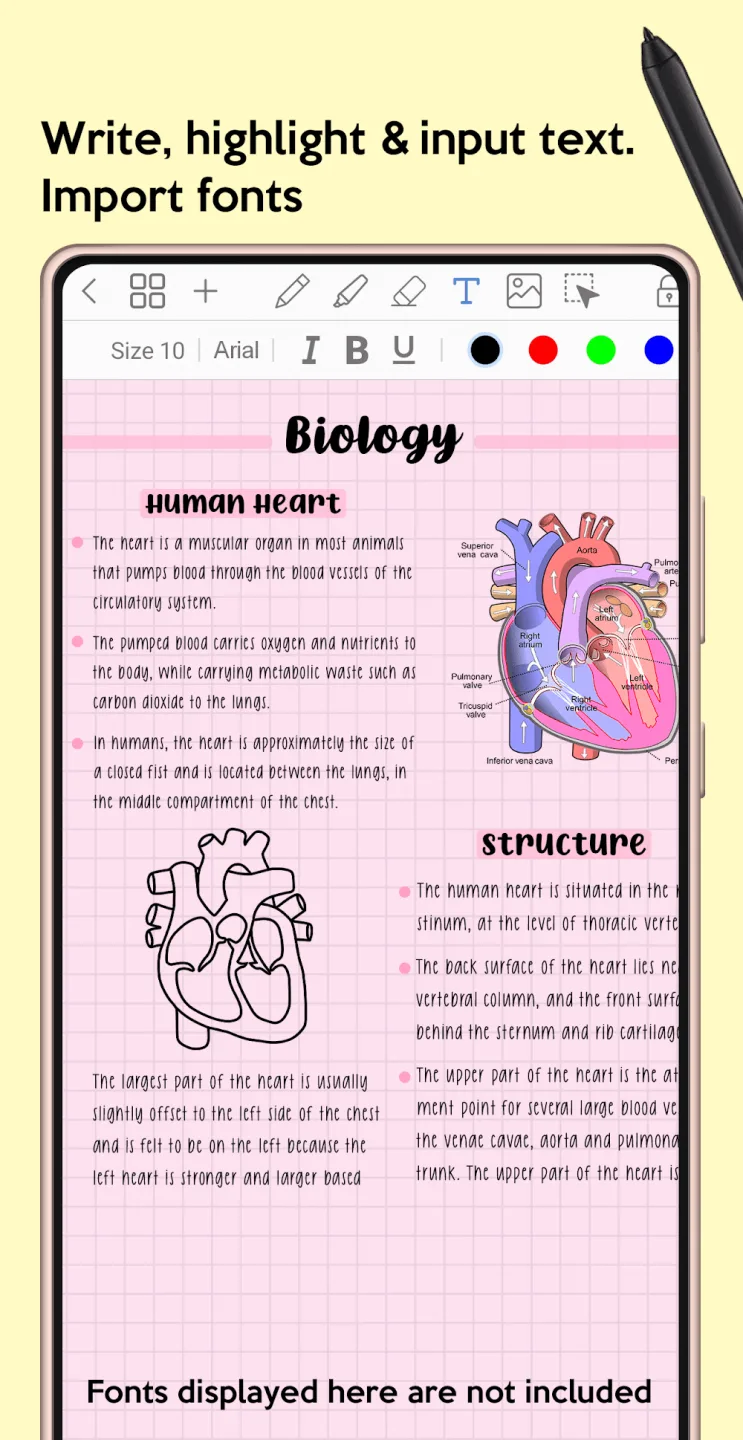
Best of all, every feature is customizable. From importing custom PDF files to creating hyperlinks between pages, Penly can adapt to any planning style. It even supports custom fonts, image editing, object grouping, and handwriting-to-text conversion, making it perfect for those who prefer flexibility and creativity.
Penly also helps you stay organized over time. You can create folders and subfolders, favorite sticker sets, and rearrange documents or pages as needed. Everything opens right where you left off, eliminating the hassle of searching for information each time you return to the app.
It also includes advanced features such as voice memos, document scanning, and automatic reminders for important events. The app includes financial tracking and quick search tools, and even allows you to create reusable templates for frequently used information. Whether you're planning a project, creating a monthly budget, or preparing a presentation, these tools can help you get your work done faster.
Attractive Features
Use a variety of list templates and online planning tools.
Users of this app will have access to a variety of features that will be extremely helpful in their daily work. Using a digital planner will benefit all aspects of life, including work, daily life, school, and habit formation. Furthermore, its clear and easy-to-use interface makes it easy to quickly create to-do lists. Anyone who uses this ingenious app will find that creating detailed and clear plans is no longer a challenge. Furthermore, the app's extensive and unique list templates can be used as reference when submitting job applications.
You get PDF files and a very convenient player to help you get your work done.
A key feature of Penly: A digital planner and note-taking app is its seamless integration of PDF annotation files with a practical calendar. Furthermore, you can use this feature to create detailed and comprehensive schedules on the go. Thanks to its convenience and ease of use, you can easily create list templates. This allows you to record important information in your planner, such as time, work details, and even important notes. Furthermore, your planner can be saved as a PDF file and shared via various platforms, such as Gmail and Facebook.
Explore a diverse sticker system and create links in any document you like.
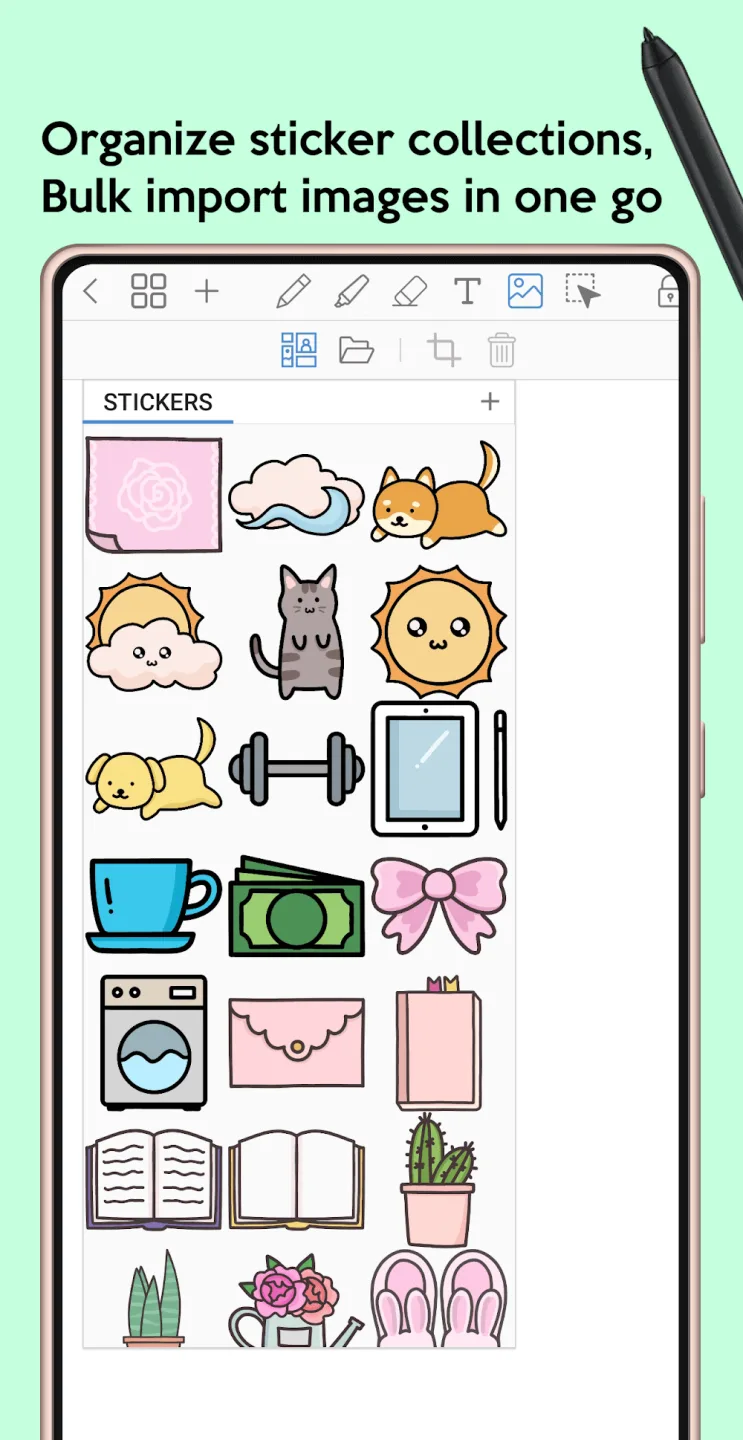
This app includes helpful planning features and links to make your note-taking easier and more efficient. When creating a planner or note, you can add links in the form of icons or short text. These links allow you to navigate to other pages within the planner or jump directly to a webpage on your device. This ensures quick and easy access to relevant content, no matter the situation. The app also includes a beautiful and diverse collection of stickers covering a variety of topics and everyday life. Now you can use them to liven up your planner and make it easier to use.
User's Comments
use it for my book journaling. the ballpen wasn't that smooth (when i draw an O, it is not a smooth circle. there are still rough edges although i put the stabiliser high). i wish i can see the percentage of my zoom so i can he consistent with it. and i hope there's a way to save my pen settings since i use different pen sizes in my notes (or it might be there but i couldnt find it)
Excellent, but... This app is a game changer when it comes to note taking, drawing, journaling, and works great with any device that has s pen or apple pen. However, I wish the app had finger drawing as well. This will make the app more flexible and diverse to other devices with no s pen or apple pen. A good example, the Samsung Fold 7 which no longer supports s pen (sadly).
My 1st rating was 1 star, but after they fixed the issue, I totally enjoy penly now. They have the feature that I always wanted to have that I can't find with the other 5 note taking app I tried. So far Penly is the easiest note-taking app I'd ever use. My suggestion is, I hope they have an option for us to change the covers and add more templates.
Final Words
Penly Mod APK is a tool that offers several useful features, one of which is the ability to view and record to-do lists stored as PDF files. Users can also create digital plans or journals to track their progress and meet deadlines. Once you understand the app and its additional features, everything becomes easy and convenient.