

DNS Changer is designed to help users achieve the best possible online experience. By changing DNS, users can quickly access restricted networks and download their favorite images, documents, and videos to their devices, creating a premium online environment. The software doesn't require root access, features a simple, clean interface, and includes a detailed tutorial to help users quickly master all features. It also employs a variety of security technologies to protect user accounts at all times, allowing users to use it with peace of mind. So what are you waiting for? Download it now!
Features:
Manual or auto DNS selection: Two options are available in this app to change the DNS server: manual mode and automatic mode.In manual mode, you can select a new, faster DNS server from the recommended options inside the app. So you have better control over which internet connection will use the exact DNS.Regarding the automatic mode, the app monitors your internet speed in the background while browsing or using videos and apps. If it detects connectivity slowing due to poor-performing DNS, it automatically switches to the fastest alternative DNS without requiring manual action.So it’s up to you whether you want to go with manual or automatic as both have their advantage.
Supports both IPv4 and IPv6: When it changes the DNS server, the app can choose options supporting IPv4 and the newer IPv6 protocols based on your needs.IPv4 is the older numbering format for assigning IP addresses to all internet devices. It is still commonly used across the world.The newer IPv6 format allows the creation of many more IP addresses as more devices now connect to the internet than before.Based on your smartphone carrier and Wifi network support, you can choose DNS options working with IPv4 or the latest IPv6 protocol while overriding default servers. So whether your device uses old IPv4 or modern IPv6 internet addressing, the app automatically selects a suitable, faster DNS replacement.
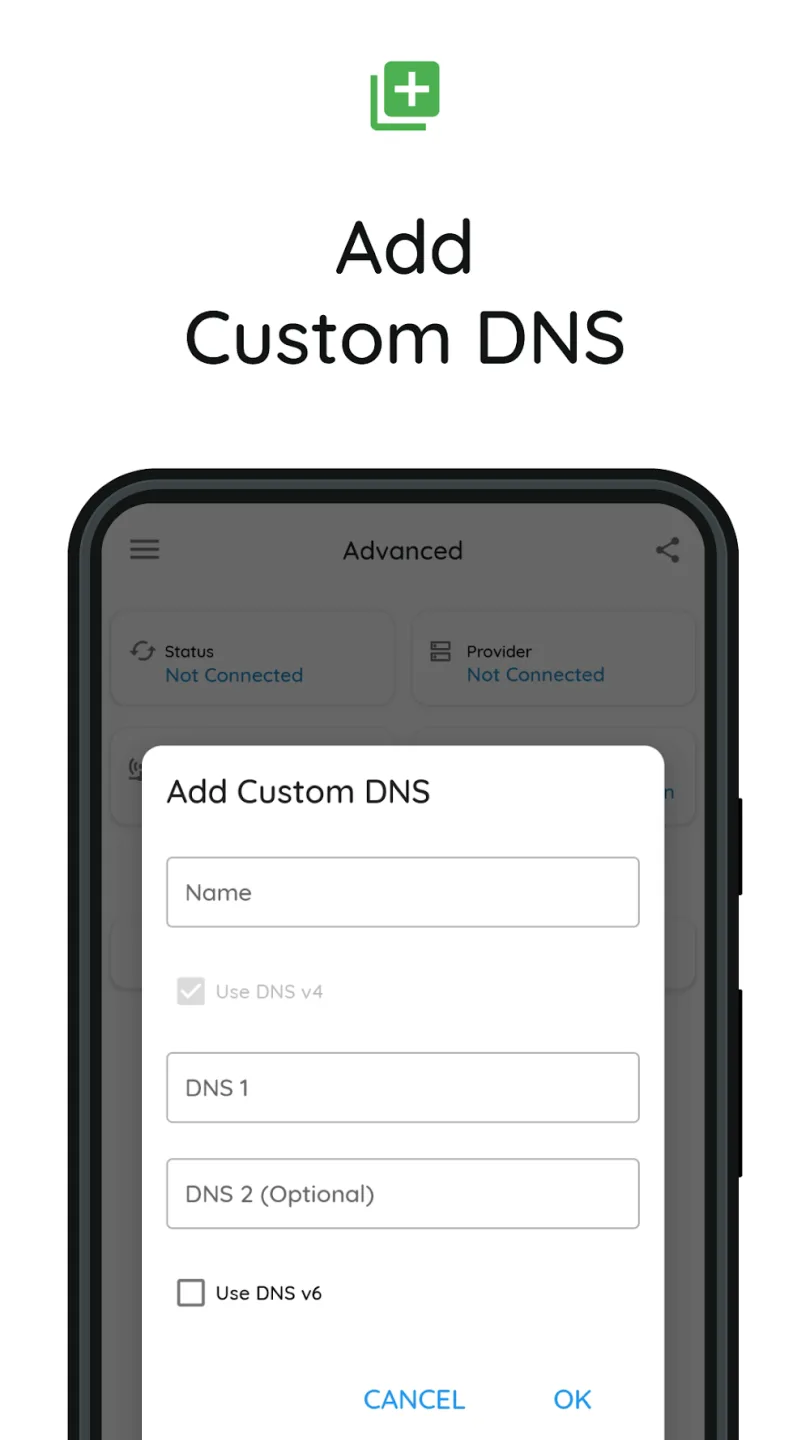
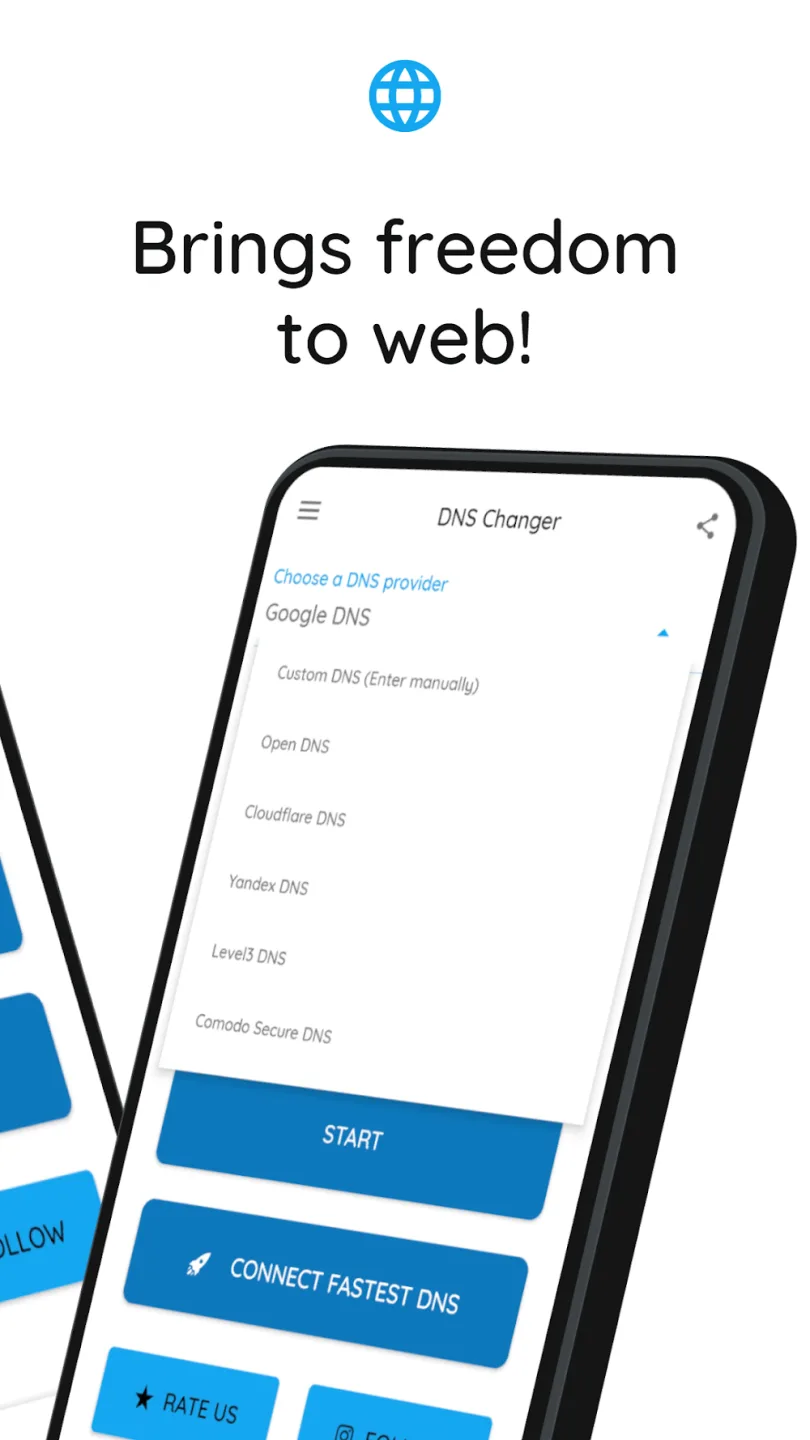
Use any public DNS: DNS Changer recommends selected public DNS services like Google DNS or Cloudflare DNS for faster internet access. But you are not forced to use only these.You can manually enter those custom DNS server details in the app settings if you know any alternative public DNS IP addresses that work well.So, apart from the predefined high-speed DNS options, you can manually specify any fast public DNS you know of or use elsewhere.
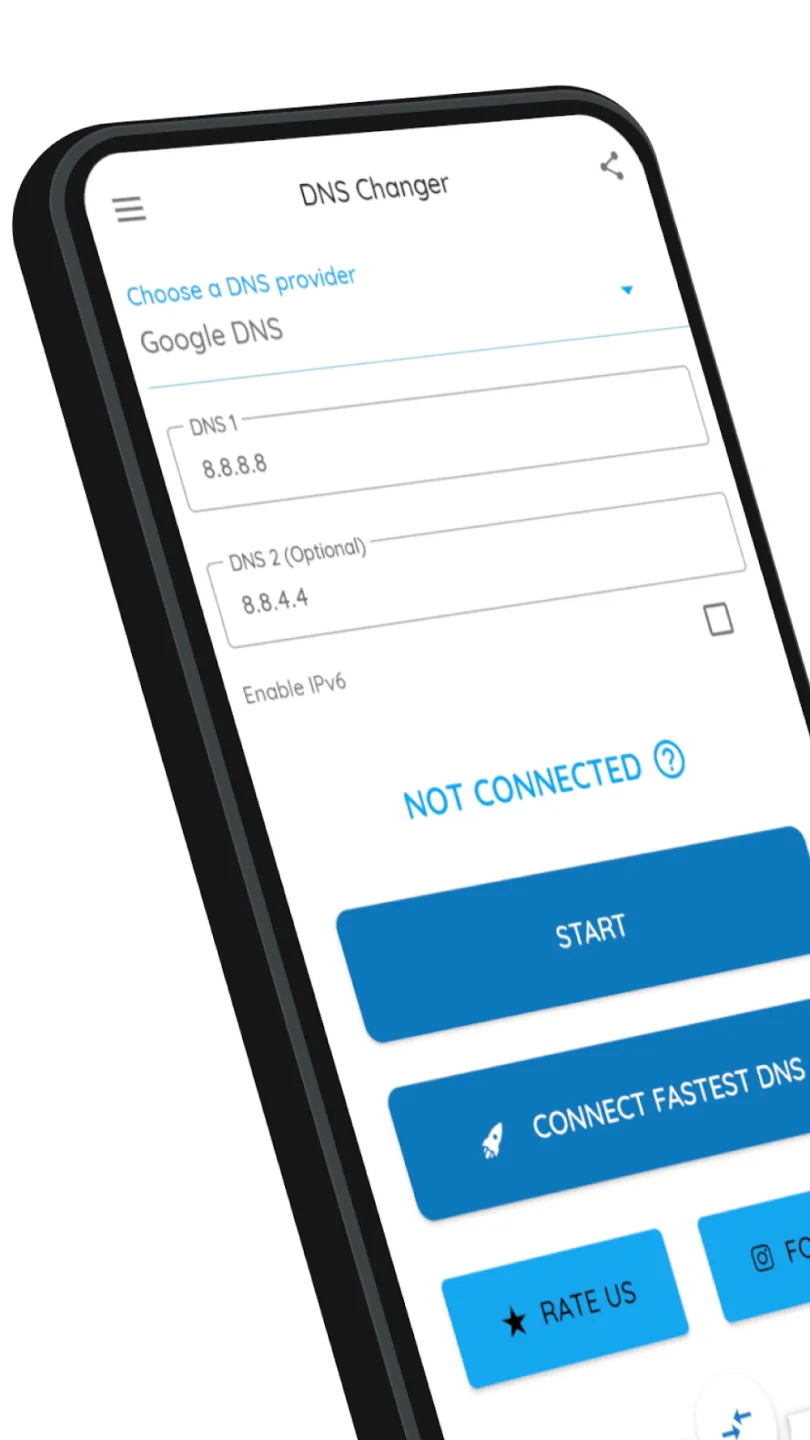
Intuitive main dashboard screen: You will see the main dashboard screen whenever you open the DNS Changer application.On top, it shows whether you are connected by WiFi or mobile data network, along with the operator name or WiFi network ID. Below that, it displays the new DNS server IP that the app has configured to route your traffic for faster performance.Next to these DNS details, you will notice color indicators. Green means excellent DNS speed is achieved, while red means poor performance is detected.On this main screen, you can tap buttons to instantly check your latest internet speeds or choose even faster DNS options from recommendations.
Strengths:
Simplify the DNS change process: As mentioned, the process of changing DNS on mobile requires a lot of complicated operations and knowledge from the user. But when using DNS Changer, you do not need to worry too much about this problem. Just choose a DNS machine that you feel is suitable, then the complicated connection process will be done automatically from the system. Moreover, you don’t need to remember your account every time you use it. No root is required when using this app.
Diverse DNS list: The number of DNS support in DNS Changer is quite diverse so that any user can find the DNS address they want. Accordingly, this application is considered a translator to learn and convey information to users. Just enter a web name instead of a long string of IP numbers and you can find any DNS address you want. Of course, the number of DNS will be added continuously over time to bring the most optimal choices for users.
Change MAC, IP, and Proxy Address: For those who do not know, MAC, IP and Proxy are two factors that allow devices to access any channel and medium on the network. But their remaining disadvantages are poor security and easy stealing of personal information. This problem will be completely solved with the help of DNS Changer. More specifically, this application allows users to freely change MAC, IP, and Proxy addresses through a few basic operations. This will help you feel more secure when accessing the internet on your device.
Unlimited content access: For the time being, VPN apps can help users access unlimited internet content quickly. And you can also use DNS Changer to access any content that is blocked on the web due to inappropriateness. Of course, the operation process of VPN and DNS will have obvious differences, but they are both effective for users. You can use whichever method you feel is most convenient to use.
Doesn’t require much storage: You can use DNS Changer comfortably without having to worry about a lack of memory space, RAM, and many other factors. Because this application does not consume too much space on the device despite possessing many effective functions. The multitasking experience on the device will not be affected. You can both play games and use DNS Changer to change the DNS address whenever you feel lag.
How it works:
If you have a high-speed Internet connection but notice that your web browsing speed isn’t all that it’s cracked up to be, then your problem may lie in the DNS. By optimizing your device's DNS records, you can find the fastest routes for your data packets to take when traveling the Internet. It won’t boost your download / upload speed, but in some cases, it can result in quite a noticeable improvement in web browsing time.
At times, you may experience slow hiccups while trying to use the internet from your device. Sometimes, these problems can be attributed to your provider's DNS settings because your ISP may not always have the best DNS server speeds.
Your default DNS server directly affects how fast you’ll be able to connect to a website. So choosing the fastest server according to your location will help speed up browsing.
With DNS Changer, you can find the fastest DNS server and connect to it with just one touch!
So your browsing speed and gaming experience (ping and latency) can be improved. (But you should remember that DNS settings will not affect your internet download / upload speed but response time)
Test results showed a 132.1 percent improvement from using Google's DNS servers over using the stock DNS servers, but in real world usage, it might not be exactly that much faster. Still, this one tweak might get you finally feeling like you have a blazing connection to the internet!
Final Thoughts:
DNS Changer revolves around ensuring consistent and fast user experiences while they surf the web through changing DNS. Whether you know or don’t know about this index, you will still be supported in the most dedicated way with available suggestions. For those with knowledge in this field, customizing an optimal DNS is completely feasible. You can also be completely assured that your choices are completely correct when the connection speed is scanned quickly and always guaranteed to be compatible with many different types of networks.








