
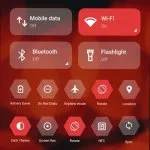
Mi Control Center is a valuable and practical tool for personalizing themes on Xiaomi phones. Download the latest Android version for free to refresh your phone's interface and quickly find and access your desired applications within a convenient and efficient layout. Mi Control Center presents users with a powerful and convenient theme tool. Whether you want to customize wallpapers and icons, or control brightness, volume, WiFi, and Bluetooth, you can find the perfect solution in this application. Try Mi Control Center now; this brand-new smartphone control center lets you easily define your visual elements!
Click to load YouTube / 点击加载视频
YouTube ↗Excellent Performance
Powerful Quick Settings
You can also customize how you swipe to open the Control Center. You can customize whether to swipe from the top or right to open the Control Center for the most convenient way. Alternatively, you can add frequently used functions to the Control Center for easier access. You can also quickly access functions without delay.
Instant Access: You can quickly access frequently used functions without performing many operations or delving into your phone's settings.
Frequently Used Functions: In addition, you can add frequently used functions and the Control Center for convenient and quick use.
Flexible Controls: The app also allows you to customize the activation method of the Control Center area, choosing the swipe method that is most convenient for you.
Enhanced Notifications
In addition to regular notifications, the app offers advanced notification features. Notifications are automatically displayed in two panels for easier viewing. The screen layout is clean and clear, allowing you to quickly find and access the functions you need. You can also quickly open notifications by swiping down from the left side of the screen and quickly access device settings by swiping right.
Separate Panels: The application automatically splits notifications into two separate notification panels for easy management of notification information.
Intuitive Swipe Operation: Alternatively, you can swipe down from the left to open the notification bar and swipe right to open quick settings. A clean and simple screen: With its clean and simple design, you can easily and quickly find and access the functions you need without wasting too much time searching.
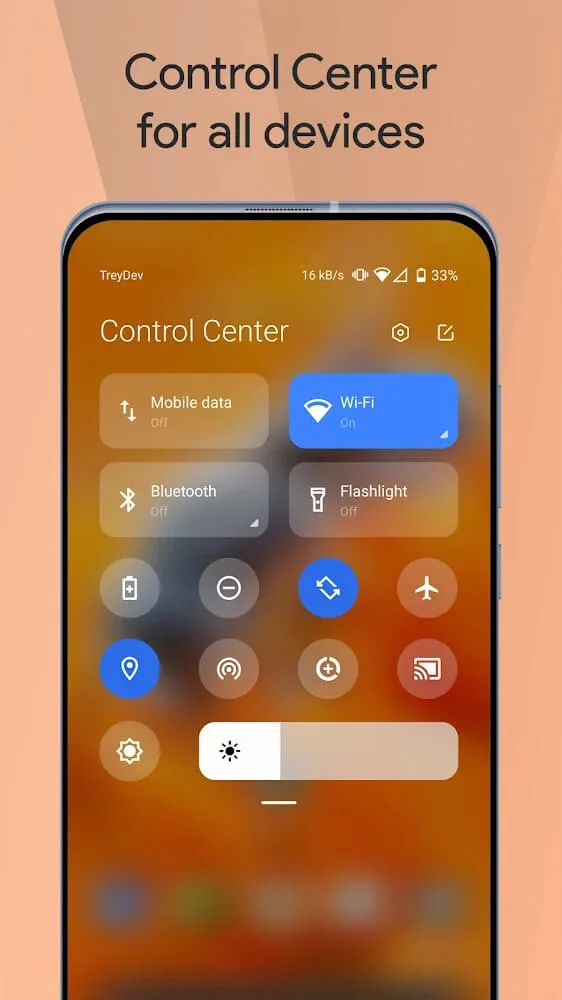
Awesome Functions
Two Different Layouts: Notifications and quick switches can be combined or separated from the control center, similar to MIUI 12+.
Full-Color Customization: Color all elements to your liking, building upon the basic layout.
Powerful Mobile Customization Options
Useful icons displaying your current device information
Choose your own profile picture to display in the background.
Choose from a variety of tile icon shapes (circle, square, teardrop, gradient, etc.)
(Pro version) Change the quick settings grid layout (e.g., number of columns and rows).
Adjustable background type: Choose solid color, dynamic, or static image blur. Change transparency and blur level.
Advanced customizable notification bar: Get, Read, Remember Later, or Close.
Advanced music features: Dynamically display colors based on the currently playing album art. You can jump directly to any part of a song from the progress bar in the notification bar.
Quick reply: Reply instantly after seeing a message. Works on all Android devices.
Automatic grouping: Tired of a single app constantly sending notifications? Now all notifications are grouped together for easy control.
Customizable background image: Choose your favorite image to display in the background. Easily customize your phone with the unique Control Center!
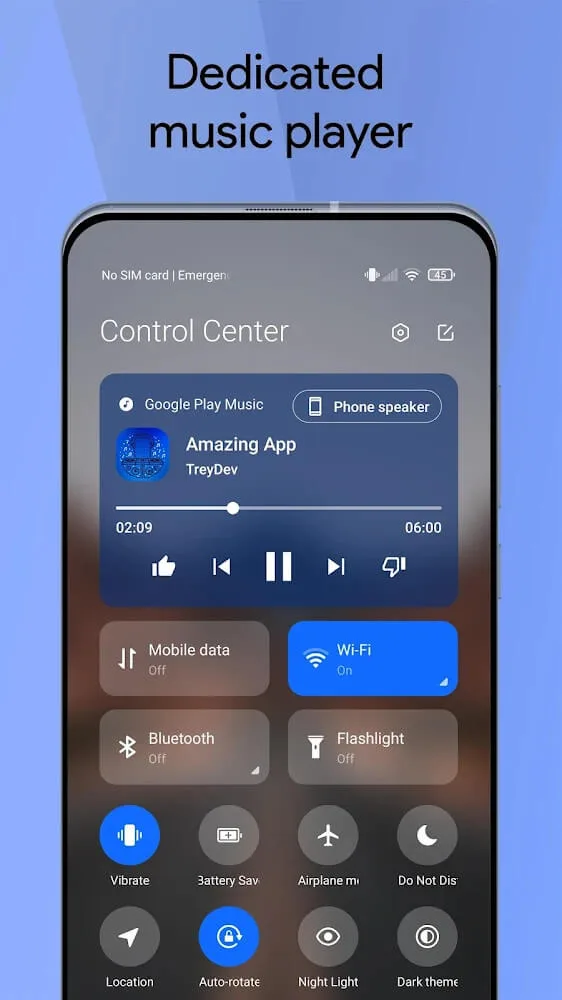
General Characteristics
It's a customizable quick switch app that provides users with a new way to interact, allowing them to quickly access settings and operations on their device. Its design is inspired by Apple's iOS and Xiaomi's MIUI system.
Similar to "Quick Settings" and "One Shade: Custom Notifications," the Xiaomi Control Center app allows users to create personalized quick switches to suit their needs and device usage habits. It offers multiple layout options and can be further customized through various visual options.
The Xiaomi Control Center app is closer to the official Xiaomi version and offers two layout options. You can choose to display the notification and quick switch windows separately, or merge them into one window. Choosing the former allows you to use features like media control, quick reply, and intelligent multi-notification management within the same app. Choosing the latter allows you to rearrange the switches according to your preferences and even change their icon shapes.
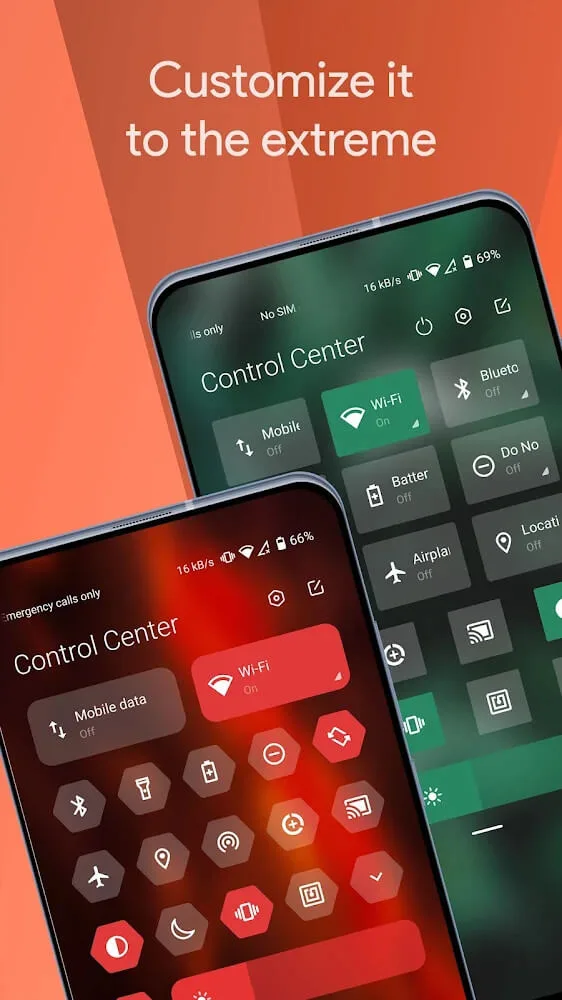
Final Thoughts
In the Xiaomi Control Center, Android users can find a powerful mobile application that offers numerous beautiful designs inspired by the renowned MIUI and iOS designs, allowing you to customize your phone's interface to your liking. Quickly explore its powerful features, not only changing visual elements but also customizing the touch response and operation of your mobile device. This allows Android users to fully enjoy the fun brought by this refreshed application.








