

Action Launcher is a popular wallpaper app that boasts a vast collection of wallpapers, themes, and desktop widgets. Simply enter keywords to find and download content that interests you, providing a highly comfortable user experience. Action Launcher supports personalized settings, allowing you to customize downloaded wallpapers and widgets to better suit your device. Furthermore, Action Launcher is constantly updating with new wallpapers, themes, and desktop tools, offering users even cooler desktop designs. What are you waiting for? Download and experience it now!
Click to load YouTube / 点击加载视频
YouTube ↗Features:
Many theme settings for you to work with: For those of you who are interested, you can freely work with different theme settings in Action Launcher, each allowing you to enable the awesome and unique launcher experiences with matching theme colors. Or alternatively, you can always adjust the theme settings and theme colors on your Action Launcher.
Enable quick searches from the home screen: To make better use of the app, Action Launcher users can now enable the many quick search options at the home screen, which will allow them to easily look for anything on their devices or from the web. Have no troubles using the Action Search menu and start looking for anything you want. With the fully customizable search box, you can freely customize the interactions, search experiences, and its visual animations. All of which should allow you to enjoy the quick searches to the fullest.
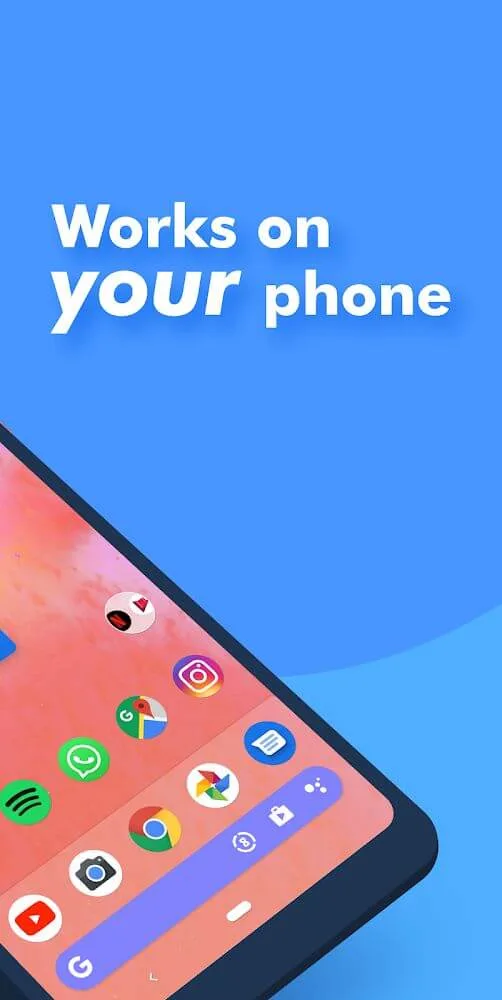
Easily work with app folders: Here in Action Launcher, Android users can have all their app folders being available without any troubles. Feel free to use the adaptive folders to quickly and effortlessly organize your different apps according to their varying uses. Unlock the useful folder settings and customizations so you can enjoy using your folders. Make uses of the convenient touch actions to load apps, reveal the content, and more options with the certain folders. The list goes on.
Integrate with your favorite Google Discovery menu: For those of you who are interested, you can now make use of the awesome mobile application of Action Launcher to freely integrate with Google Discover. Here, the app features the convenient menu from Action Launcher so you can take a look at all the great recommendations.
Highlights:
Quicktheme: There is an outstanding feature in this app i.e, Quicktheme that provides great accessibility to the users. With Quicktheme, you can change the colors of your Android device’s interface to match the colors of any photo or image. This makes it possible to create a more customized and personalized look for your smartphone.
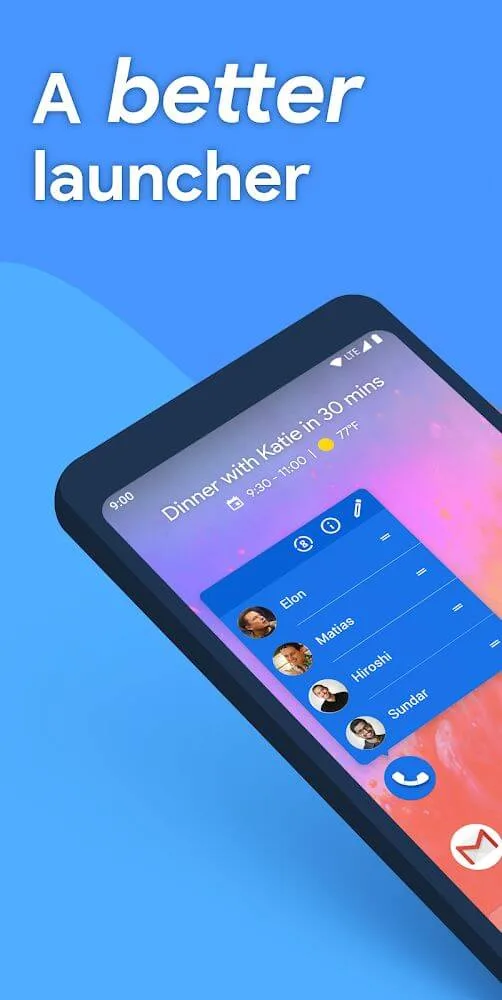
Widget stacks: With widget stacks a stunning feature of this launcher, you can put multiple widgets in a stack on your home screen. This is a great way to save space and keep your home screen organized. It has a built-in folder feature that lets you group related apps together. You can also create custom shortcuts to quickly access your favorite apps.You can easily navigate through multiple widgets using its paging feature. This allows you to have all of your necessary widgets easily accessible and eliminates the need to scroll through long lists or search for the widget you need.
Gestures: Just like Nova Launcher Prime, there is no doubt that Action Launcher is an Android launcher that offers a high level of customization, as well as a wide range of gestures to make accessing your apps and settings easier. You can create custom gesture shortcuts to launch specific apps or toggle settings like Wi-Fi and Bluetooth on and off. It lets you change the look and feel of your smartphone’s interface, with different themes and wallpapers to choose from.
Shutters: It offers a lot of features that the other launchers don’t have, such as shutters. With shutters, you can swipe a shortcut to reveal an app’s widget. If you have the Gmail app installed, you can create a shutter for it that will open up a widget with your latest emails.This is a great way to keep track of your inbox without having to open the app itself that ultimately improves your productivity. Action Launcher also offers a quick drawer that lets you access all of your apps with just a few swipes.
FAQs:
Can I transfer a purchase to a different Google Account?
To our great frustration Google Play does not provide a way for developers to transfer in-app purchases to a different Google Account. We're sorry, but Google Play leaves us no options here.
My previous Plus purchase is not being recognized!
99% of cases where Google Play does not return valid results is caused by having multiple Google Accounts on a single device, and Google Play being confused as to which app installed Action Launcher.Many people have reported that the Play Store can erroneously change the account associated with an app installation. This Google support post describes a possible solution.Failing that, a surefire way to fix the problem is to uninstall Action Launcher and re-download it using the proper account. We hope it doesn't come to that for you, but if it does please make sure you perform a manual layout backup via "Settings -> Import & backup" first.
Can I pick a custom search engine if I don't have a recent Plus or Supporter Badge purchase?
Yes. Simply disable Action Search, at which point you are free to customize search engine as you like.If you wish to continue using Action Search, other options including adding a Google Search shortcut to Action Launcher's search bar (the Search Engine settings has a shortcut for this), or placing the widget for the search bar from the Google app on your desktop.
What countries support Bing affiliate search?
Argentina, Australia, Austria, Belgium, Canada, Chile, Colombia, Denmark, Finland, France, Germany, Hong Kong, India, Indonesia, Ireland, Italy, Malaysia, Mexico, the Netherlands, New Zealand, Norway, Peru, the Philippines, Singapore, Spain, Sweden, Switzerland, Taiwan, Thailand, the United Kingdom, the United States, Venezuela and Vietnam.Support for more countries is being added over time.
Final Verdict:
When users access the features of Action Launcher: Pixel Edition, they will find features that help them change the look of their device easily. They can adjust the size of the application accordingly to see and choose what they want easily. At the same time, setting a grid is always something that cannot be ignored as it helps you to rearrange your applications with the right visibility systematically. Users certainly cannot ignore the topics that the application provides.








