
Partial Screen is a powerful and unique utility application. It boasts a clean interface and numerous practical functions, offering rich customization options for virtual areas and providing a personalized user experience. With Partial Screen, you can easily achieve high-performance control by combining it with your phone's physical buttons. Its innovative and superior customization features allow you to easily cover a large area of the screen and adjust sensitivity levels. Furthermore, Partial Screen's scanning engine automatically detects and displays unresponsive areas, allowing you to effectively utilize these areas. Click to download and experience it now!
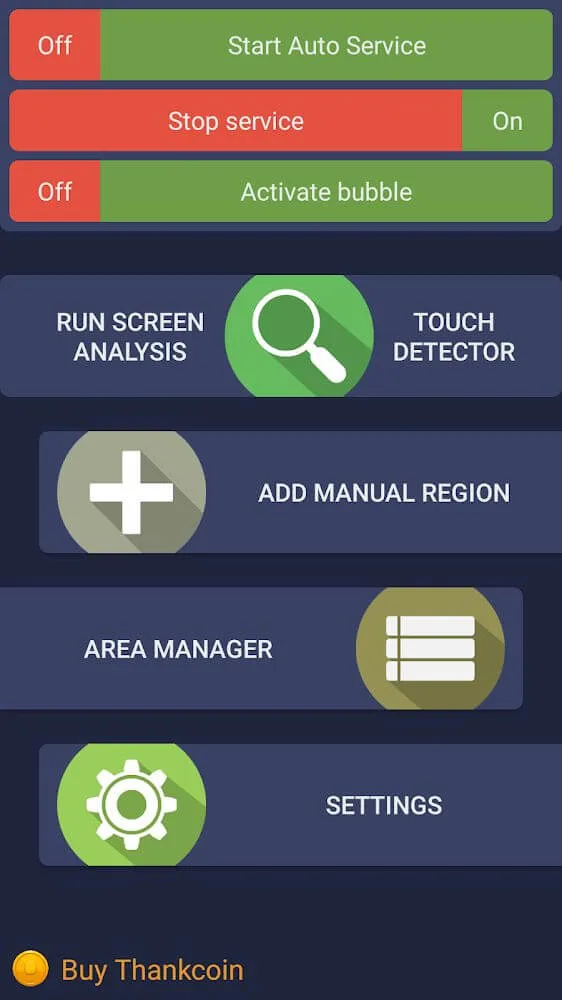
Effortless touch management:
Partial Screen enables users to block touch input on their screens by utilizing two touch-blocking modes. Moreover, users can enable or disable the tool for specific devices, choose the time interval for its operation, and adjust the size of the touch-blocking area according to their preferences.
That said, the touch-blocking functionality may not be perfect. Some unintended touches may still get through, depending on the user’s touch habits. However, the app provides a significant improvement over having no touch blocking at all. For those needing a quick and easy way to block the screen, this utility proves a convenient option.
Highlights:
- editing areas in the manager;
- the full overlap area mode (on top of all elements, for versions lower Android 8.0);
- auto start service at power on;
- change the transparency of all areas;
- the maximum count of areas is 50% more;
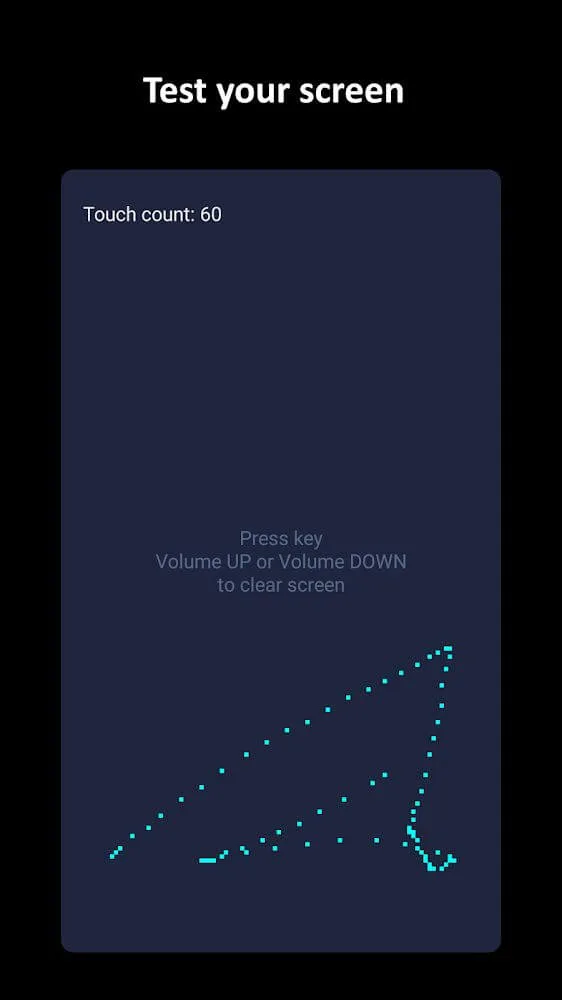
- touch detector for detecting damaged zones;
- bubble screen block mode;
- preload mode, for load blocked areas from a local file;
- rounded corners of the screen.
Features:
Disable faulty sections of your screen
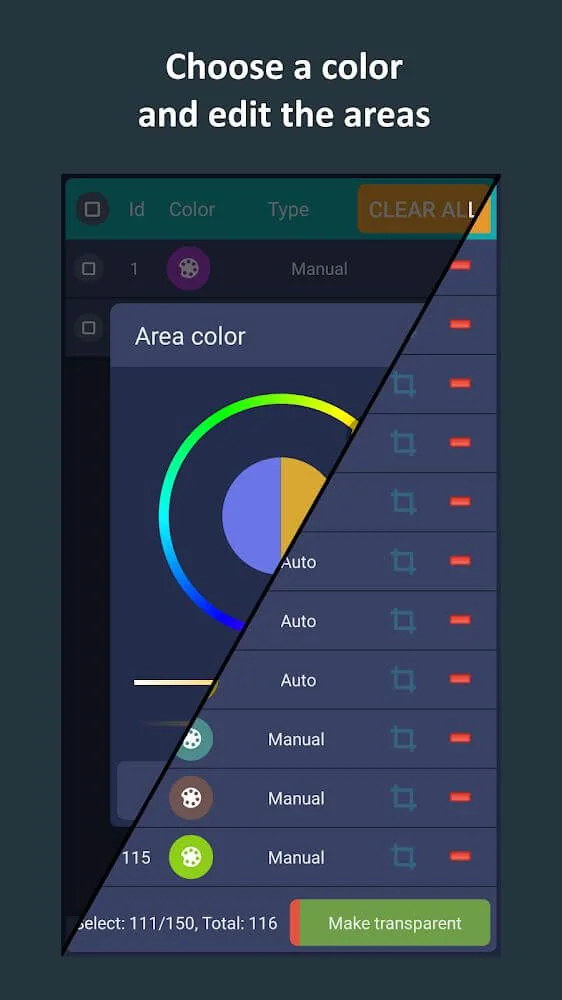
The app boasts two distinct methods for creating non-responsive zones on your display: automatic and manual. In automatic mode, it conducts a detailed analysis of the screen to identify malfunctioning areas that need to be neutralized, though it requires the user not to touch the screen during the process. Once identified, these areas are refined into zones that will block any touch input.
Manually delineate portions of your screen
Alternatively, the manual mode allows for personal customization. Users can manually delineate zones to disable touch input by selecting the 'add manual region' option, giving control over the size and placement of these areas. Moreover, a touch detector tool is included to aid in identifying sporadic touch issues.
The best way to manage your screen
Users can manage these touch-disabled zones effectively, with options to activate or deactivate them, alter their aesthetics, size, or orientation, and remove any that are no longer necessary. Additionally, there are aesthetic settings to round off the corners of the screen with adjustable color and radius. An innovative bubble mode is incorporated that enables the locking of the entire screen with a double-tap on a floating indicator, which remains visible atop the interface and can be moved at the user's convenience.
Unlock advanced features
Subscription-based users unlock advanced features, including editing tools in the area manager, full-screen overlap mode for older Android versions, automatic activation upon device startup, adjustable transparency for disabled zones, an increase in the number of manageable areas, additional touch detector features for further screen assessment, bubble screen lock mode, and the ability to preload blocked zones from a file. Rounded screen corners are yet another perk for subscribers.
Dozens of tutorials available online
For those needing assistance, there is a tutorial video to guide them through its operation. Additionally, steps specific to certain device brands are provided to ensure functionality remains consistent in the background for manufacturers such as Samsung, Oppo, Xiaomi, and Huawei—each requiring different settings adjustments. Users who appreciate the utility and effectiveness of Partial Screen can show their support through in-app Thankcoin purchases.
Conclusion:
Partial Screen is an application designed for Android devices that allows users to block touch inputs in specific areas of their screens. This can be particularly useful for individuals with damaged displays, where accidental touches may occur. By intercepting unwanted touches and gestures in designated zones, the app enhances the usability of devices that exhibit random or arbitrary touch issues. Users can download Partial Screen to gain control over screen interactions, minimizing disruptions caused by malfunctioning touch areas.








