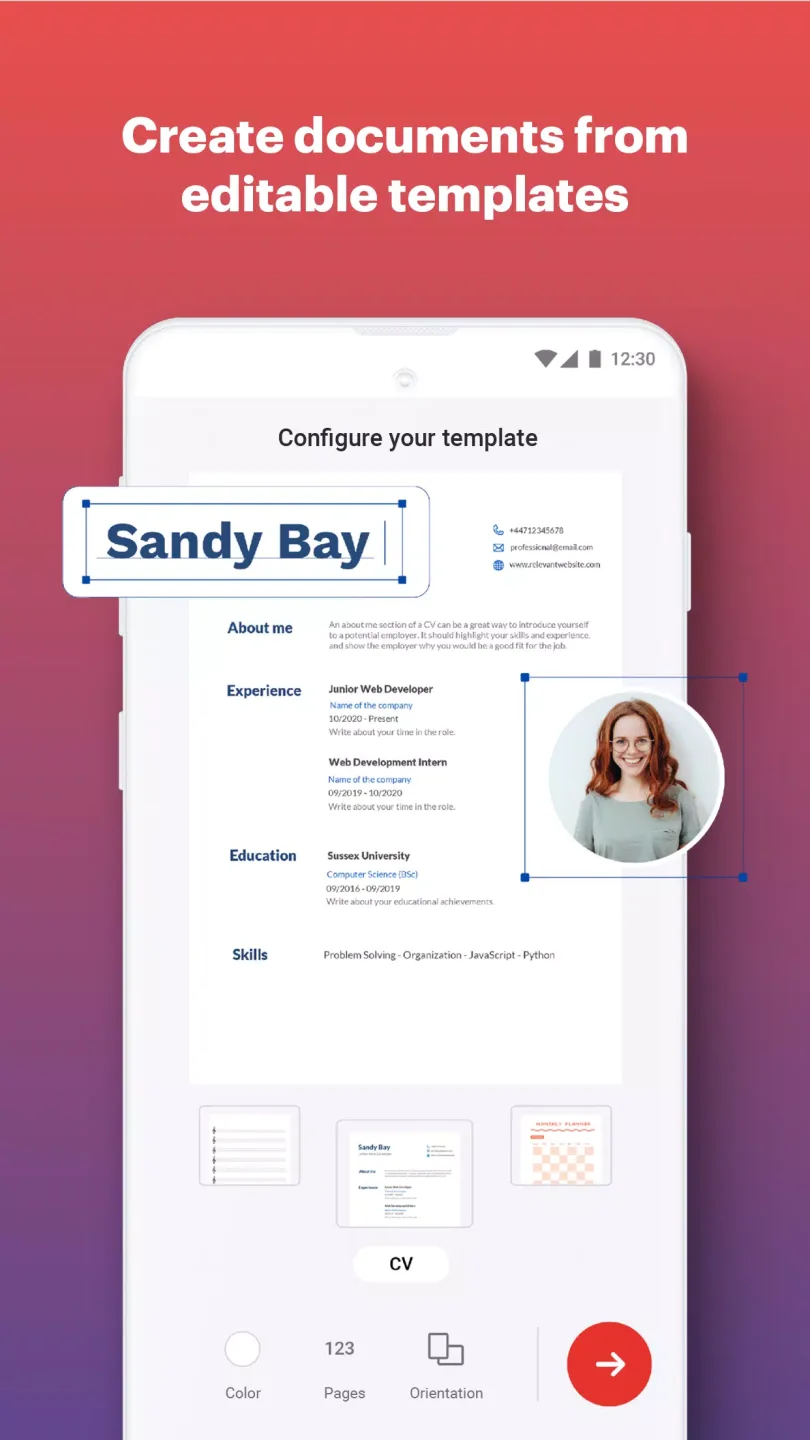
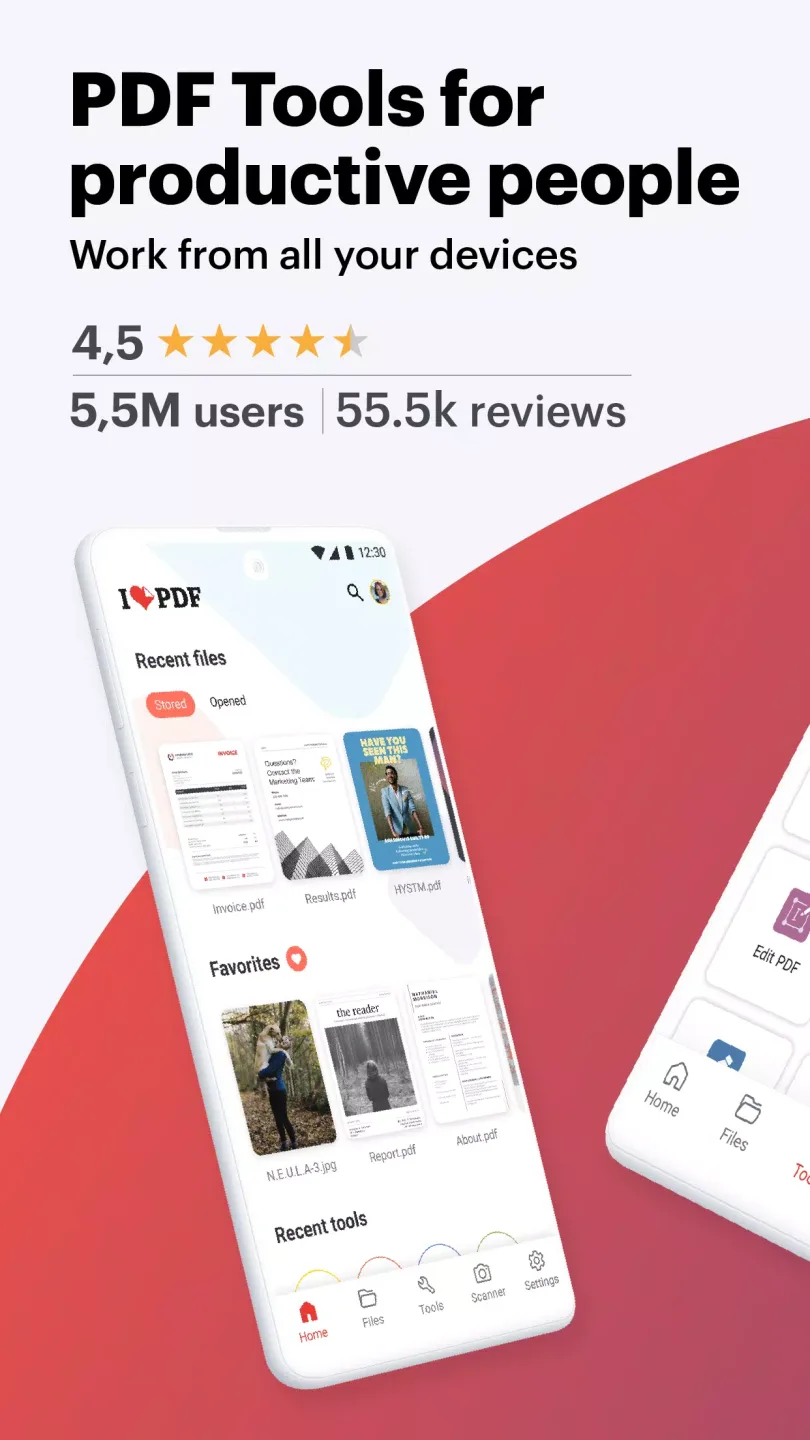
iLovePDF is a powerful and convenient office application. Download the latest Android version for free to help you efficiently edit documents on your mobile phone. iLovePDF presents a powerful and easy-to-use platform for office documents, allowing users to try advanced features such as PDF editing, electronic signatures, and OCR recognition. Use iLovePDF now to optimize your work efficiency and improve your document quality!
Click to load YouTube / 点击加载视频
YouTube ↗Exclusive Features
Security Guarantee
iLovePDF offers multiple PDF document protection options. You can add passwords to restrict file access or control permissions to restrict others' actions on the document, such as printing, copying, or editing. In addition, the platform allows you to encrypt PDF files to ensure content privacy and security, preventing unauthorized access.
OCR (Optical Character Recognition)
iLovePDF also includes an OCR tool that can convert scanned PDF documents and image files into editable text. This feature is especially useful for digitizing paper documents, making text easily accessible and searchable. OCR supports multiple languages, enabling it to serve a wide global user base.
Digital Signature
This tool offers digital signature functionality, allowing you to digitally sign PDF documents. This means you can add your own signature or request someone else to sign it, making iLovePDF a useful tool for agreements and contracts that require fast and secure signing.
Cloud Service Integration
iLovePDF integrates with various cloud storage services, including Google Drive, Dropbox, and OneDrive. This allows users to directly import and export files between these services, making it easy to manage documents in the cloud. Furthermore, it supports real-time collaboration and allows users to access files from any internet-connected device.
Attractive Functions
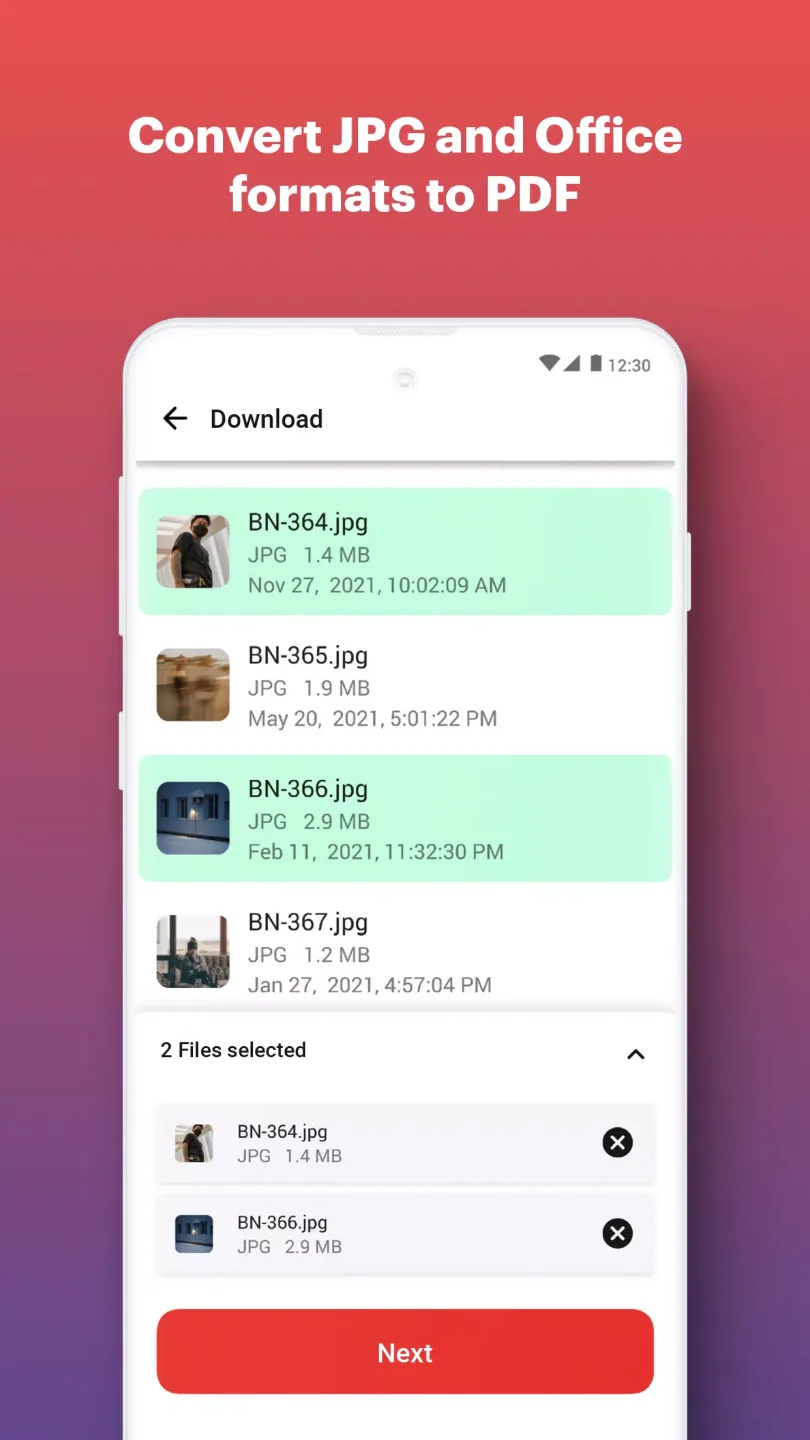
Compress PDF: Reduce document file size while maintaining visual quality.
Merge PDF: Merge multiple documents into a single PDF file.
Split PDF: Split or extract pages from a PDF into multiple high-quality PDF documents.
Rotate PDF: Rotate specific PDF pages and adjust their display within the document.
PDF Protection: Remove or add a password to a PDF.
Add Page Numbers to PDF: Customize PDF files. Choose the position, font, and size of the page numbers.
Add a watermark to your PDF: Select an image or text and add it to your PDF document. Adjust the position, transparency, and font for best results.
User's Comments
I can confidently say that this is the best app I've ever used for helping in my studies. Like for real, it can convert pdf to ppt, ppt to pdf, jpg to pdf or png to pdf and many more conversions like these can be done in this app. I'd give this a 10 out of 10. It's literally the best app for students and it can even help you with compressing ppts or pdfs whatever you want. So, I'd just say, go for it. If you are still thinking then you're missing out something really important.
I can confidently say that this is the best app I've ever used for helping in my studies. Like for real, it can convert pdf to ppt, ppt to pdf, jpg to pdf or png to pdf and many more conversions like these can be done in this app. I'd give this a 10 out of 10. It's literally the best app for students and it can even help you with Compressing PPTs or PDFs, whatever you want. So, I'd just say, go for it. If you're still thinking, then you're missing out on something really important.
Having run into persistent issues formatting PDFs on an Android phone, ilovepdf was a game changer. I'd also run into the less reputable online PDF outfits that hoodwink users into believing a basic service is either free or a small one-off payment will be taken, only to find an unwelcome bill and covert subscription turn up in your email inbox later. Wish I'd discovered ilovepdf sooner. It is clear, easy, intuitive, and—genuinely free. Absolutely a superb app. Helped me finish my book with style.
Amazing Highlights
Save Time
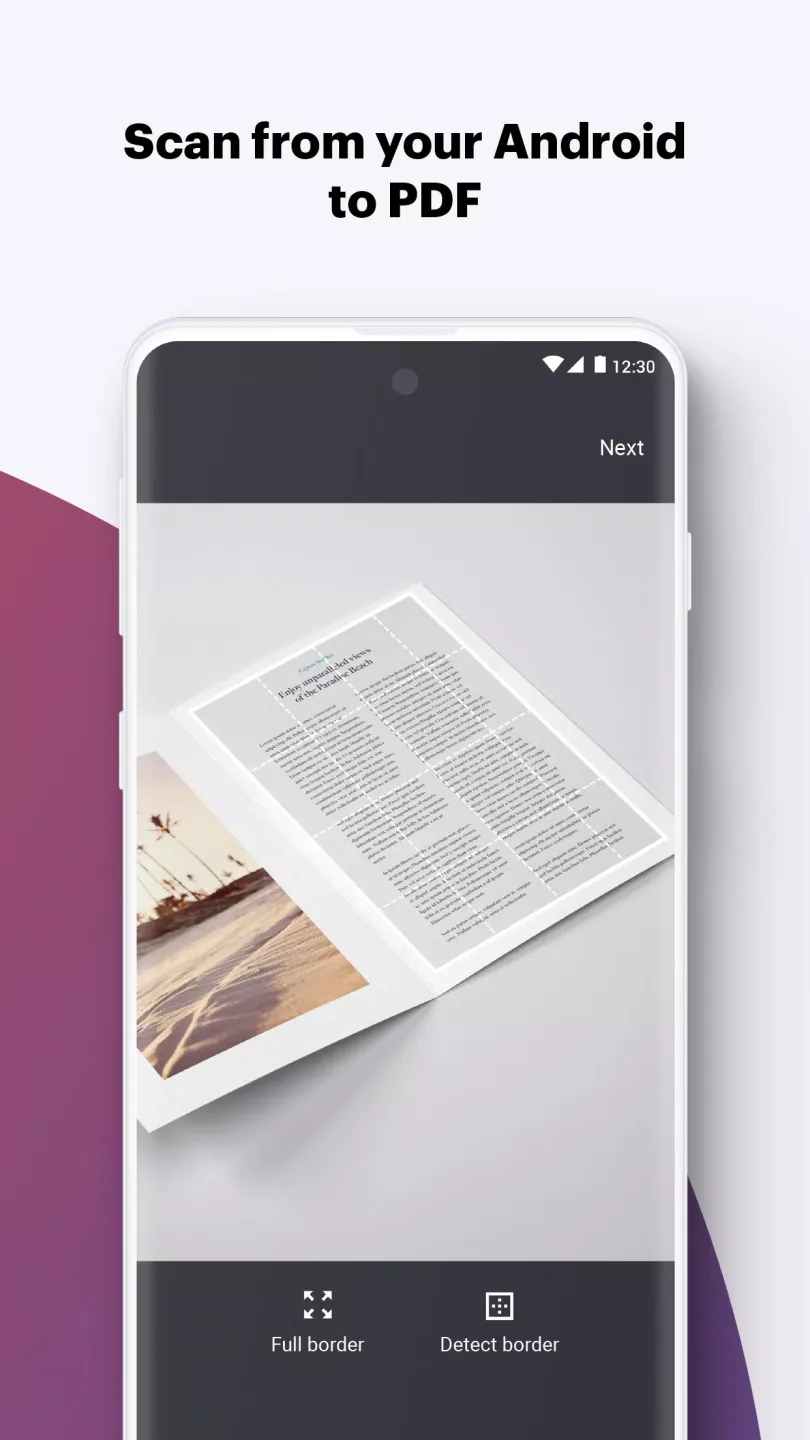
No need for printing and scanning; quickly process documents using all the necessary digitization tools, improving the productivity of remote teams.
Reduce Business Costs
With simple and straightforward licensing and affordable pricing, users can finally enjoy PDF productivity tools and e-signatures for a more efficient digital workflow.
Maximize Privacy
Enjoy the same functionality as online services while working on files on your computer to maximize your privacy and comply with business processes.
Final Words
This handy document scanner and editor lets you read, convert, annotate, and sign PDF files in seconds. Work efficiently anytime, anywhere! With all these features, iLovePDF is the ideal tool for managing PDF files, making various operations easy. Download iLovePDF for free to edit, modify, convert, protect, or unlock your PDF files in seconds.