Cute CUT is a unique video editing and production tool. Download the latest Android version for free and experience its convenient and powerful features. Cute CUT presents users with a fully functional and user-friendly movie and video creation tool. This application not only boasts powerful editing tools but also professional tutorials, designed to help you realize your extraordinary imagination. Use Cute CUT to easily create amazing video content!
Click to load YouTube / 点击加载视频
YouTube ↗Outstanding Functions
Supports multiple resolutions and aspect ratios, including HD (16:9, 19.5:9, and 21:9), SD (4:3 and 5:4), square (1:1), and even portrait mode!
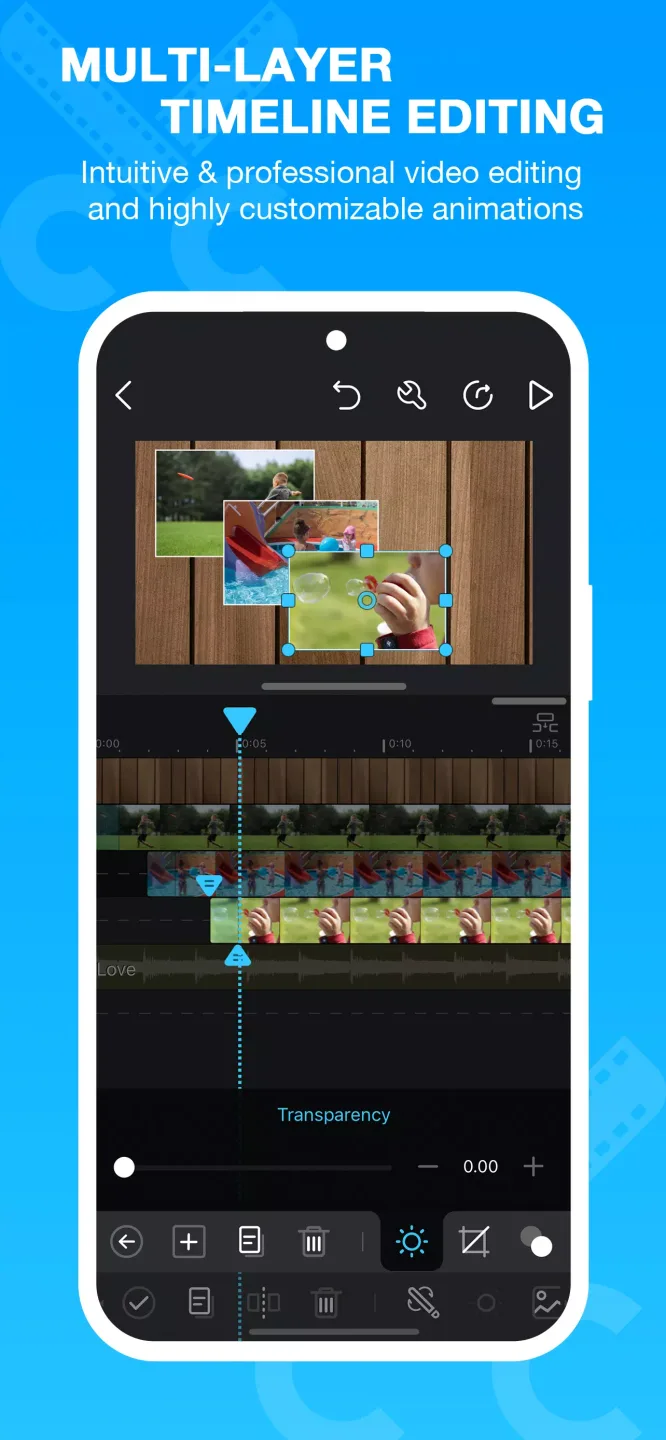
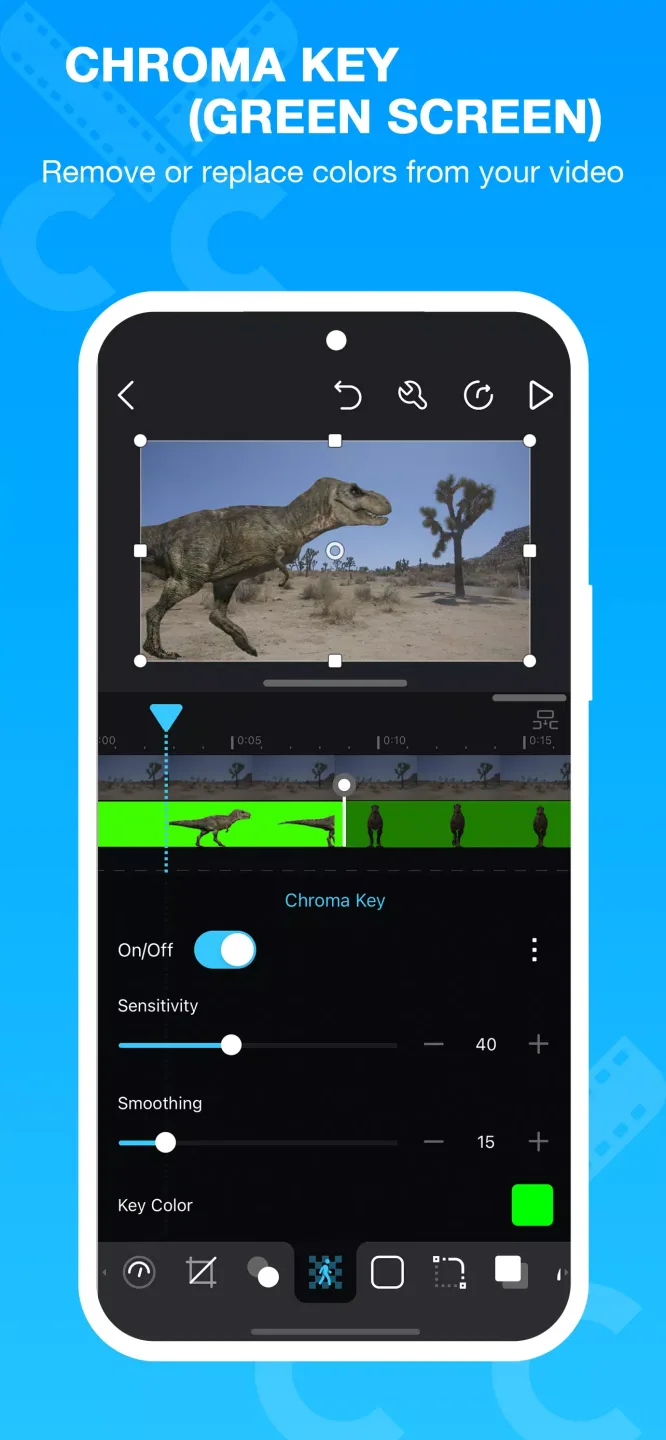
Creating picture-in-picture (PIP) videos is incredibly easy: simply place one video on top of another; Cute CUT even supports independent resizing of each video clip!
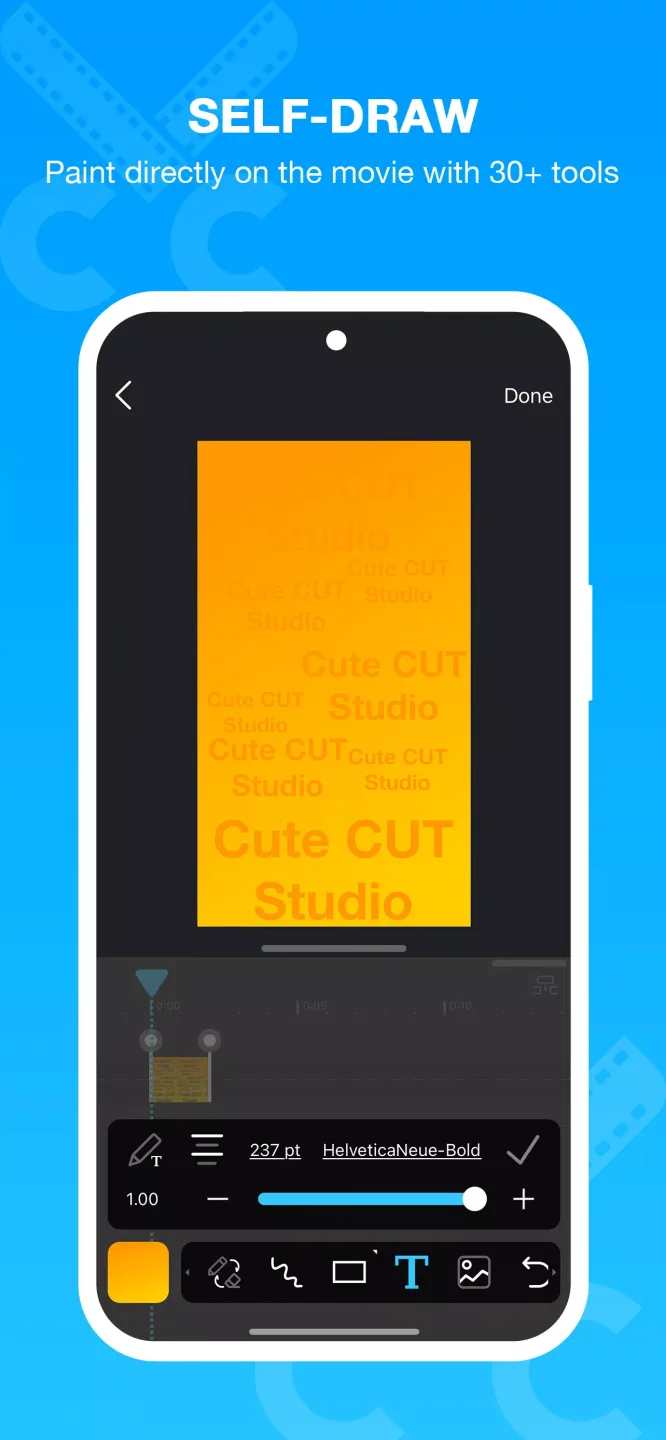
Draw directly on your movie.
Over 30 drawing tools.
3 advanced brushes for professional effects: textures, linear gradients, and radial gradients, with editable gradients.
Highly customizable transition effects.
Over 20 predefined transition effects.
Opacity, borders, corners, shadows, transformations, and volume…all customizable!
Multiple tutorials and even complete video demonstrations are available for easy access.
User's Comments
I love this app! Been doing my own video editing for years on this app. I am happy about the recent update! And I am a Galaxy Ultra user, so other editing apps don't work well. 10 stars
This is an excellent video editor. It's worth learning how to use the transitions and overlayed tracks as it is very powerful. You can quickly make your own transitions, but it would be easier if you could copy/paste the key frames of transitions. Other than that it's great. It would also help It would also help if tracks only moved media to the right when there was an overlap in the media.
A great app for edits when you figure out how to mimic effects and such. The only thing I would ask is to somehow get a motion blur. I happened to have the six dollars to buy the full version because the watermark was annoying and the 30 second thing etc.. but if you really want people to put in the extra buck for it I'd Try adding some sort of effect like that. Other than that, once you get the hang of it, it sails smoothly from there.
Excellent Benefits
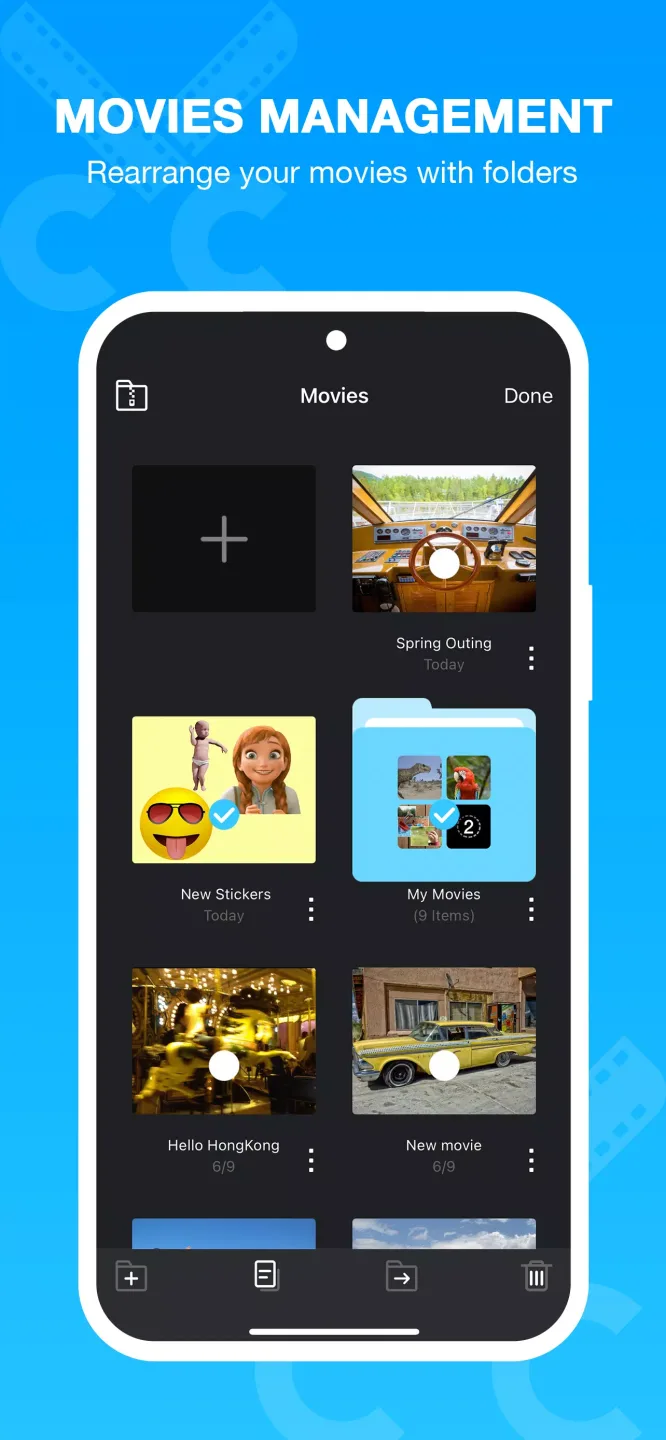
Enjoy the convenient drag-and-drop video editing user interface.
We can't list all the features and privileges of the Cute CUT Android app. However, we've tried our best to introduce the most practical features below to help you understand it more efficiently. First up is the drag-and-drop function! That's right! Cute CUT MOD APK will bring you the most convenient editing experience, allowing everyone to easily operate with one hand. No need for complex and powerful tools; simply download the app and, just like using WordPress, drag and drop the materials you need into your video to easily create beautiful designs. It has a simple and easy-to-use interface, allowing you to edit filters, stickers, photos, and almost all practical editing tools through drag-and-drop operations, enjoying the fun of editing. More exciting features are coming soon, so stay tuned!
It's time to process all your videos with the most compatible video editor.
Next, we'll introduce the compatibility of the Cute CUT video editor application. You might be wondering, how can such powerful software also be so compatible? But trust me, Cute CUT Pro APK's compatibility is absolutely genuine. This compatibility is particularly evident in video formats. Simply put, this app is compatible with almost all video formats, including MP4, MKV, AVI, and more than six other media types that you can edit in your video projects. These six media types are: video, photos, self-drawn art, text notes, music, and your own voice clips. Can any other Android app combine such powerful functionality with such a user-friendly experience?
Advantages and Disadvantages
Advantages
Intuitive interface with easy drag-and-drop editing
Rich editing tools, including drawing and transition effects
Support for multiple media types and layers per project
Flexibility in orientation and resolution for social media
Practical tutorials suitable for all experience levels
Disadvantages
The free version has a 30-second export time limit and includes a watermark.
Occasionally, the application crashes during complex editing processes.
Longer export times and advanced features require payment.
Conclusion
Cute CUT includes comprehensive tutorials that are helpful for both beginners and users looking to explore advanced tools. This application is widely compatible with mainstream file formats and supports a variety of Android devices, ensuring that most users can easily get started.