

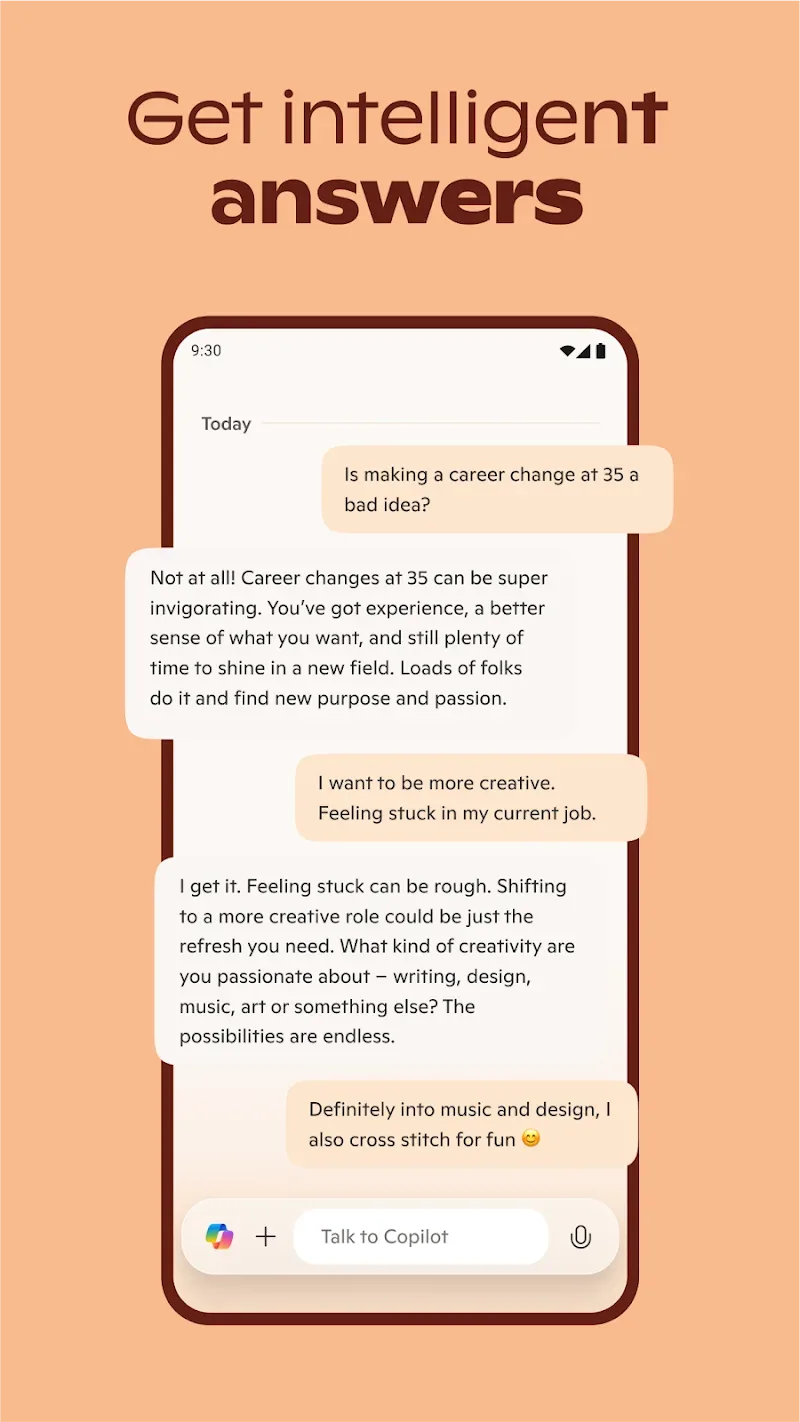
Microsoft Copilot is a high-performance AI-powered question-and-answer utility. Users can ask questions and receive expert answers and suggestions, helping to improve productivity and stimulate creative thinking. Microsoft Copilot boasts powerful features worth exploring and understanding. It can help you compose emails, correct text errors, perform repetitive and complex tasks, optimize and perform simple image editing, and output results. Microsoft Copilot supports file uploads, further simplifying human workflows.
Click to load YouTube / 点击加载视频
YouTube ↗Excellent Functions
AI-Driven Automation:
Simplify workflows with autonomous agents that can trigger actions based on real-time events, such as processing orders, synchronizing data, or escalating customer support issues.
Advanced Analytics:
Perform complex analyses in Excel using the Microsoft Copilot app and Python, and visualize data with natural language prompts.
Enterprise-Grade:
Build custom workflows with Copilot Studio and integrate with third-party systems for tailored automation. Access Microsoft Copilot through Microsoft 365 apps (Word, Excel, Teams) and the Central Management Console, as well as the new mobile-friendly Copilot Pages, to boost productivity anytime, anywhere.
Increase Efficiency:
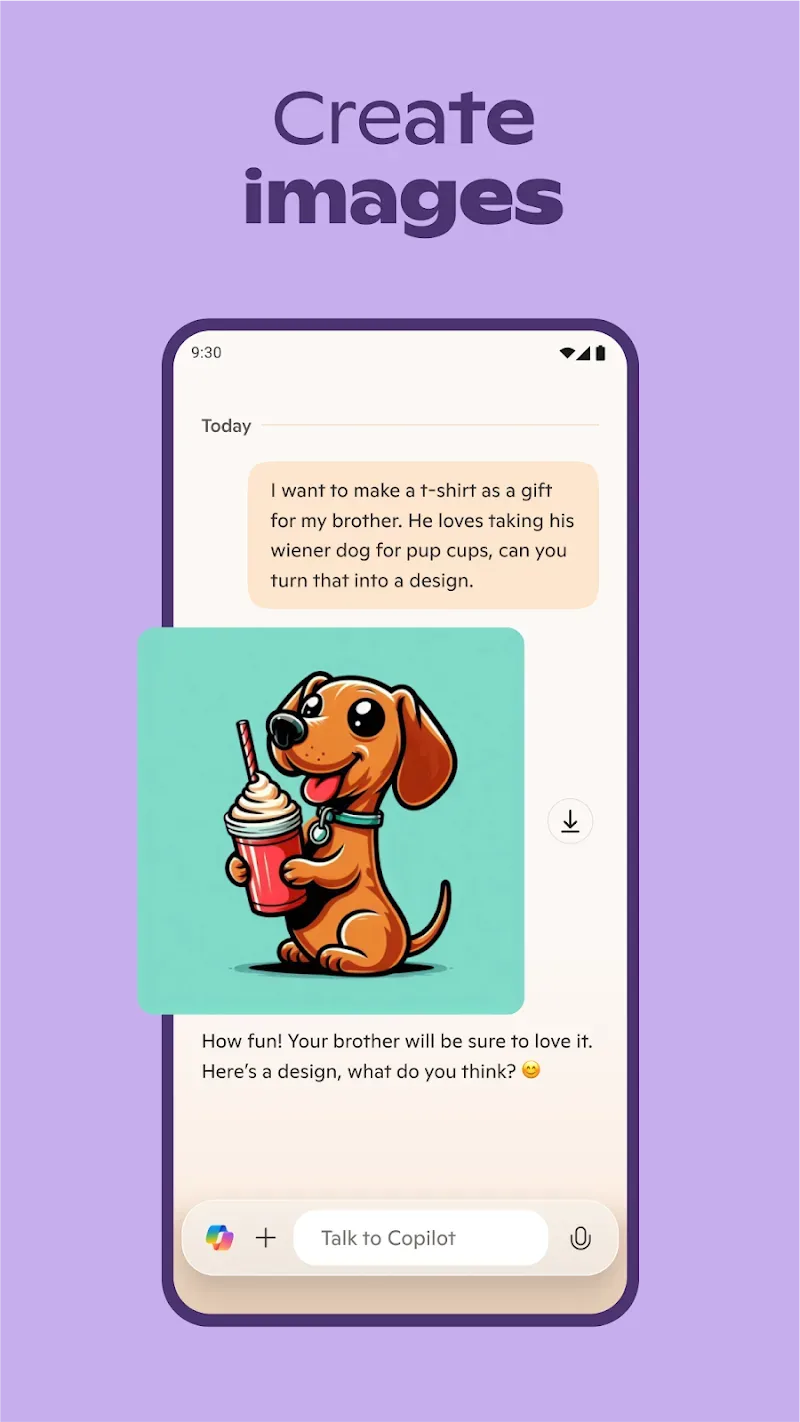
Utilize artificial intelligence to precisely automate repetitive tasks, compose emails, summarize text, and correct errors. The Microsoft Copilot app can also create beautiful visuals with AI-powered text prompts, offering a variety of image styles from realistic to abstract. Instantly save and optimize output.
Outstanding Highlights
Quick Summary Answers: Users will receive quick summary answers to their complex questions. The application receives and analyzes user questions to provide the most accurate answers. These answers are summarized and edited to be more concise, clear, and tailored to the user's needs.
Language Translation Support: The application also supports translating and proofreading text in multiple languages worldwide. Users place an order and provide the content to be translated, and the application translates it and displays the result on the main screen.
Easy Content Creation: With this intelligent AI toolkit, users can easily compose emails, cover letters, and resumes. You can refer to ready-made text templates to edit your content. Creating new content is easier with this application.
High-Quality Images: The application uses intelligent DALL·E 3 technology to generate high-quality images. Users can give commands to the application, unleash their creativity, and export their work in seconds. You get high-quality and accurate answer images.
Wonderful Features
Sign in to enjoy all the benefits
Using Microsoft Copilot doesn't require a Microsoft account. You can use almost all of its features without registering a user account and ask questions at any time. However, if you want to activate the latest AI models or generate illustrations directly from the application, you must sign in. Fortunately, signing in is very simple. Just click the button in the upper left corner and enter your user information. Once signed in, you can unlock all the app's features. Of course, if you don't have an account yet, you can create one in seconds.
Handle everything with this assistant
Microsoft Copilot is incredibly useful in many situations. With its versatility, this Microsoft assistant can help you complete various tasks faster and more efficiently. Whether you're preparing for a college assignment, need help with homework, or simply need some information for daily life, this app can meet your needs. Furthermore, you can type directly using the keyboard or speak into your device's microphone. With its advanced speech recognition system, the app perfectly understands your commands. Microsoft Copilot can draft emails, summarize long texts or conversations, and even correct spelling errors. It can do almost anything.

User's Comments
I wish I knew how to use everything . Why doesn't my Microsoft 365 copilot start after I've logged in on my Android? I've had nothing but problems with all Microsoft apps. I've reached out to yoir customer service 20 times.
Productivity gets better with time and expanded integrations. There is a reason Microsoft is and has been the business productivity go-to for decades. I've used Copilot since its prominence gained traction, before it was folded into the whole Microsoft Office ecosystem. I found the integration improved user's workflow, but always promote not taking the easy way out, and to use your own creativity as a base starting point. The possibilities are limitless.
Microsoft 365(Office) is very beneficial for any organization network, completely for any studies through reading and well deserved To be used in every household, especially the next generation, to provide the necessary information in place. I recommend it to any work situation and recognize its easy access; you'll save time downloading and see results in your plans, adapting as needed. Including yearly payments, it's very affordable.
Final Verdict
Download Microsoft Copilot to instantly boost your productivity. This official Microsoft assistant can help you complete various tasks. You can ask any question, generate any image, automatically compose content… Microsoft Copilot can quickly become your daily AI assistant, helping you solve almost every problem you encounter in daily life. Simply ask a question and get an answer in seconds.








