

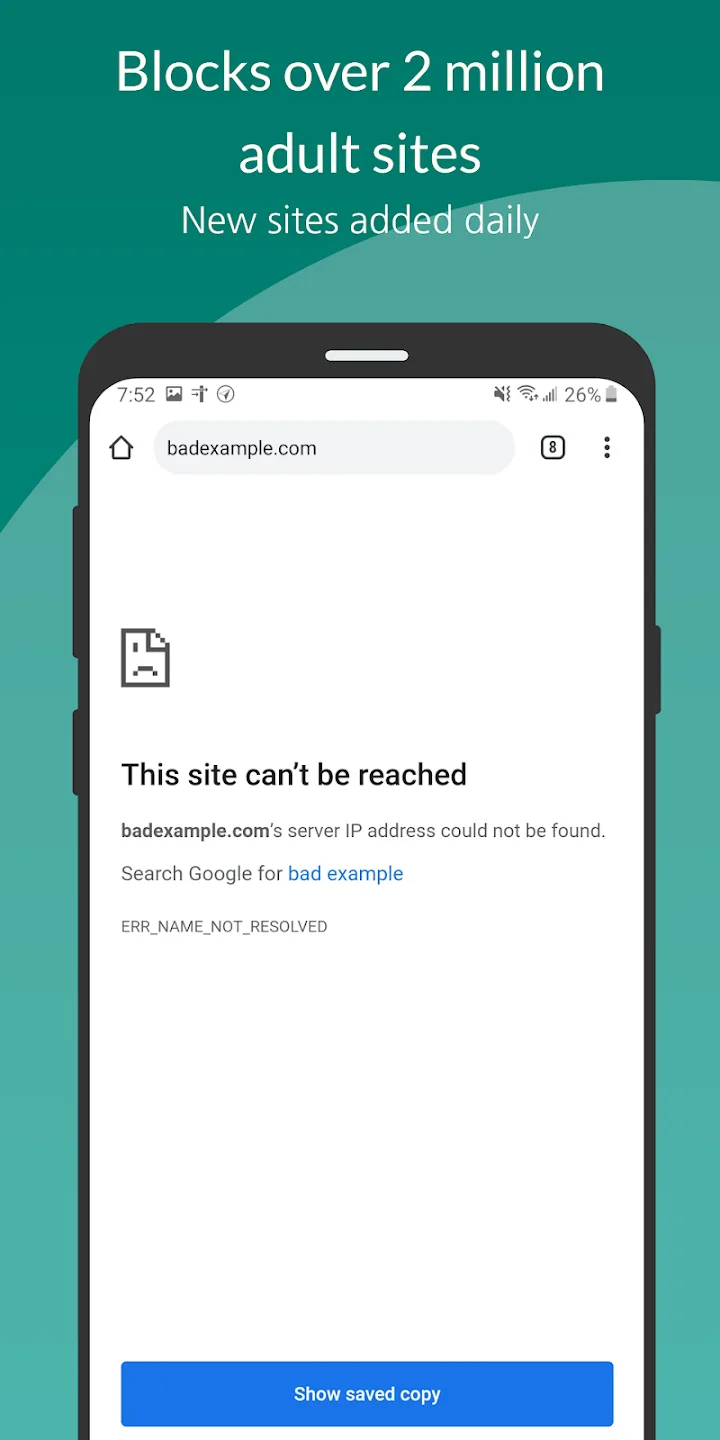
Truple Porn Filter / Blocker is a powerful tool for blocking inappropriate content, designed to help users have a clean online environment. It automatically blocks various adult content and phishing websites, and clears browsing history, ensuring users can download or browse inappropriate content without worry and protecting device security. Truple Porn Filter / Blocker also offers a timer function; simply set the desired time to automatically turn the software's blocking function on or off, meeting different user needs.
Features:
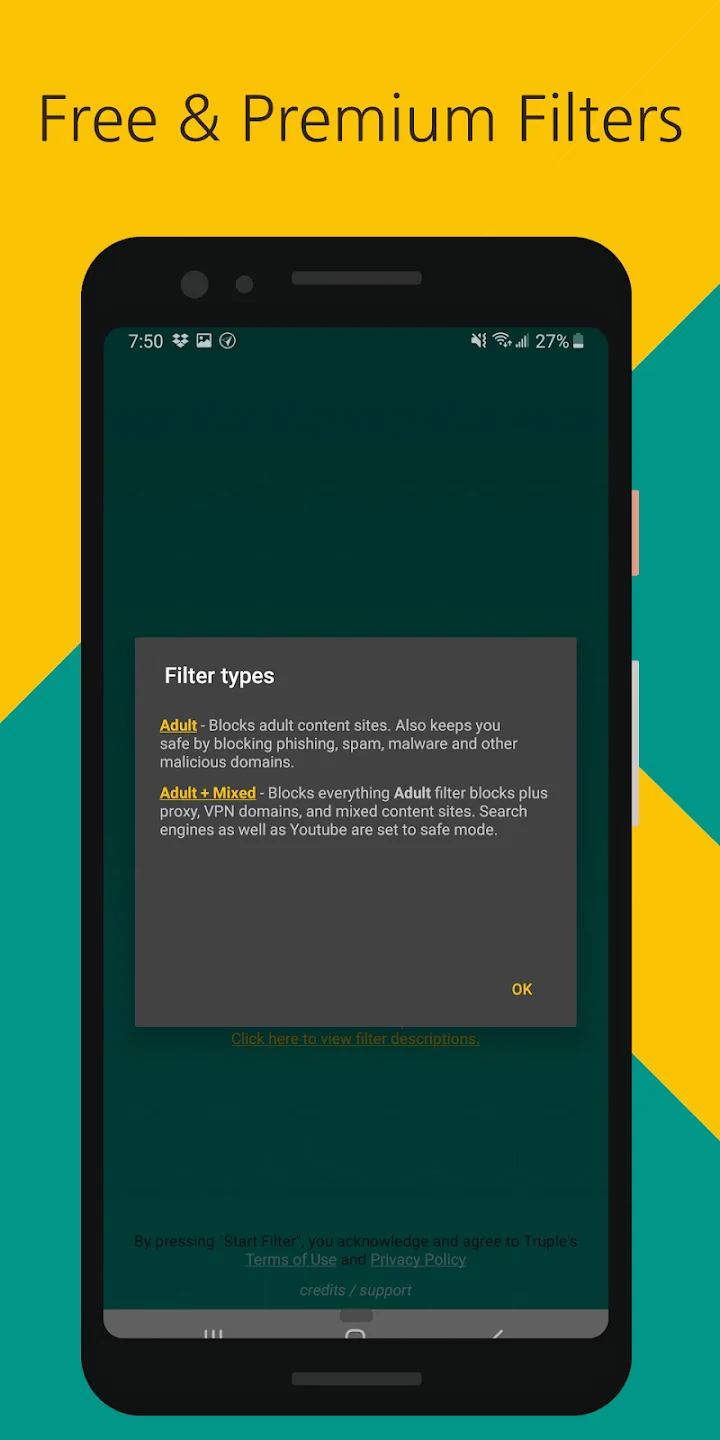
Blocks adult content sites, phishing sites, and optionally mixed content sites (using adult + mixed filter)
Works across the entire phone, including browsers, apps, etc.
Filters incognito mode / private browser modes
Runs on startup
Safe search enforced on most search engines (using adult + mixed filter)
(Premium) App blocker
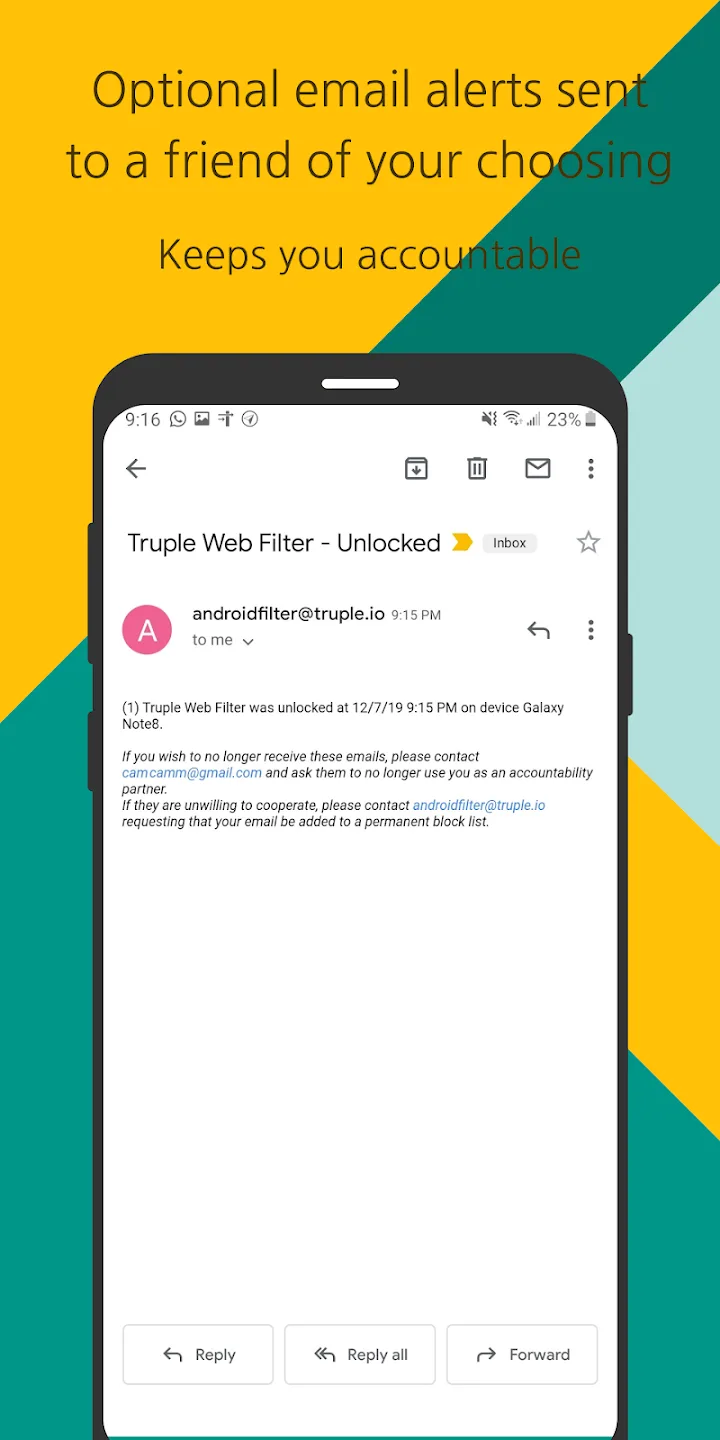
(Premium) Send an email alert to a friend when the filter is locked/unlocked, or when the filter is forcibly shut down
(Premium) Use a Pin to lock the filter. Locking makes it difficult for the filter to be shut down.
(Premium) Set a delay (5 mins - 72 hours) before unlocking the filter.
FAQs:
How do I cancel my subscription?
Load the accounts page
Login to the subscribed Truple account
Click Cancel Subscription
(If the cancel subscription button is grayed out, then you need to unlock it.)
Follow the remaining instructions shown
Cancelling a subscription will disable auto-renewal. Your subscription will remain active for the duration of the current billing period. Emails will be sent to all report recipients when you cancel.
How do I change my Truple e2ee passcode?
Open the accounts page
Login to your subscribed account if you aren't already logged in
Click Change E2EE Passcode
Enter in your current E2EE passcode
Enter in a new E2EE passcode
Write your new E2EE passcode down!
Tell your report recipients your new E2EE passcode
If your report recipients haven't already entered in the old e2ee passcode, or if they try to view the accountability data (screenshots, events, etc) from a new web browser / app, they'll need the new passcode. So be sure to tell them. When you change the e2ee passcode the report recipients will be notified that it's been changed.
How do I create a Truple account?
Truple accounts are needed if you wish to sign up for Truple, and if you are going to access reports for someone else. Those only using Truple to view reports do not need to subscribe.
To create your Truple account, do the following:
Load the Truple Web App
Enter in your email address
Enter in your password
Click Create
Check your email inbox for the verification code
Enter in the verification code
Conclusion:
This app uses Accessibility services. It uses the BIND_ACCESSIBILITY_SERVICE permission in order to lock the filter and provide blocking functionality.This app uses the Device Administrator permission. The Device Administrator permission is used to prevent "force stop" and "uninstall" attempts when the filter is locked.








