

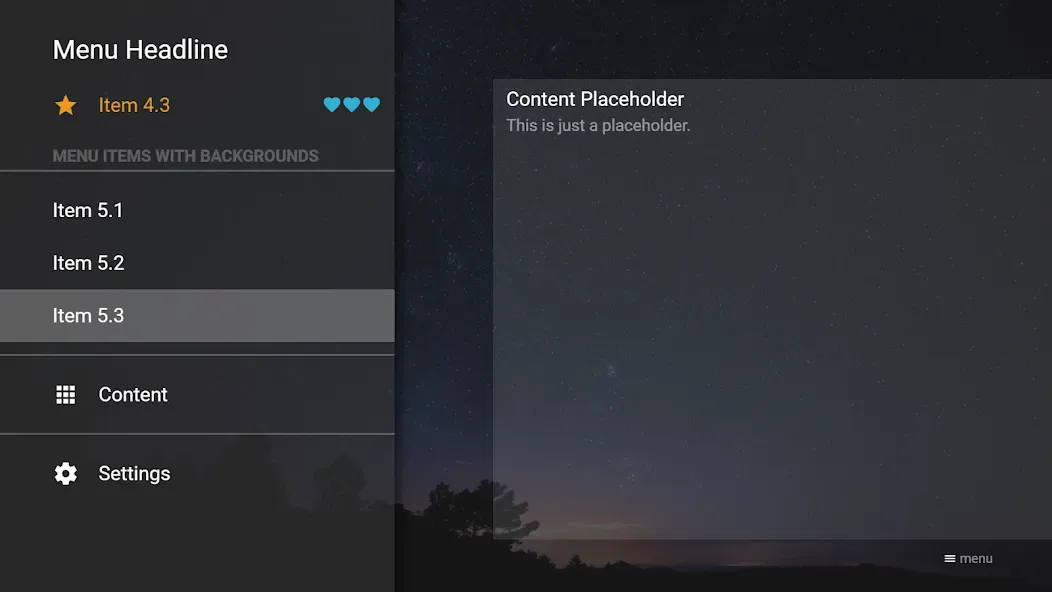
Media Station X is a powerful cross-platform multimedia application. It offers robust functionality and runs on a wide range of devices—including TVs and mobile devices—though the app itself contains no built-in content. With Media Station X, users can create their own content or access content created and shared by others. It supports page designs ranging from simple to complex and allows for navigation via remote controls or pointing devices, enabling a personalized multimedia viewing experience.
Highlights:
Animations (in JS or CSS)
Transformations (2D or 3D)
Resolution (up to 2160p, with or without zoom)
Validate links
Shuffle
Slideshow interval (very slow to very fast)
Menu button
Immersive Mode
Remote Control (Minimalist, Complex, Navigation Frame or Corner)
Input type (move and run, drag and drop, or click and swipe)
Scrolling effectRounded style
Features:
Easy to use media center for Android
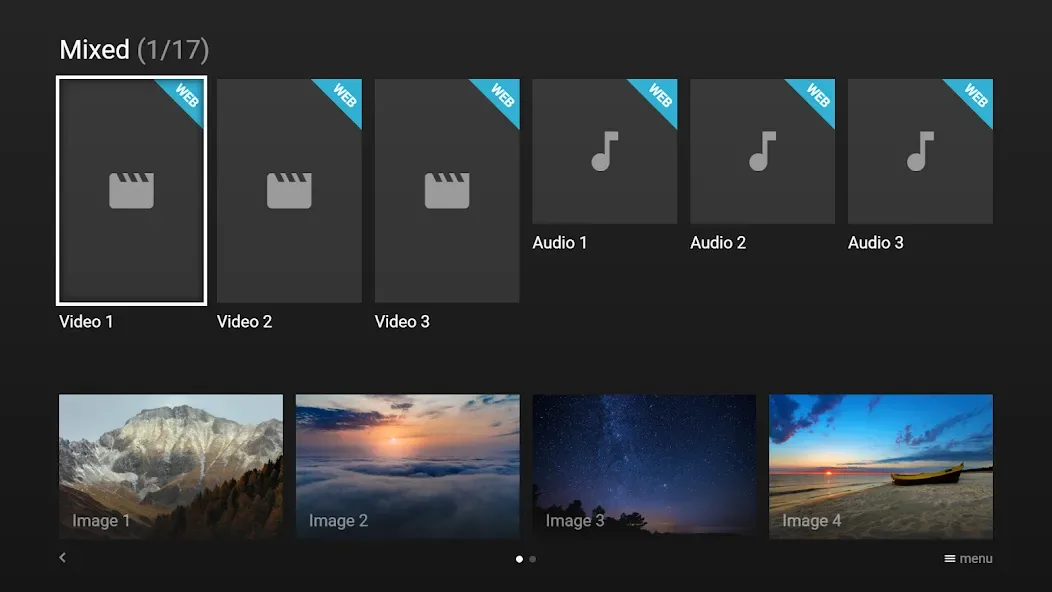
Top features enrich the user experience by supporting simple or complex page designs and allowing effortless navigation with the use of a remote control or pointer device. Media Station X caters to a variety of multimedia displays like playing a playlist of videos or audios, running a slideshow of images, and even enabling the option of enjoying videos or audios while simultaneously browsing other pages, without interruption.
Enjoy your media however you want
Taking interactivity up a notch, it offers a full-screen mode feature for links, taking users deeper into their curated media journey. It's an excellent choice for anyone wishing to structure their content efficiently and attractively. Whether for professional use, presenting portfolio pieces, or for enthusiasts aiming to share collections of memories, this tool adapts to specific needs, reinforcing the ability to communicate through rich media.
A great media center
This robust platform offers the freedom to realize a vision in digital format. With Media Station X, a media compilation presents itself in a refined layout, ready to captivate an intended audience.
Changelog:
Improved user experience when setting up start parameters, along with clearer guidance for responsible and legal use
Updated disclaimer prompt shown when a start parameter is entered for the first time
Immersive mode is now enabled by default (Settings → Immersive Mode)
General API extensions
Final Words:
Media Station X is available on all major TV platforms (including Samsung TVs, LG TVs, Android TVs, and Fire TVs). Additionally, an application for Android tablets/phones, iPads/iPhones, Mac devices, Windows desktops/tablets/phones, and Xboxes is available. Please see Platform Support for corresponding application stores.








