

Hola Browser is a powerful browser. Designed specifically for Android devices, it features a built-in ad blocker and a robust download manager, providing users with a fast and secure browsing experience. With Hola Browser, you can block various annoying ads, ensuring a safe and worry-free browsing experience. You can use incognito mode for a more secure and private internet browsing experience. Furthermore, this app offers a powerful video downloader, allowing you to easily download and play videos from various websites and social media platforms within the browser.
Click to load YouTube / 点击加载视频
YouTube ↗Features:
Customize your browsing experience
One of the first things you should do when you install Hola Browser is take a look at the app's Settings to customize your browsing experience. You can choose which search engine you want to be the default from more than a dozen options, change the default language of the app and the font size, and enable or disable the video sniffer, a tool that will show you which videos are downloadable on any site.
Set up the ad blocker
Setting up the ad blocker is as important as configuring the browser itself, and you can enable or disable it at will from the Settings, although it will always be enabled by default. You can also create exceptions, and the process is very simple. All you have to do is enter the URL of the website whose ads you don't want to block, and that's it. You can also do this directly from the browser the first time you visit a website.
A simple but good download manager
One of the most useful features of Hola Browser is its download manager. You can choose the maximum number of simultaneous downloads you want to allow, as well as the folder where you want the downloads to be saved. You can also turn on a feature that will automatically pause downloads when you don't have access to a Wi-Fi network and resume them as soon as you're connected again. Finally, you'll even be able to download Instagram content or videos from certain websites.
Discover the No Images Mode
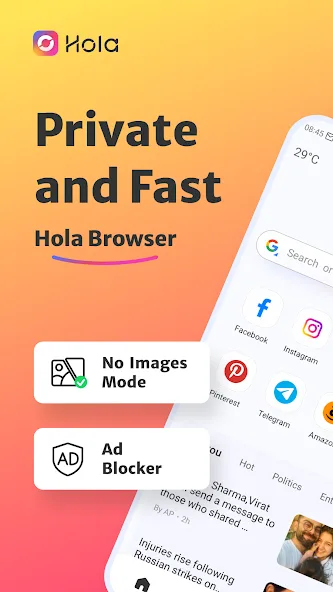
Hola Browser is a fast and light browser, but it can become even faster if you enable the No Images Mode. This browsing mode, especially recommended for users with a slow Internet connection, allows you to view any website without loading the images. This way, not only will browsing be faster and smoother, but you'll also consume far fewer megabytes. This, combined with Incognito Mode, will ensure that you leave no digital trace.
Benefits:
It informs us about the latest and most popular searches, taking into account parameters such as our location.
It allows the use of up to 13 different search engines: Google, Yahoo, Yandex, Bing, Baidu, DuckDuckGo, AOL Search, Ask, Brave, StartPage, Dogpile, Swisscows, and WolframAlpha.
It lets us bookmark the pages we want to visit later and you can even save them as images or PDFs.
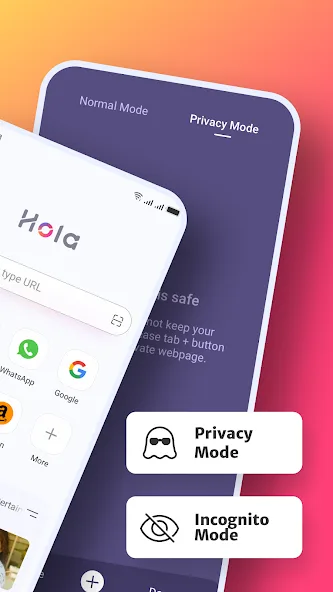
It has incognito or private mode to leave no trace of our browsing history.
It includes a personalized news service to let us see the news on our favorite websites.
Hola Browser also features an ad blocker we can configure to disable it on certain websites.
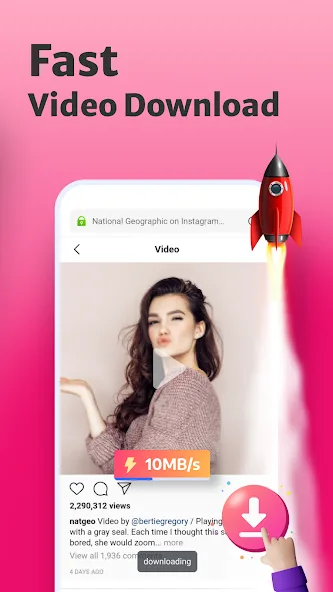
A fast and free tool to download the videos we are interested in. It also works with images.
Tips for Users:
Enable the ad blocker feature to eliminate distractions and enjoy a seamless browsing experience.
Utilize the incognito mode for sensitive searches to ensure your privacy is protected at all times.
Switch to night mode when browsing in low-light environments for a comfortable viewing experience.
Use the video downloader to save your favorite videos and watch them offline whenever you want.
Conclusion:
Hola Browser offers a range of attractive features such as ad blocking, incognito mode, dark web mode, and a video downloader, making it a versatile and user-friendly browser for private and secure browsing. With its convenient functionalities and privacy-focused design, Hola Browser is a great choice for users looking for a seamless and safe browsing experience.








