

Magisk Manager is a mobile phone customization tool designed specifically for Android users. With the help of corresponding tutorials, it can improve the performance of user devices or install various extension modules, making your device smoother and more personalized. The software can add more extra functions to your device without root access, such as ad and pop-up blocking, battery performance optimization, theme customization, and provides multiple security management modules to protect user device security. Meanwhile, Magisk Manager is constantly being updated and optimized, and more practical modules will be released to make your device more comfortable and smooth.
Click to load YouTube / 点击加载视频
YouTube ↗Features of Magisk Manager:
Rooting with Magisk Manager: To root your device, you'll need the boot.img file from the exact ROM version you have installed. After moving it to your phone's internal storage, you can patch it through Magisk Manager. Once patched, flash it using ADB on your computer or a custom recovery you've already installed. After flashing, your boot partition will be rooted, and you'll be able to grant apps superuser permissions as needed.
Add-on modules to enhance root use: Magisk Manager lets you install optional modules that improve how root works on your device. One key example is the SafetyNet Fix module, which hides your root status from apps that might stop working if they detect an unlocked bootloader. This is especially useful for banking apps, mobile payments, and games that limit features on rooted devices. With this option, you can continue to use these apps without limitations or blocking.
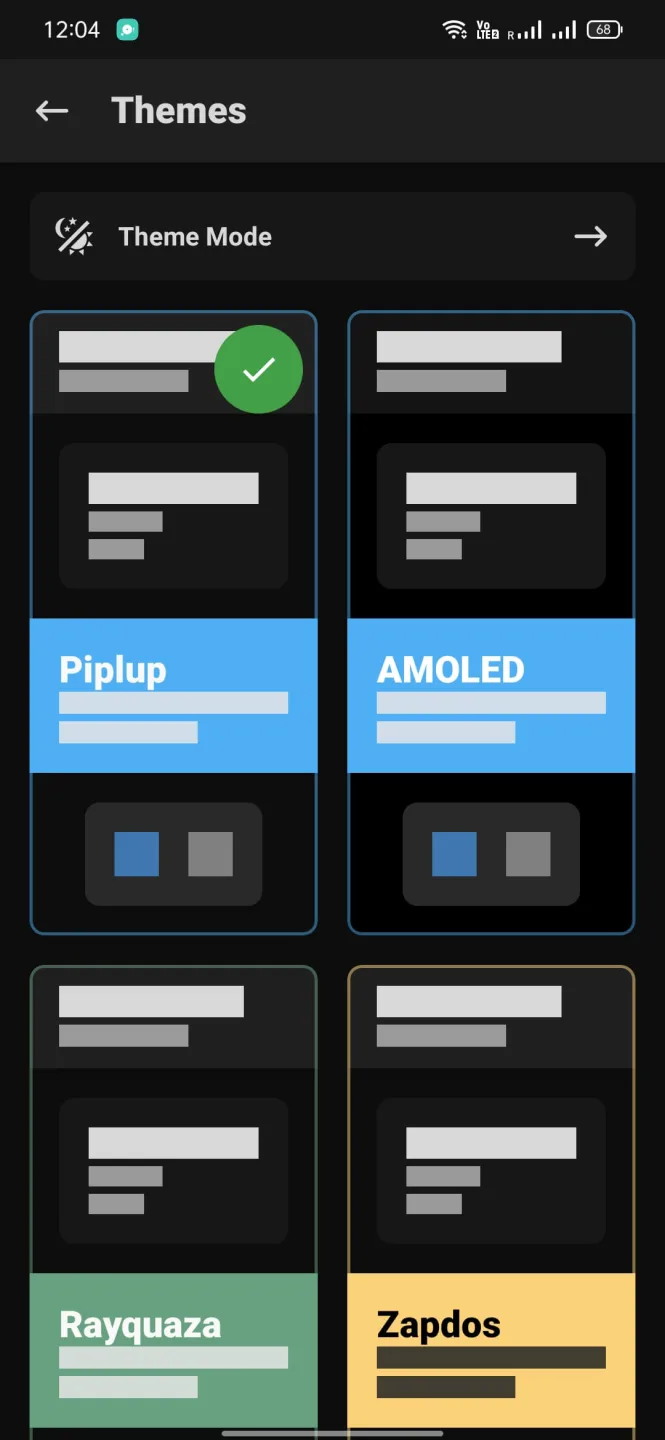
Install Magisk with Zygisk support: Through the Magisk Manager's settings, you can install Magisk with Zygisk support, allowing developers to preload essential resources directly into system memory. This boosts performance and helps processes run faster and more efficiently.
Systemless root: safe and non-disruptive: Magisk uses a systemless root approach that avoids modifying the system partition. This method is safer and less intrusive than traditional rooting while still giving you full control over your device.
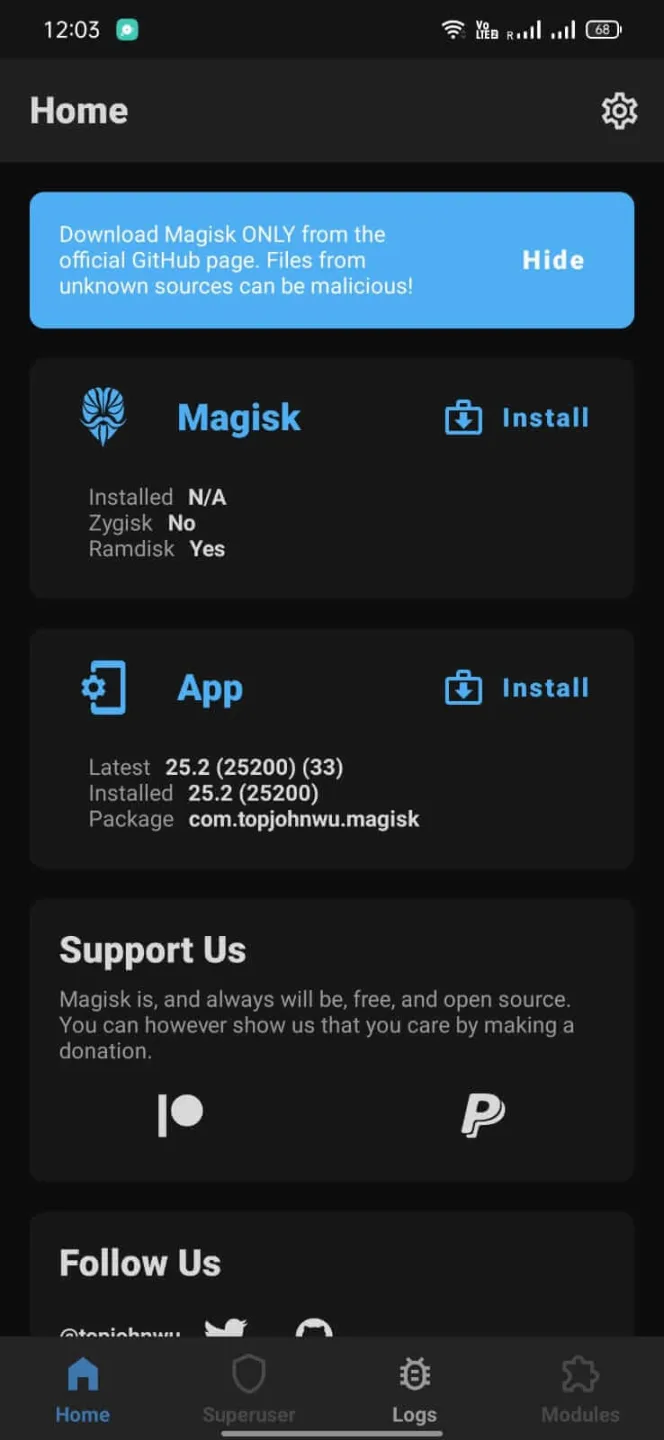
Highlights of Magisk Manager:
Hide Root: A pivotal feature within Magisk is the ability to hide root access from certain apps, particularly those like banking and streaming services that typically do not function on rooted devices. This ensures users can enjoy both root access and app compatibility seamlessly.
SafetyNet Integration: With SafetyNet integration, Magisk Manager APK allows users to circumvent Google’s SafetyNet checks that often block rooted devices from using specific apps. This functionality is crucial for users who need to maintain access to all services without restrictions.
Built-in Superuser Management: Magisk provides an efficient interface for managing superuser permissions, enabling users to control which apps have root access. This straightforward management tool is essential for maintaining security and privacy on rooted devices.
Update Manager: The Update Manager within Magisk Manager APK ensures that both the manager itself and its modules are always up to date, providing users with the latest enhancements and security features crucial for maintaining optimal performance.
Systemless Hosts: This feature allows for modifications to host files without altering the system, simplifying tasks like ad-blocking and providing a cleaner, more manageable approach to host management.
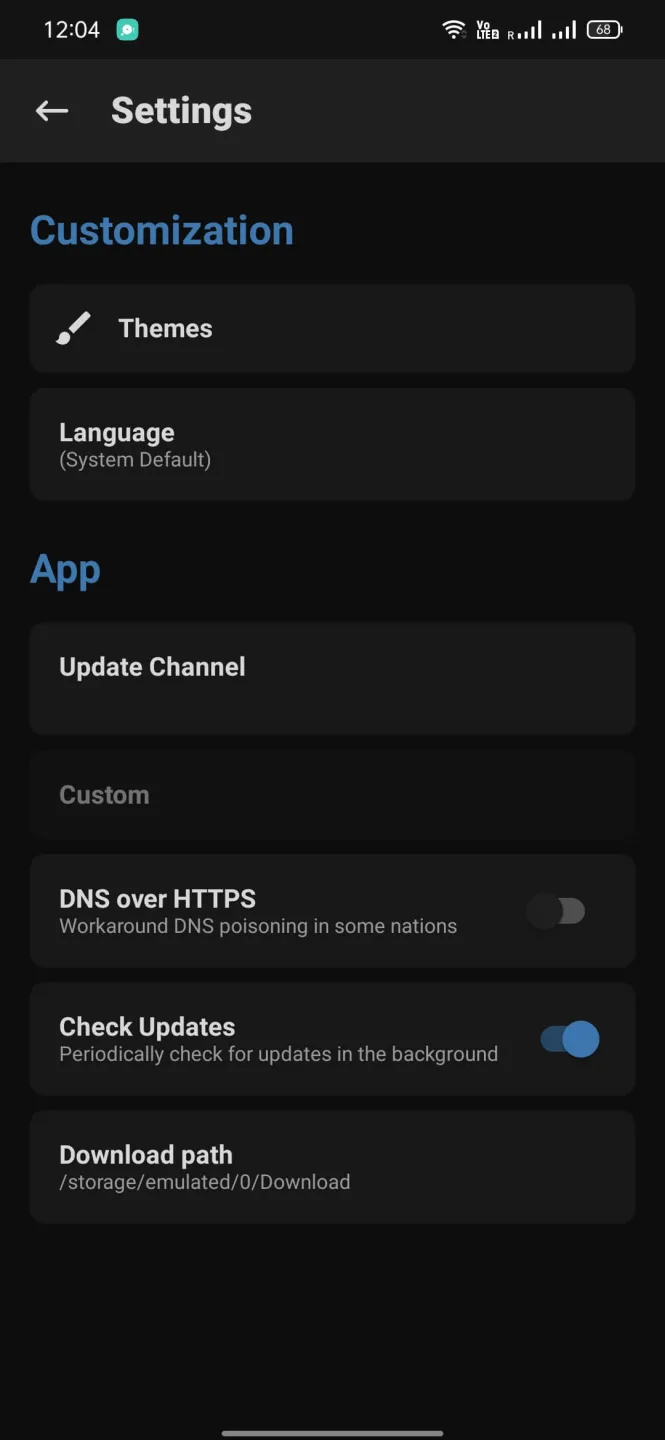
Changelog:
v30.6 (2025.12.1)
[MagiskInit] Revert a change that could result in bootloops
v30.5 (2025.12.1)
[General] Improve commandline argument parsing logic
[resetprop] Properly support Android versions with property overrides
v30.4 (2025.10.2)
[MagiskSU] Fix several implementation bugs
v30.3 (2025.9.29)
[General] Support installing Magisk into vendor_boot partition
[MagiskPolicy] Support new sepolicy binary format introduced in Android 16 QPR2
[Core] Migrate much more code into Rust
[MagiskSU] Fallback to older implementation when the kernel doesn’t support zero userspace copy APIs
v30.2 (2025.8.6)
[Core] Fix an edge case breaking modules when overlayfs is involved
[Core] Fix module .replace functionality in certain situations
[resetprop] Reduce property modification traces
v30.1 (2025.7.3)
[Core] Fix bug in module mounting implementation
[MagiskSU] Add ability to restrict Linux capabilities even if running as root (uid=0)
FAQs of Magisk Manager:
Magisk flashes successfully, but phone shows “Not Rooted” and SafetyNet fails?
First, connect the device to Wi-Fi/Internet.Open Magisk app; it will refresh and detect root status.Then update Magisk via the app if needed.
Custom kernels cause bootloop after Magisk is installed?
Unroot the phone using Magisk first.Reboot the phone to complete unrooting.Flash custom kernel.
Bootloop even after flashing older Magisk version (v23)?
Boot into custom recovery.Go to Advanced → File Manager → Data → ADB folder.Delete the ADB folder completely.
Magisk flashes successfully, but phone shows “Not Rooted” and SafetyNet fails?
First, connect the device to Wi-Fi/Internet.Open Magisk app; it will refresh and detect root status.Then update Magisk via the app if needed.
Magisk flash fails with “Error 1”?
Update TWRP to the latest version.Extract boot.img from your ROM (zip).Copy boot.img to phone storage.Use TWRP or Fastboot to flash boot.img to recovery.
Module section in Magisk is greyed out / not activated?
Rename Magisk.apk to Magisk.zip.Boot into a custom recovery (like TWRP or OrangeFox).Flash the Magisk.zip file.Wipe caches after flashing and reboot the phone.
Conclusion:
So, that was all about the Magisk Manager tool. This tool helps you root your device and also manages the Superuser permissions. It is a systemless rooting system, so it will not affect the core code. If you use this App, you can also use other apps, like Netflix, Banking Applications, etc. The tool offers many more features you can read above.








