

realme Link is a unique health and fitness monitoring utility that helps users track their personal health levels and cultivate good exercise habits anytime, anywhere. realme Link provides users with a stylish and user-friendly smart health monitoring platform with rich and powerful features. Users can easily connect, manage, and configure their smart devices with this application. realme Link allows you to easily view information notifications, incoming calls, and also view exercise records, sleep quality, and heart rate tracking information, helping you take control of your health.
Click to load YouTube / 点击加载视频
YouTube ↗Exciting Functions of realme Link
Incoming call notifications are pushed to your realme band, letting you know who is calling.
SMS notifications are pushed to your realme band, allowing you to read message content and details on your realme band.
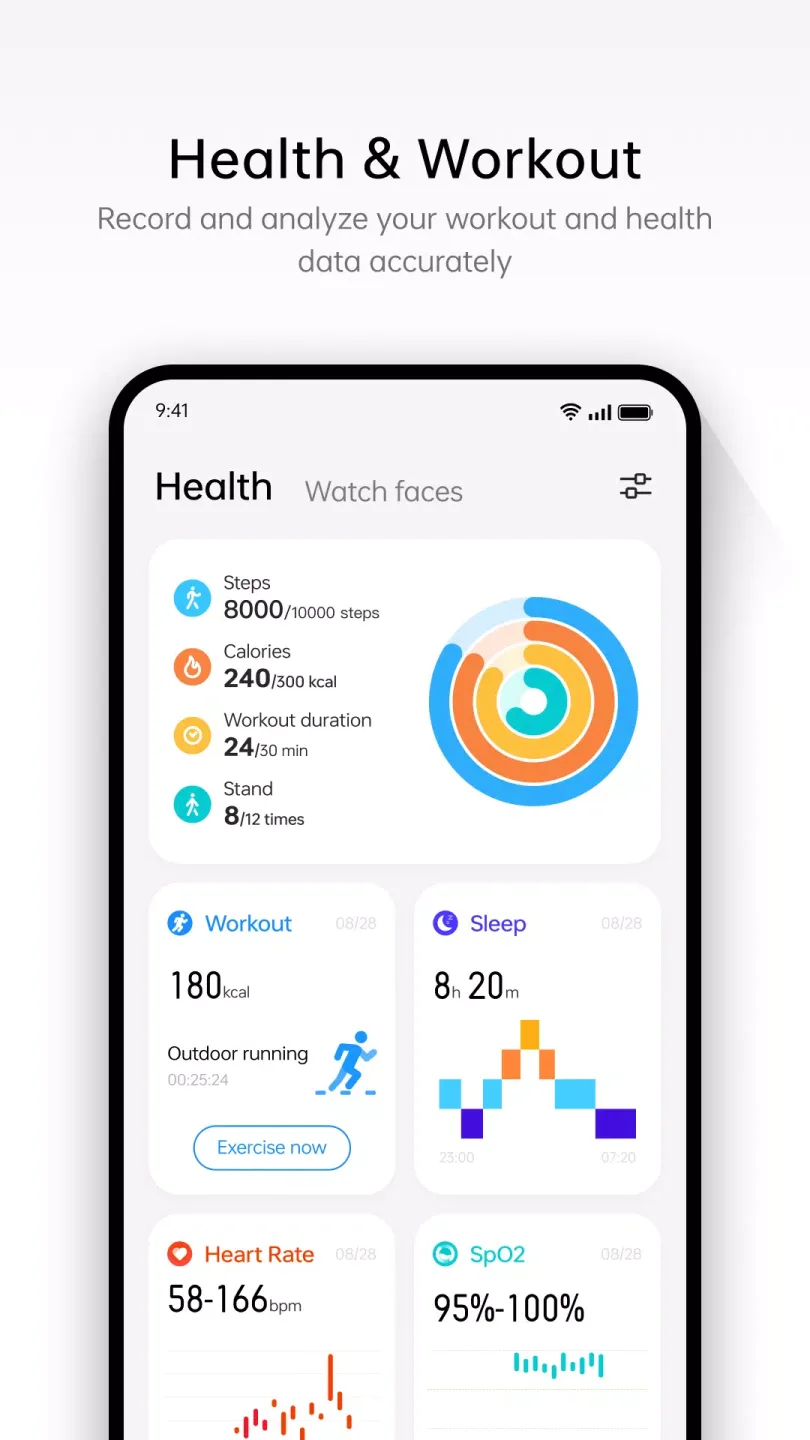
Displays your heart rate, sleep, and exercise records tracked by your realme band.
Wonderful Features of realme Link
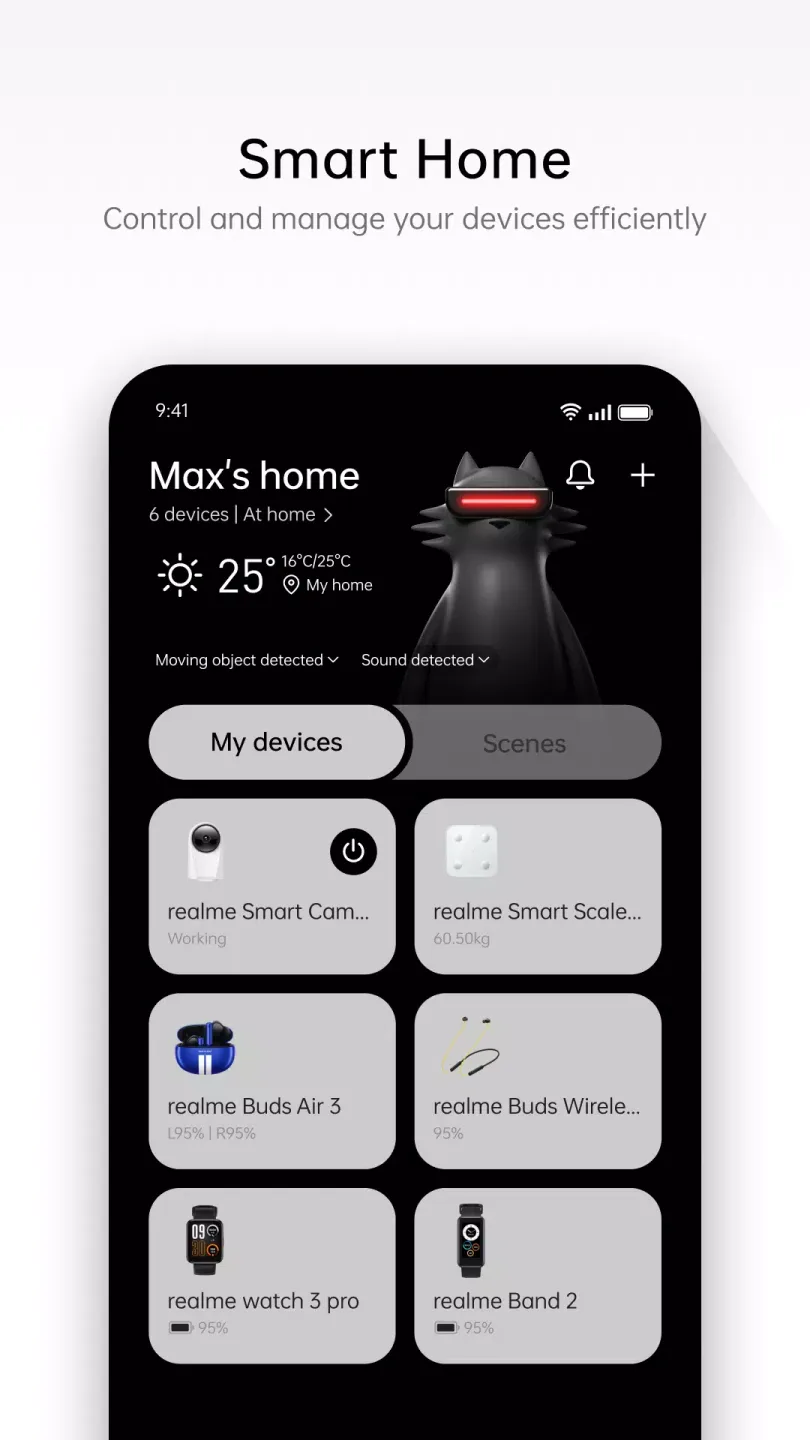
Dozens of Compatible Devices
realme Link has a very large list of compatible devices. In the "Audio" and "Watches" tabs, you can find the most comprehensive range of compatible devices. Through this application, you can synchronize and configure numerous devices such as Realme Buds Air7, Realme Buds T200, Realme Buds Q, DIZO GoPods, DIZO Buds Z, Realme Buds T100, Realme Buds T300, and many more. Similarly, you can easily synchronize the entire Realme Watch series and DIZO Watch Pro series. Just keep them within range of your Android device.
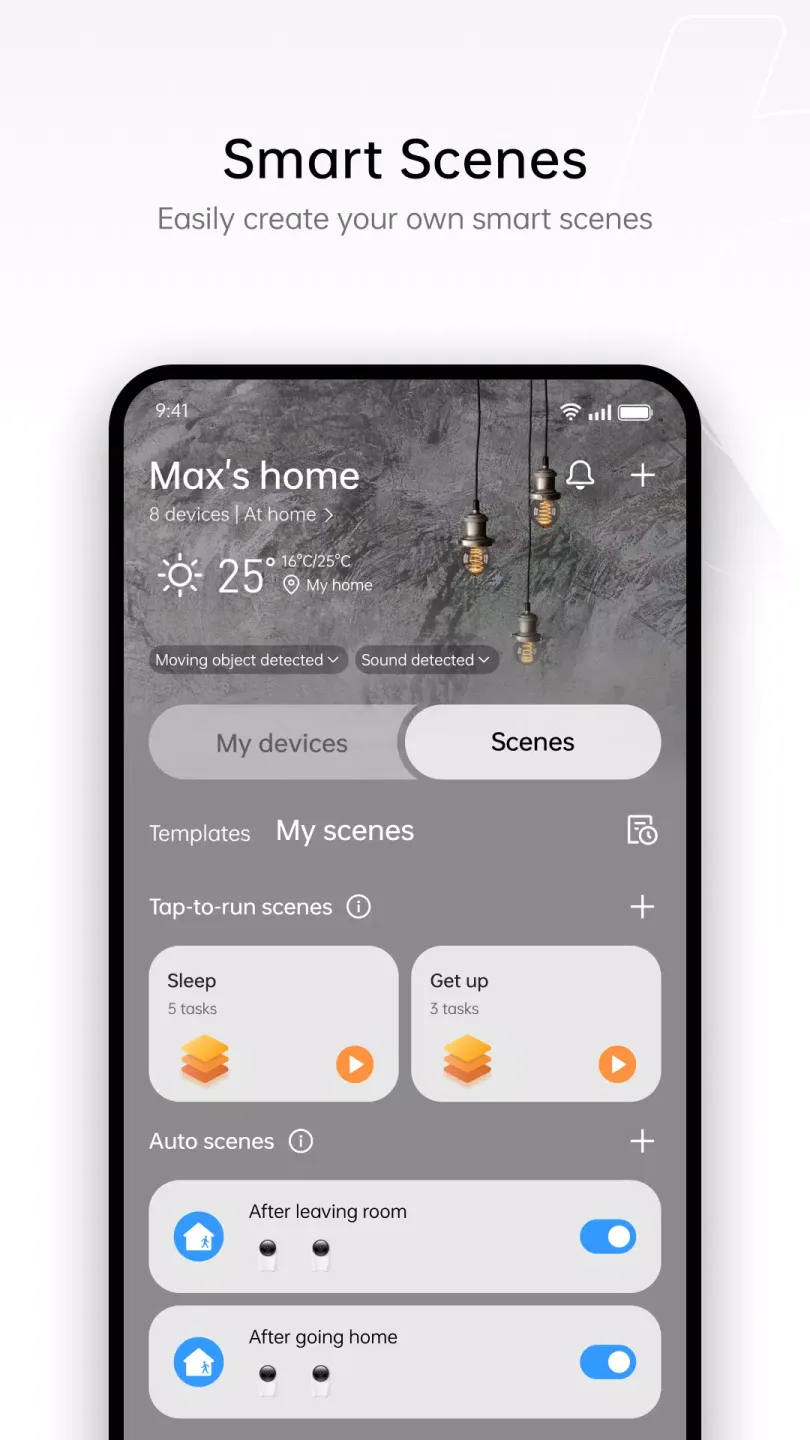
Create Scenes for Greater Convenience
One of the biggest advantages of realme Link is that you can create scenes to automatically control the behavior of various smart devices in your home. One of the most popular scenes is the "Away Mode," which, with a single tap, can turn off all lights, turn on security cameras, and start the robot vacuum cleaner. These automation features can significantly save you time in your daily life. To achieve these functions, you only need to ensure that all devices are realme devices.
Using realme Link on your computer
Although realme Link doesn't have an official PC client, using the application on a computer is very simple. Simply install the Android application on an emulator. This allows you to use it just like you would on your phone, but on your computer. It's also worth noting that the Android and iOS applications can use the same user account. This means that if you also have an iPhone, you can use the same login information.
Attractive Characteristics of realme Link
Management and Device Communication:
realme Link provides device management services for realme Watch and realme Band users.
Connecting Devices:
After pairing the watch, realme Link can push incoming call and text message notifications to the paired device, allowing you to see who is calling or the content of the message.
Activity and Fitness:
After pairing the watch, you can view activity data such as steps, calories, and exercise time on the health page of the realme Link App. Users can also initiate activities such as outdoor running, outdoor cycling, and indoor running, and the exercise data will also be displayed on realme Link.
User's Comments of realme Link
Realme Link does exactly what it’s supposed to do—and does it well. Device pairing is fast, the UI is clean, and controls are straightforward without unnecessary clutter. Syncing is stable, fitness data is accurate enough for daily tracking, and notifications work reliably. Battery stats and customization options are actually useful, not just filler features. No random crashes, no confusing menus. It’s not
well it is simplified and easy to use, and the earbuds themselves are good, so what else is there to say.
Hi, I am not able to find Realme Air5 Pro in the devices list. Could you help me with this? Thanks
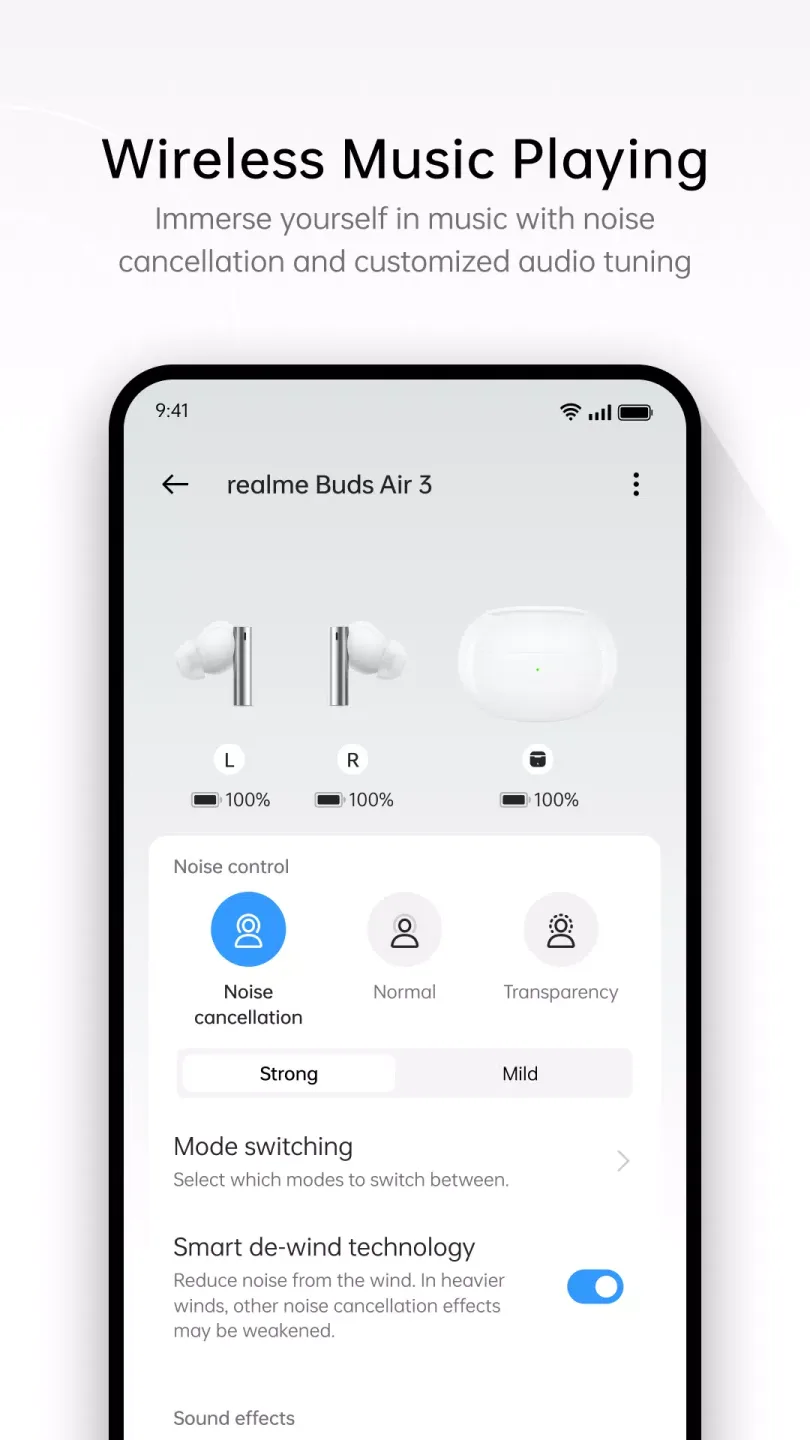
I'm using the realme Buds Air 7 and overall the experience is great. I would love to see an additional feature in the realme Link app where users can manually choose different sound filters, such as Concert Hall, Large Hall, Medium Hall, and more. This would make the audio customization even better.
They are so good. It is very good to have an app like this, this makes it easier to use and know the controls of any device
Final Thoughts
If you own Realme brand devices and want them to sync perfectly and be linked to your account, download the realme Link APK. This app makes it easy to manage all your devices. But be sure to always use the latest version. Older versions may not work properly or recognize certain devices. If you encounter any problems linking devices, please try using the new version.








