

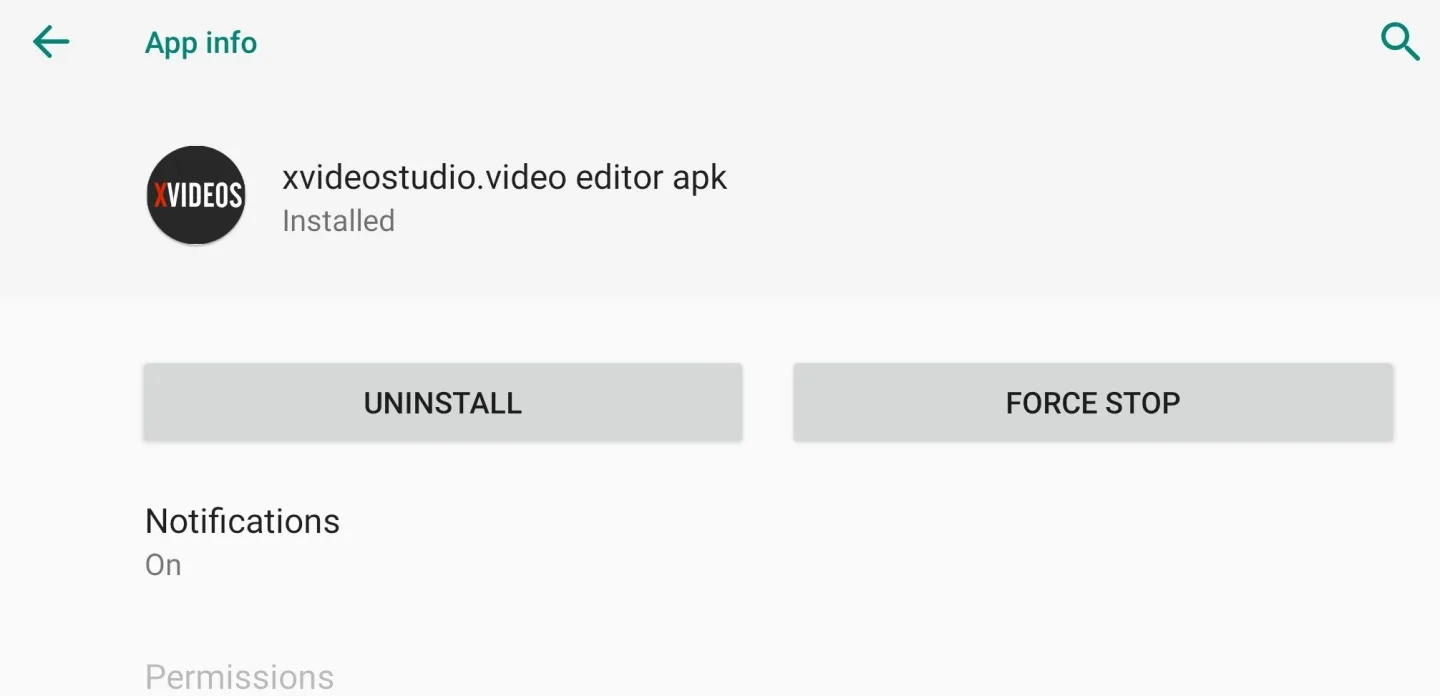
XVideoStudio Video Editor is an impressive video editing utility that helps users easily edit videos. XVideoStudio Video Editor presents users with an intuitive and clear interface design and a wealth of powerful tools, allowing users to enjoy the convenience of features such as text, music, and themes. XVideoStudio Video Editor supports high-quality video export, is lightweight, and meets users' basic video editing needs.
Click to load YouTube / 点击加载视频
YouTube ↗Amazing Highlights of XVideoStudio Video Editor
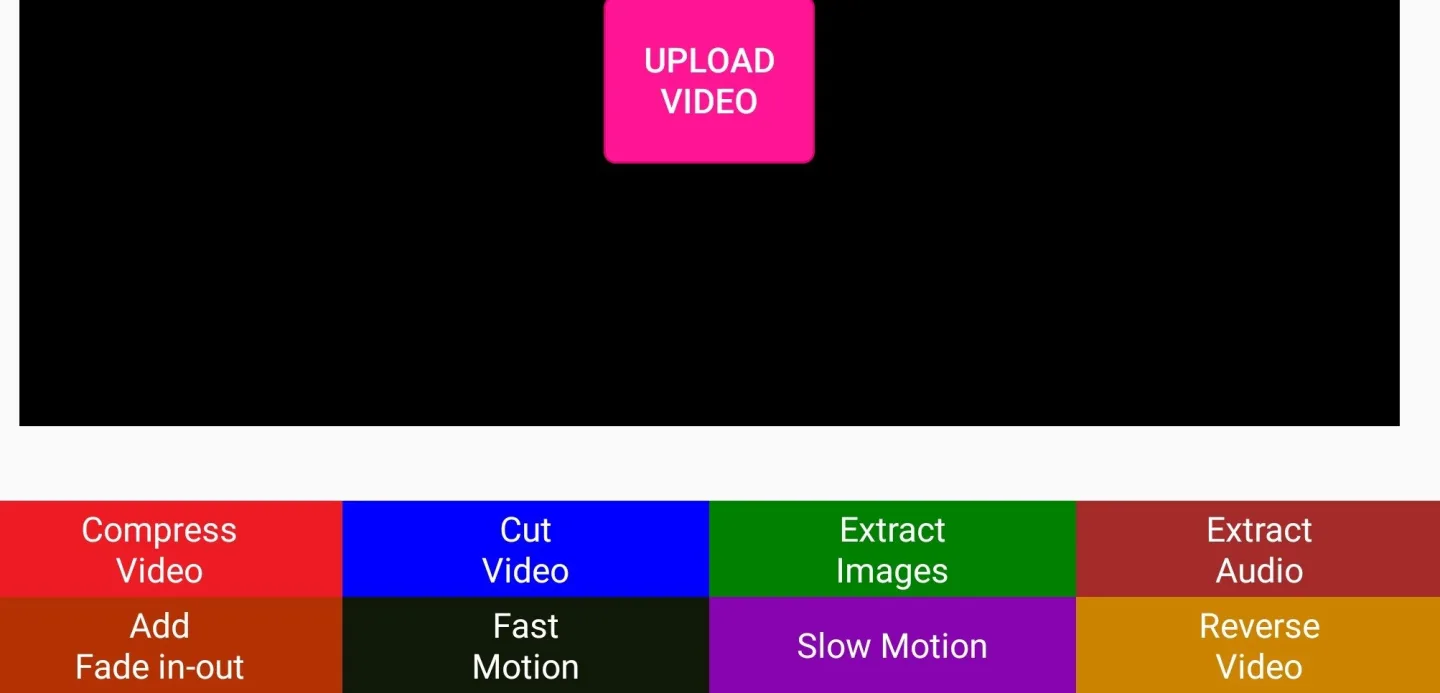
Trim, cut, and merge video clips with simple controls. Easily remove unwanted parts or combine multiple clips into one video.
Convert videos to audio (MP3) with one click, which is very convenient if you want to extract the soundtrack or save the narration.
Adjust playback speed with slow-motion or fast-motion effects. While there are no custom speed curves, the presets are sufficient for most needs.
Add background music or audio overlays, although precisely syncing the sound with visual cues may require some effort.
Apply filters and effects to change the visual style. The options are limited, but effective enough for everyday use.
Fantastic Characteristics of XVideoStudio Video Editor
For some filmmakers and hobbyists, this is an extremely simple and easy-to-use video editing application for creating movie scenes.
HD export without quality defects
Easy-to-use photo editing management software with rich features.
Hundreds of free music tracks, all officially licensed
No watermark/no ads after refreshing, and you can see celebrity photos
Highlight key points to create unique video clips
Pros and Cons of XVideoStudio Video Editor
Pros
It's lightweight and fast, with a very small file size (less than 30MB), and runs smoothly even on low-end Android devices.
Core tools don't require an internet connection, which is very convenient for editing anytime, anywhere.
The layout is simple and easy to understand, with large and clear icons and almost no clutter.
The video-to-audio function is a useful added feature not often found in basic editors.
Cons
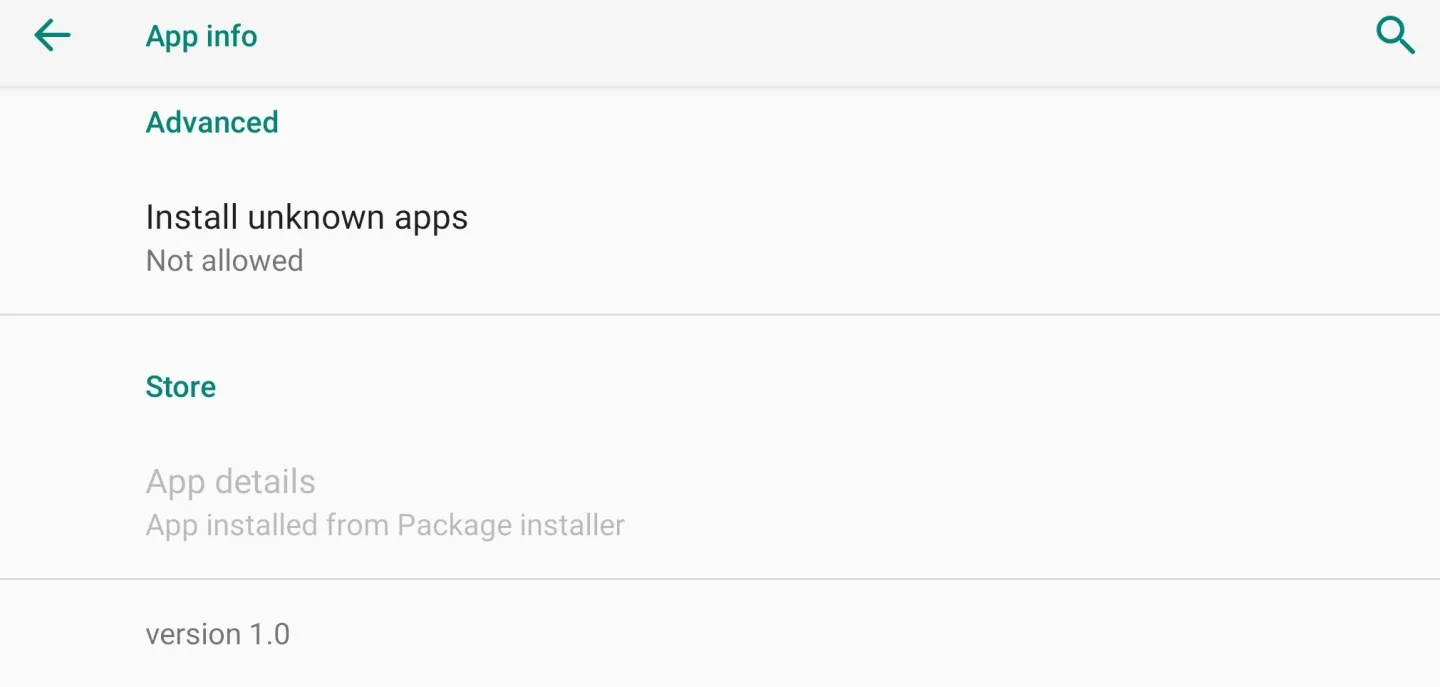
You need to sideload the APK file from a third-party source, which poses security risks.
It lacks advanced tools, such as no timeline, no layers, no transitions, and no color grading.
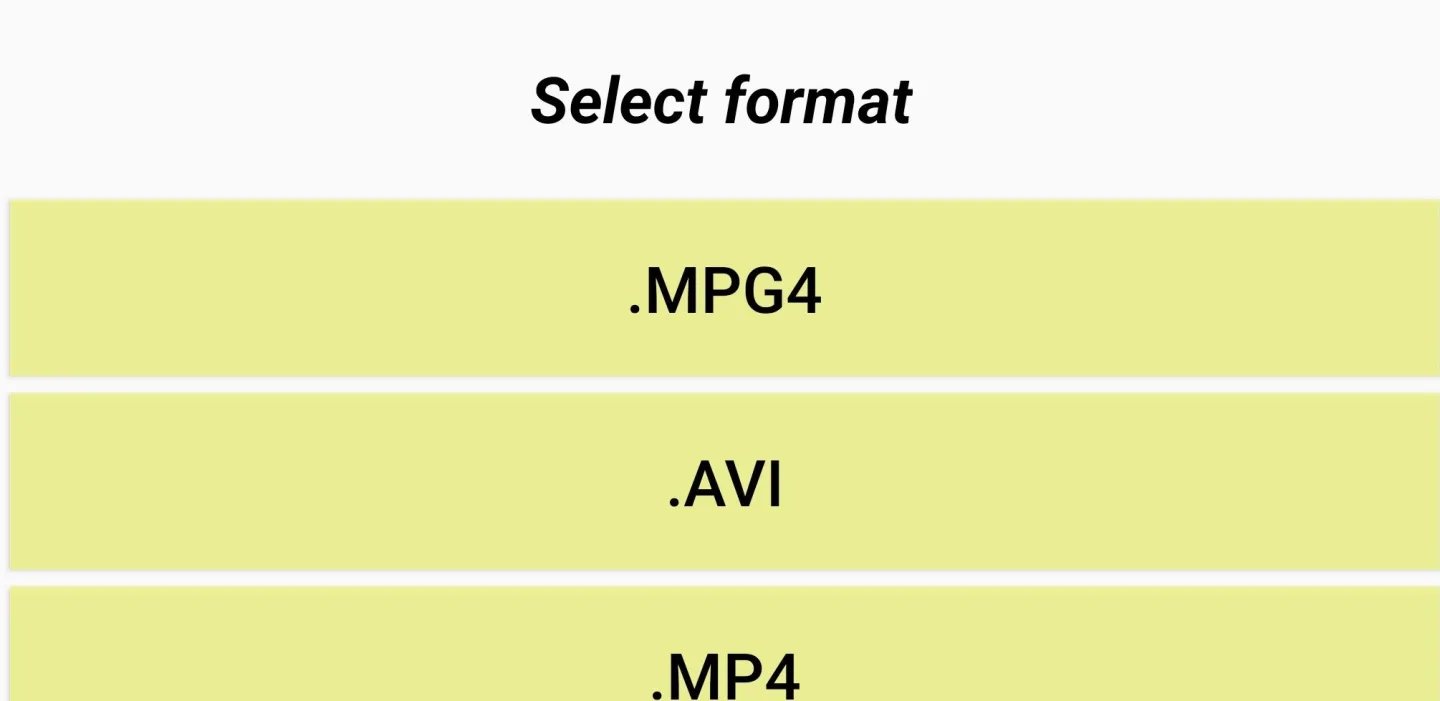
The output format is only MP4, and there is no control over resolution or bitrate.
Some versions display full-screen ads, and since this version is no longer actively maintained, you won't receive new features or bug fixes.
Helpful Tips of XVideoStudio Video Editor
After launching the program, you can start importing the videos you need.
Remove the parts you don't need. Add text, transition effects, and edit the video according to your preferences.
Compress and share it on social media.
Final Words
X Video Editor App (X Video Studio) is a basic, lightweight option, but its unofficial APK download status and lack of updates pose security and functionality risks. For greater security, advanced AI features, and seamless cross-platform editing (iOS/Android), Wondershare Filmora is a better and safer choice in 2026.








