
Parallel Space is an outstanding app cloning utility that helps users clone accounts on the same device, allowing for easy and flexible account switching. Parallel Space offers a sleek and modern look, powerful and easy-to-use features, and rich customization options to make your phone usage more intuitive. Parallel Space supports seamless multi-account management, enhanced privacy protection, and easy account switching. Parallel Space makes multitasking easier than ever before.
Click to load YouTube / 点击加载视频
YouTube ↗Attractive Functions of Parallel Space
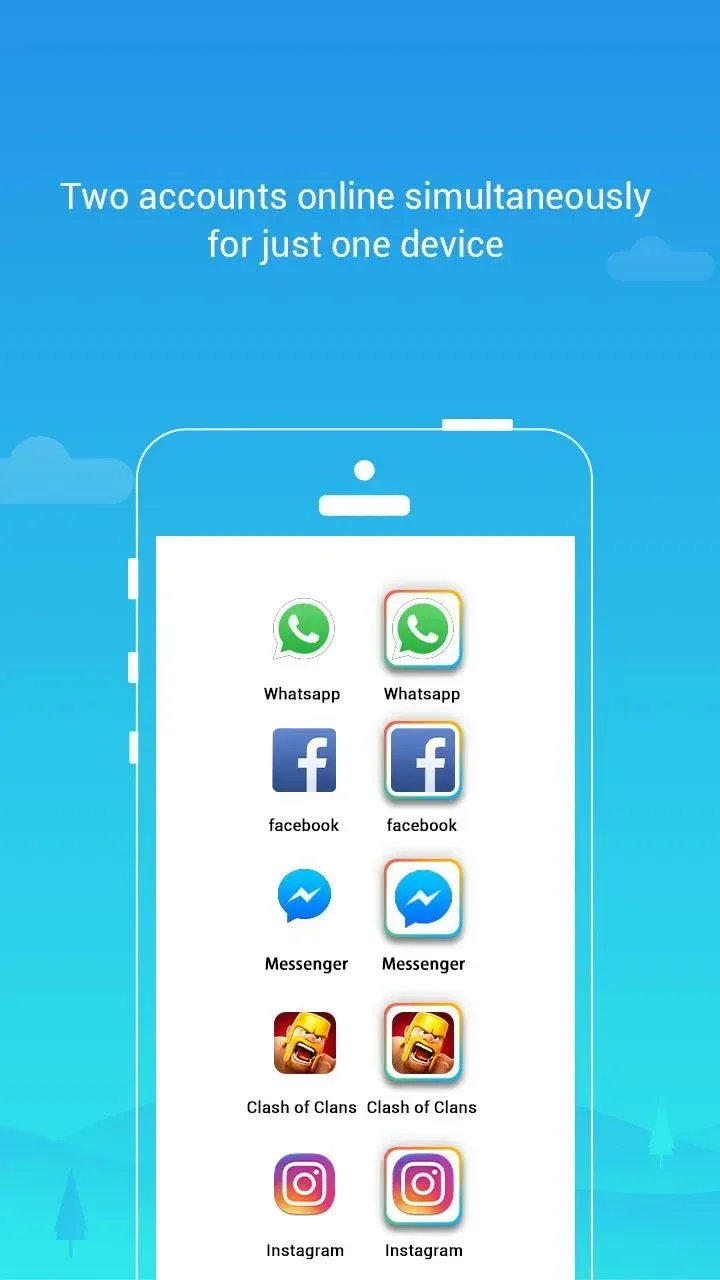
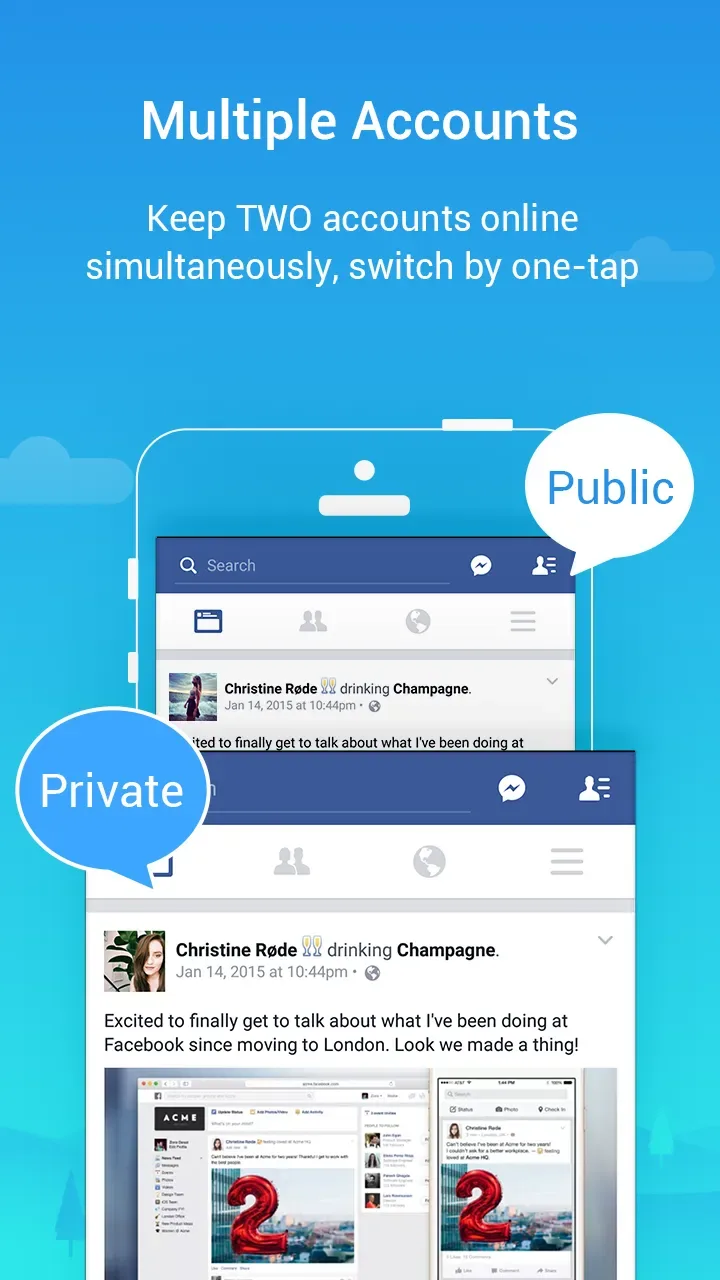
Create multiple accounts for the same app on the same device.
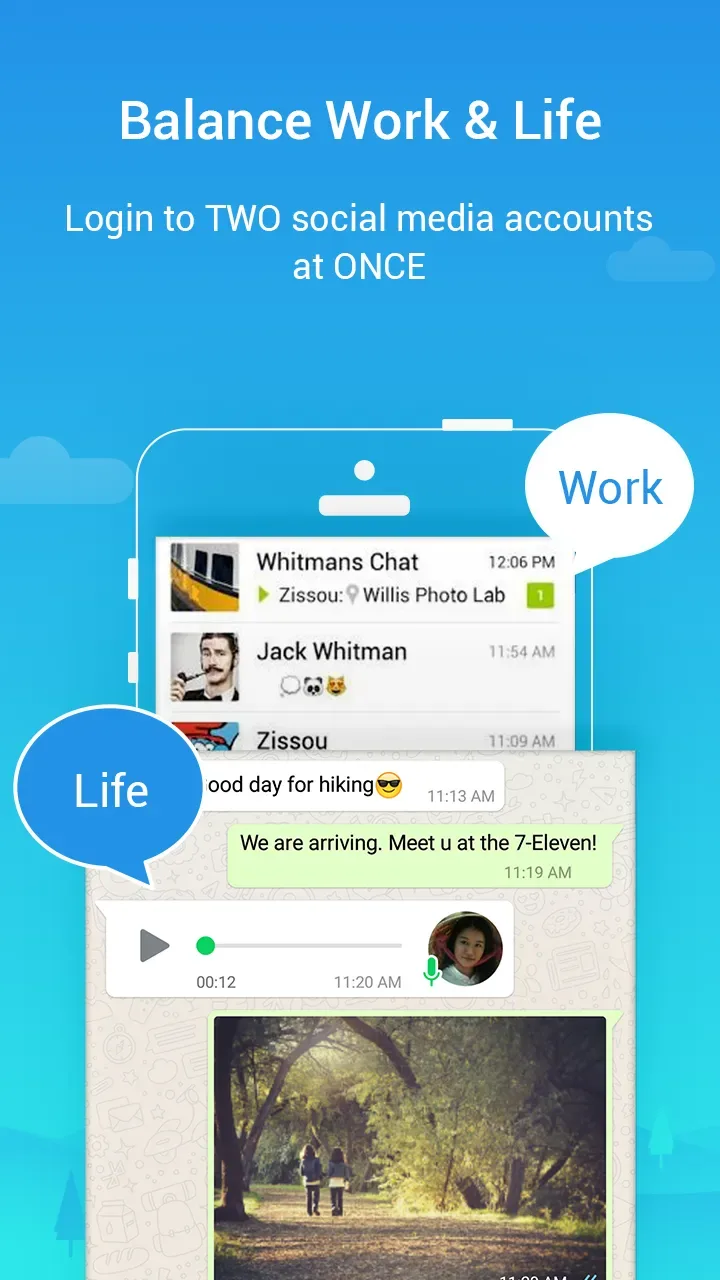
Separate your personal and work lives using Parallel Space's dual-space feature.
Customize the theme of each cloned app to differentiate it from the original.
Quickly switch between accounts using floating widgets for easy access without repeatedly opening the Parallel Space app.
Hide private apps with password or pattern lock protection provided by the app, ensuring that even if others know these hidden apps exist on your phone's memory card, they cannot access them.
When accessing any social media website/app in dual-app mode, user privacy is protected, online status is hidden, and important data such as login credentials are safeguarded because all activities are completely isolated from the main system operating system settings, ensuring no information is leaked!
Pros and Cons of Parallel Space
Pros
Allows users to run multiple accounts of the same application on a single device.
Application cloning is simple and quick, requiring no root privileges.
Supports most popular Android applications, including WhatsApp, Facebook Messenger, etc.
Low memory footprint compared to other similar tools.
Ability to customize themes and icons for each cloned application, making them different from the original application installed on the phone/tablet.
It provides a secure environment by creating an independent encrypted space using independent system-level virtual machine technology, preventing data leaks between user personal accounts and work files, or any unauthorized snooping by third parties.
Cons
Running multiple applications simultaneously can lead to rapid battery drain.
If a user downloads suspicious files from a cloned version of an application, the application may be vulnerable to malware and viruses.
Some features in certain applications may not function correctly because they are designed for a single instance only.
Users must ensure their device has sufficient RAM; otherwise, performance may be significantly reduced when using the Parallel Space Android app.
Excellent Characteristics of Parallel Space
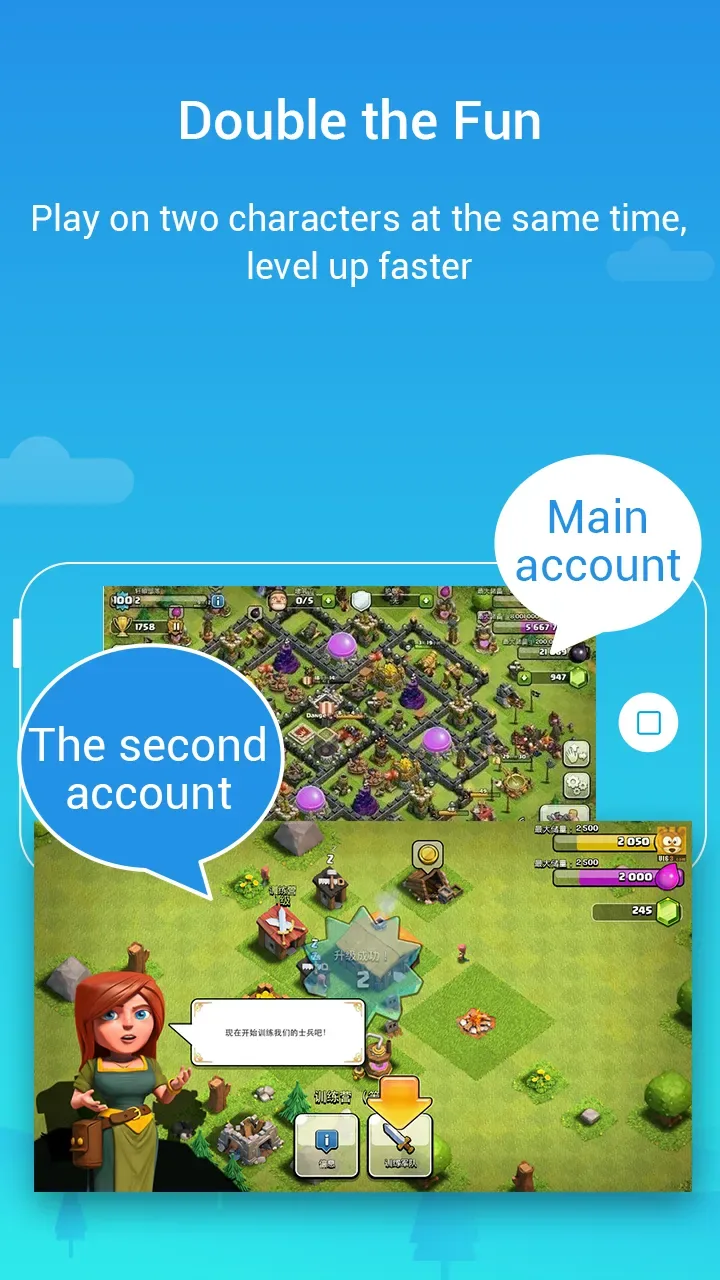
It allows you to manage two different user accounts for any app installed on your Android device. In short, you can create two different accounts for any app, such as Facebook, Instagram, Clash of the Clans, Candy Crush Saga, and more.
Parallel Space is much simpler than you might think. Simply put, it's an application that creates a completely independent, non-interfering virtual space on your device, allowing you to run other apps within it. This allows you to use the same app twice on the same device: once on your device and once in Parallel Space.
Another advantage of Parallel Space is its very small memory footprint, just over 2MB. Furthermore, the app doesn't require root access, so it can run on any Android device. However, Parallel Space requests a significant number of permissions as it needs to grant permissions to each app running on it.
User's Comments of Parallel Space
This app has been on my last 3 phones, so MANY years. I left a review years ago with old email, wanted to update review after using for so long and on a new phone. The app does as described makes you able to be logged in on FB for example with two different accounts at same time and is easy to use. BUT ads now that it's so popular are very annoying and hard to close besides that still the best app for cloning n my book.
Hi, thank you for this amazing app. I really appreciate your hard work. I’m a paid user, and I bought Parallel Space mainly to create multiple clones of the Driver Anywhere app because I have several accounts for different companies. After the recent update of Driver Anywhere, the app now requires Background Location: “Allow all the time” to work. Since Parallel Space does not support Location permission – Allow all the time, the cloned versions no longer work for me. I hope in a future update
really useful if you need a fresh new start on games and apps! (except for some) really Versatile. I recommend using it, and maybe even use it to create a new account so your main game can log on to that account and, as I said, get a fresh start! But the downside is it might not work properly on your device, so watch out for that.
Summarize
Parallel Space Apk is an excellent tool for managing multiple accounts on the same device. It allows users to easily clone and run two different apps simultaneously, quickly switching between personal and work accounts without logging out or using separate phones.








