

Fake GPS Location is a convenient and practical mobile tool that allows users to change their current location and hide their real location with simple operations. Users simply enter the desired location and select from the results list to display the corresponding location, which can then be shared on other apps or platforms. The software boasts strong compatibility and can be installed and run without root access. For users who want to hide their real location, this is a must-have app.
Features of Fake GPS Location:
The app offers a user-friendly interface that simplifies the process of changing one's location. After installation, users need to access developer settings on their Android devices to activate the "Mock location" feature. This feature enables the app to modify GPS coordinates, making it possible for most applications to recognize the fake location instead of the user's actual coordinates. The straightforward setup process is complemented by a graphical tutorial within the app, guiding users through the necessary adjustments.
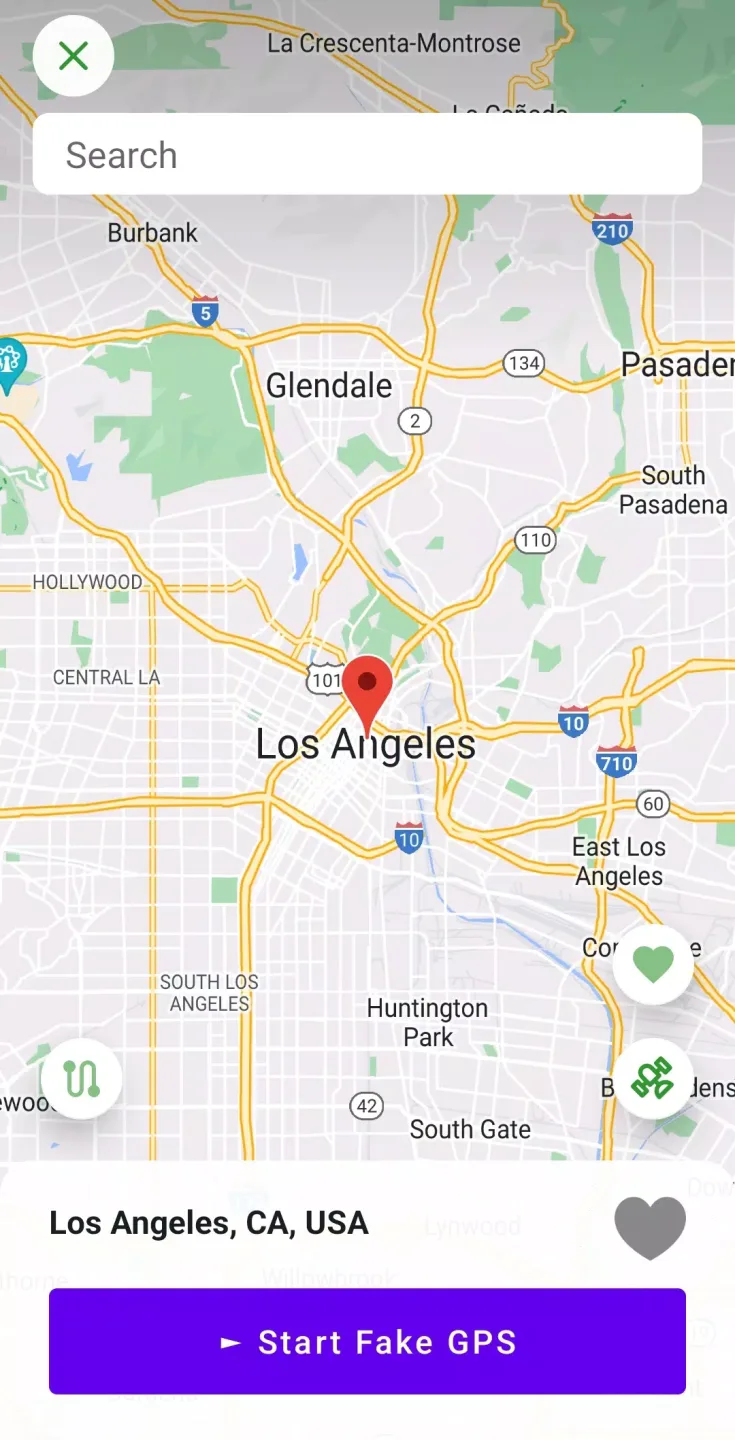
One of the primary functionalities of Fake GPS Location Professional is the ability to manually select a location on the map. Users can either enter a specific address or pinpoint a location directly on the map interface. Once the desired location is set, users can initiate the fake GPS by pressing the play button, which triggers the GPS receiver to display the new coordinates.
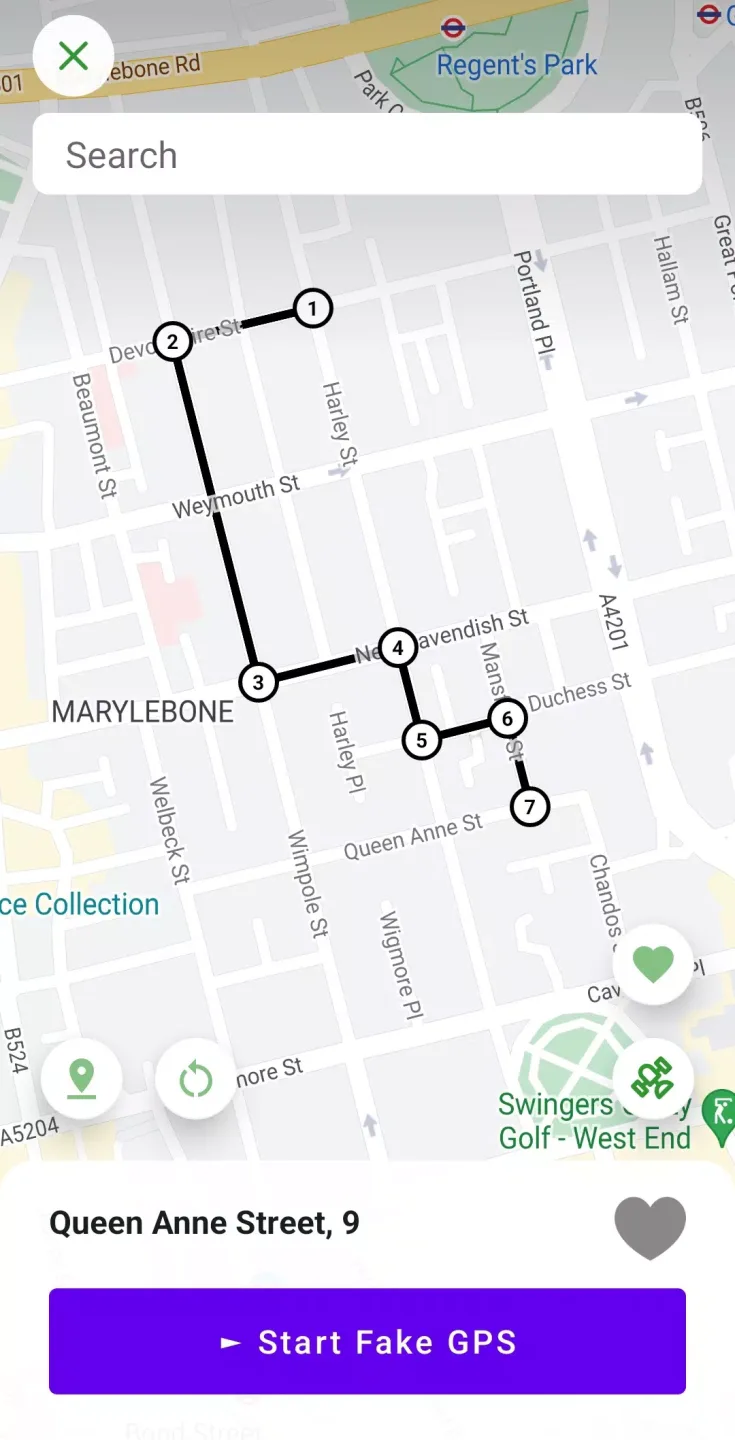
In addition to static location changes, the app includes a movement simulation feature. This allows users to simulate movement from one location to another, enhancing the realism of the fake GPS operation. Users can choose different modes of transportation, such as walking, driving, or flying, and adjust the speed of movement. This feature is particularly beneficial for applications or games that require users to "walk" around a virtual environment, providing a more immersive experience.
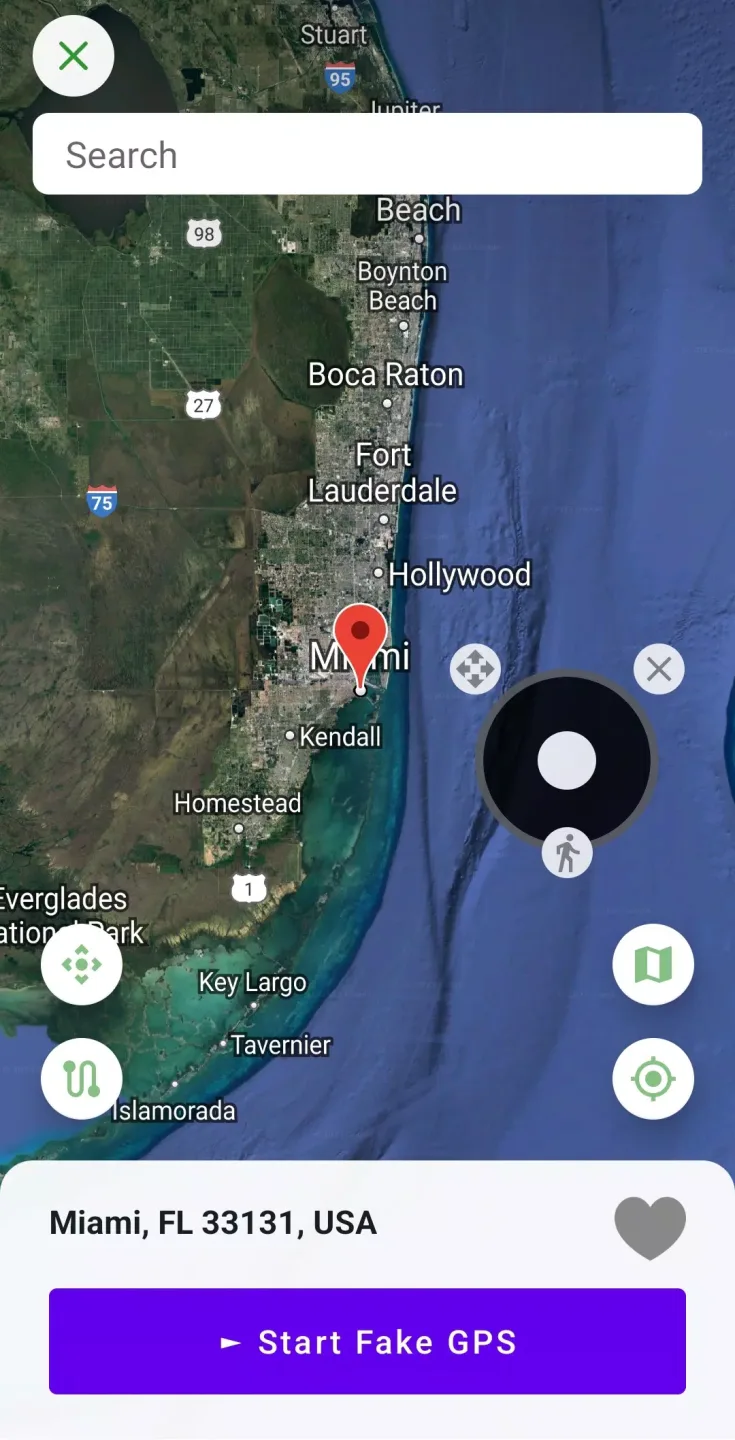
The app also supports a virtual joystick feature, which can be enabled in the settings. This joystick allows users to navigate in any direction and control their movement speed within the simulated environment. This adds a layer of interactivity to the experience, making it easier for users to move around their selected locations seamlessly.
For those interested in using the app for more than just location spoofing, Fake GPS Location Professional can serve various purposes. It may be used for testing applications that require location services, allowing developers to simulate user movements and verify functionality without needing to travel physically. This aspect of the app can be particularly useful for app developers and testers, as it saves time and resources while ensuring accurate testing.
Highlights of Fake GPS Location:
Simple Location Spoofing: Pick a spot on the map and set your phone’s location there in just a couple of taps. No need for complicated setups—just choose where you want to go (virtually) and you’re good.
Works with Other Apps: Any app that needs your location, from social networks to navigation tools, will think you’re right where you say you are. Super handy if you’re developing apps, testing features, or just curious about how things look elsewhere.
Tasker & Command-Line Support: For folks who love automation or tweaking under the hood, Fake GPS location works with Tasker and can even be started or stopped using command-line commands. Makes integrating with workflows or scripts a breeze.
Support for Rooted Devices: If your phone is rooted, you get even more options—set mock locations without toggling extra permissions. Advanced users can follow a few extra steps to make everything work smoothly.
Troubleshooting Tips Built In: Ran into your GPS sticking to a fake location? The app has some straightforward advice for fixing stubborn location locks—so you won’t be stuck “on vacation” forever.
Testing Focused: Lexa’s Fake GPS location is crafted mainly for testing and development, so you get straightforward tools without the clutter.
FAQs of Fake GPS Location:
But how does our position manipulator work?
Android devices are equipped with settings for developers. One of these settings is mocking GPS coordinates in order to test new applications. Our tool uses this feature and thanks to it most applications installed on your phone don't see your real coordinates but the fake ones, chosen by you.
What do you need to do to change GPS location?
Apart from installing our application you also have to do some adjustments in settings of your phone. Our application has graphic tutorial presenting what you have to do step by step. In brief you have to:
- If you have mobile phone with Android 4.2 (or above) version first you have to activate developer hidden menu.
- After that you have to find "Mock location" feature in developer settings and choose "Fake GPS Location PROFESSIONAL" from the list of available applications.
Now you can start our tool, mark new, virtual location on the map and press play button. It is ready!
Final Verdict:
To summarize, Fake GPS Location does what it's supposed to, and it does it relatively well. It's straightforward to use and offers some nice extra options like ISP spoofing, as well. That said, the aforementioned bug will give some users pause, despite a workaround. Now, if you don't mind that, it's still worth checking out. Just know there are other options out there.








