All PDF Reader is an excellent PDF document reader. This application boasts a user-friendly interface and integrates various viewing tools, providing users with a professional office application. With All PDF Reader, you can extract all PDF files from your device for convenient PDF document management. Through this software, you can easily search, view, read, rename, and share PDF files. Furthermore, this application offers a powerful feature: converting files to PDF format with just one button.
Click to load YouTube / 点击加载视频
YouTube ↗Features:
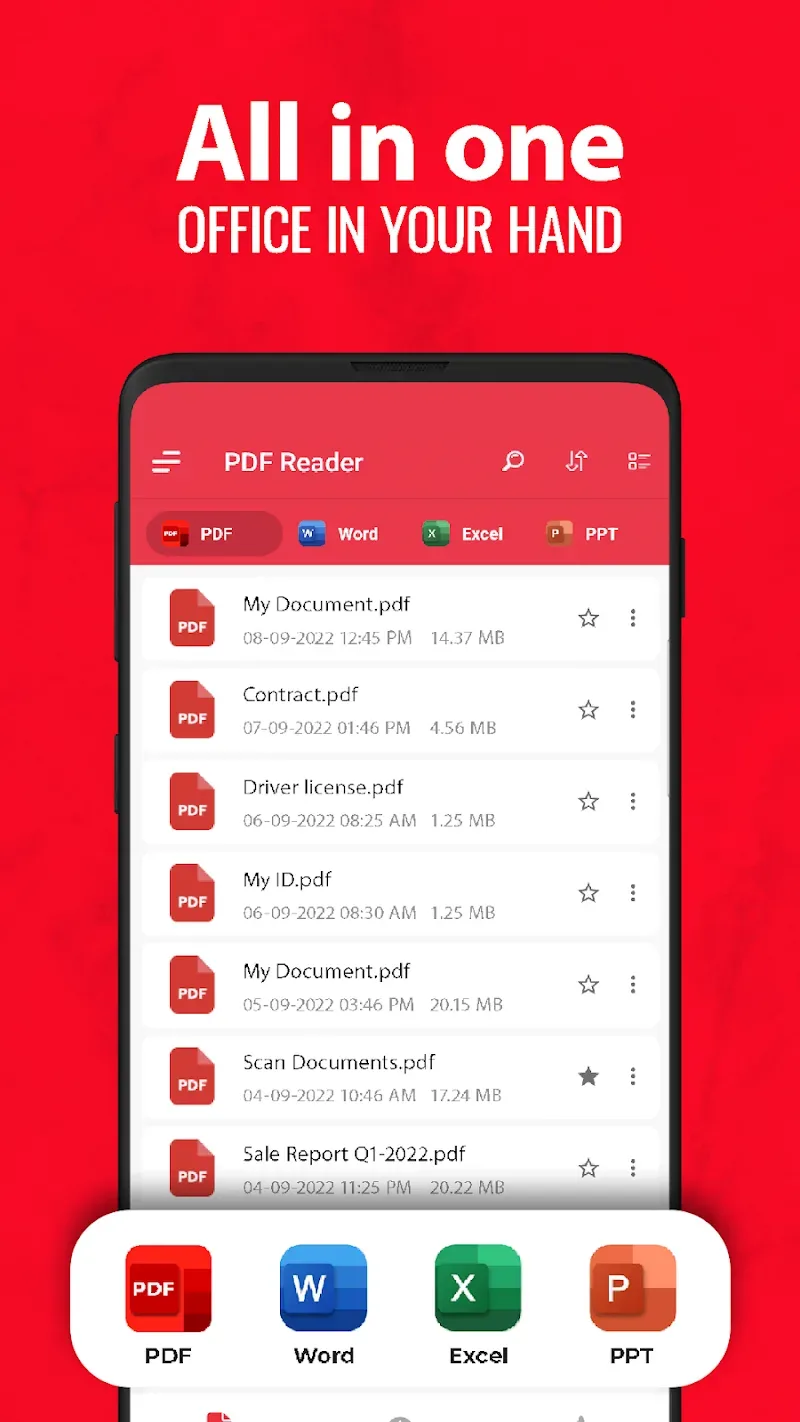
Support multiple formats: PDF, Word, Excel, PPT, TXT, XLSX, DOC, etc.
PDF editing: manage and edit PDF files with simple PDF editing tools.
PDF converter: convert your images into high-quality PDF files quickly.
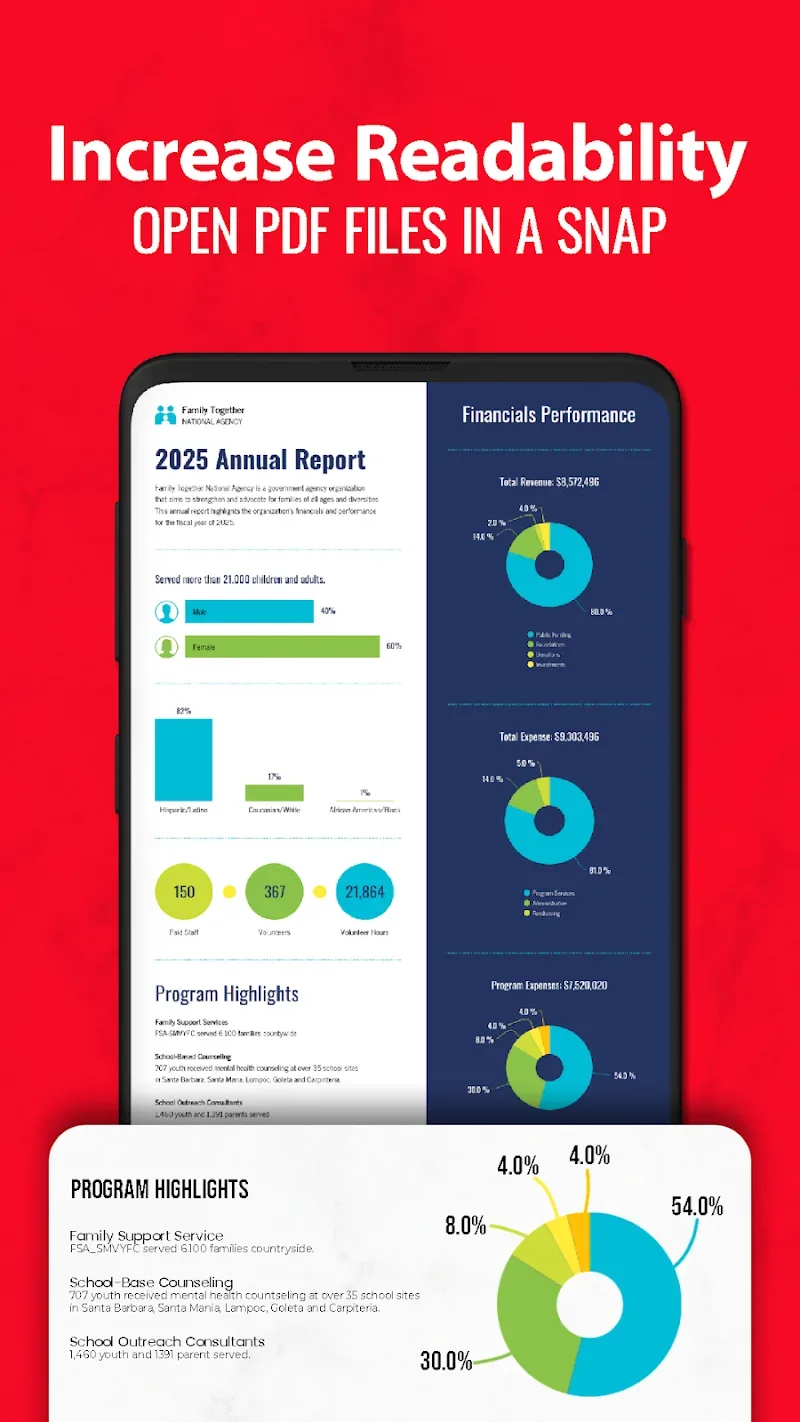
Thumbnail preview: jump directly to any page by clicking on thumbnails.
Centralized file management: manage files in one place, from internal & external storage.
Offline reading: free yourself from the Internet restriction.
Star your favorites: one-click bookmark needed files for easy access.
User-friendly interface: easily find all the functions you want.
Benefits:
Swift File Loading: The application can quickly download PDF files to your device. The speed of downloading these PDFs to your device is no less fast than when you download them on your computer.
Flexible Display Options: The application also offers a variety of different display styles for your phone, so you have more options for displaying and viewing PDF files. You can choose the most suitable styles to view PDF files more easily and conveniently right on your phone.
Effortless Document Navigation: The application has an extremely fast navigation system. You can use this system to mark, coordinate, or quickly move pages so that you can work most conveniently on your phone.
Image PDF Scanner: The application gives you an extremely sharp camera. You can use this camera to scan text or images right on your phone. With this feature, you can scan the content you want directly without having to take pictures or upload photos.
PDF Image Export: You can also quickly convert PDF files to JPG files. The application also allows you to annotate those files so that you can take notes on important parts of your work without having to print them out and annotate them by hand, saving you a lot of time.
Multi-Image PDF Creator: The application also has extremely professional support tools to help you create and add images to a PDF file. With these support tools, you can completely create a PDF file right on your phone without having to use your personal computer.
Changelog:
Manage PDFs at one place
View & read unlimited PDF files
Improved application performance
Conclusion:
In addition to its PDF reading capabilities, the app acts as an all-in-one office tool, providing a PDF reader, Word reader, Excel viewer, and PowerPoint viewer, all accessible offline. Users can organize and search for documents effortlessly. The app also allows for easy sharing, deleting, and rotating of files. It comes with a range of new PDF editing tools, such as image and text to PDF converters, PDF locking, e-signatures, PDF splitting and merging, and more. This feature-rich app is an excellent choice for managing and reading all types of office documents on Android devices.