

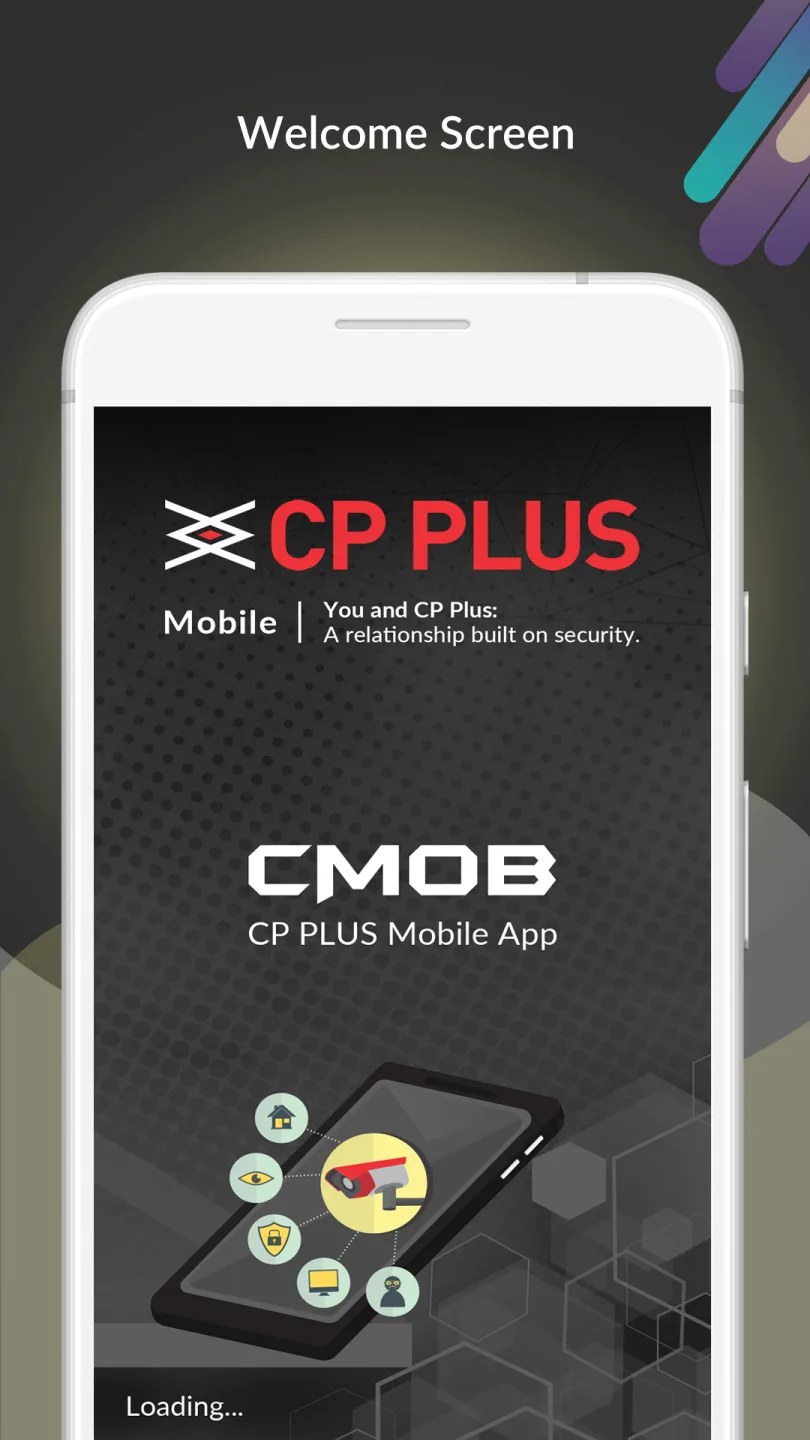
gCMOB is an excellent real-time monitoring application. With its user-friendly interface and powerful features, it provides a superior user experience. gCMOB allows you to remotely monitor and access various security devices, easily enhancing your monitoring experience. Users can view and manage surveillance videos from various cameras or video doorbells, facilitating the viewing and management of the entire monitoring system. Furthermore, this application offers real-time browsing capabilities, allowing you to view video playback while simultaneously viewing live images.
Click to load YouTube / 点击加载视频
YouTube ↗Features for gCMOB:
Easy GUI to control
Support flexible Live Preview split up to 16.
Supports InstaOn-Instant Cloud viewing for CP Plus DVR/NVR & IP Cameras.
Support scanning QR code to add device.
Support real-time playback when live preview.
Support 4 channel Playback
Support quick starting live preview via InstaOn.
Supports sliding feature to view next set of cameras
Supports digital zoom in live videos.
Support Push Notification.
Support PTZ controls
Remote Configuration of Device
Switch to Main or Extra/Sub Stream in one click.
Supports Two Way Talk.
Create, Edit and View your Favorite cameras.
Basic health monitoring like HDD status, device online/offline status etc.
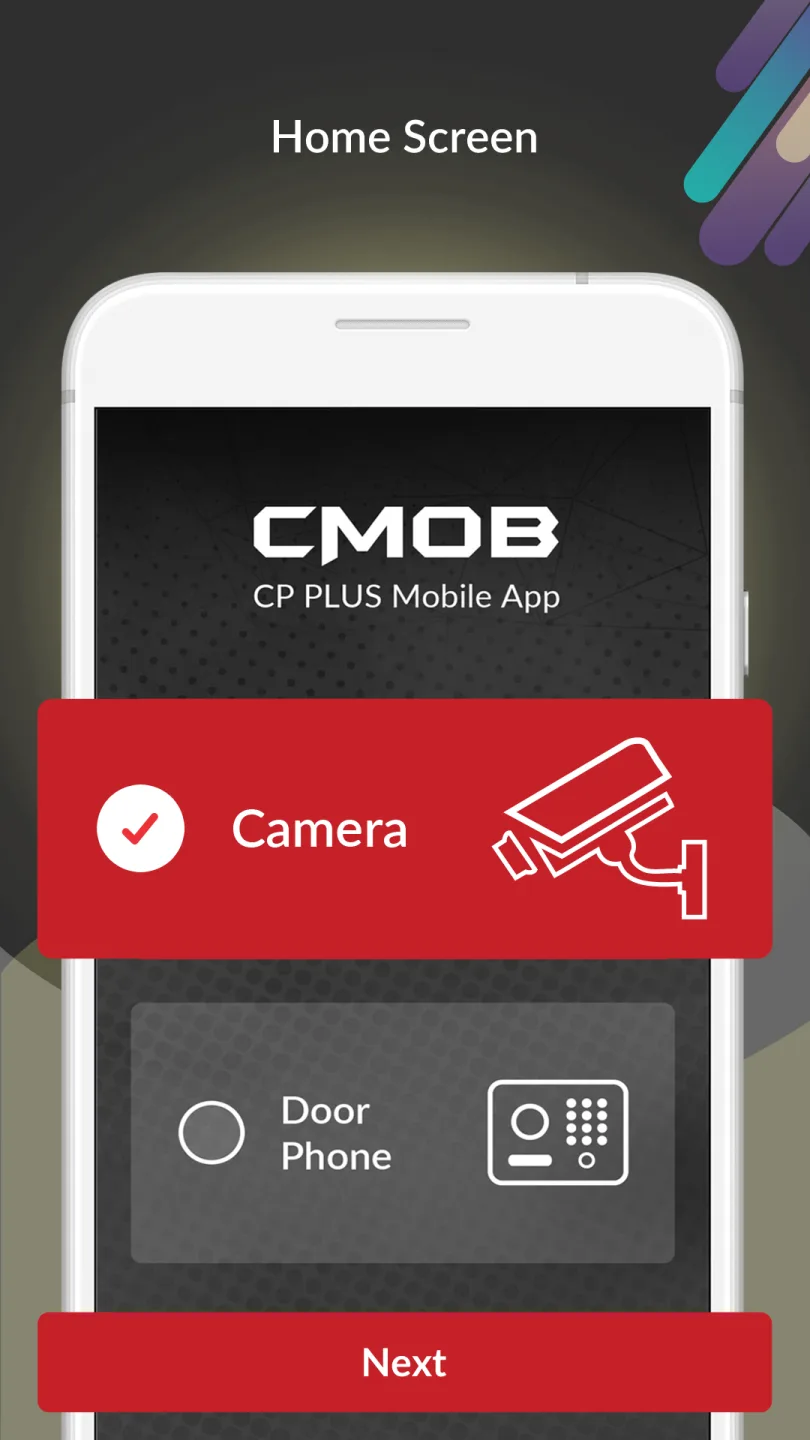
Support Video Door Phone feature
Support Creating Device Card.
Support PIP (Picture in Picture)
Highlights for gCMOB:
gCMOB is an Android mobile app but it can also be used on a computer. One advantage is that you'll have a larger interface to track what's going on in the environment from a distance. You'll need to download and install an Android emulator like Bluestacks or Nox to get started. As a result, you'll be able to get the best out of your computer's apps. The video feed appears after the program immediately after the program is launched.
The framework defaults to the device manager dashboard. You'll be taken to the following tab after clicking the Add button. Enter the system name, IP address, port, user name, and password — among other details. You can leave the channel number alone or change it to the actual channel number. In the following operations, such as display, replay, and setup, the value here will automatically refresh. When you click Save, the system returns to the app’s home page.
To delete a channel, press the red button on the corresponding screen. Pick the device and then go to the Edit tab to update the device name, IP address, port, user name, password, and other settings. Other features are included in the app are: watch the feed, chat using the two-way microphone, and snap footage. The app displays a device list from which you can choose which channel to play. Another choice is to drag one or more channels from the list to the desired window to play them.
Changelog:
- WhatsApp support added for quick assistance.
- Expanded device compatibility for a wider range of DVRs, NVRs, and IP cameras
- Improved overall performance for smoother live view and playback.
Conclusion:
The app continues to evolve, addressing user feedback and incorporating new functionalities to improve overall performance. As security needs grow and change, gCMOB remains committed to providing users with the tools necessary for effective monitoring and control of their surveillance systems.








