

Android System WebView is a unique system application. Powered by Chrome, it offers powerful functionality, allowing Android apps to display web page content. Normally, you don't need to open Android System WebView or perform any operations on it, as it's a system application that runs silently in the background. With Android System WebView, you can enhance the user experience by allowing users to browse the web within the app in a secure way without leaving the current application and opening another browser window.
Highlights:
Allows users to view webpages within the app.
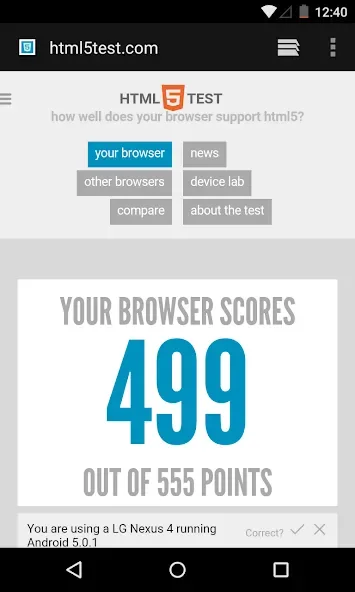
Supports HTML5, JavaScript and CSS3 rendering capabilities for displaying content in an Android application.
Automatically updates with the latest security patches from Google Play Store when available.
Offers support for Flash Player on specific devices running Jelly Bean or higher versions of Android OS.
Provides a safe browsing experience by blocking malicious websites and pop-ups automatically and allowing user control over which sites are allowed access via whitelisting/blacklisting options.

Features:
In-app web rendering
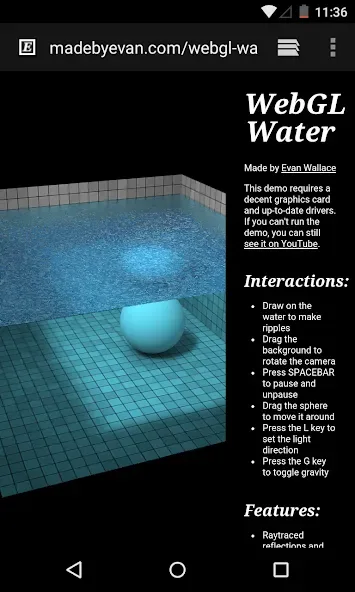
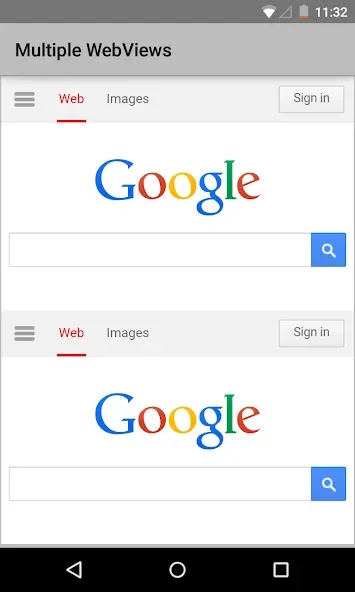
Android System WebView opens links and HTML content directly inside apps. Therefore, you can read articles, submit forms, and complete sign-in flows without switching to another app.
Essential system service
If you disable Android System WebView, many apps may freeze or crash when opening links, which disrupts everyday tasks.
Security-focused updates
Android System WebView receives ongoing security fixes that reduce exposure to common web threats.
Performance and stability
It delivers steady improvements to page loading, responsiveness, and crash handling. As a result, apps that rely on embedded web content feel faster and more reliable over time.
Consistent behavior across apps
The app follows the Android WebView API so developers can expect predictable behavior. This consistency helps your apps render pages, forms, and media the same way across different devices.
Smooth in-app experience
Android System WebView keeps you inside the current app when opening links. This avoids context switching and helps you finish tasks like reading, paying, or verifying codes more quickly.
Pros & Cons:
Pros:
Android System Webview is an in-built app that allows users to view web content within their mobile device.
It helps improve the performance of any third-party apps by using less memory and power and reducing data usage.
The app supports multiple languages to be used worldwide without language barriers.
A dedicated system for displaying web pages minimises security risks since malicious code cannot penetrate other parts of your phone’s operating system or its applications.
Users have more control over how they access websites with features such as zoom controls and text reflow, making reading easier on small screens.
Cons:
Android System Webview is unavailable on all devices, so some users may be unable to use the app.
It can take up a lot of storage space and affect device performance if it isn’t regularly updated or disabled when not in use.
The app has been known to cause issues with certain apps crashing unexpectedly due to compatibility problems between different operating system versions.
This application has also found some security vulnerabilities, potentially allowing malicious code into your device from untrusted sources online.
Conclusion:
Android System WebView is a particularly important system app for devices running Android 7 Nougat or lower. On newer devices with Android 8 or higher, it's not necessary to have this app, and although it's still updated, it's usually disabled by default to avoid interference with Google Chrome.








