

Auto Click – Automatic Clicker is an outstanding automatic clicker utility that helps users simplify tedious and repetitive tasks and quickly achieve their work goals. Auto Click – Automatic Clicker presents a user-friendly and powerful application for automating repetitive tasks, offering features such as delayed start, synchronous clicks, and multi-touch clicks. Auto Click – Automatic Clicker provides excellent solutions for activities like automatically liking, playing games, and completing swipe tasks, meeting your flexible task clicking needs.
Wonderful Features of Auto Click – Automatic Clicker
Delayed Start
Need quick touches but can't use your phone? Whether it's a saved configuration or a new one, you can choose the start time for quick touches.
Synchronous Click Mode
Is one click not enough to complete the task? If you need to quickly click multiple targets simultaneously, you can choose synchronous click mode.
Multi-Touch Click Mode
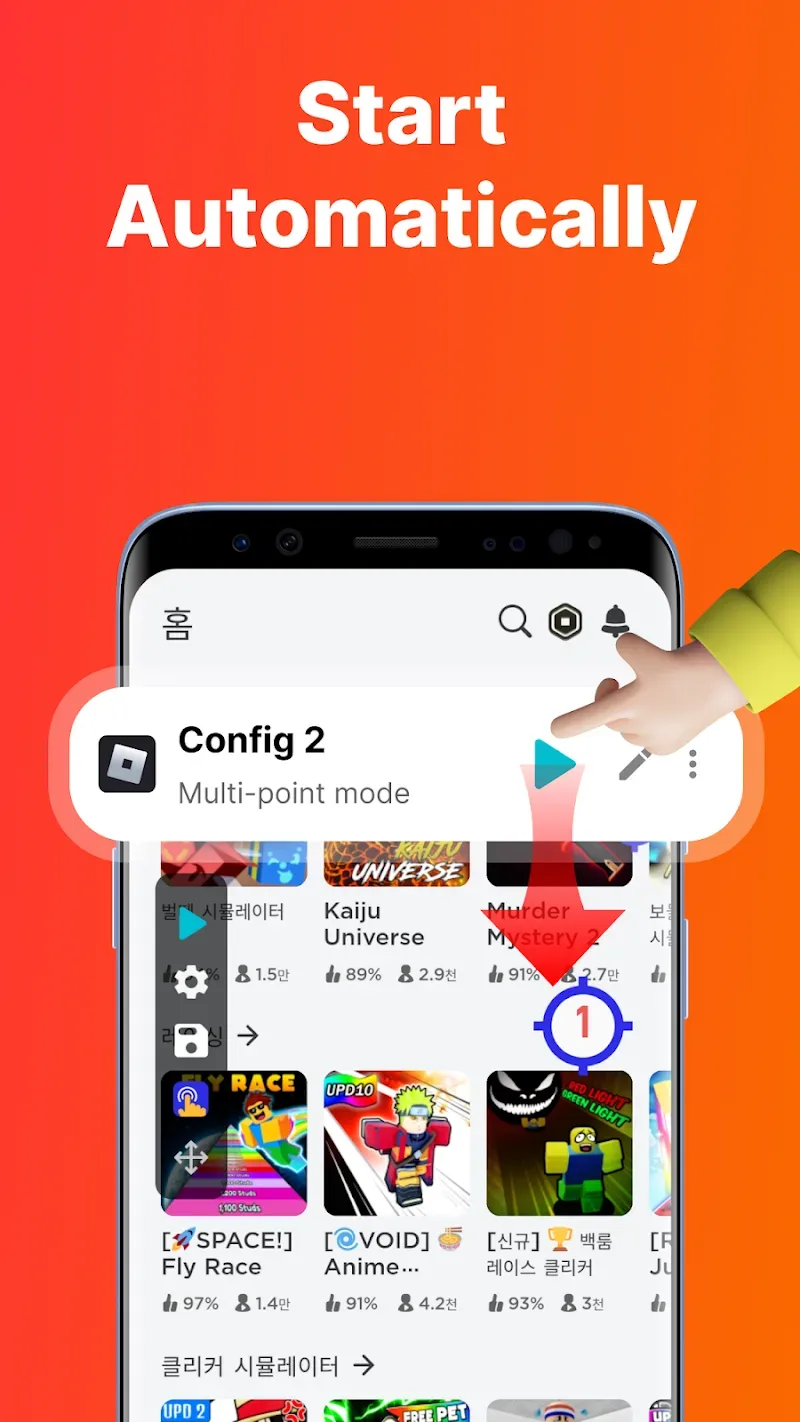
Multi-touch mode supports continuous clicks on multiple target points. Specifically, you can set the first target point to loop 10 times, then automatically play the second target point. The loop count for each target point can be set individually.
Combined Click Mode
Combined click mode supports simultaneous tap, swipe, and long press operations. When playing games with a mobile auto-clicker app, you not only need to automatically tap certain points on the screen, but also automatically swipe and long press to assist in performing other operations.
Edge Click Mode
Use our clicker when you need to tap the edges of your phone screen with a single click. Because edge click mode allows you to easily tap the top, bottom, left, and right edges of your phone screen, you can tap areas that other clickers don't support.
Amazing Characteristics of Auto Click – Automatic Clicker
App Auto-Launch
If you frequently use an auto-clicker in apps and find it cumbersome to open the clicker every time, the auto-launch feature will be helpful. The first time you launch the auto-clicker, you simply select the app to launch and the click mode. The settings will automatically appear when you launch the app, so you don't need to reactivate the auto-clicker the next time you tap the screen.
Game Anti-Detection
Are you worried about being detected using an auto-clicker in games? You can use the anti-detection feature to solve this problem. You can set click events to occur at random intervals within a random coordinate range.
Import and Export Saved Configurations
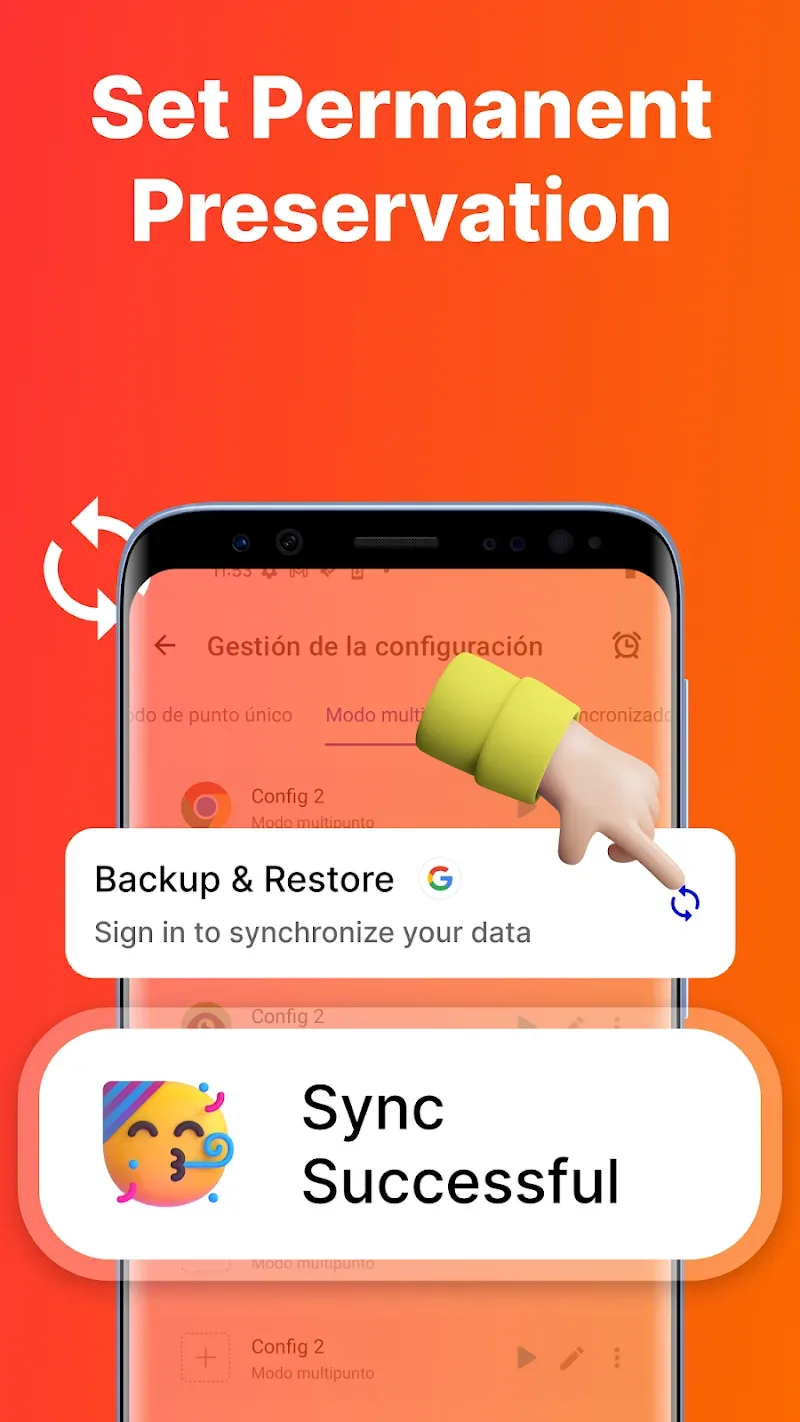
What if you have too many configuration items and don't want to reset them? Our auto-clicker supports one-click import and export of saved configuration items.
Change the Skin of the Click Target
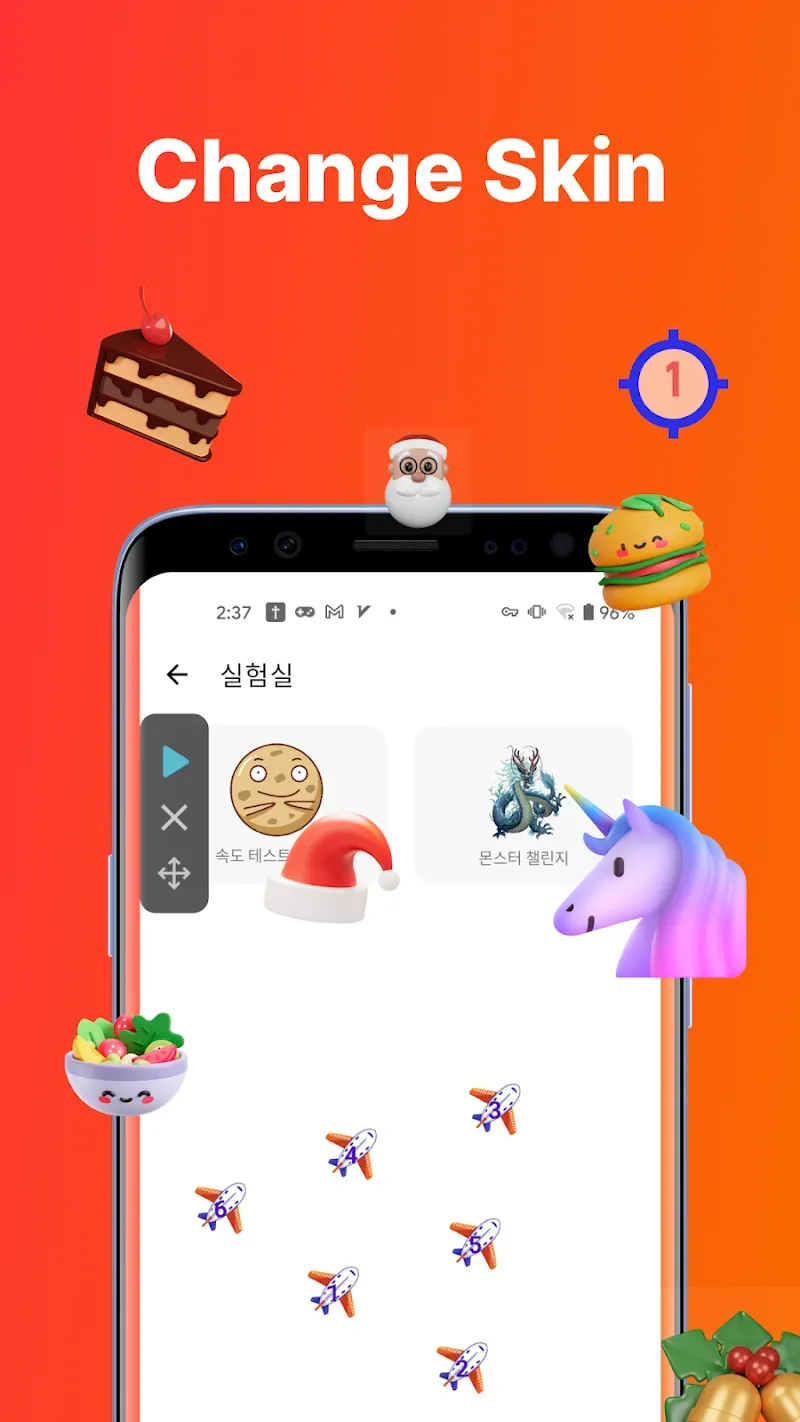
We offer a variety of click icon styles for you to choose from. Personalized click icons can add fun to the tedious recording process.
Adjust the Transparency of Floating Controls
Our auto-clicker supports the transparency effect of floating controls, making it easy to double-click to set them without interfering with your other operations.
Frequently Asked Questions of Auto Click – Automatic Clicker
Why use the AccessibilityService API?
This application uses the AccessibilityService API to implement core functions such as auto-clicking, swiping, synchronized clicking, and long-pressing.
Do We Collect Personal Data?
We do not collect any personal information through the AccessibilityService API interface.
Fantastic Characteristics of Auto Click – Automatic Clicker
This app is your secret weapon, allowing you to repeatedly click wherever you want, and best of all, it doesn't require root privileges! With the auto-clicker, everything is under control.
Activate the floating control panel to start and stop the auto-clicking function at any time. Like having your own personal assistant, it will do the tapping for you, while you simply relax and enjoy the results
Auto-Clicker revolutionizes the clicker game experience. Say goodbye to finger pain from endless clicking and let this app do the work for you. Whether you're aiming for high scores or completing tasks at unprecedented speed, Auto-Clicker can give you a helping hand.
User's Comments of Auto Click – Automatic Clicker
It's perfect, just 1 problem. . There are a variety of different modes to choose and the functions are very good indeed. You can customize the rate of how fast the rate of clicks can be between time and how long a singular click can take. It can be used to click extremely rapidly or as a timer to automatically click every period of set time. The only issue that it will sometimes deactivate itself somehow and won't allow the app to work. uninstalling and installing is needed when that occurs.
This is the perfect auto clicker. Only one major bug: when I watched an ad for 12 hour VIP access, I used the feature where you can have the auto clicker automatically open on specified apps and when my 12 hour access ended it didn't deactivate and doesn't let me disable it. If I try and disable it, it just tells me to buy VIP for the feature. Overall, its a great app and keep up the good work. (Also the UI is amazing)
I DEFINITELY recommend this I have a game where you click And this helps a lot with AFK clicking. No ads because half the time you're doing something off the app with it activated... Definition of AFK EZ Clicker
Final Words
Auto-click is the ultimate tool to take your clicker game experience to the next level! Get ready to automate your clicks and easily conquer any game or mission!








