
SnapTick is a user-friendly video downloader. Simply copy video links from different video platforms and paste them into the software to download videos to your device, meeting various user needs. The software boasts extremely fast download speeds, and users can choose the resolution and save video files within the software, providing the best user experience. It also supports sharing, allowing you to share your favorite videos with friends or on other social media platforms and earn their likes.
Features of SnapTick:
View All The Content: No matter which country you belong to, with just a simple tap, you can explore videos and content uploaded for specific countries, too.
Download Videos: Apart from browsing the videos, SnapTik also allows you to download videos. You don’t need to have any other third-party app installed.
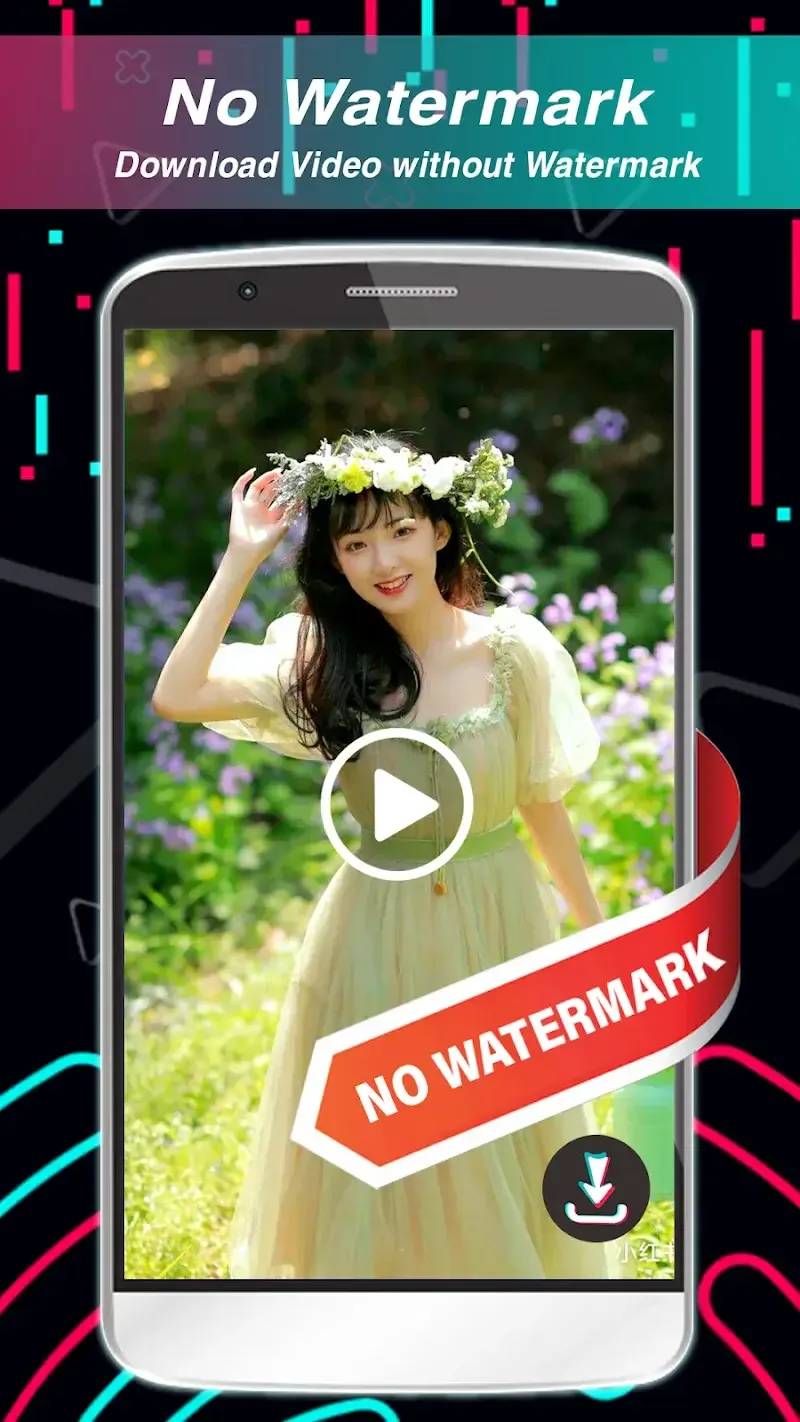
Remove Watermark: Downloading videos off TikTok using any other app will show you a TikTok watermark, but with the SnapTik, you will get a clean video without any watermark.
Easy to Use: The interface is neatly designed without any clutter. This is to make sure anyone can use the app and easily download the videos and browse through the uploaded content.
One Tap Download: Downloading videos has become easier and simpler. If you have found a video you like, simply tap the menu button and select the save to gallery option.
Upload Your Own: You can even upload your own personalized content to the platform directly using the SnapTik app. You can select background music or track and start recording.
Block Advertisements: The app even blocks all advertisements, automatically enhancing usability and experience. Letting you enjoy videos without interruption.
Highlights of SnapTick:
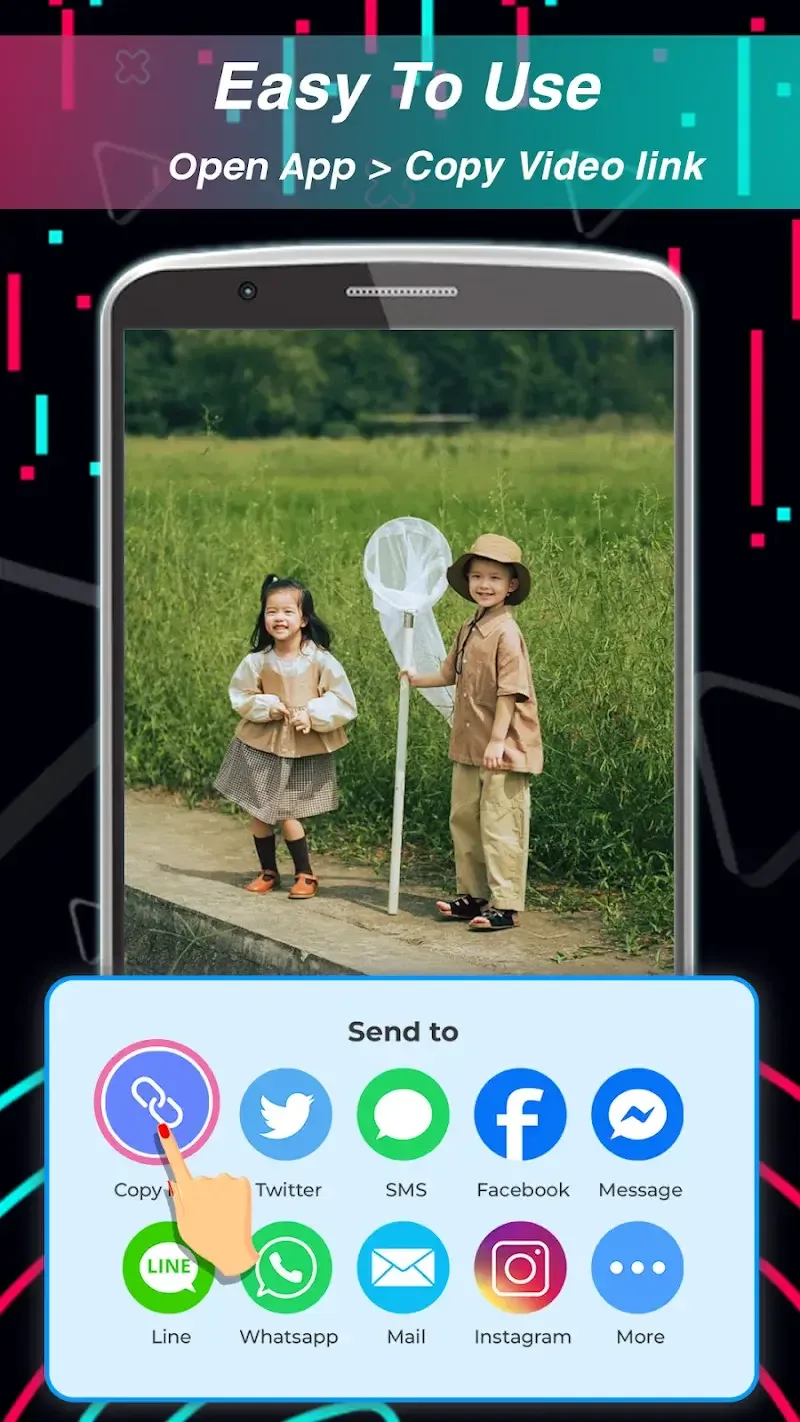
Two Simple Methods to Download Videos: The developers at SnapTik have devised two straightforward techniques for users to download videos. The first method entails opening the TikTok app, selecting “Copy Link” for the preferred video, then opening SnapTik and watching the magic happen. Downloads start near-instantaneously.The second technique operates similarly and entails tapping “Share” in TikTok instead of “Copy Link.” Users then select SnapTik from the share options. Just like that, the download process initiates. Regardless of the method, the end result is the same – a downloaded video ready for offline viewing pleasure.
Upholding Copyright Integrity: While providing exceptional downloading capabilities, SnapTik remains conscientious regarding intellectual property rights. The app advises users to refrain from downloading or sharing copyrighted videos without obtaining permission. This ethical approach ensures SnapTik retains credibility by respecting content creators’ ownership.Notably, SnapTik itself has no affiliation with TikTok or its parent companies. The accountability regarding copyrights lies with individual users of this third-party app. By highlighting this disclaimer, SnapTik thoughtfully champions creative rights.
Bringing More Joy and Convenience: Since launching, SnapTik has fulfilled its purpose as a hassle-free TikTok downloading assistant. It saves users the headache of removing watermarks, downloading videos individually, and occupying storage with an extra app.By packing an excellent user experience into a tiny 3MB package, SnapTik secures its place as a must-have tool. It allows enjoying a expanding collection of funny video clips, viral sensations, and more with ultimate convenience.For those seeking a streamlined way to download TikTok videos, SnapTik confidently fills that role. It makes capturing meme-worthy moments, witty jokes, or curious life hacks just a couple taps away. The app’s efficiency exceeds expectations, while respecting creative ownership.

How to Use SnapTik:
Using SnapTik Mod APK is straightforward, even for those who are not tech-savvy. Here is a step-by-step guide to downloading TikTok videos with the app:
Find the TikTok Video: Open the TikTok app or website and locate the video you want to download. Alternatively, use the trending tab within SnapTik Mod APK to discover popular videos.
Copy the Video Link: Tap the Share button on the TikTok video and select Copy Link. You can also share the video directly to SnapTik Mod APK if the app is installed on your device.
Paste the Link in SnapTik: Open SnapTik Mod APK, paste the copied link into the search bar, and tap the Download button. The app will automatically detect the video and present download options.
Choose Download Options: Select whether you want to download the video without a watermark, with a watermark, or extract the audio. You can also save images from TikTok slideshows in JPG format.
Save the File: Once the download is complete, the file will be saved to your device’s default download folder or a custom folder you have set. You can access the downloaded content in the app’s library or your device’s file manager.
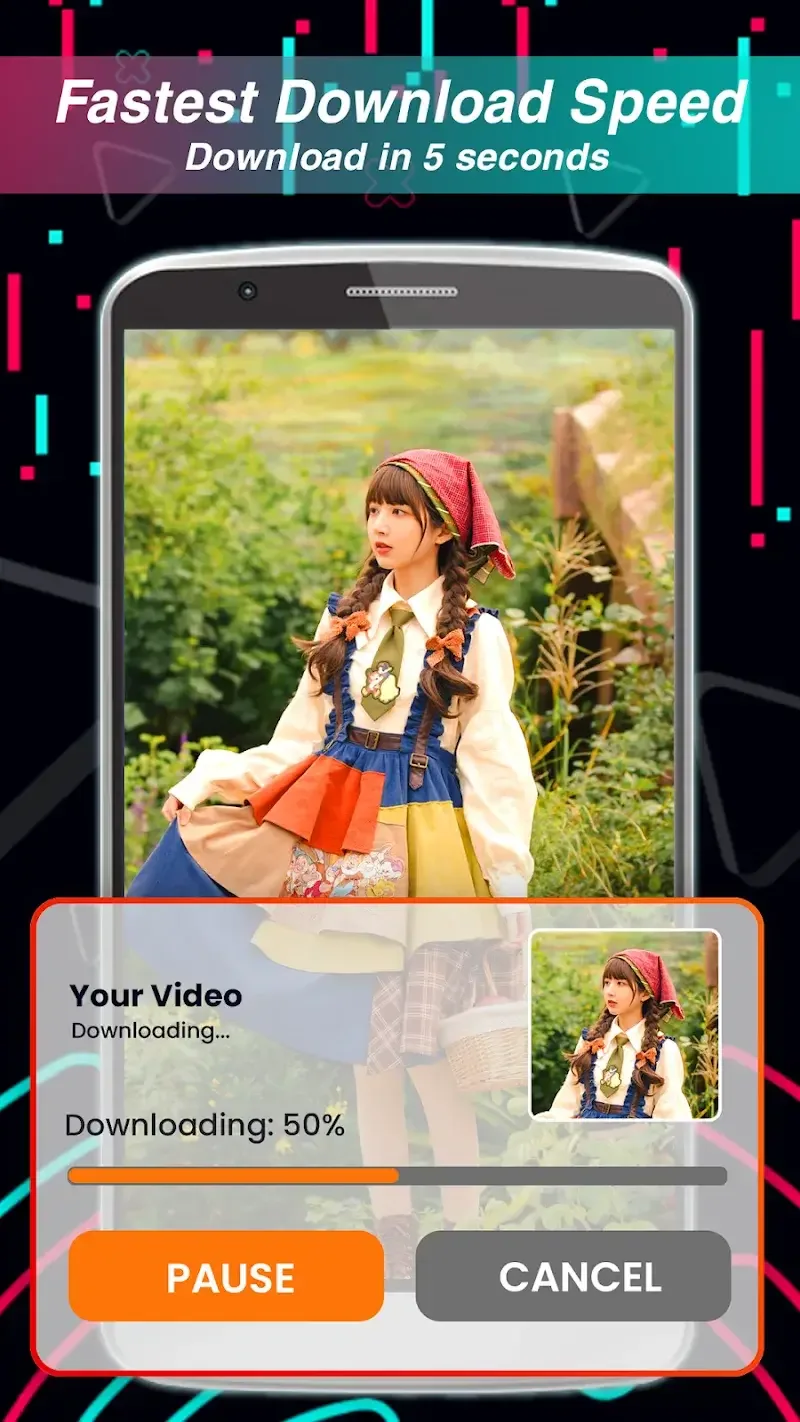
This simple process takes only a few seconds, and the app’s fast download speeds ensure that you can save videos quickly, even with a moderate internet connection.
FAQs of SnapTik:
Is Snaptik completely free to use?
Yes, Snaptik is 100% free to use with no hidden charges. You can download as many TikTok videos as you want without any limitations.
Do I need to create an account to use Snaptik?
No, Snaptik doesn't require any registration or account creation. Simply paste the TikTok URL and download your videos instantly.
Why should I download TikTok videos without watermark?
Downloading videos without watermark gives you cleaner content that's more versatile for personal collections, sharing on other platforms, or using in creative projects. It removes the distracting TikTok logo and username overlay.
What's the maximum video length Snaptik can download?
Snaptik supports downloading TikTok videos of any length, including the maximum 10-minute videos that TikTok currently allows.
Can I download TikTok slideshows with multiple images?
Yes! Snaptik fully supports TikTok slideshows. You can download the entire slideshow as a video or extract individual images in their original quality.
What video quality options are available?
Snaptik offers downloads in Full HD (1080p) and HD (720p) quality, allowing you to choose based on your needs for quality versus file size.
Summary:
One of the two important aspects of SnapTik is the Manage Downloads feature. Specifically, SnapTik will save all downloaded videos in one place according to the settings selected from the beginning of the user. And they will display as a video list in the application menu.With this display, you can freely move, group files or rename them as you like. Management operations are made as simple as managing files on a computer.In case you need to move video files to external storage or cloud storage, SnapTik also supports linking to these storages. Thanks to that, on any device you can comfortably review downloaded videos.








