
Virtual Android is a user-friendly application duplicate software designed to help users log in to different accounts of the same game simultaneously, thus meeting the needs of different users for work or gaming. After installation, the software provides users with an Android-based ROM, giving them a virtual Android system and enabling dual-app operation. The software is constantly being updated, with new features and optimizations to provide a more comfortable user experience.
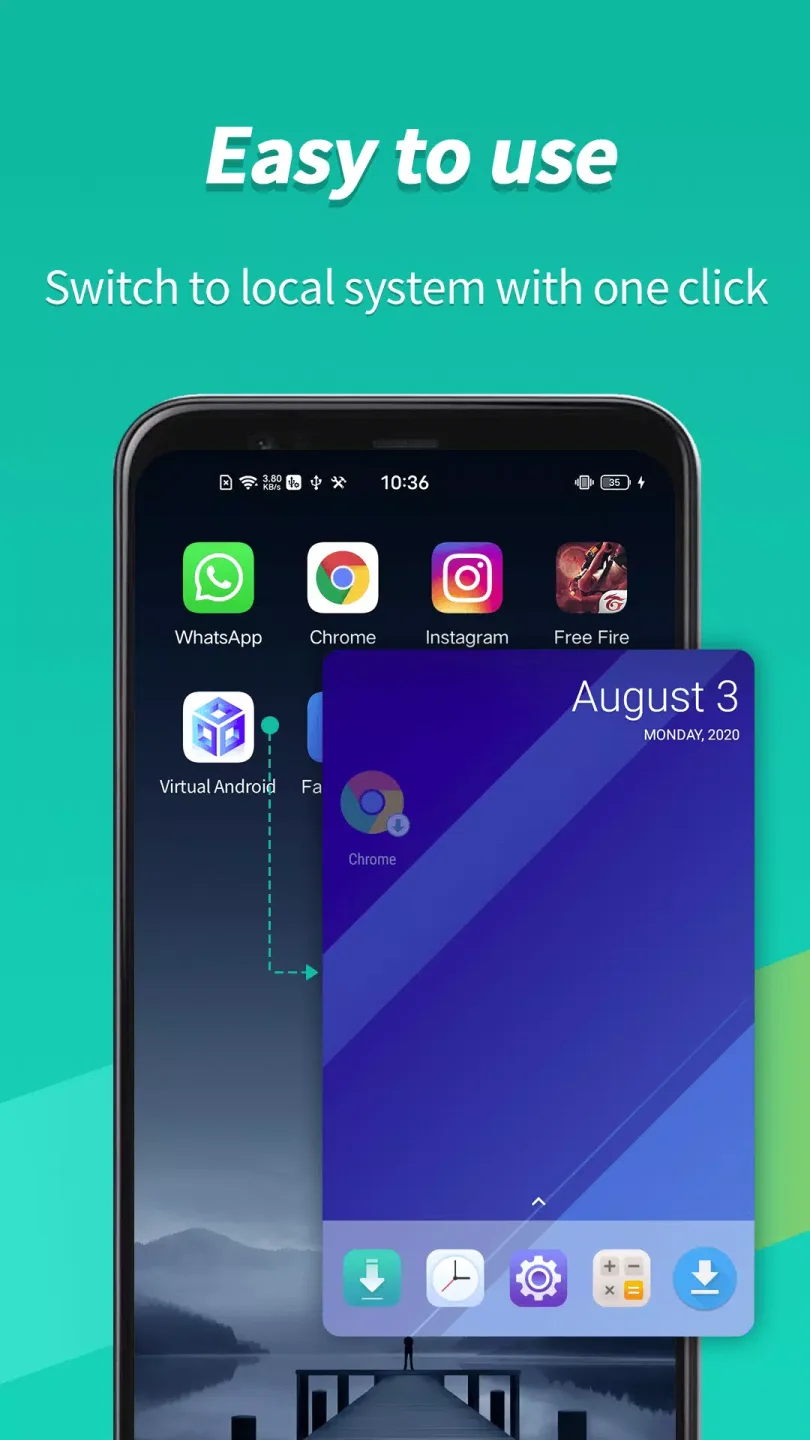
Features of Virtual Android:
This application offers a straightforward interface that allows users to download Virtual Android and set up a virtual operating system based on Android 7. By cloning apps, it permits the use of multiple accounts for instant messaging platforms, social media, and games. Users can enjoy experiences such as having dual WhatsApp accounts or multiple game profiles, all from a single device.
One of the essential features of Virtual Android is its ability to create a virtual partition on the device. This partition houses a separate copy of the Android operating system, enabling users to switch between the primary system and the virtual environment with a simple tap. This feature provides a seamless experience, allowing individuals to manage different accounts without the hassle of logging in and out.
The app is equipped with an independent virtual GPU, which is a critical element that enhances performance. Each instance of the cloned apps operates with its dedicated virtual GPU, ensuring that both performance and graphics remain high-quality. This capability is particularly advantageous for gamers, as it allows them to run multiple sessions of games like FreeFire without compromising on performance, even when other applications are running in the background.
Virtual Android also supports a vast library of applications. Users can access popular apps across various categories, including communication, social networking, and gaming. This broad compatibility means that individuals can easily enjoy their favorite apps without restrictions, making it a versatile tool for enhancing productivity and entertainment.
Security is another significant aspect of Virtual Android. The app allows users to maintain privacy by enabling them to use different accounts for various services without revealing personal information across platforms. This feature is particularly appealing to users who wish to separate their professional and personal lives while maintaining a degree of anonymity online.
Highlights of Virtual Android:
Easy, free-to-use Virtual Android Environment: Similar to a free cloud phone, but even more powerful! We support almost all social apps and games, meaning you can have dual WhatsApp, Sharechat, Snapchat, FreeFire, and many other apps with the push of a button. Sign in to different accounts on one device and switch between them with just one tap, receive messages and notifications from all of your signed-in accounts and bounce between them effortlessly.
Independent virtual GPU ensures multiple copies perform seamlessly: Virtual Android supports an independent virtual GPU. Why does this matter? It’s what sets us apart from other virtual and clone apps! Each copy of Android running on your device has a dedicated virtual GPU, meaning games and apps run flawlessly in the background. You can play two FreeFire matches simultaneously, and copies of the game running in the background won’t pay the price if you have an incoming call or other business to attend to on your device. Just like bringing the emulators such as Bluestacks and Nox to your phone. Enjoy premium graphics in your cloned apps that our competitors can’t beat!
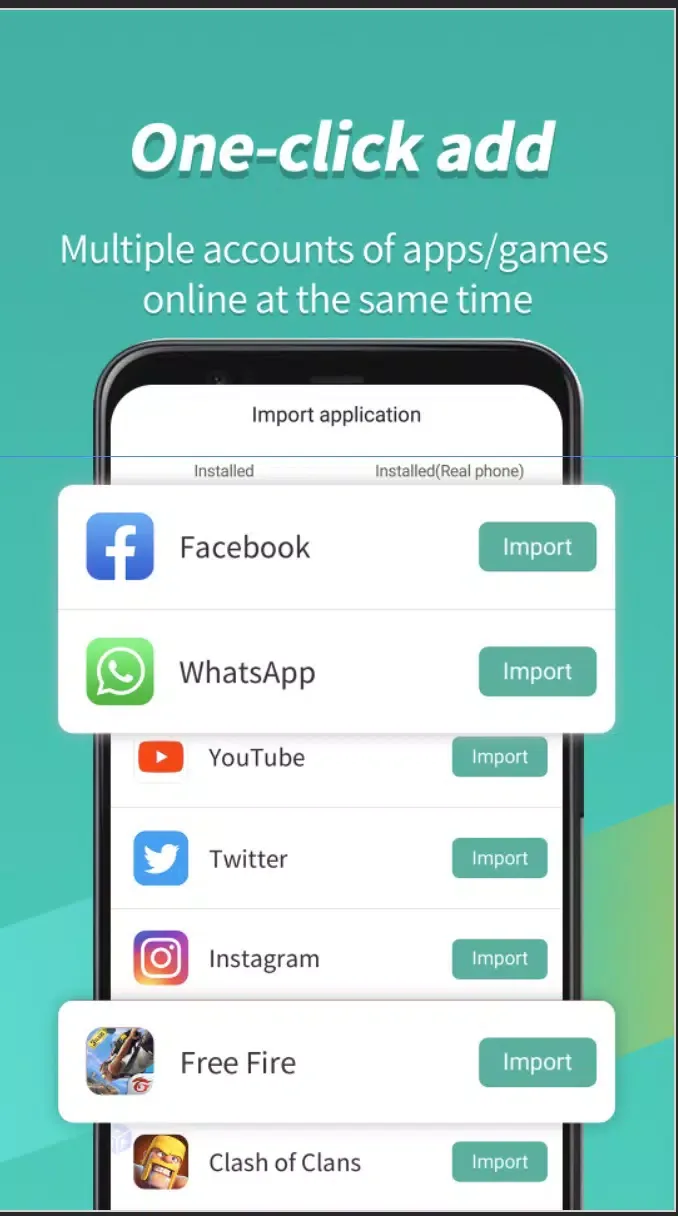
Enjoy multiple copies of an app online simultaneously: Games and Apps are cloned after being imported into Virtual Android, which means that you can run multiple accounts simultaneously on one device via our high speed virtual system. Use our virtual environment to your advantage and enjoy dual copies of your favorite instant messenger apps at the same time, or parallel copies of your favorite game to double your experience. We support it all!
FAQs of Virtual Android:
Can I use Virtual Android to run multiple accounts of the same app?
Yes, Virtual Android allows users to run multiple instances of the same app simultaneously by creating different profiles in the virtual environment.
Is Virtual Android safe to use?
Virtual Android is developed by Parallel Space Technology Inc., a reputable company known for its secure virtualization technology. However, users should always be cautious when using any third-party software.
Does Virtual Android support all Android apps?
Virtual Android is compatible with most Android apps, but there may be some limitations based on the device's specifications and the complexity of the app.
Can I transfer files between my main Android system and Virtual Android?
Yes, Virtual Android allows users to transfer files between the main system and the virtual environment through shared folders or cloud storage services.
Does Virtual Android consume a lot of device resources?
Virtual Android may require additional device resources like memory and storage to run efficiently, especially when running multiple apps simultaneously in the virtual environment.
Summary:
Having Virtual Android - Game Emulator Dual Space suite brings you truckloads of convenience specifically if you love to simultaneously run multiple games, apps, and accounts. Although, a humongous amount of free storage space is necessary for you to operate this utility on your mobile machines without bumping into any further complications. Nonetheless, it is a high-performing cloning tool that gives a unique virtual GPU.








