Word Office is a unique word processing application. Supporting a wide range of file formats, it's ideal for all your document viewing needs. With Word Office, you can easily manage and organize all your documents using a folder structure. You can access your documents anytime, anywhere, on any device, and always have access to the latest version. You can create new documents from scratch or edit existing ones. You can easily search for the files you need, and it presents all document formats in the best possible way.
Features:
Enjoy the convenience of tools in one place
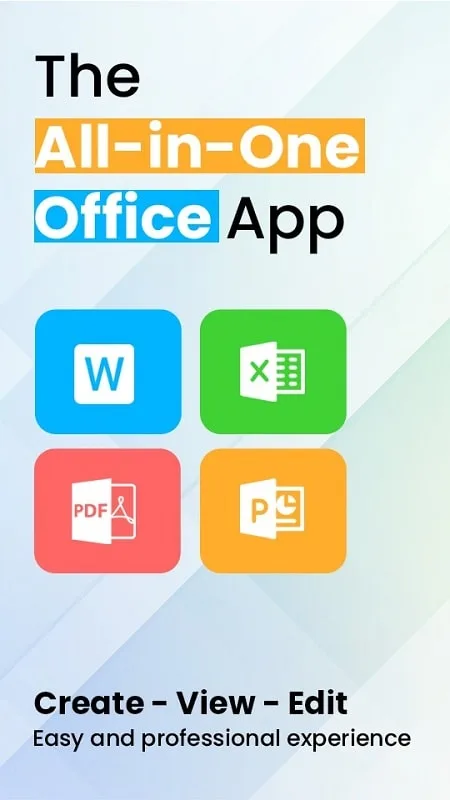
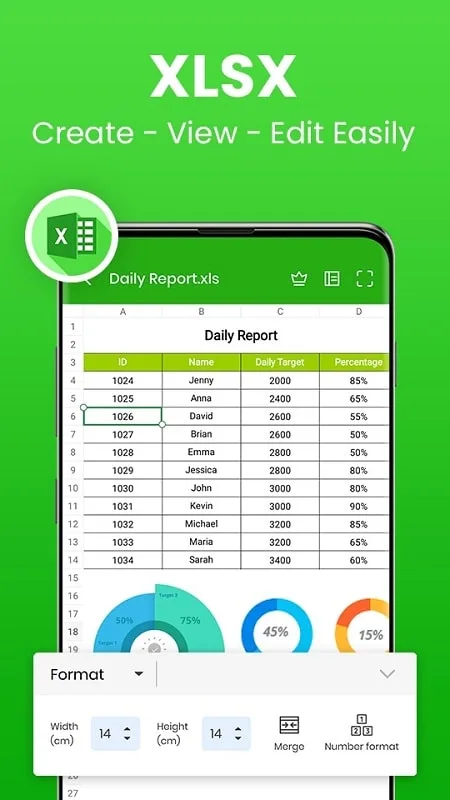
Word Office is a multifunctional tool designed for busy office workers who want to read, edit and create documents on their Android devices. A convenient application that helps users get the job done wherever they are and in all conditions of a network connection. It possesses outstanding capabilities when it can create, edit, store, and share text documents, spreadsheets, PDFs, and ppt formats easily and quickly. Importantly, Word Office is compatible with all types of documents, from .docx, word, xlsx, and txt to ppt, and you can convert them to PDF format with a single click. They are bringing impressive support to office tasks.
Provide a professional editor
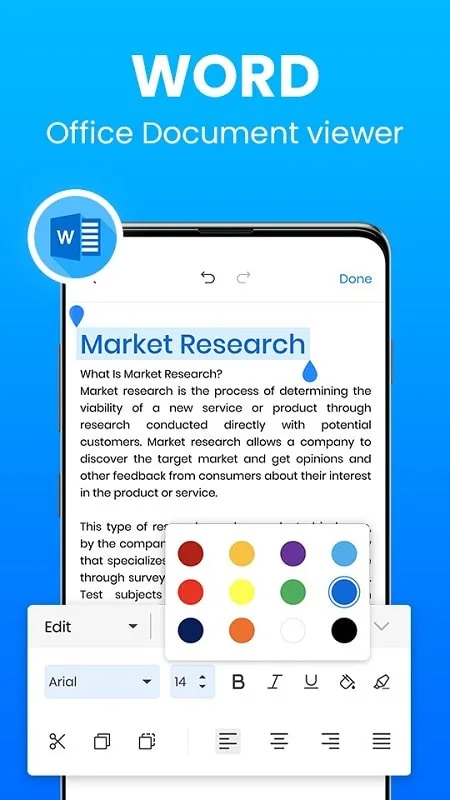
With this application on the device, users will have a powerful editor full of features and can use it typically, even without a network connection. It supports all document formats, bringing users all the features and tools needed for the user’s document reading and editing process. Word Office allows users to create, connect, and edit documents online with others using simple phone connections. Help group work to be quickly resolved without meeting face-to-face with team members. Importantly, this application is designed to support users in emergencies; even if they do not carry a computer, they can still conduct standard editing on their Android phone, ensuring that the work will not be interrupted.
Support to design documents on the phone
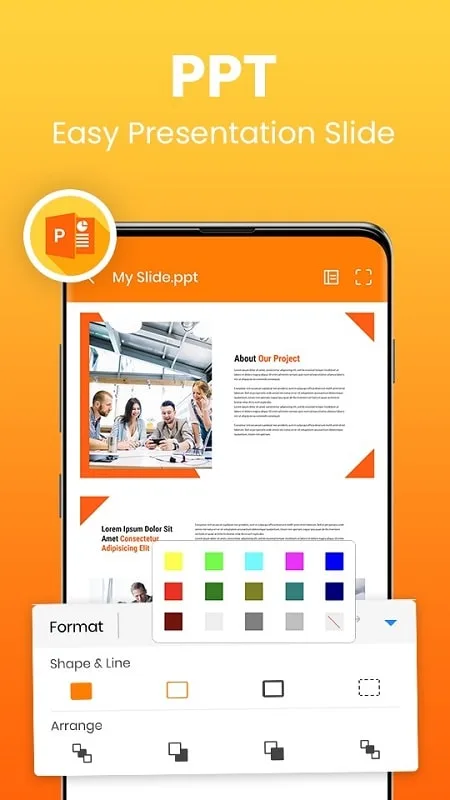
Users can use Word Office to create beautiful slides for their meeting presentations. It sounds hard to believe, but users can design a complete exposition with a mobile phone and this application. Importantly, if users do not know where to start, Word Office will meticulously guide everything from the most basic steps, and in the design process, users will receive full support. Because it can be used on the phone, the design process is easier and more convenient than ever. It will suggest to the user the beautiful images, designs, and data layout by the presentation’s theme. This helps users create great presentations, meet aesthetic needs, and convey important content.
Read and convert document formats
Word Office can help users open all documents in a single place, whether in PDF, Docx, or Excel format. Reading documents has never been easier with the appearance of this application, and users can completely edit those documents on their mobile devices without any obstacles. The intelligent data classification system will systematically and neatly rearrange all data users upload. It makes searching for documents much more time-saving and convenient. With just one click, all types of data can be converted to PDF format, and the user’s job is only to upload the documents they want to convert to Word Office; other operations will be applied. This is done automatically.
Benefits:
Offline Access: Open and read files anytime, even without an internet connection.
Organize with Word Office Doc Viewer: Search, sort, rename, and delete documents in seconds.
Dark Mode: Enjoy a comfortable reading experience in low light.
Share Instantly: Send files directly via email or messaging apps with one tap.
Full-Screen View: Read documents page-by-page, with smooth scrolling and zoom options.
File Compatibility: Supports all major Word formats, including DOC and DOCX.
Pros & Cons:
Pros
Clean formatting tools
Strong collaboration support
Broad file compatibility
Cons
Feature-heavy interface
Performance dips in large files
Conclusion:
Whether quick revisions or in-depth alterations to documents are needed, the capabilities are comprehensive. The slide document viewer feature is also available for presentations, ensuring one is well-prepared for the next meeting or pitch. Embrace a smart solution for document management with a single app that simplifies the viewing, editing, and sharing of documents while fitting snugly in your pocket.