Game Mode is a highly praised game performance enhancement tool that helps players achieve superior performance in games, allowing you to fully enjoy the pure fun of competitive gaming. Game Mode presents a powerful yet lightweight and convenient game optimization application for gamers. Players can enjoy flexible and rich customizable controls and settings, allowing you to adjust your gameplay mode to your needs. Game Mode provides players with an invaluable all-in-one centralized game management assistant, letting you enjoy the infinite fun of mobile gaming.
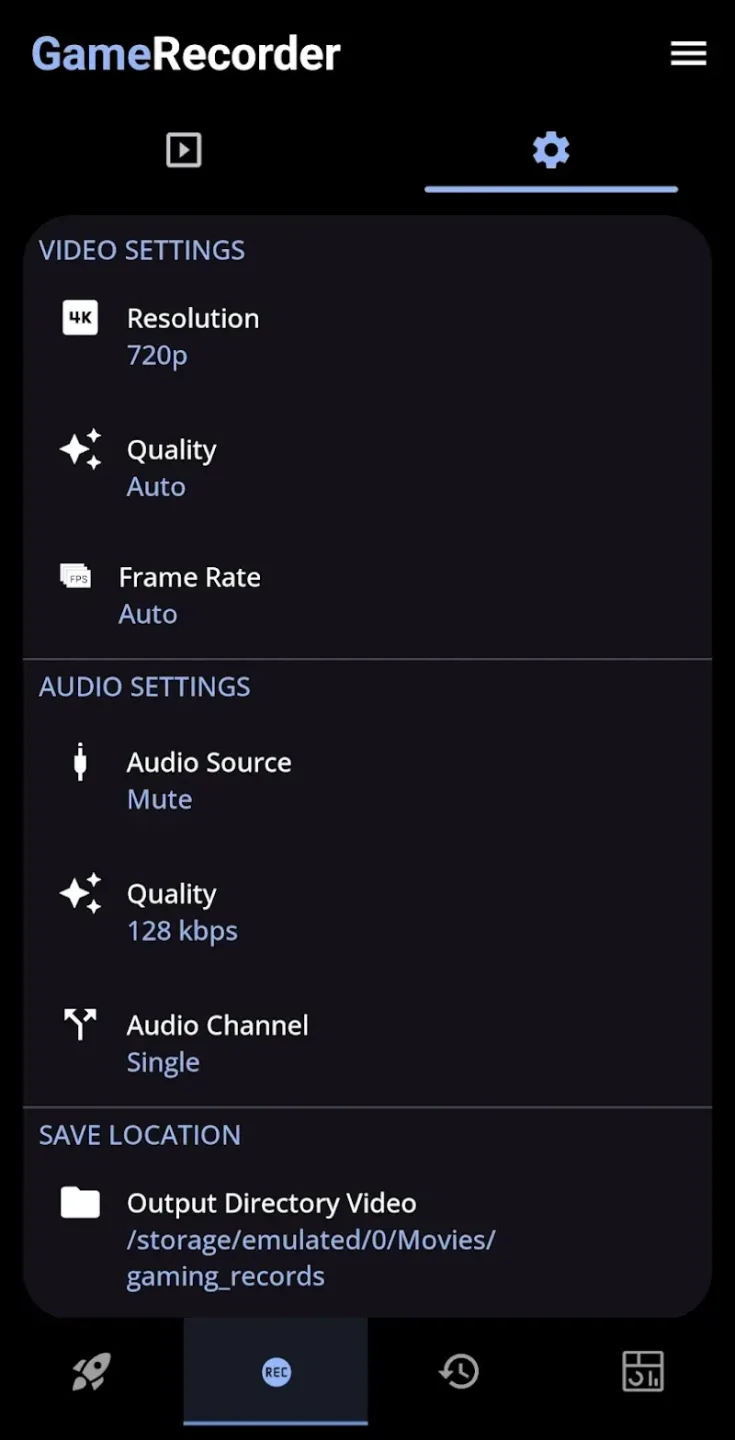
Excellent Highlights of Game Mode
Enhanced Game Tools: Players can significantly increase the volume to eliminate any distracting sounds during gameplay.
Optimized Network Speed: Furthermore, game network speed is significantly improved, ensuring a smooth and lag-free gaming experience.
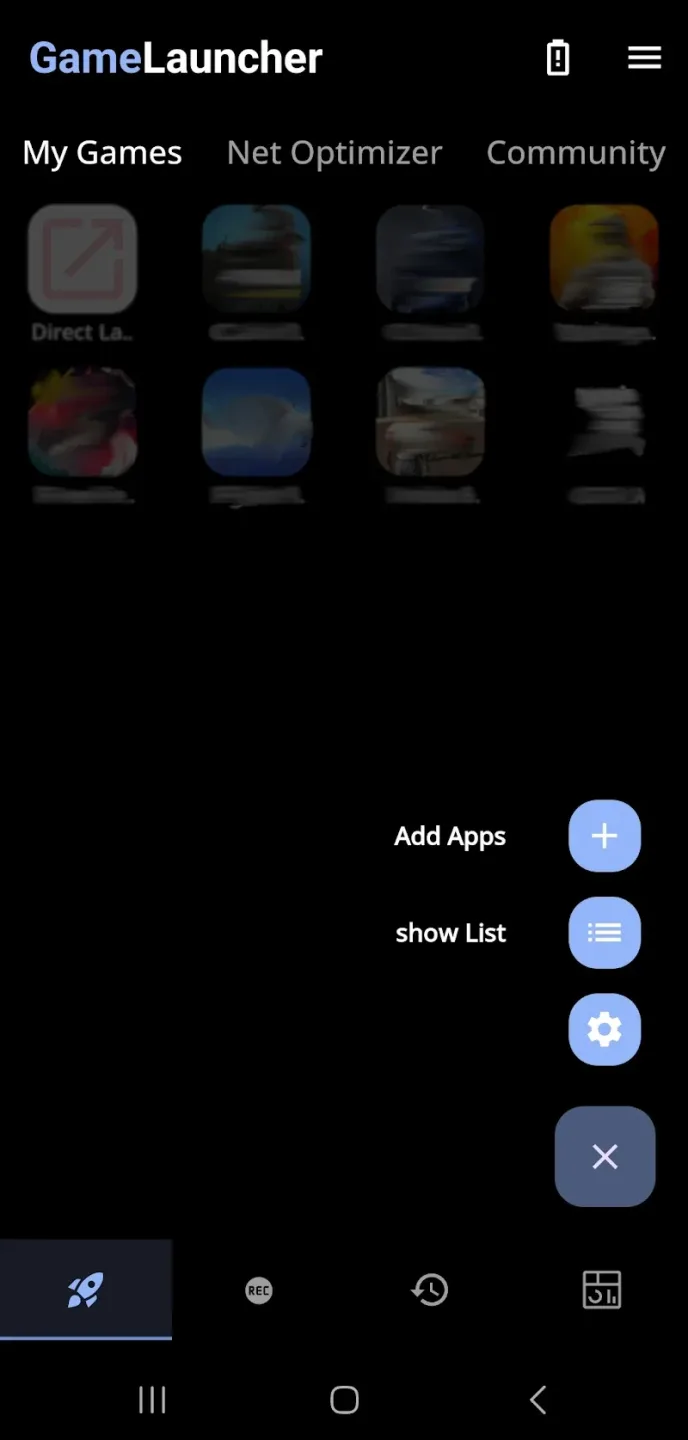
Create Custom Spaces: Your personal game library allows you to quickly add frequently played games. This eliminates the need for searching every time you need them.
Quick Launch: Any game you frequently play can be launched quickly without searching elsewhere.
Fantastic Characteristics of Game Mode
At the heart of this gaming application is an intuitive and easy-to-use game launcher, a centralized platform for managing games. Add games to the "My Games" section for quick access and instant play. Beyond organizing games, the app offers a wealth of customization options, such as brightness adjustment, volume control, screen rotation lock, and touch lock mode—all designed to help you focus and reduce distractions during gameplay. This personalized experience makes every game more exciting.
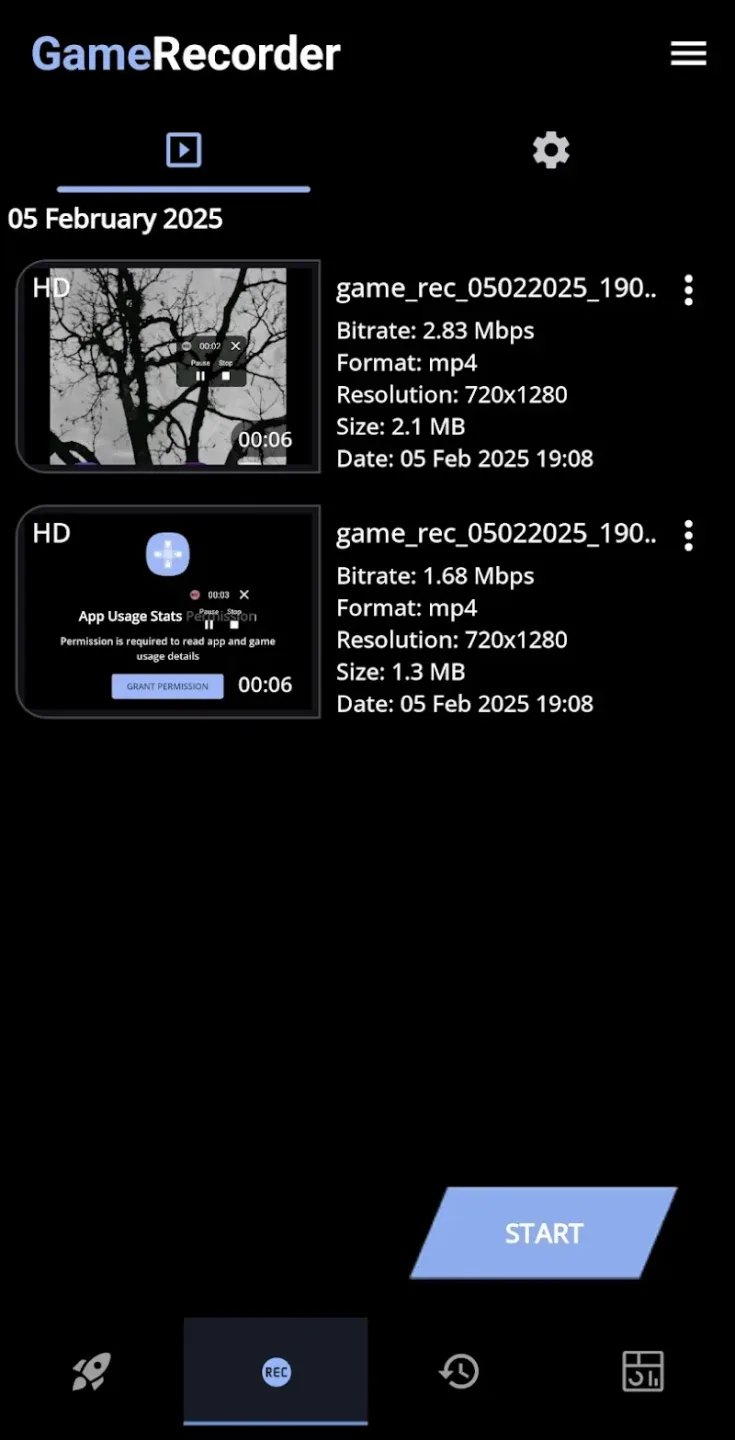
Game Mode also introduces several advanced features for fine-tuning performance and visuals. For example, a network optimizer utilizes a local VPN interface to adjust DNS settings, improving network connectivity and ensuring smoother gameplay without routing data to external servers. Furthermore, aids like the crosshair, sound visualization tools, and G-Stats provide a more immersive and strategic advantage. Its screen recording function (including recording and screenshots) lets you save exciting moments or game highlights directly to your device.
Amazing Features of Game Mode
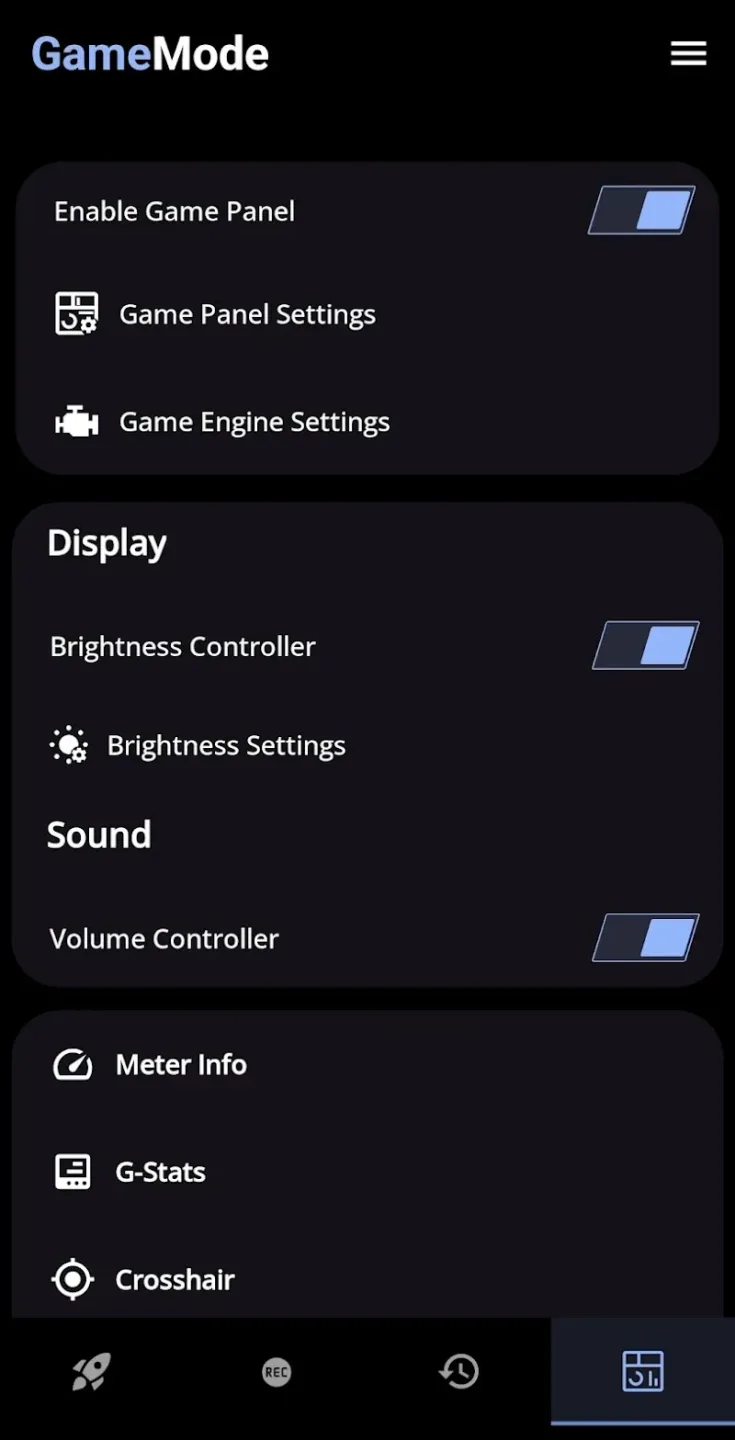
Brightness Controller and Lock: Adjust or lock the brightness level for visual comfort.
Volume Control: Manage volume without leaving the game.
Crosshair: Improve aiming accuracy in shooting games.
Sound Visualization: Visualize in-game audio effects for an immersive experience.
Touch Lock and Rotation Lock: Prevent accidental touches or screen rotation during combat.
Network Optimizer: Stabilize your connection using a local VPN interface and adjust DNS settings for a faster, lag-free gaming experience.
Helpful Tips of Game Mode
Open the Game Mode app and enable Game Mode in Settings.
Go to Game Launcher → My Games.
Add your favorite apps or games.
Click on any game to launch—Game Mode will activate automatically.
That's it. Once activated, all your preferred performance settings will take effect immediately, ensuring a smooth and optimized gaming experience every time you play.
Final Thoughts
This tool, designed specifically for gaming, is ideal for players seeking smoother performance, more precise control, and a more streamlined gaming experience. Whether you want to optimize network settings, enhance graphics, or simplify access to your favorite games, Game Mode provides a comprehensive solution. Download the Game Mode APK now to take your gaming experience to a whole new level.