

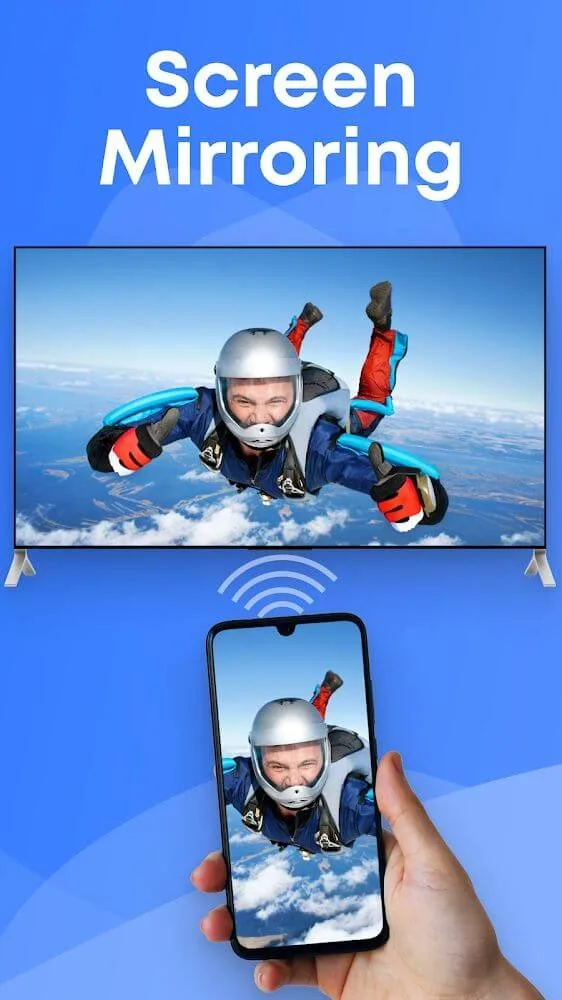
Screen Mirroring & Sharing is a powerful screen mirroring application. It allows users to project content from their mobile devices onto a TV screen, turning the TV into a second screen for their phone. With Screen Mirroring & Sharing, you can easily connect your phone to your TV. Note that you need to ensure both your TV and phone are connected to the same network when using the sharing function. Whether you want to work or kill time, this application can meet your needs and give you a better user experience.
Highlights:
You will need to secure the connection steps to perform the playback of different types of content on the TV screen.
The connection operation is straightforward, and any user can understand how it works and apply it.
Depending on the characteristics of the browsers on the two devices, the application will have different levels of compatibility.
The TV screen will only receive and play content from your Android device, so you need to pay attention to other factors such as sound.
In the new version of the app, you also find more modes you can use and new controls while playing the screen.
Features:
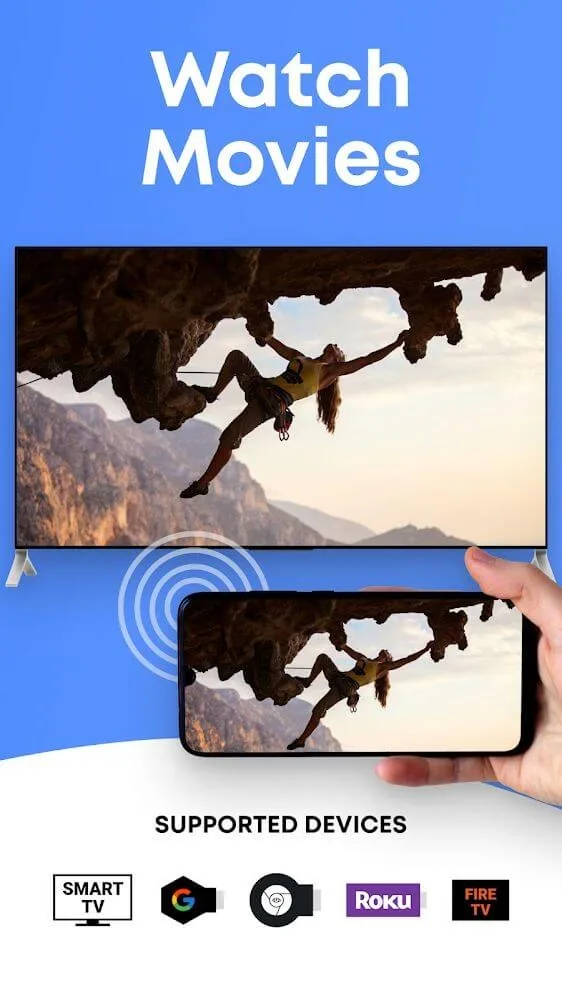
Screen Mirroring requires that your Android device and your target device are on the same WiFi network.
SmartTV's might not work since some of their browsers do not support the needed features for Mirror app.
Furthermore, an internet connection is required for screen mirror - cast to TV or other devices.
Mirror app requires Android 5.0 or higher.
Please be aware that Screen Mirroring transmits the content of your display (share screen), but not your device's audio signals.
Mirror app works great with Google Chrome, Apple Safari, Firefox, and Samsung MU Series.
For more information, please watch our how-to video on youtube (name: Android Screen Mirroring - Mirror your screen with Screen Mirror - Screen Mirroring via WiFi).
Tips for Users:
Make sure your device has sufficient processing power to maintain a stable connection without overheating.
Ensure a stable wifi connection to prevent interruptions and ensure a smooth mirroring experience.
Use external speakers to transmit audio between devices, as the app only shares visual data.
When connecting devices, opt for scanning the QR code for a quick and secure connection process.
Conclusion:
Experience the convenience and efficiency of Screen Mirroring & Sharing in projecting your mobile device screen onto larger screens effortlessly. With easy video projection, seamless wifi connectivity, and secure QR code scanning, enjoy a stable connection for all your mirroring needs. Streamline your work tasks and enhance your entertainment experience with this versatile and user-friendly app. Download now for a seamless mirroring experience.








