

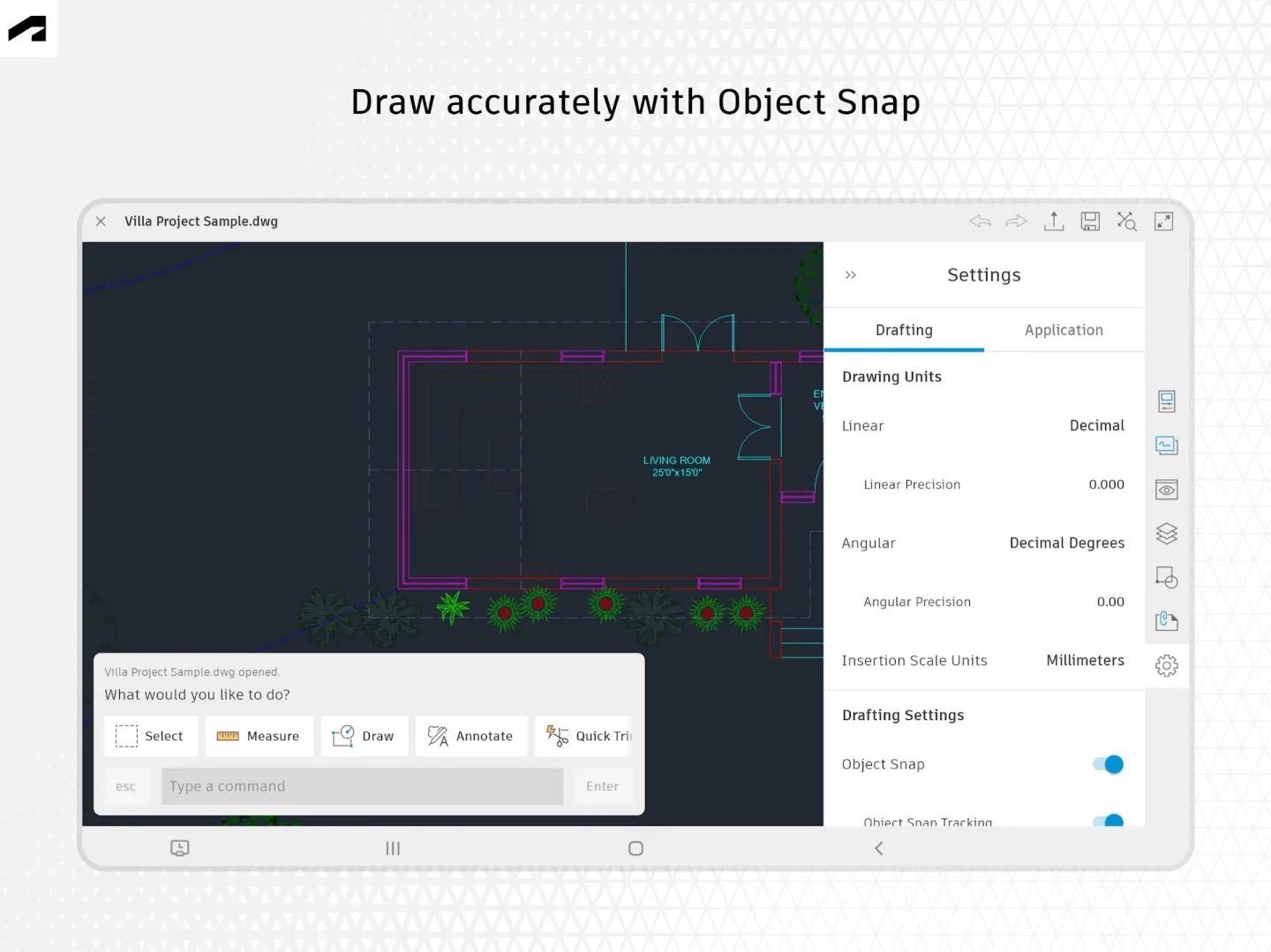
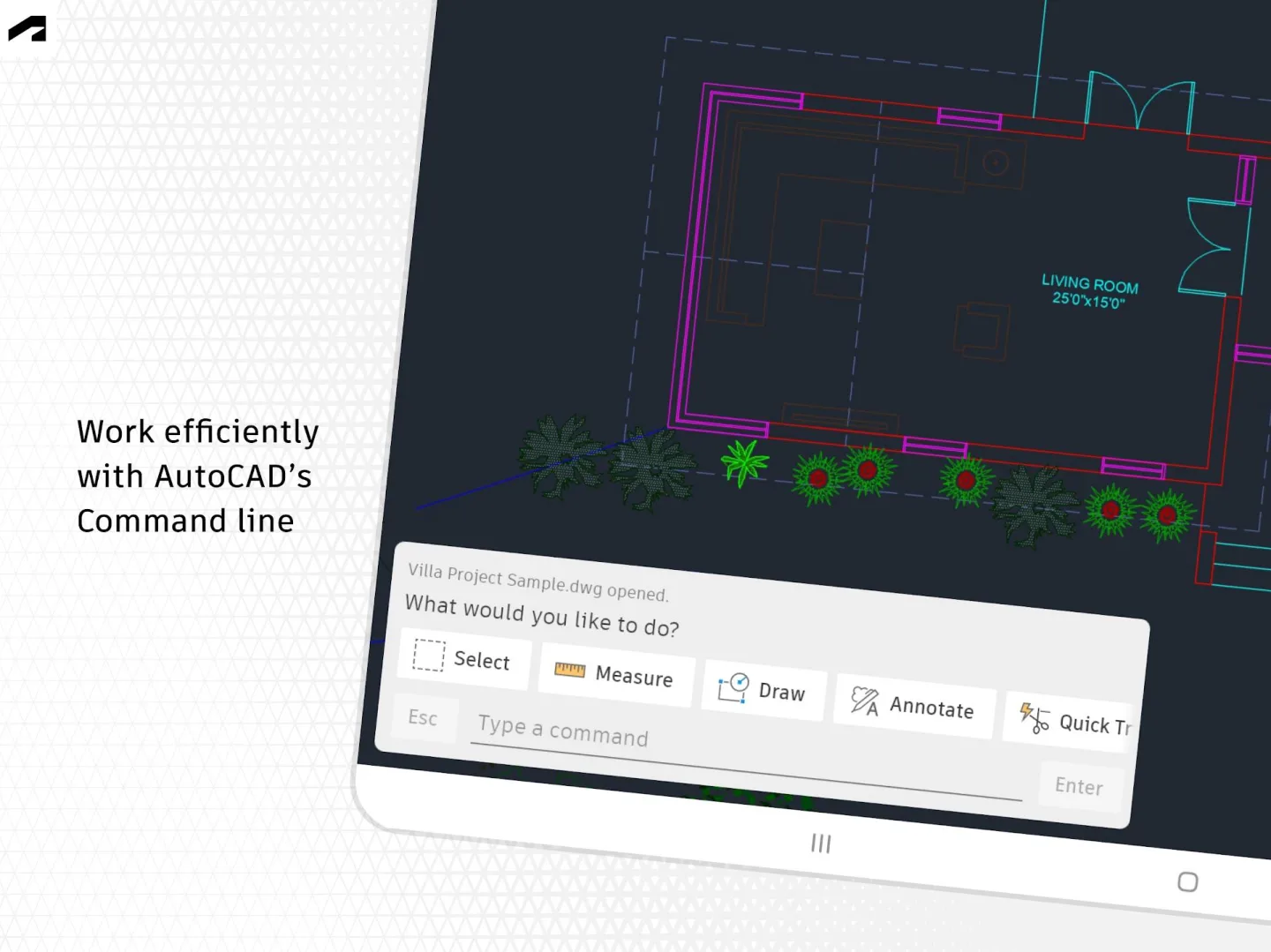
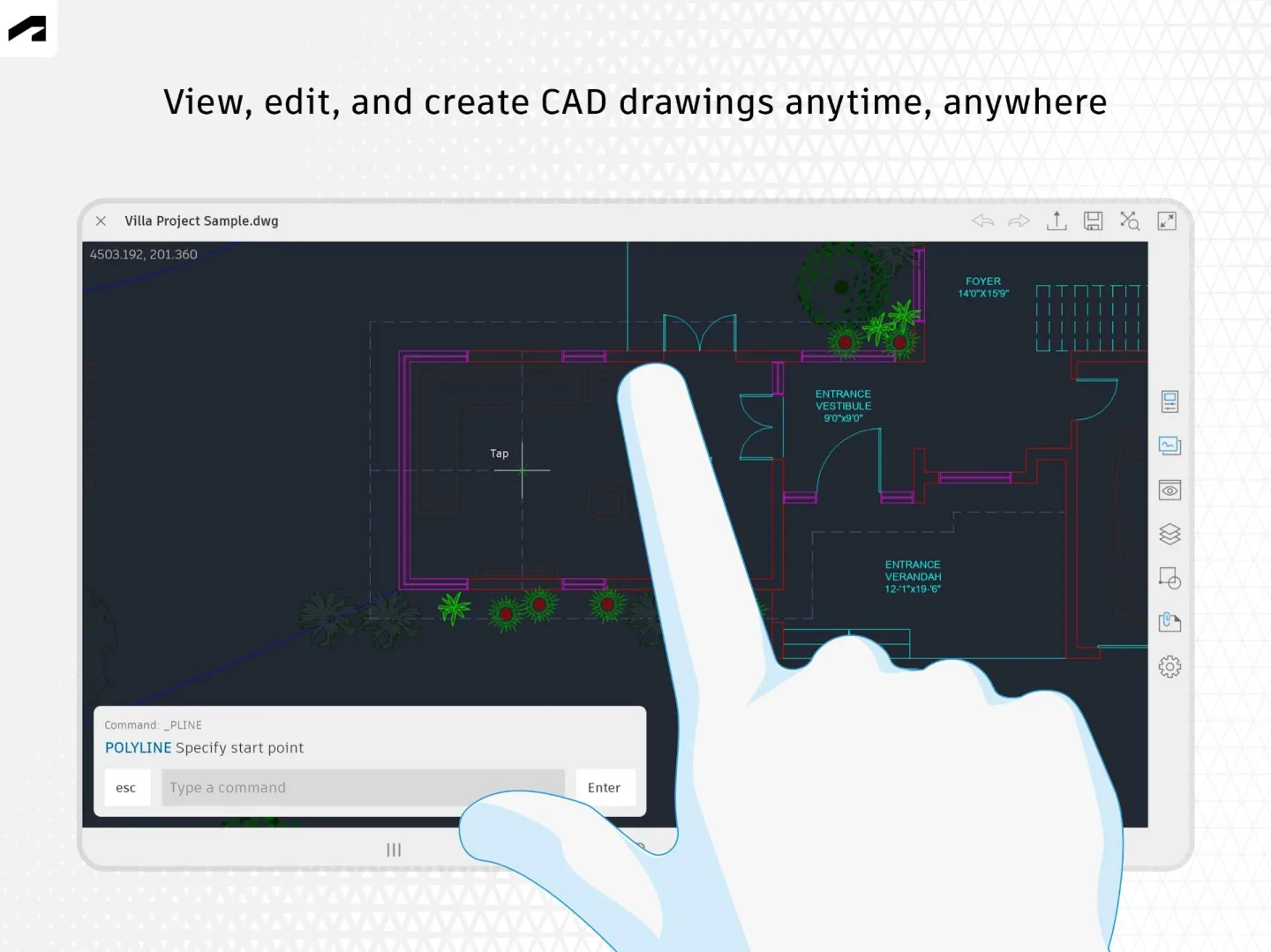
AutoCAD is an advanced computer-aided design (CAD) application. It integrates various tools, including annotation, dimensioning, and more, offering comprehensive functionality for handling lines, surfaces, and planes. The software includes seven tool modules for assisting in the design of content in professional fields such as architecture and landscape architecture. It supports exporting to the DWG standard format for easy file transfer and sharing, and comes with extensions to adapt to any professional task, making your work easier.
Click to load YouTube / 点击加载视频
YouTube ↗Why Choose AutoCAD?
Unleash Creativity
Unlock insights and automate processes with Autodesk AI
Collaboration Tools
Share ideas and feedback using connected tools
Vibrant Community
Learn and connect with users around the world
Innovative Features
Use the latest design and drafting tools
Software Features
The latest integration of Google Drive into AutoCAD significantly improves overall workflow efficiency, enabling users to flexibly access and save design files anytime, anywhere. Authorized with Autodesk ID, users can directly access DWG files saved in Google Drive through the AutoCAD web application. AutoCAD users can now edit and save design works directly in Google Drive. The latest features also support viewing, editing, and saving DWG works and external references (Xrefs) via the AutoCAD web application and mobile devices, leveraging the Autodesk cloud platform.
FAQs
How much storage space is required to install AutoCAD - DWG Viewer and Editor?
Please reserve at least 109.3 MB of space. After installation, for smooth updates and cache management, please reserve an additional 100-500 MB of space.
What are the system requirements for AutoCAD - DWG Viewer & Editor?
Your device should be running Android 8.0 or higher (first released around August 2017). If your phone does not meet the requirements, you can download an older version of the application.
Is AutoCAD - DWG Viewer & Editor safe to download?
Yes, Virustotal has verified that the signature of AutoCAD - DWG Viewer & Editor is safe and reliable.
How long will the download take?
The AutoCAD - DWG Viewer & Editor package size is 109.3 MB. Download time may vary depending on your network connection. Typical speeds are as follows: - 4G: 30-100 MB/s - 5G: 170-400 MB/s - Wi-Fi: 50-500 MB/s Poor network conditions? Use the APKPure app to speed up the installation.
Summary
For professionals across all industrial sectors, including engineers, architects, and interior designers, AutoCAD DWG Download is currently the best tool available. The application contains CAD blocks and drawings available for download and purchase. In addition, it includes 108 top-quality architectural CAD drawings.








