

Revo Uninstaller is primarily used for software management. It can uninstall programs, perform forced uninstalls when necessary, scan for residual files, and quickly and efficiently perform batch uninstalls. It monitors installations in real time, tracking and recording system installations. The software includes a browser extension and allows you to configure it for a better overview. It monitors a real-time log database to provide troubleshooting steps. It includes a multi-level backup system and six cleaning tools to address users' daily needs.
Click to load YouTube / 点击加载视频
YouTube ↗Application Scenarios
Revo Uninstaller Mobile can even uninstall user apps and system apps, allowing you to completely remove apps that cannot be removed by other means. Furthermore, you can enable or disable other tools that may be running in the background and unnecessarily consuming resources.
Software Features
Remove Ads: Remove all in-app ads and enjoy a seamless uninstallation experience.
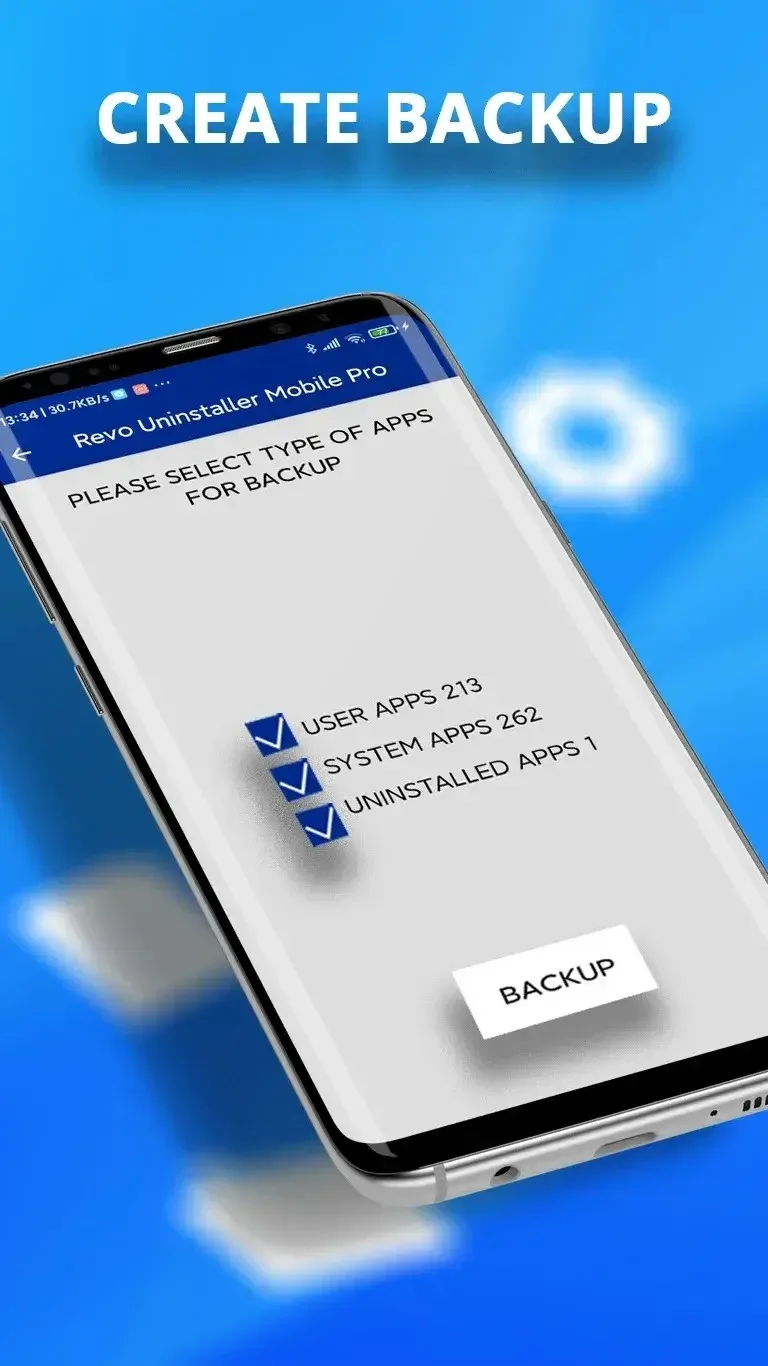
Create Backups: Back up your application files, including installed apps, their names, versions, and sizes. You can also back up application categories such as all user apps, all system apps, or all uninstalled apps.
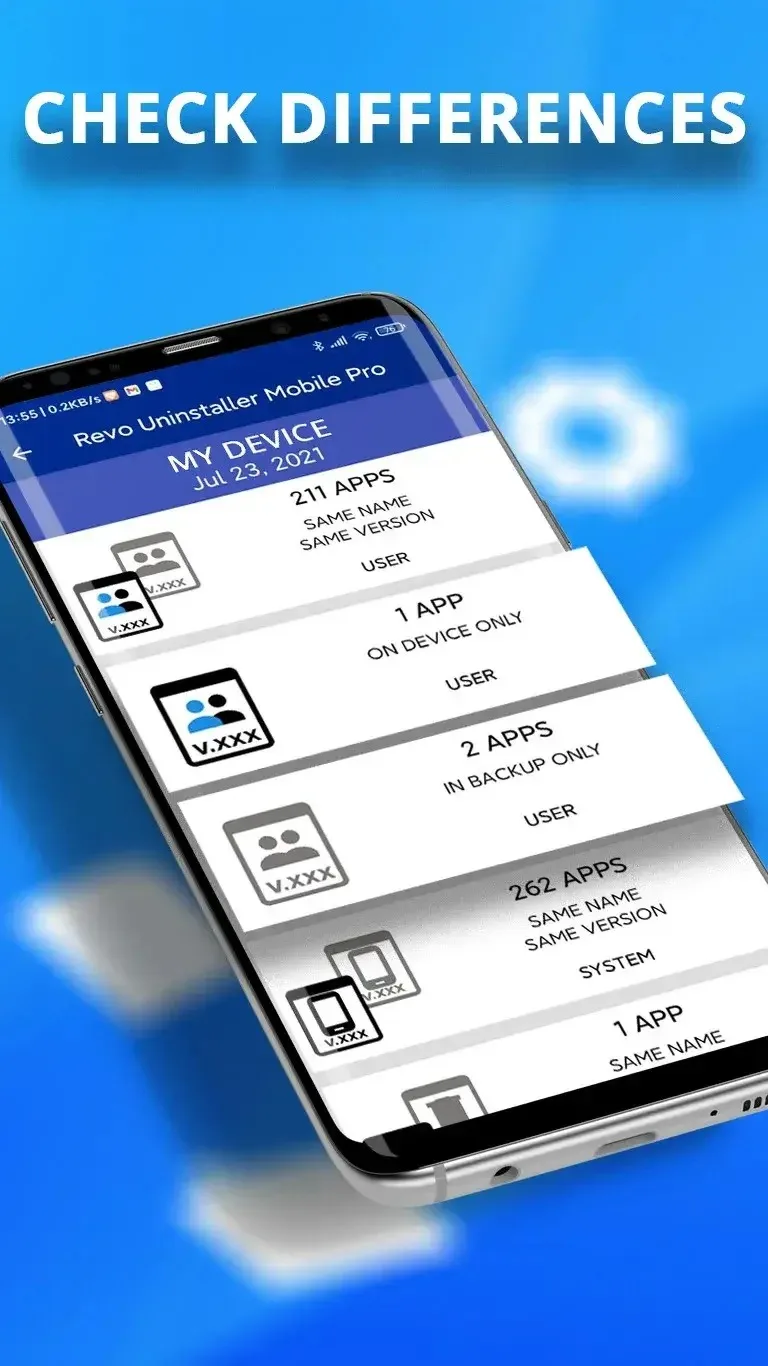
Import and Compare: Compare your backup files with the current state of your device. View the differences in size, name, and version of the apps you own, as well as Google Play Store links for apps you no longer own (if they are still available).
Check Differences: Compare the selected list of backup apps with the currently installed apps.
Categories: Organize your apps into over 60 predefined app categories (such as tools, communication, social apps, etc.) using our smart filters.
Custom App Categories: Create and organize an unlimited number of custom app categories.
The Revo uninstaller includes
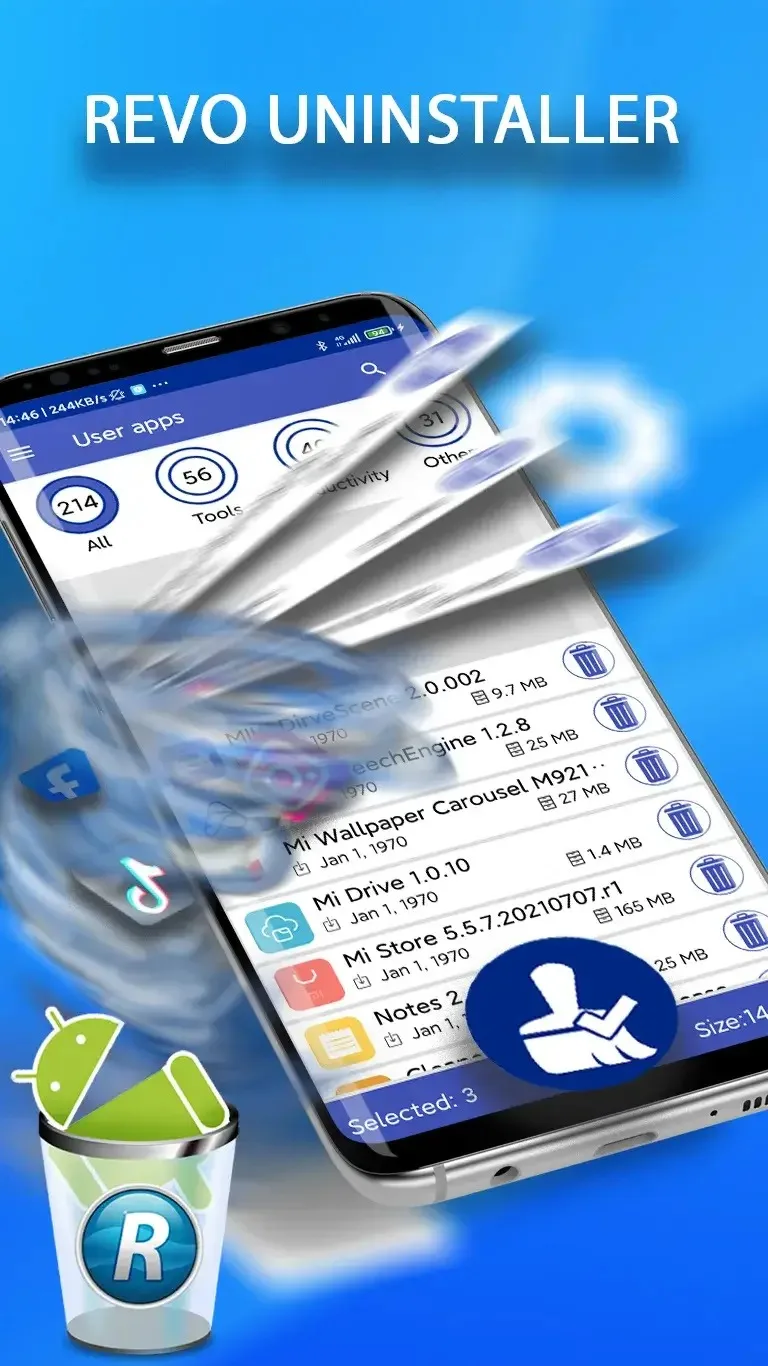
Uninstall: Removes apps that users no longer need, along with all remnants and junk files.
Residual Scan: Scans your Android device to find remaining files and folders associated with uninstalled apps.
Multiple/Batch Uninstall: Uninstall multiple apps with just a few clicks. When batch uninstalling, you can see the number of apps tagged and the total size of data to be deleted.
Fast Launch Mode: Optimize app loading times by enabling Fast Launch Mode. If Fast Launch Mode is off, you will be able to see the full size of files deleted from your device.
Search and Sort Apps:Search for specific apps to uninstall with various filtering and grouping options, including typing the name of the app you need. Uninstall History: A log of apps you've uninstalled, showing the uninstallation date and a Google Play Store link for reinstallation (if the app is still available).
Summary
Revo's quality, ease of use, and excellent customer service are top-notch. It's surprising how many files the installer leaves on your computer. Revo finds all of them and completely removes them.








