

SuperVPN Client is a simple and easy-to-use VPN client that connects directly to VPN servers with a single click. It prioritizes user privacy during operation, encrypting traffic to prevent third-party tracking and ensure information security. Don't want to wait? The client uses high-speed servers, eliminating waiting time and ensuring a stable, uninterrupted connection for an excellent experience.
Click to load YouTube / 点击加载视频
YouTube ↗Product Use
A VPN tool designed for Windows, Mac, iPhones, iPads, and Android devices. Each SuperVPN accelerator package offers powerful acceleration and privacy protection, allowing you to connect easily and instantly access the world.
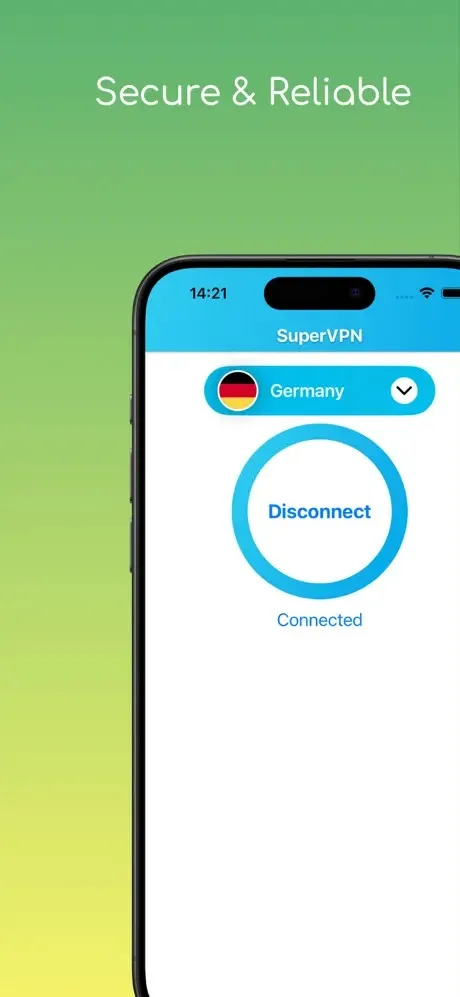
SuperVPN Fast VPN Features
Protect your privacy and prevent third-party tracking.
Unlock geographically restricted websites.
No registration or setup required.
No speed or bandwidth limits.
One-click VPN connection.
No root access required.
Encrypt your network traffic.
Top-tier server speed and reliability.
Use the most secure VPN solution.
Advantages
Simple and easy-to-use interface.
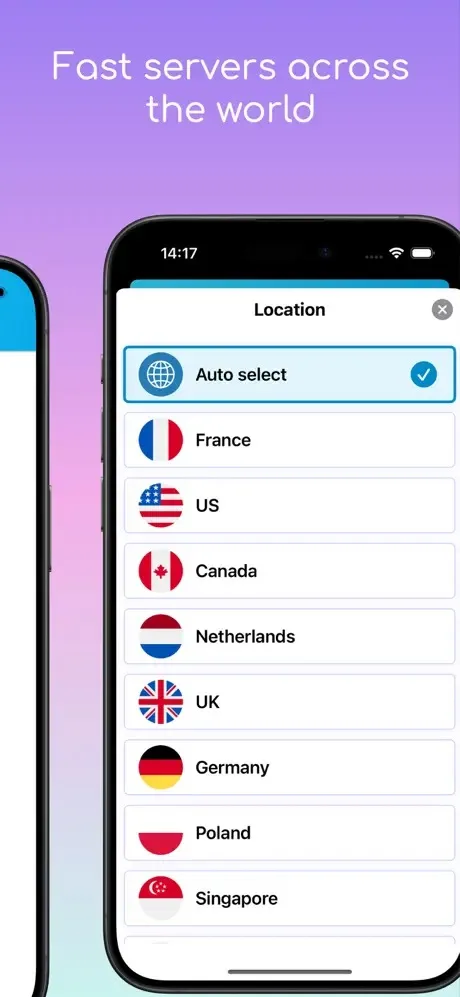
Over 3000 servers worldwide.
One-hour lessons.
Multiple language support.
Cross-platform compatibility.
Unlimited traffic and bandwidth.
No logs policy.
FAQs
How do I unbind a device from my SuperVPN accelerator account?
If you log in on a new device and exceed the device limit, you will be directed to the "Unbind Device" page, where you can remove the connected device.
You can also go to "Menu" > "Application Settings" > "Device List" to select and unbind the device you wish to remove.
What if you forget your account or password?
Forgetting your username or password is common, and we've simplified the recovery process for you. Here are the steps you can choose from:
If you forget your username, please contact us and provide a screenshot of your payment record.
If you forget your password, simply select the "Forgot Password" option in the application.
What are SuperVPN Accelerator's "Global Mode" and "Route Mode"?
Global Mode: Provides VPN service for all online activities, which may cause a decrease in the speed of local websites and applications.
Route Mode: Uses the VPN only for websites that are inaccessible due to regional restrictions, such as Google, YouTube, and Netflix, while ensuring local network access to Chinese websites.
You can adjust the routing mode in the application settings. If you encounter problems accessing certain websites or applications, try switching to "Global Mode". 1321
Summary
In this digital age, online privacy is paramount for internet users. SuperVPN is a perfect VPN application, providing users with an excellent way to browse the web securely. With its numerous unique features, SuperVPN not only helps users protect their personal information but also delivers a smoother online browsing experience.








