

MEGA is a cloud storage service that allows you to quickly back up files, videos, pictures, and more to the cloud. You can easily download and store any movie, file, or photo here, even wirelessly, freeing up your download quota. Worried about losing photos due to phone damage? MEGA will automatically upload your photos to the cloud, so you'll never have to worry about them being lost again!
Click to load YouTube / 点击加载视频
YouTube ↗MEGA features for secure everyday use
Zero knowledge encryption
MEGA uses end to end encryption by default, which means your files and chats are encrypted and decrypted on your devices. Only you hold the keys, and your content is never readable on MEGA servers. This design keeps control with you at every step.
File management on mobile
You can upload from your phone or tablet, then search, download, stream, view, rename, or delete files. MEGA cloud storage helps you keep folders organized and accessible wherever you sign in. This makes it simple to handle documents, photos, and videos across devices.
Sync and mobile backups
MEGA lets you auto sync selected local folders and set one way backups for important data. Your Cloud drive keeps these items up to date without manual copying. For full computer syncing and scheduled backups, the MEGASync desktop app manages that workflow.
Private chat and meetings
MEGA provides encrypted one to one and group messages, with audio and video calls inside the same app. You can share files from your Cloud drive directly into chats and meetings. This keeps conversations and shared documents under the same private umbrella.
Flexible sharing controls
Share folders with contacts and collaborate in real time, or send links to people who do not use MEGA. You can choose read only or full access, and set password protected and expiring links when needed. These controls help you share exactly what is needed and nothing more.
Free plan and transparency
MEGA starts with generous free storage that can expand with Achievements. You can upgrade later if you need more space or features. Client apps are open source, adding transparency about how the software is built.
Why Choose MEGA?
Never Run Out of Storage
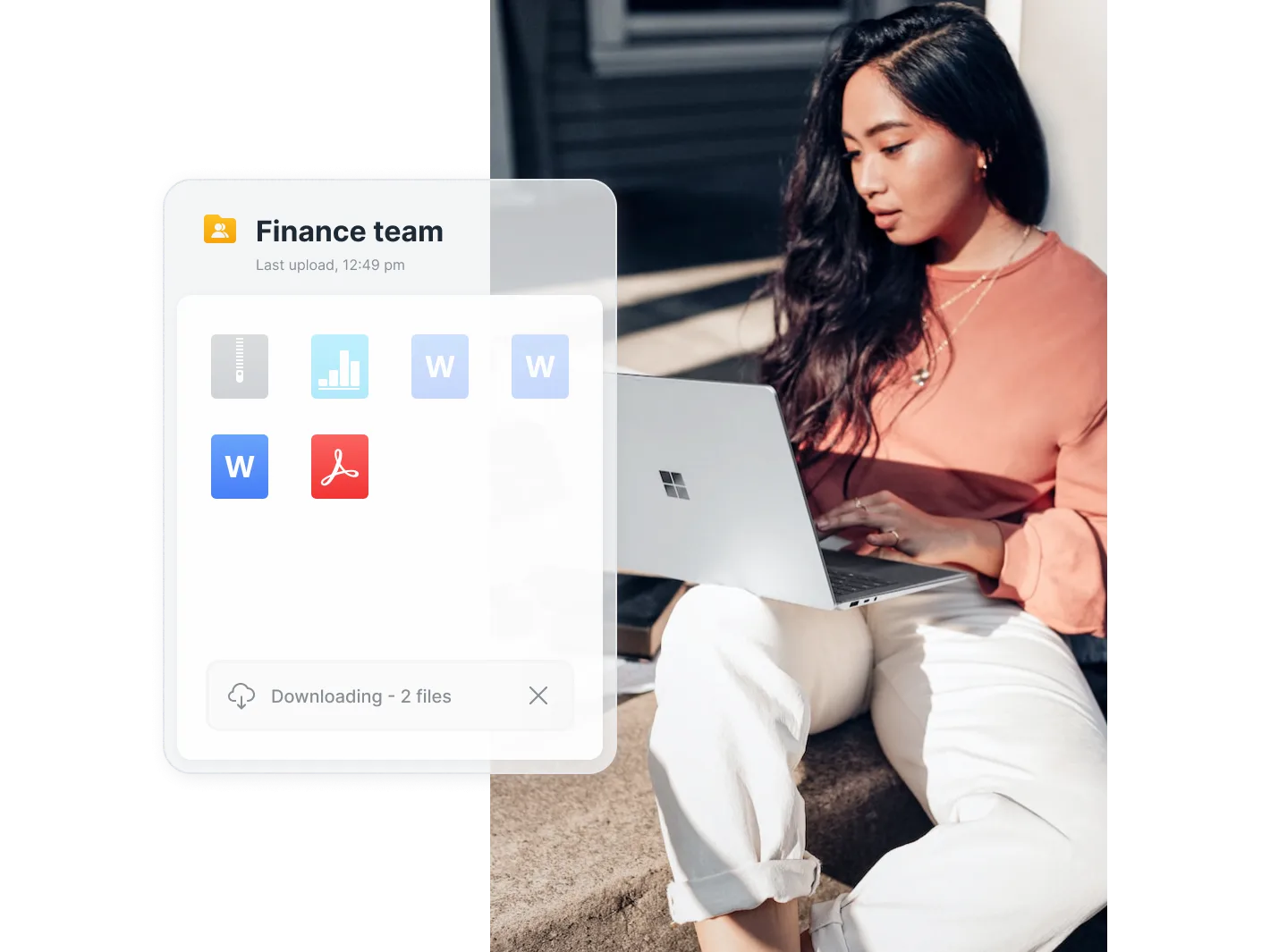
Need lots of storage? Get 20 GB of free cloud storage, the largest free plan of any provider. If you need more, upgrade to one of our competitive plans with up to 20TB of storage or choose our Pro Flexi or Business plans and pay only for the storage you use.
Share Files and Folders with Anyone
Easily share your MEGA files and folders with your friends and colleagues, even those without a MEGA account. And you retain control over your data when you share it. You can grant others read-only or full access to your folders, and you can set passwords or create expired links.
Take Control of Your Data
Whether it's giving people limited or full access to files you share with them, or preventing new group chat members from reading old messages, your data is under your control. This is our primary commitment to you.
Work seamlessly across all devices
Easily access your cloud files through our desktop app, mobile apps, or the web. If you sync or back up your computer to MEGA, changes are replicated in real time, so you always see the latest files wherever you are.
How to get started securely with MEGA
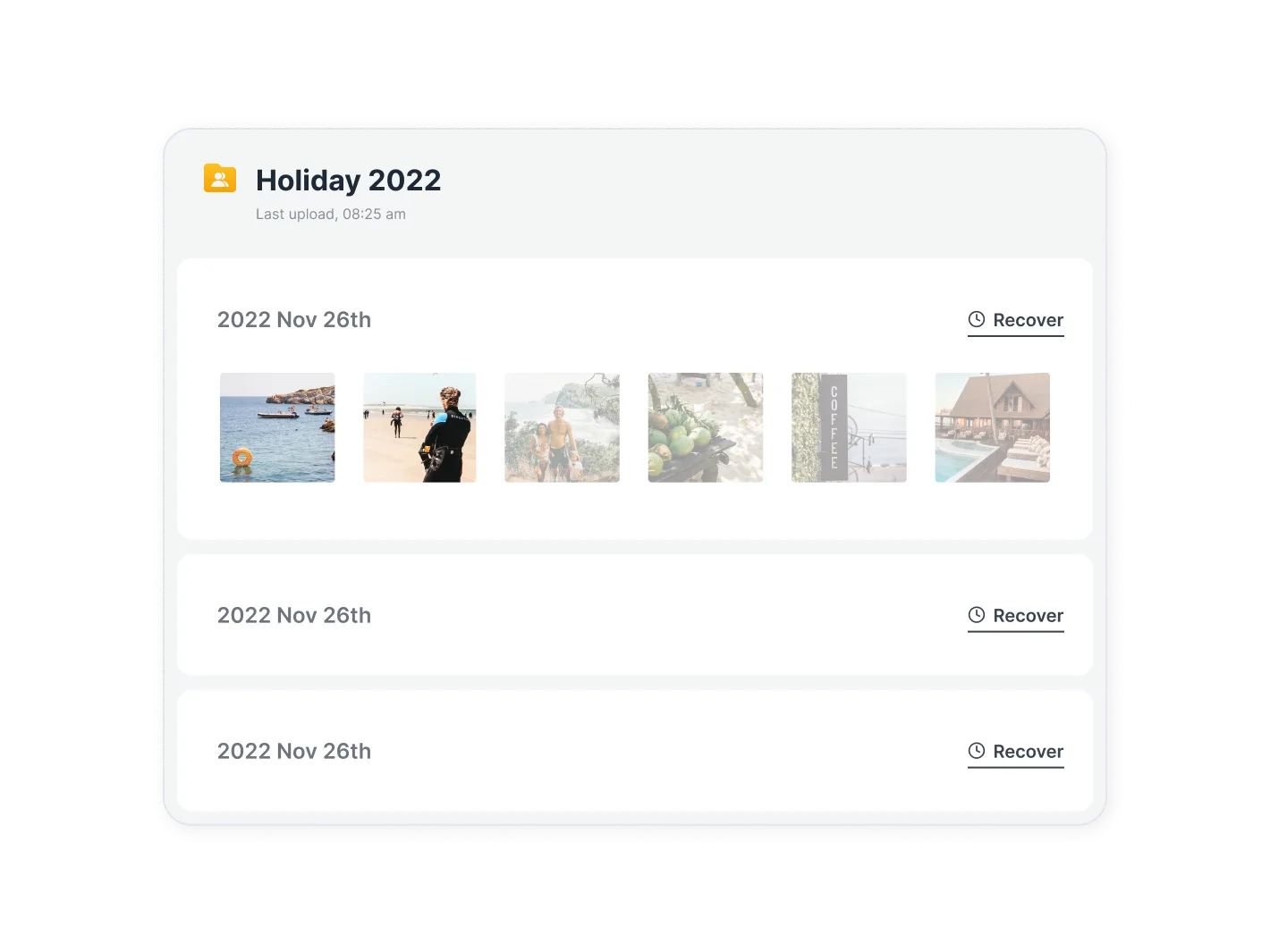
MEGA integrates private storage, sharing, and communication features into a single Android app, offering user-controlled encryption. To manage files and contact people anytime, anywhere, download the MEGA app and follow the setup steps. Keep your recovery key safe to ensure access.
MEGA FAQ
Why is the MEGA app not supported on my device?
The reason could be an outdated version of Android, incompatible technical requirements, for example, if you have a device with ARM7 architecture and are trying to install an app with ARM8 or x86 architecture
Why does the MEGA app crash or not respond?
This could be due to an outdated version of the MEGA app, a full cache, lack of RAM, or a system conflict. Try updating the app, clearing the cache, or restarting the device
How much space does the MEGA app take up?
MEGA takes up about 82.06 MB (86,045,687 bytes) of memory
Summarize
Perhaps the coolest feature of this app is its ability to sync up with any Android mobile device you're using so that you can automatically use it to upload your files into storage. Best of all, the storage is easily accessible and you won't have to go downloading every file you want to view again. You can simply access it from storage. As an added bonus, users can operate this app like a basic web browser, maintaining access to the Internet while using it








