

Bluetooth Keyboard & Mouse is a unique Bluetooth keyboard and mouse utility that helps users transform their mobile devices into serverless Bluetooth keyboards and touchpads using the Bluetooth HID protocol. Bluetooth Keyboard & Mouse offers a lightweight, convenient, and practical Bluetooth quick pairing tool, turning your phone into a ready-to-use keyboard and mouse touchpad for flexible and smooth testing activities. It supports presentations, media control, and multi-language input, allowing you to easily operate your device.
Click to load YouTube / 点击加载视频
YouTube ↗Excellent Function of Bluetooth Keyboard and Mouse
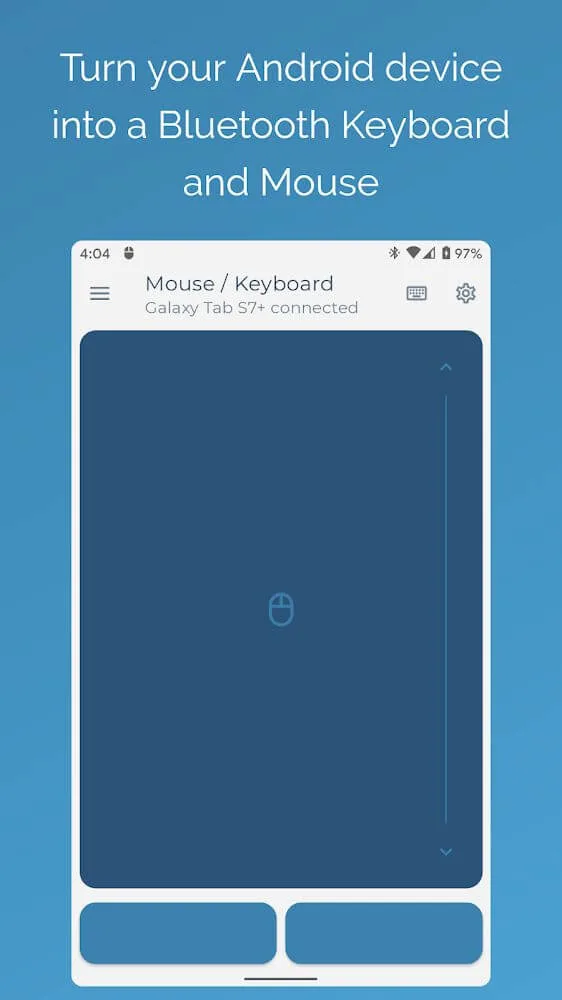
Keyboard, mouse, and touchpad with scrolling functionality
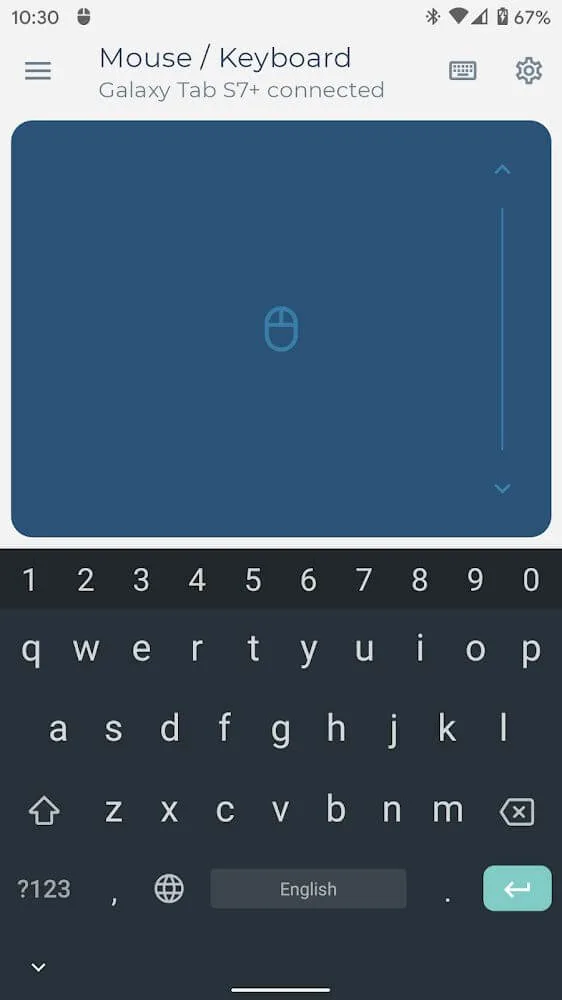
Computer keyboard functionality for comfortable typing and switching between over 100 different language layouts*
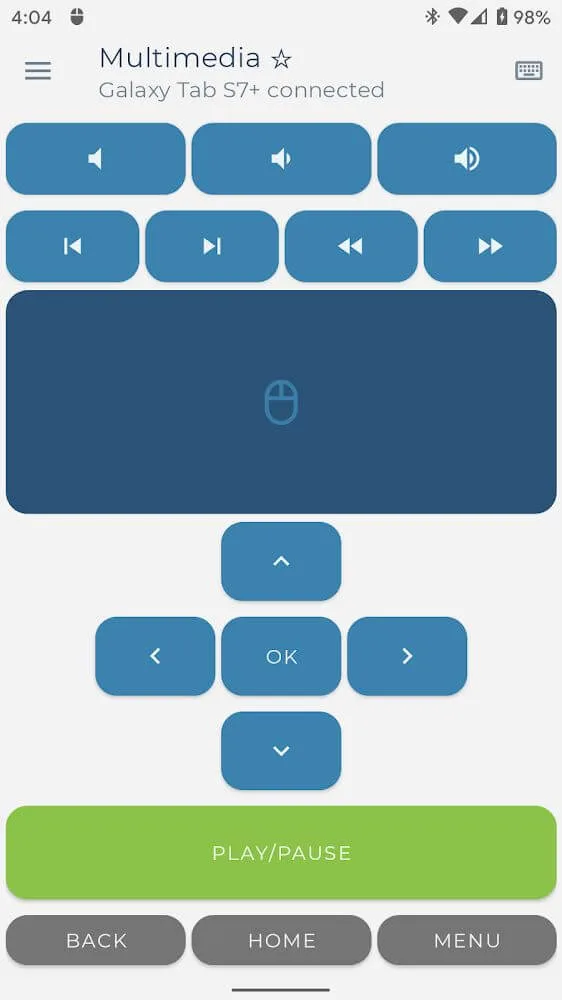
Multimedia mode for controlling media player playback, volume, and navigation*
Number keypad layout for calculations and sending results to your connected device*
Presenter control mode allows you to move freely while navigating presentation slides and interacting with your audience*
Scanning mode sends QR codes and barcodes to your connected device*
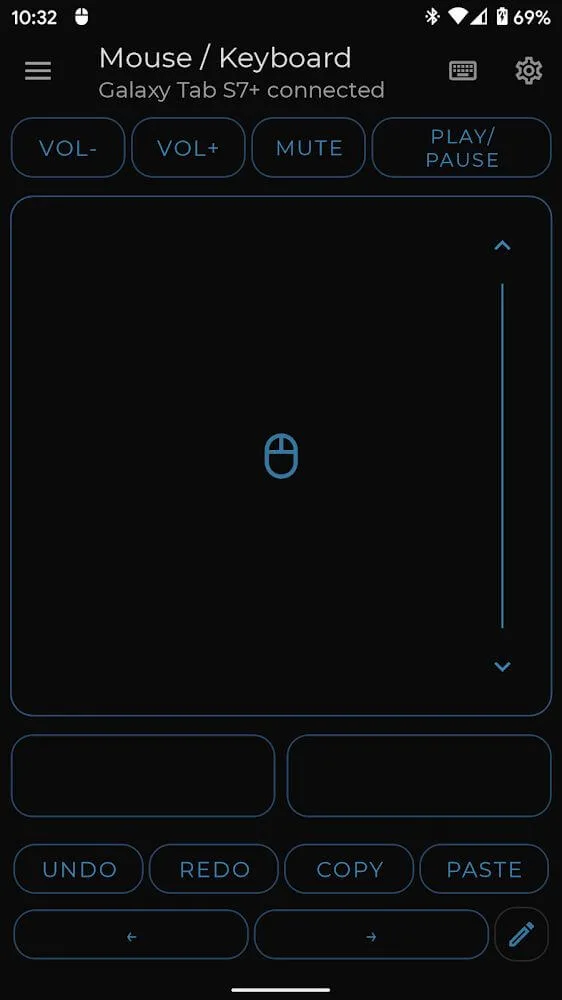
Create custom layouts with specific controls for your favorite applications or games
Mobile-based air mouse for long-distance interaction with your computer or laptop
Amazing Performance of Bluetooth Keyboard and Mouse
Easy connection and simple to use.
The most important considerations for this type of application are ease of connection and use. Fortunately, this Bluetooth keyboard and mouse set excels in this regard. In principle, two devices can be automatically synchronized with a simple button press. After synchronization, you can use the Android device's screen just like using a mouse. Switch to the simplified keyboard interface at any time with a single button press. This means you can easily control your computer.
Customizable Layout
One of the most appealing features of this Bluetooth keyboard and mouse combo is its customizable key layout when syncing with an Android device. You have complete freedom to configure the layout to your liking. Therefore, you can create a fully customized keyboard to accomplish your tasks.
Wonderful Features of Bluetooth Keyboard and Mouse
Serverless Bluetooth HID Pairing
The Bluetooth keyboard and mouse pair with each other via the standard Bluetooth HID protocol. No additional software needs to be installed on your computer, simplifying the setup process and ensuring that every keystroke and click is made through a private link.
Unified Keyboard, Mouse, and Touchpad
This device features a full-size keyboard, precise pointers, and a multi-touch touchpad that supports smooth scrolling. Additionally, media keys and navigation controls allow for quick playback and system operations.
Productivity Tools for Everyday Tasks
This Bluetooth keyboard and mouse combo includes a keep-connect feature (preventing the device from going to sleep), voice-to-text input, and the ability to sync clipboard content with the target device. Furthermore, you can directly scan barcodes and QR codes into the paired device.
Conference Presentation Mode
Switch to presenter view to switch slides and control the screen pointer. This allows you to move freely in the meeting room while ensuring your presentation runs smoothly.
Global Input and Quick Layout Switching
The standard PC typing experience is familiar and smooth, and you can instantly switch between over 100 language layouts. Furthermore, the app remembers your choices, ensuring consistency across multilingual workflows.
Helpful Tips of Bluetooth Keyboard and Mouse
Turn on Bluetooth on both your Android device and the computer or TV you want to control, then turn on the Bluetooth keyboard and mouse on your phone.
On the target device, turn on Bluetooth settings, select your phone from the available devices, and you should then confirm the pairing code on both screens.
Return to the Bluetooth keyboard and mouse settings and select the desired control interface. Use the touchpad area to move the cursor and the keyboard area to type.
Test the click, scroll, and media key functionality. Then, when you need to input in a different language, you can switch the language layout within the app.
Activate presentation mode or customize the layout to perform specific tasks, so your controls match the event without requiring changes to the application.
Final Verdict
If you need to temporarily set up a keyboard or mouse for your computer and only have an Android device on hand, please download the Bluetooth Keyboard & Mouse APK. With this app, you can turn your Android device into a keyboard or mouse and control any hardware via Bluetooth.








