Taskito is a simple and easy-to-use note-taking tool. Users can record their daily schedules, manage tasks, to-do lists, and important events using a timeline, and also record their daily moods and precious moments. The software allows users to use different colors to distinguish different items and levels of importance, and import calendar reminders for daily schedules and recurring tasks, catering to personalized needs. The software will continue to be updated with more diary features and optimize existing functions, providing users with a more comfortable user experience.
Click to load YouTube / 点击加载视频
YouTube ↗Features of Taskito:
Seamless Workflow: You can think and plan your to-do list seamlessly. Your plans will be written down smoothly and easily without being affected by any factor.
Cost-Effective Solution: With this application, you will not spend any money to use the application. The application is completely free but brings you the most necessary features and tools for you to have the perfect experience.
Enhanced Focus: You can focus and solve your tasks quickly and easily without having to remember what the next tasks you need to do are.
All-in-One View: The application has an intuitive view and you can see all your notes in one screen. With this feature, you do not need to open each note and search anymore, all your notes will be brought to you and you can see and know your next plan.
Comprehensive Planning: You can also link the application with Google Calendar, and the application will automatically add the tasks you need to do to the calendar according to the date and time you have set. You can use the calendar to see your work more conveniently and easily without having to go into the application to see it.
Customizable Workflow: You can also categorize your tasks and processes as well as your plans by color so that you can easily distinguish and execute your plans without difficulty or confusion.
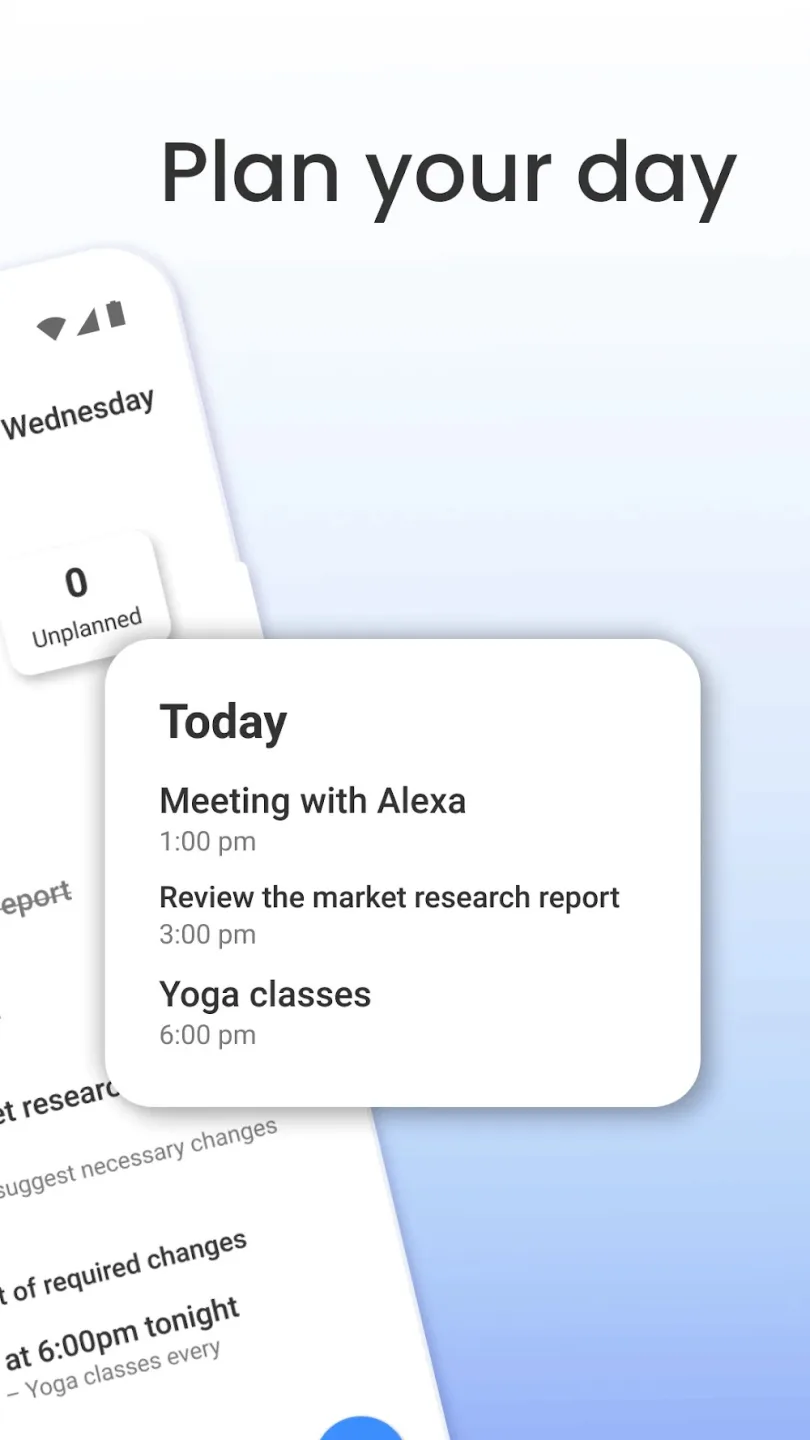
Functions of Taskito:
Notes: can write as text or images on palettes using Taskito’s toolbar – convenient, fast, easy.
Task management: Organize your notes and categorize your to-do lists clearly so you can focus on completing each task in turn.
Show notes function: Pin a note to the center of the screen or create an hourly alarm.
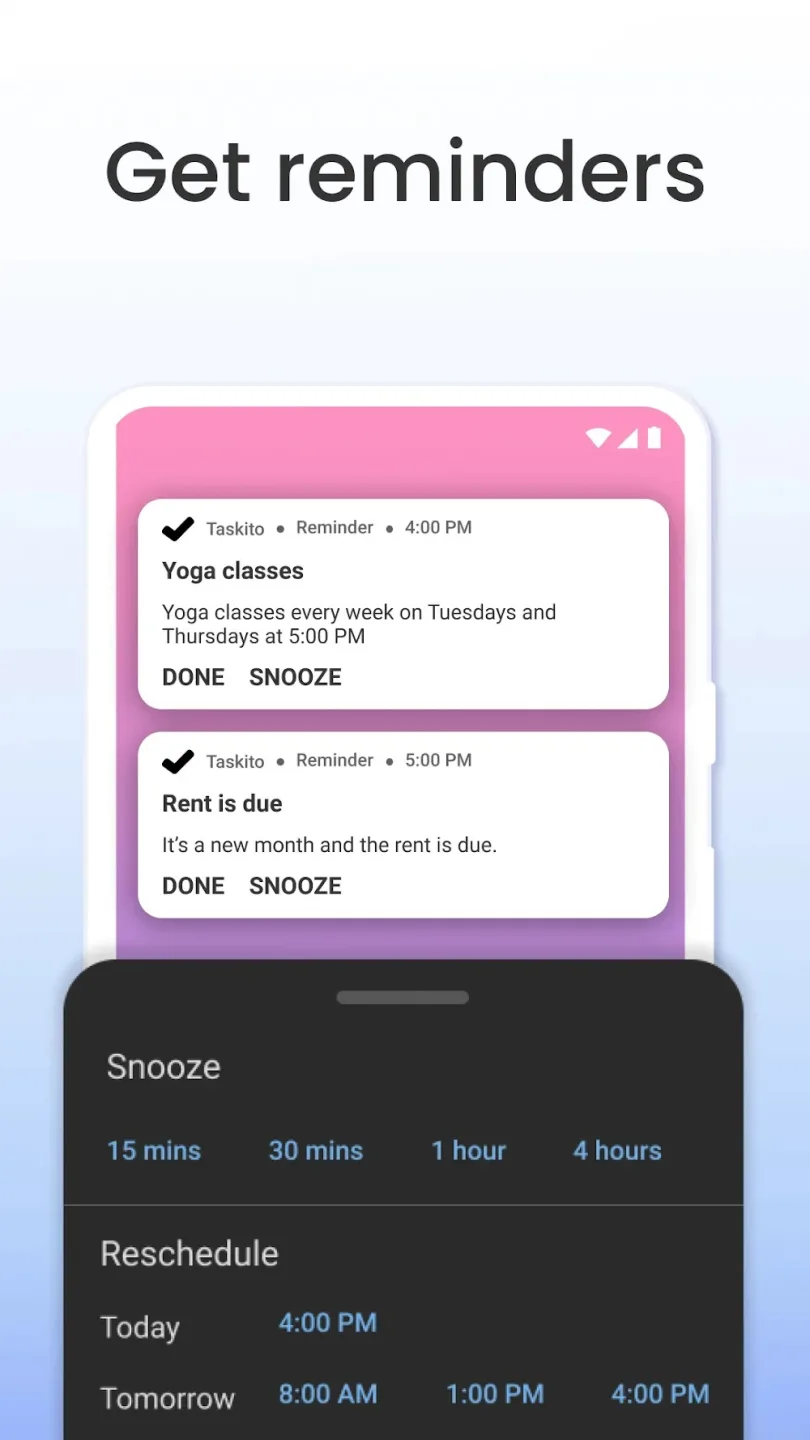
Reminder feature: With each note created, there will be a type of reminder alarm depending on your choice on the Taskito application.
Sync and backup function: Sync and allow backup if you log in to multiple devices with one account, ensuring that you never lose your important notes.
Enable event reminder features such as flights or calendars to keep up with your reminders, you’ll easily remember and rarely be late for an appointment.Does not contain an advertising function, less interruption.
FAQs of Taskito:
Which are the different subscription plans?
Taskito offers certain features only to premium members. You need to get a subscription to get the premium membership and access these features.
Taskito offers following subscription plans:
Monthly: Subscription fee is charged once every month until cancelled. You can cancel it anytime.
Annual: Subscription fee is charged once every year until cancelled. You can cancel it anytime. This is economical compared to the monthly plan.
Lifetime: YOPO - You only pay once! A fee will be charged to your account and you will be granted premium membership for lifetime. Since it is one-time payment, it can not be cancelled.
Does Taskito offer one-time payment subscription?
Yes, we do. Taskito offers an option for Lifetime Subscription. You will get lifetime premium membership and you have to pay only once!Unlike monthly or annual subscriptions, lifetime subscriptions can not be cancelled.
How can I change my subscription?
We do not supporting changing subscription from the app just yet. We are working on that. If you want to change your subscription period, here's how you can do it.
- Go to Google Play > Subscriptions.
- Find item for Taskito's subscription and cancel it. You will get premium features until the end of the subscription period.
- After the subscription period ends, you can start a new subscription from the app.
How can I cancel my subscription?
You can cancel your subscription any time from Google Play. Once you cancel your subscription, you will have access to premium features until the current subscription period ends. After that, you won't be charged.When your premium membership is revoked, you can still access and manage your existing premium items (eg. Existing projects, existing repeating tasks, etc.)
How can I get a refund?
Yes, you are eligible for a refund within first 7 days of your purchase. If you can not get a refund directly from Google Play, please send us an email to [email protected] with your order ID (Please check for emails from Google Play to find your order ID).We will try to get back to you within 24-48 hours and initiate a refund without any questions. But we need the order ID to initiate the refund process.
Final words:
Users will find a feature that makes it possible to organize the tasks they need to do logically and scientifically using Taskito, so you don’t have any problems doing them. At the same time, with a straightforward and attractive interface for users, they will be able to have a comfortable experience when using, and of course, they can be adjusted if they want. The application can also be completely tailored to the different types of work you want.