
Navigation Bar is a useful mobile tool designed to help users replace malfunctioning navigation bar panels, allowing them to continue performing various operations on their phones. It provides users with navigation bar templates of different colors and styles, allowing them to choose according to their preferences for a more comfortable user experience. Users can preset the software's navigation bar, which can be displayed simply by swiping to a specific location when problems occur. The software also boasts strong compatibility, running smoothly on all devices, ensuring user peace of mind.
Click to load YouTube / 点击加载视频
YouTube ↗Features of Navigation Bar:
Accident-Proof Lock: If you often have problems with disappearing, try fixing them on the screen: With a few simple steps, you will be able to perform the following actions immediately.
Customizable On-Screen Bar: Replacing a broken button is completely understandable: Therefore, you can perform similar operations with the stable help from the device.
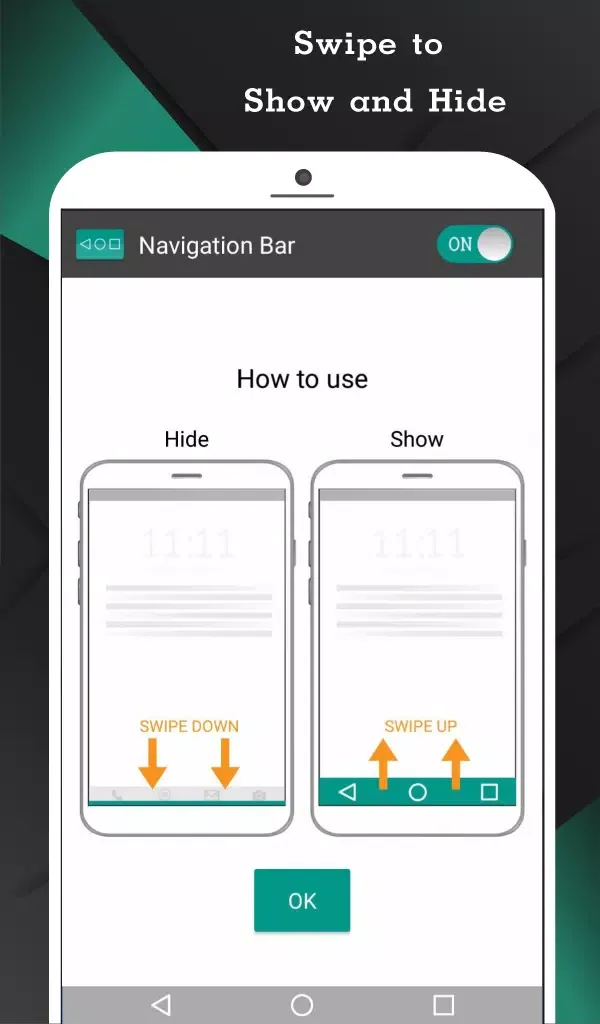
Intuitive Hide/Show: Users often find it very easy to control the bars that the system brings: Sometimes, you can also hide them if you don’t use them too much in a short time.
Personalized Aesthetics: To create a suitable control experience, each person will often spend time unlocking new themes: Specifically, this diversity makes it easier to observe.
Customizable Button Actions: The system often allows you to assign diverse actions to long presses: In particular, basic to advanced features can be activated quickly.
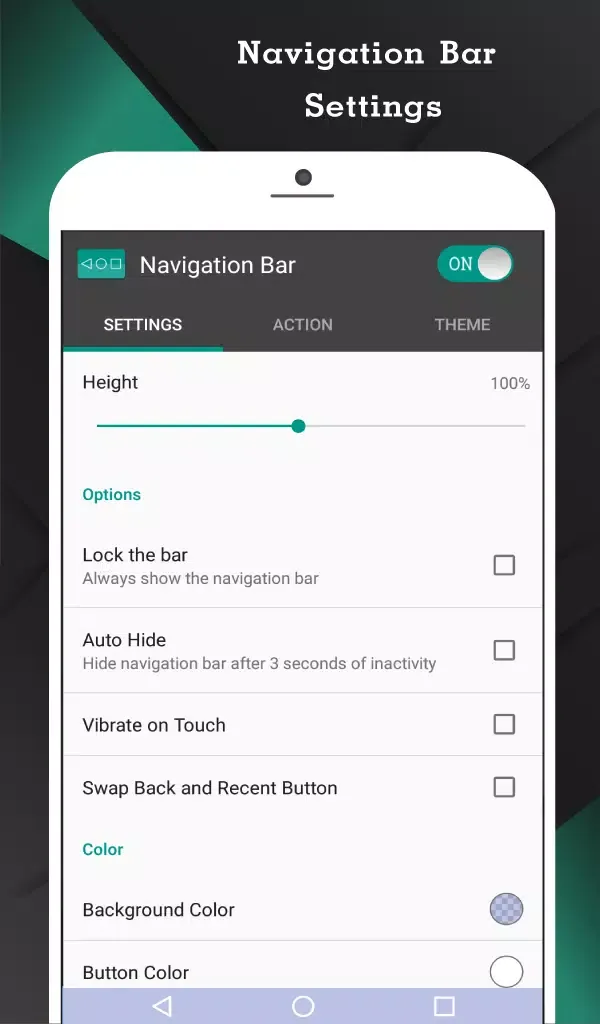
Adjustable Sensitivity & Size: Instead of having to worry about speed, all aspects of the bar are often under your control: Of course, you will consider the size of the thing that will come with sensitivity.
Highlights of Navigation Bar:
Versatile Actions: The application offers six customizable actions for the single button, including Swipe Left, Swipe Right, Swipe Top, Swipe Down, Single Press, and Long Press: Users can tailor these actions to suit their preferences and accessibility needs.
Customizable Appearance: Users can change the button's color, ensuring it complements their device's theme or personal style.
Size and Position Settings: The app allows users to adjust the button's width, height, and position on the screen, providing a personalized and ergonomic navigation experience.
Vibration Feedback: Enhancing the user experience, the app enables users to set vibration feedback upon touching the button, providing a tactile confirmation for each action.
Landscape Mode Optimization: Recognizing the importance of landscape mode, the application offers options to fine-tune the button's position for optimal functionality when the device is in landscape orientation.
Notification Toggle: The convenience extends to system-wide accessibility with the option to toggle the app on or off directly through notifications, ensuring quick and easy access.
FAQs of Navigation Bar:
Can I use the Navigation Bar on any device?
The app is designed for Android devices, but compatibility may vary depending on the device’s model and Android version.
Is the “Navigation Bar Pro” version worth the investment?
If you’re seeking advanced customization options and additional features, the Pro version is worth considering.
Can I customize the navigation bar to include a “Back Home Recent Button”?
Yes, the app allows you to customize the navigation bar, including the addition of a “Back Home Recent Button.
Final words:
So, this is all about Navigation Bar Android APK, and we hope you are able to download and use this app by now. There are many ways by which you can take advantage of such applications, but it is among the best: No other app offers as many features as this app, and that’s what makes it stand out from the crowd.








