

Game Space is a game management and optimization tool designed for game enthusiasts. It integrates all games into a game library, allowing users to update and open games with a single click, eliminating the need to search and browse on the screen. Employing advanced game acceleration and VPN functions, it helps users achieve more stable image quality and frame rates in games, enhancing their experience. It also supports various setting modes such as performance, noise reduction, and low power consumption, tailored to different game types to help players enjoy a more comfortable gaming experience. Furthermore, the software automatically cleans up memory to reduce lag and improve game responsiveness.
Modes of Game Space:
The application comes with several modes that enable you to customize your experience when using it. They include:
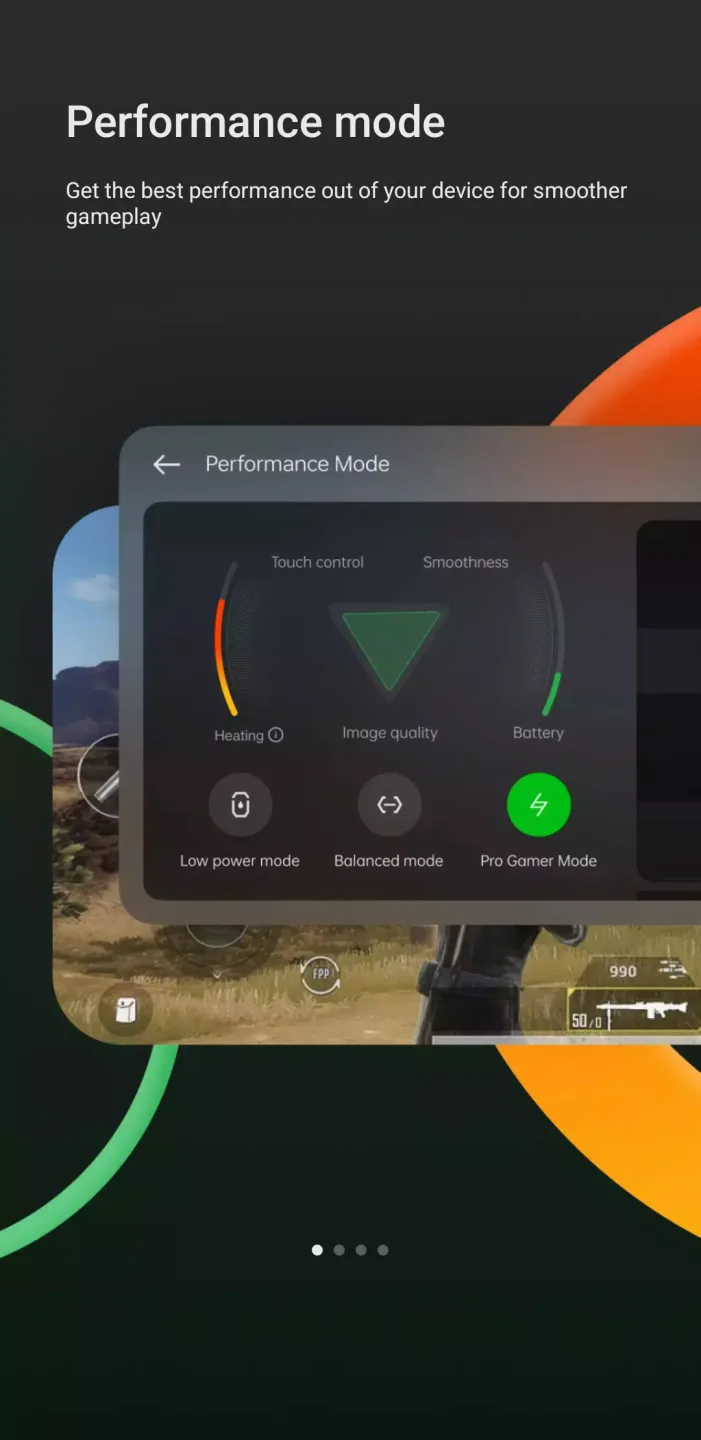
Performance Mode: These mode help you in improving the performance of your device when gaming. You can choose from different presets that are available or set your custom mode.
Noise Cancellation Mode: This mode enables you to cancel any background noise and enjoy clear gameplay without any distractions.
Balanced Mode: This model combines the performance and noise cancellation modes to give you the best experience. It also ensures that you balance power consumption without compromising performance.
Competitive Mode: This mode improves frame rate and removes all distractions for an immersive gaming experience. It also enhances responsiveness.
Lower Power Consumption Mode: The app reduces the power consumption of your device thus prolonging its battery life. It also boosts performance and response time.
The app automatically manages your calls and messages notifications to prevent any distractions when playing a game. You can also set it to ensure that you only receive the notifications that are important to you.
Features of Game Space:
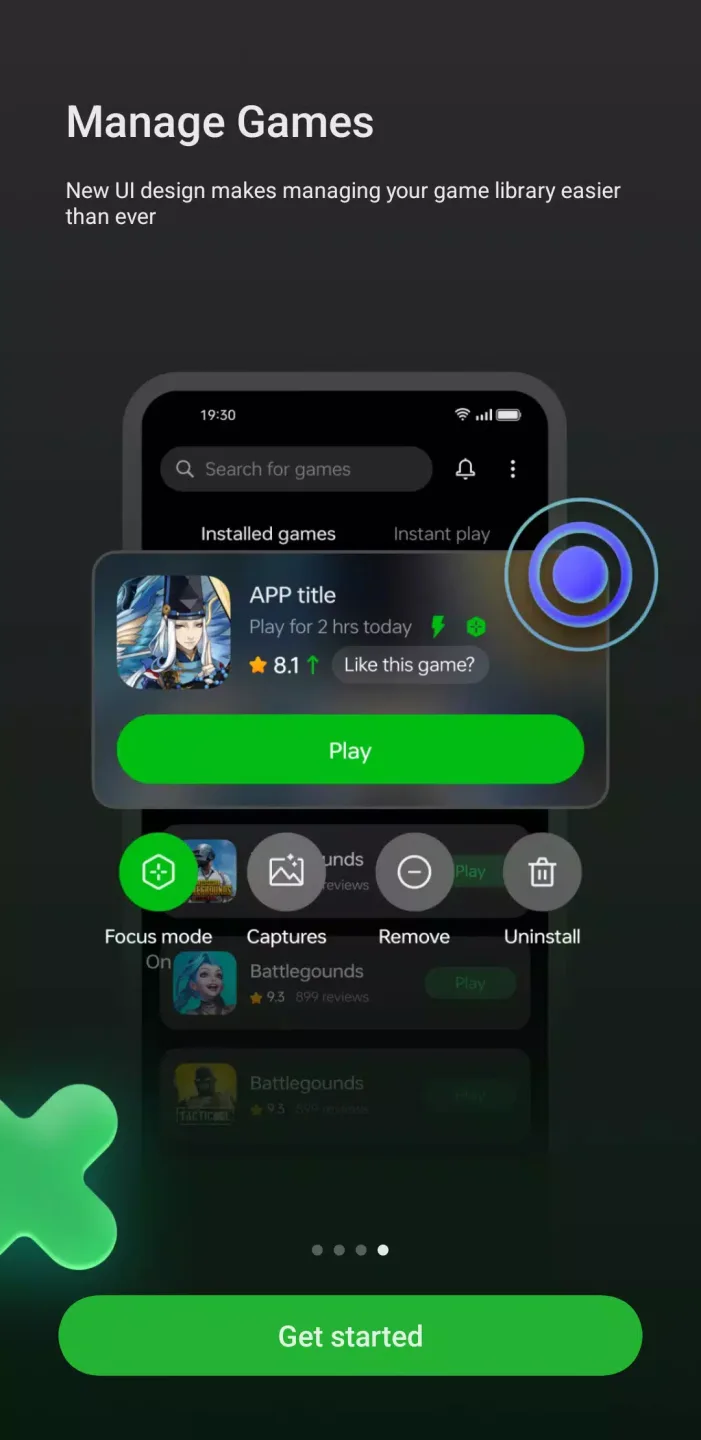
Unified game launcher: Game Space gathers your installed games into one clear library. You can open titles from a single screen and avoid scrolling through pages of apps. As you add new games, they appear in the hub and remain easy to find for the next session. This creates a simple routine each time you play.
Network Acceleration (VPN): For online matches, Game Space offers Network Acceleration through a VPN. It works to reduce delay and keep connections steady during multiplayer and matchmaking. You can switch it on when needed and turn it off after play. This tool is useful when network spikes affect your session.
Performance boost tools: Before a demanding level, Game Space lets you clear cache and free RAM. You can run these quick actions to help reduce stutter and improve responsiveness. The controls are straightforward, which makes it easy to prepare your device in seconds. You can repeat the process whenever gameplay starts to slow down.
Community and news: Between matches, Game Space provides game specific groups and news. You can read updates, share strategies, and ask questions with other players. This keeps you informed about events and changes that may affect your next session. It also helps new players learn faster through shared tips.
Functions of Game Space:
Multiple Gaming Modes: There are different gaming modes available in this application. You can get these modesexclusively in this application. All the modes are free and easy to use. This application is easy andsimple. You can enjoy using these for free.
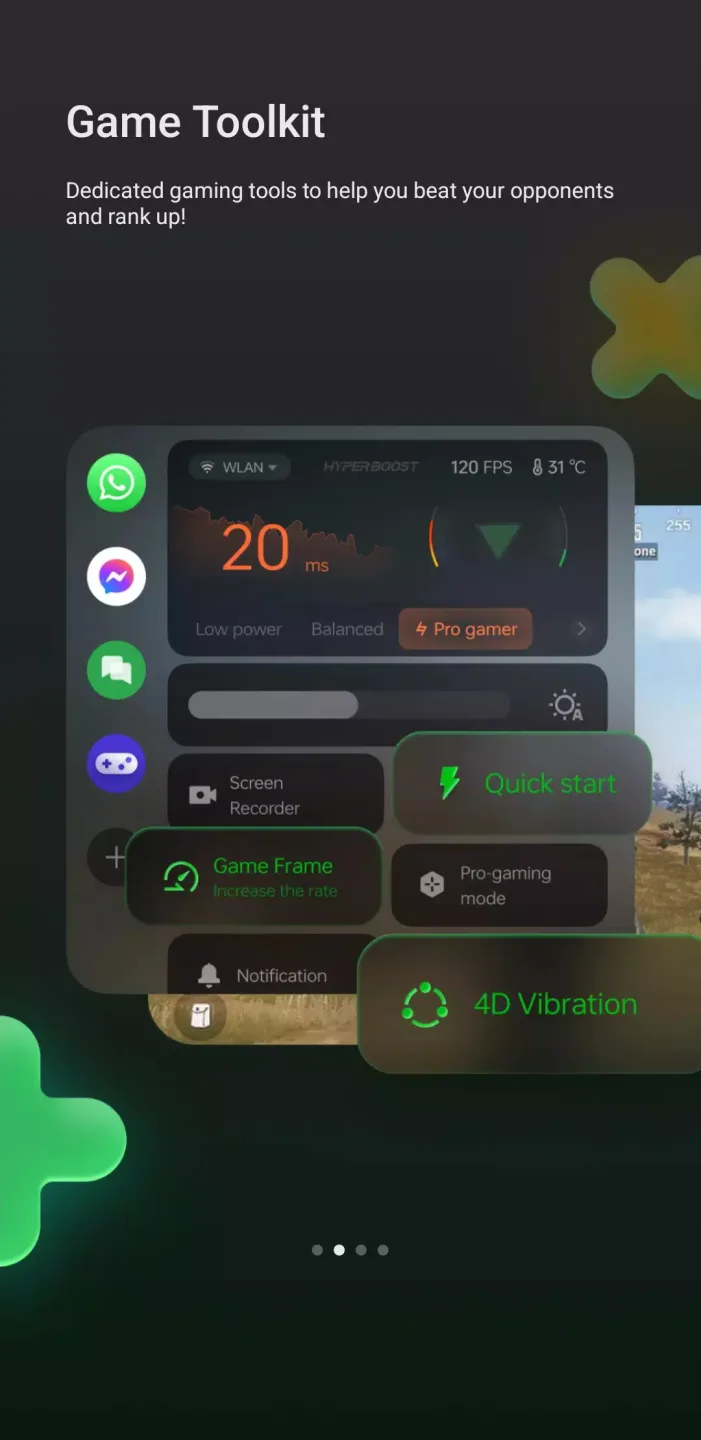
In-Game Features: There are different in-game features. You can get a built-in screen recorder in this application. Allthese in-game features are free. You can get these features for free. You can enjoy these featuresin this version.
Adjust Resolution: There are different resolution settings. These settings are free in this version. You can adjust theresolution for free. This feature also helps gamers to have the resolution of their choice for free.
Block Notifications: All the notifications are blocked in this application. You can get this blocked notification in thisapplication. You can get all the features for free. You just have to download this application andyou can enjoy using all the features. This is a free application.
FAQs of Game Space:
Will using Game Space improve my gaming performance?
Yes, Game Space is designed to optimize device resources, potentially improving frame rates and overall gaming performance.
Is there a way to record gameplay using Game Space?
Yes, Game Space includes a screen recording feature that allows you to record your gameplay sessions easily.
Can I use Game Space while playing online games?
Absolutely! Game Space works with online games and offers options to minimize distractions from notifications.
Do I need special permissions to use Game Space?
You may need to grant permissions for notifications, microphone access (for in-game communication), and storage (for recordings) when prompted.
Is Game Space available for all ColorOS devices?
Game Space is typically available on most ColorOS devices but may vary depending on the specific version of ColorOS you're using.
Conclusion:
To sum it up (without being generic), Game Space is kind of like that pocket upgrade for your phone that quietly makes every game play better. No fluff. Just smart tools that give you control over the stuff that matters in mobile gaming.Game Space feels like that one friend who organizes your room, turns off your annoying notifications, and hands you the best WiFi without even being asked.








