

Discord is a social platform designed specifically for gaming enthusiasts. Users can join or create their own group chats, invite friends to participate, discuss their favorite games and strategies, and organize thrilling matches. Interaction is made fun through text, emojis, and voice chat—though you are free to leave these groups whenever you wish. You can also start a live stream to showcase your gaming skills or conversational flair, earning cheers and likes from the community. Accounts can be logged into across multiple devices, with chat history automatically synchronized to ensure seamless interaction anytime, anywhere.
Click to load YouTube / 点击加载视频
YouTube ↗Features of Discord:
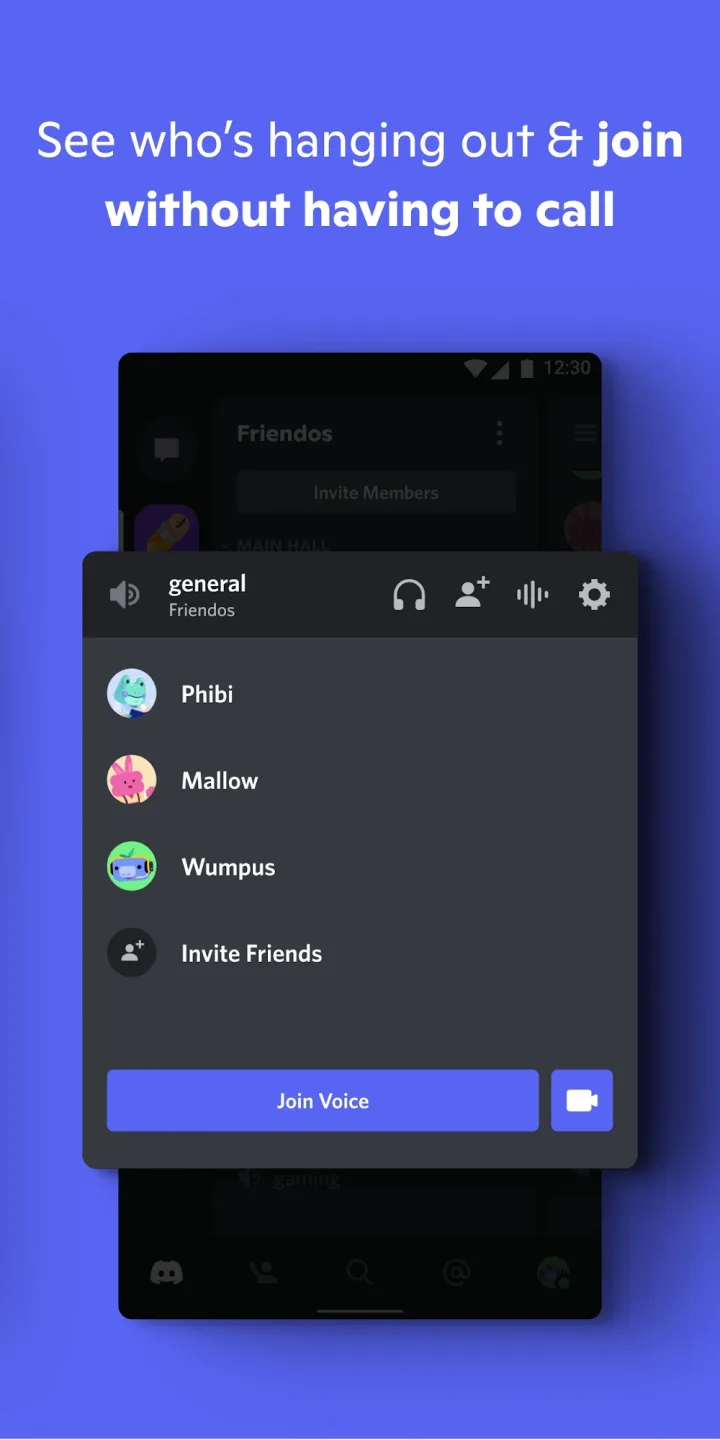
Connect with Your Tribe Instantly: Discord excels at bringing people together. Create or join servers dedicated to specific interests, hobbies, or communities. This allows you to easily find and connect with like-minded individuals, fostering a sense of belonging and shared experience.
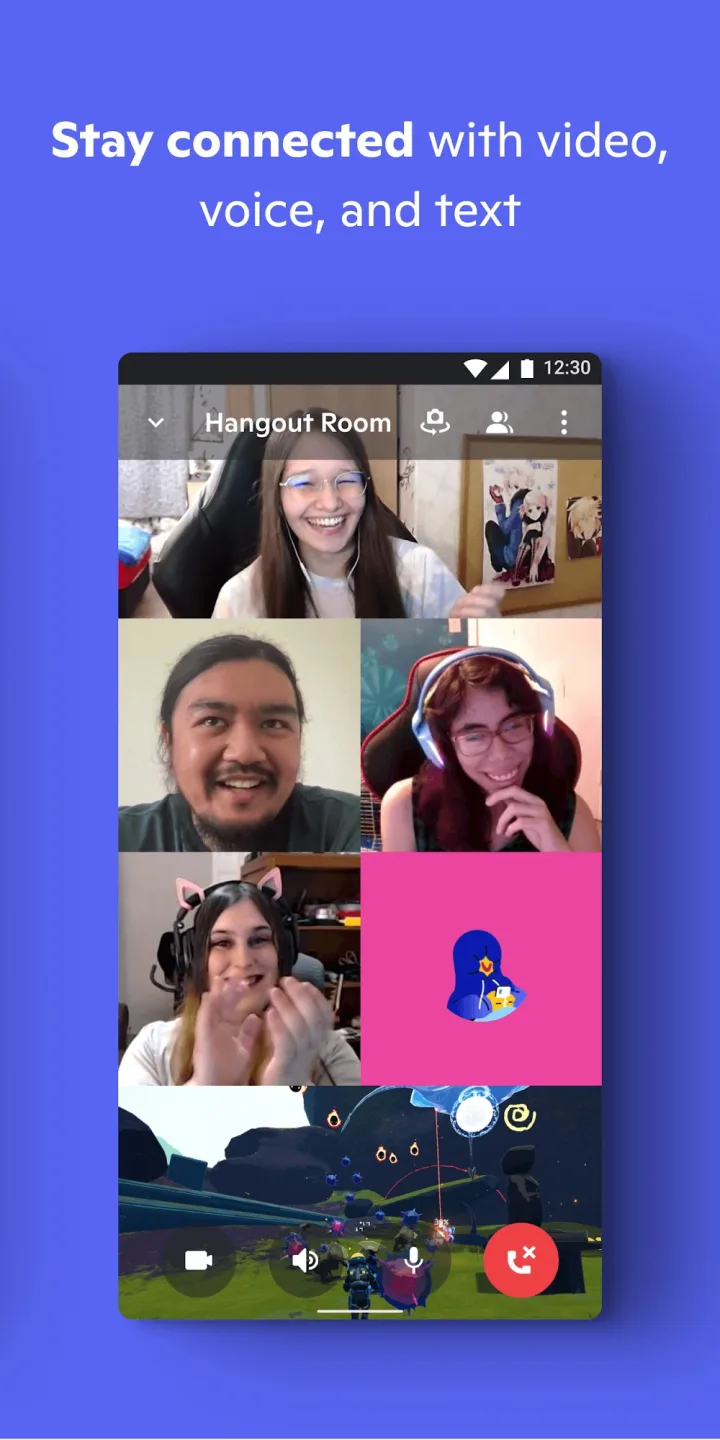
Crystal-Clear Voice and Video Calls: Stay connected with friends and teammates through seamless voice and video calls. Discord’s reliable technology ensures clear communication, whether you’re gaming, collaborating on a project, or simply catching up with loved ones.
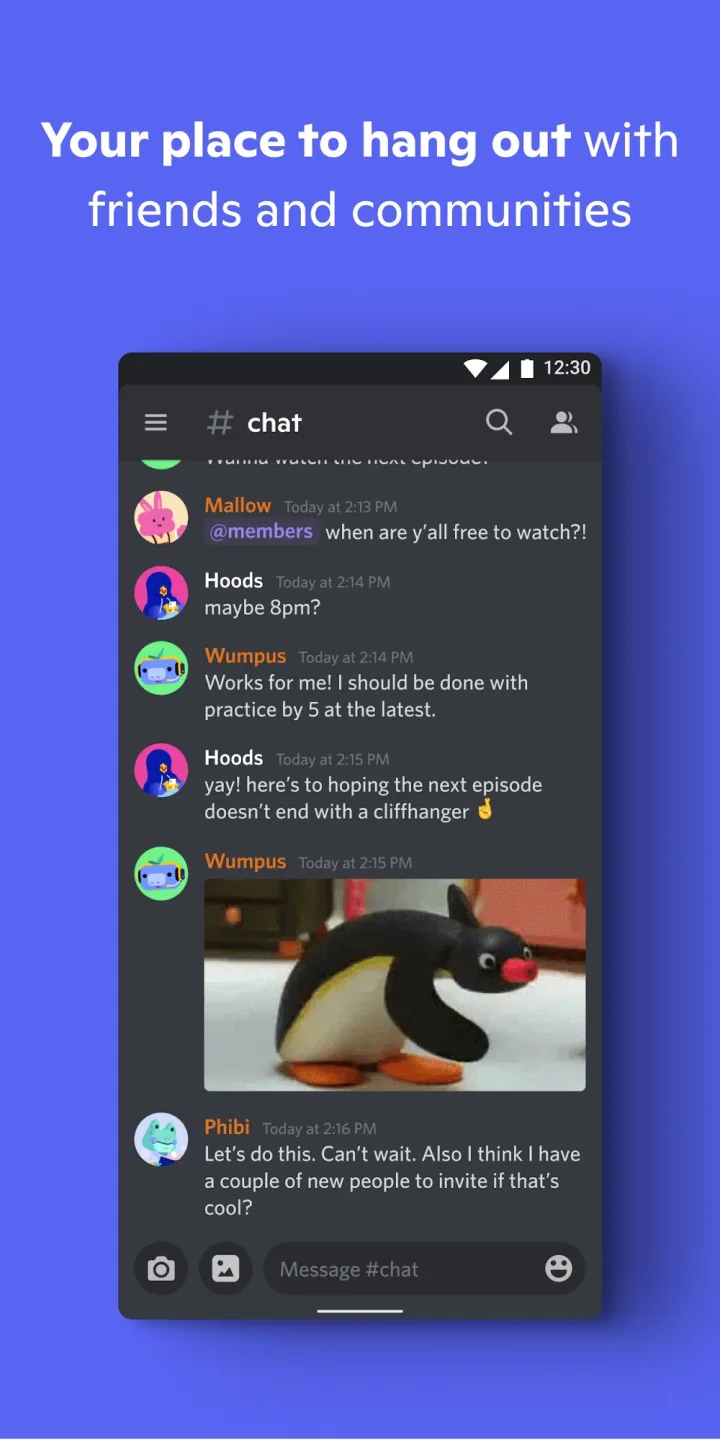
Organize Conversations with Channels: Keep your discussions organized and focused with dedicated channels. Categorize topics within your servers to ensure that conversations remain relevant and easy to follow, preventing information overload and promoting efficient communication.
Personalize Your Experience with Bots: Enhance your server with a wide range of customizable bots. These automated tools can perform various tasks, from moderating chat to playing music, adding a layer of functionality and entertainment to your Discord experience.
Stay Updated with Mobile Notifications: Never miss an important update with Discord’s customizable notification system. Tailor your notifications to receive alerts for specific channels or mentions, ensuring you stay informed without being overwhelmed by irrelevant information.
Useful Tips of Discord:
Ensure you separate your rolls from your RP. The RP or Table channel should be free of dice rolls to prevent clutter. Instead, there should be a dedicated dicerolling channel. Players can either report the results of their rolls in their posts, or you can go and look yourself. I advise the former, however.
On that note, there should also be a separate channel for practicing with the dice bot. People usually need some time to learn the bot, or want to test some things out. Isolate that activity.
A channel dedicated to posting out-of-game comments is also a must. Essentially a General Chat.
In a separate category, private channels for each player can be helpful for discussing things one on one with a player in the server itself without having to rely on confusing direct messages.
Remember that channels can also be used to dispense other game critical information, such as lists of NPCs, Lore, Item Blocks, etc, each in their own channel.
Create an online application — To avoid being overwhelmed with DMs, texts, and emails, we created a Google Form which consolidated all moderator applicants in one convenient location.
Prioritize applicants who have prior experience — We found that it was best to choose people who already had a thorough understanding of the platform and were proven members of other Discord communities. A familiarity with bots and how they operate was also a plus.
Use a bot to identify your most active community members — Statbot was great for helping us find existing server members who were already living and breathing the VeeFriends community. By choosing these kinds of members to be mods, we were confident that they would be strong eyes and ears for the server.
User Reviews of Discord:
Great communication app to stay in touch with people outside of phone numbers or if they don't have a phone in general. There is also many servers to access to stay in touch with communities or to even join new communities!! But my two main problems is 1. The moderation is not that good 2. Pretty laggy on mobile. other than that it's amazing!
honestly, the app is great. Yet, one problem. The problem is changing pfp. Every time I wanted to change my pfp, I went to photos and picked the picture like usual. But the problem is that it keeps kicking me out or returning to the loading screen (?) Well when I do it a couple times, it works a bit. idk if this is a bug or my device problem. And honestly, the app is cool and can make a lot of online friends !
I can click on a link I'm given by someone or type in a code to join a server. The servers aren't necessarily just one texting place. There can be different tabs to access different texting places. This helps saved time because conversation stay organized. There is the possibility to join a voice or an audio call for those on a discord chat. It isn't the first thing that opens when you enter a chat. You can see pictures if you click the search bar on a server and click the word media at the top.
The app is amazing, i usually use it to get news from servers or just call my friend. But im currently having a problem with Notifications. When you are in a call there is a pop up in your notifications bar, when the call ended, the pop up is still there which is to be fair annoying. I hope you guys can fix it soon and i appreciate it.
FAQs of Discord:
Q: What Is A Discord Server?
A: Discord servers provide you with the ability to create private, invite-only spaces for your friends or community—places where you can connect, collaborate, and enjoy meaningful conversations together. These dedicated spaces are what we call servers.You can join existing servers or create your own for virtually any type of community or interest group. Whether you're organizing a book club, coordinating with classmates in a study group, managing a dance class, or simply staying connected with close friends, Discord servers offer the perfect platform to bring people together around shared interests and activities.
Q: What does Custom Typing Indicator do?
A: It lets you replace the default “is typing…” message with up to 3 custom emoji, a motion style, and an alternative verb, whenever you're the only person typing in a conversation.
Q: Can I turn off the custom typing indicator?
A: There isn't a way to disable the custom typing indicator. If you'd like to reduce the intensity of its animation, you can turn on Reduced Motion in User Settings > Accessibility, which minimizes motion effects across Discord.
Q: What happens if more than one person is typing at the same time?
A: Everyone's typing indicator returns to the default “is typing…” message until only one person is typing again.
Q: Do I need Nitro to use this feature?
A: You need a Nitro subscription to save and use a custom typing indicator. This feature is not available for Nitro Basic. Non-Nitro members can preview the customization options, but can't save or apply them.
Q: Where can I set up my custom typing indicator?
A: As part of this experiment, you'll be able to set it up from either Settings or your Profile, but you'll only see one of the two. This experiment is currently mobile only.
Final words:
In short, Discord APK isn’t trying to be flashy. It’s just good at being real. It gives people digital space to build what they want whether that’s a tight friend group chat or a thriving international fan community. And for an app that started around gaming, it’s managed to evolve into a communication tool that genuinely fits how people socialize online now.








