Noizz is a video editing app with a vast library of filters and effects. Add your favorite effects and filters to your videos to create a unique personal style. Don't know which filters to choose? No problem! Noizz uses advanced AI editing algorithms to find the best filters, effects, and music for you in minutes, saving you time and ensuring professional-looking video production! In addition, Noizz is a community where users share content. You can find the work of other experts here, or choose to share your own work and learn from each other!
Click to load YouTube / 点击加载视频
YouTube ↗Tips
Regularly explore and try new features to create unique videos.
When using music and images from external sources, always be mindful of copyright issues.
When using effects and filters, continuous experimentation and refinement are essential to creating your own style.
Use personalized recommendations to maximize the app's potential.
Features
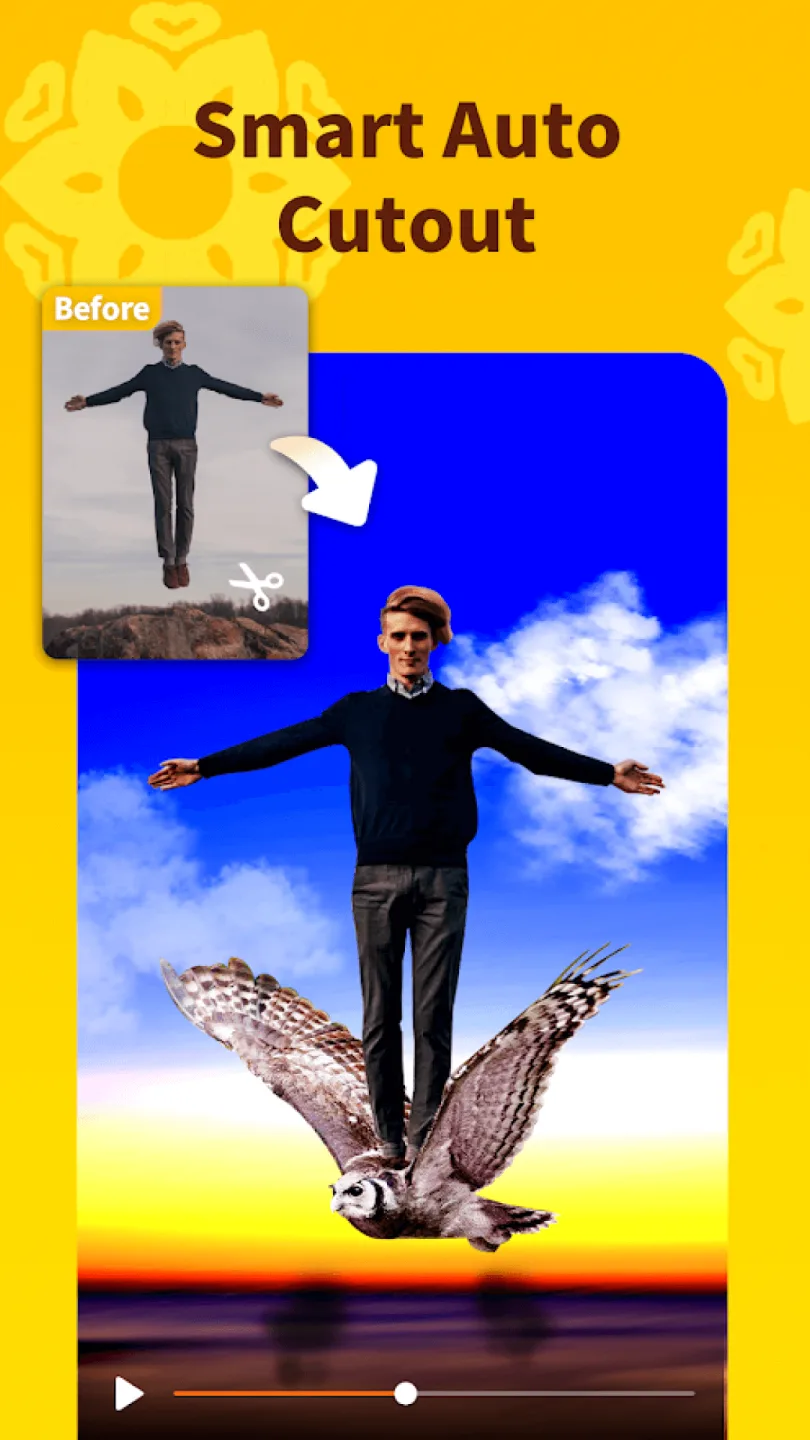
Advanced AI Editing Algorithm
Noizz analyzes your videos and recommends the best filters, effects, and music to enhance your content. This saves you editing time and effort, allowing you to quickly create professional-quality videos.
Multiple Effects, Filters, and Music Tracks
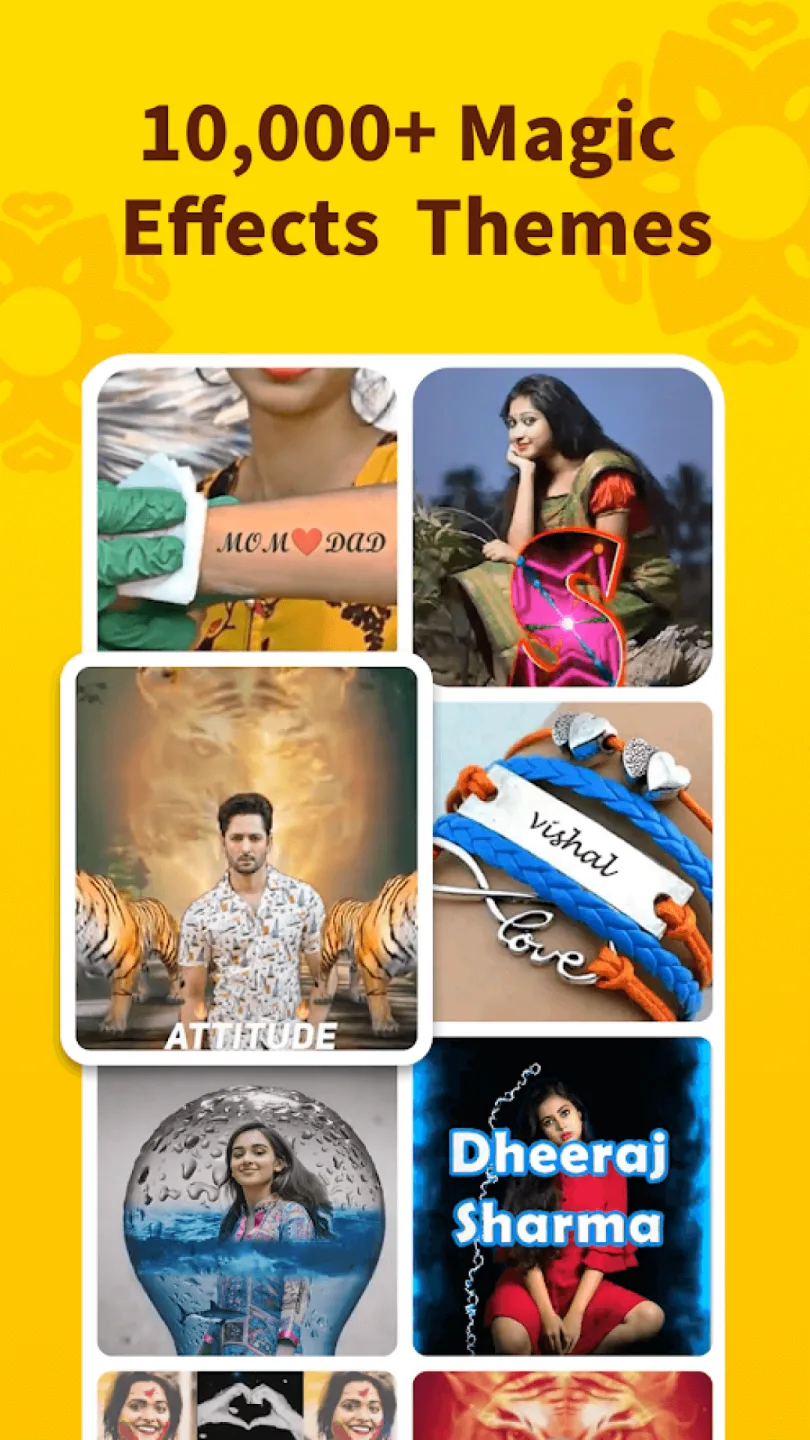
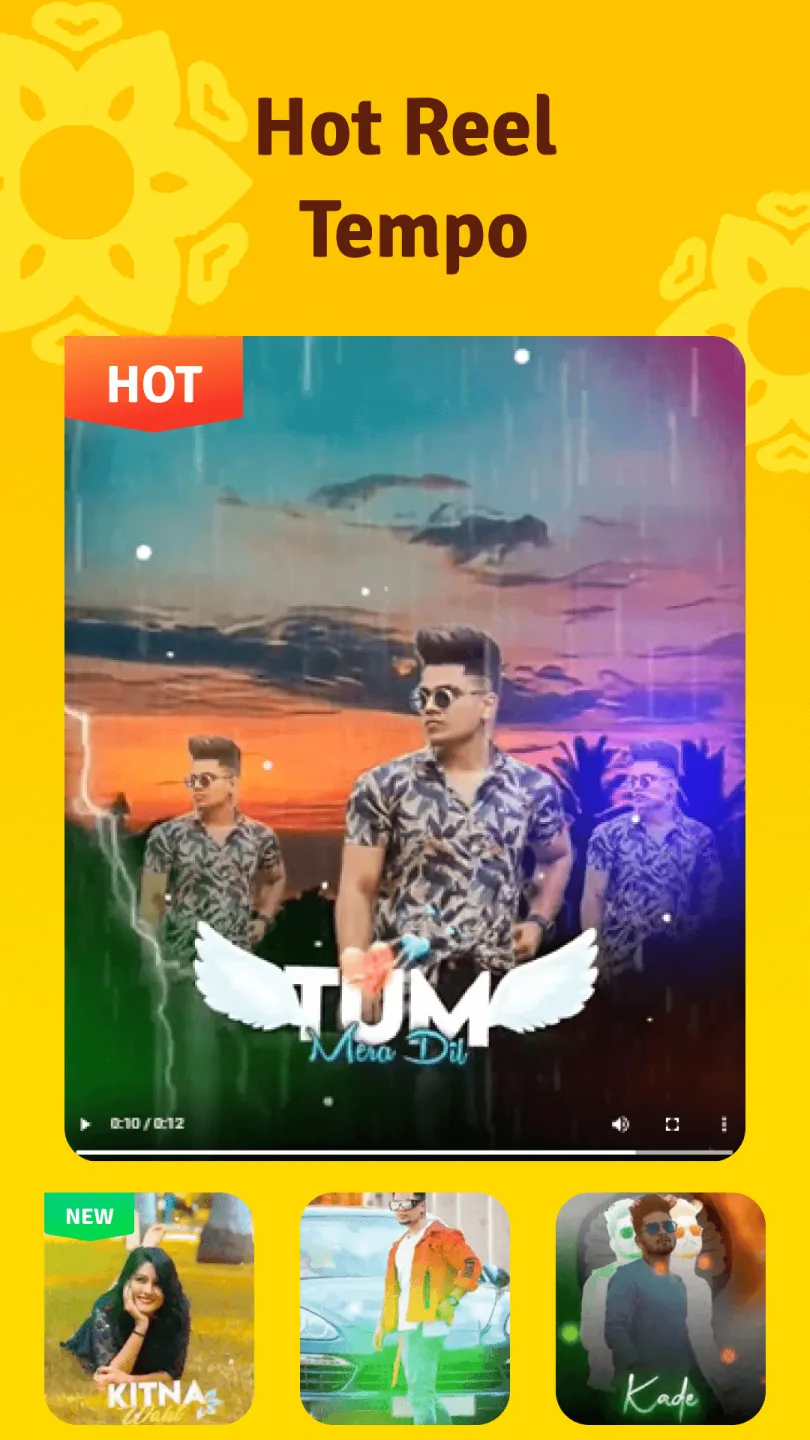
Noizz offers a range of effects and filters to transform your videos into dynamic and eye-catching works of art. The app provides a variety of options, from retro film styles to futuristic glitch art effects, suitable for all types of videos. In addition, Noizz boasts a vast library of music tracks for you to add to your videos, and you can even import your own music. The app automatically synchronizes the music with the video, making it easier to control the rhythm of your video content.
Personalized Recommendations
You can easily create videos that match your personal style based on the app's personalized recommendations. The app offers a huge selection of templates, so you can easily find the most suitable template for different occasions.
Pros and Cons
Pros: Easy-to-use video editor with a variety of editing tools.
Includes a variety of background music and music options for users to choose from.
Allows users to add text, stickers, filters, and other effects to their videos.
Provides high-quality output that can be shared directly on social media platforms such as Facebook or YouTube.
Supports multiple file formats, such as MP4, 3GP, etc.
Able to create beautiful slideshows using photos from local storage or online resources.
Cons: Limited video editing options.
Ads may disrupt the user experience.
It doesn't support all video formats, only specific formats like MP4 and 3GP.
The interface is difficult to use, with a steep learning curve, which may intimidate first-time users or those unfamiliar with technology.
Customer service or a help desk is lacking if you need assistance while using the app.
FAQs
Is the Noizz app free or paid?
The basic version of Noizz is free, allowing you to use filters, templates, and a music library. There's also a pro version offering some special features and watermark removal, which may require a subscription. However, the free version is quite good.
Where can I download the Noizz app?
Android users can search for "Noizz Video Editor" on the Google Play Store. iPhone users need to search for "Noizz" in the App Store. If you still can't find it, you can download the latest version of the Noizz APK from the Noizz website or a trusted APK download site.
Is the Noizz app safe?
Yes, Noizz is a well-known app with millions of users. This app doesn't ask for much personal data and offers an ad-free editing experience. Please be sure to download the latest version from official channels to avoid any risk of viruses or malware.
How do I add filters in Noizz?
Load your video onto your timeline, then go to the "Filters" tab or the "Effects" section. Choose a filter you like from there. The filter will be automatically applied to your video. You can preview it in real-time, and apply it if you like.
Can I create WhatsApp statuses with Noizz?
Yes, Noizz is great for creating short video statuses. You can choose from templates for "Status Video" types (such as quotes, holiday statuses, etc.), create your own short videos, and then share them directly to WhatsApp. This app is also great for creating GIFs or video stories.
Does Noizz support iOS as well as Android?
Yes, Noizz supports iOS (iPhone/iPad) and Android. You can search for "Noizz – Video Editor and Maker" in the App Store to download it.
How does Noizz rank among the best video editing apps of 2025?
Noizz is definitely worth considering for 2025. If you want to create short, stylish videos without complicated editing, it's a great option. However, if you need more advanced timeline editing features, you might want to consider other apps.
Summary
In short, the Noizz App is a simple and easy-to-use video editing application that helps you easily create amazing videos. It boasts numerous features, such as intelligent editing tools that recommend filters, effects, and sound effects based on your needs to make your videos stand out. You can choose from a vast library of effects, filters, and background music, or use your own voice. The app offers personalized suggestions and a variety of templates for different styles and occasions.