

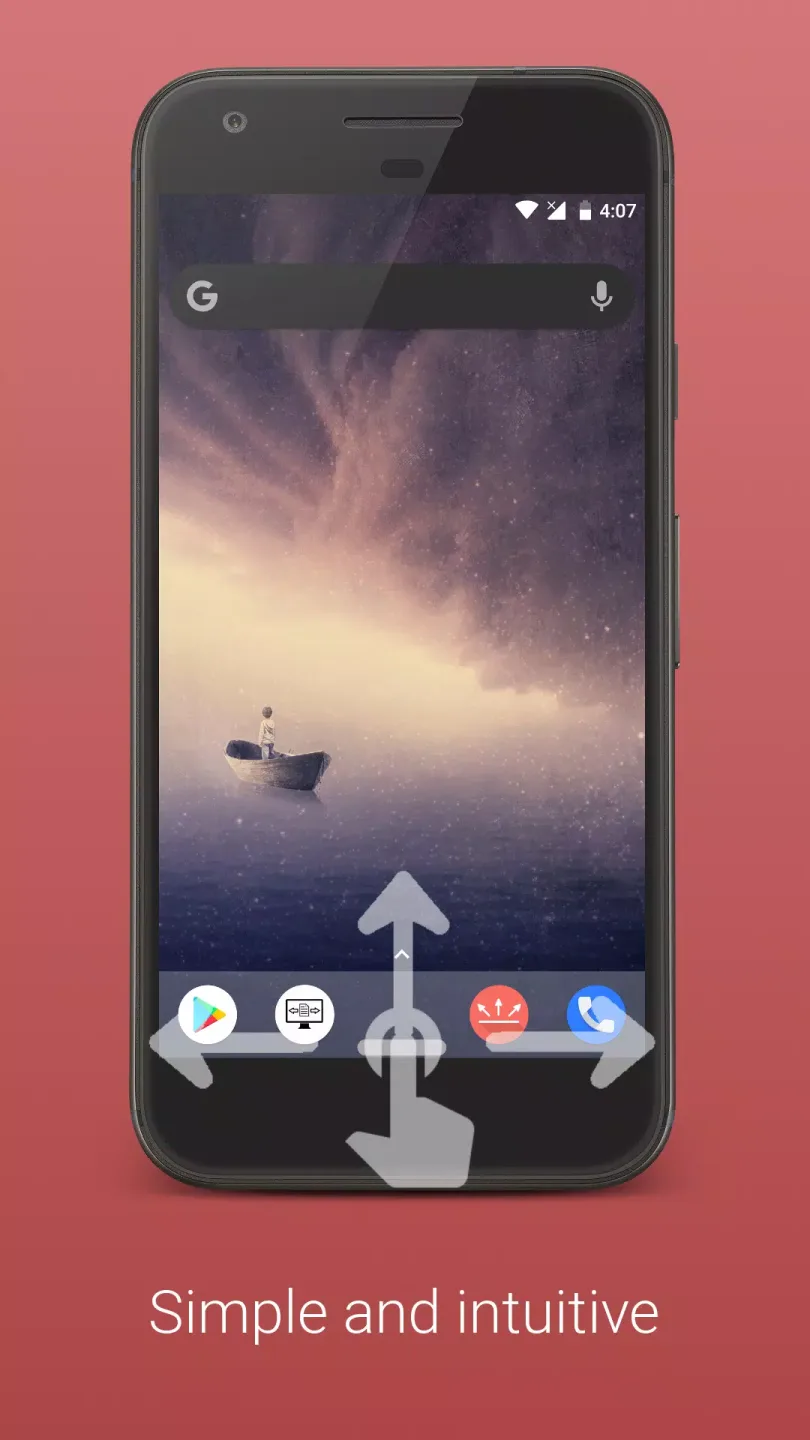
Gesture Control Pro is a user-friendly mobile tool designed to help users get rid of navigation bars and control their devices with simple gestures, thereby improving user efficiency. The software currently offers a wide range of functions, including screen on/off, screenshots, and flashlight control, and is continuously being updated to add more features and supported gestures to meet users' personalized needs. The software boasts strong compatibility and stability, running on most devices and supporting offline use, ensuring users can control their devices with gestures anytime, anywhere.
Features of Gesture Control Pro:
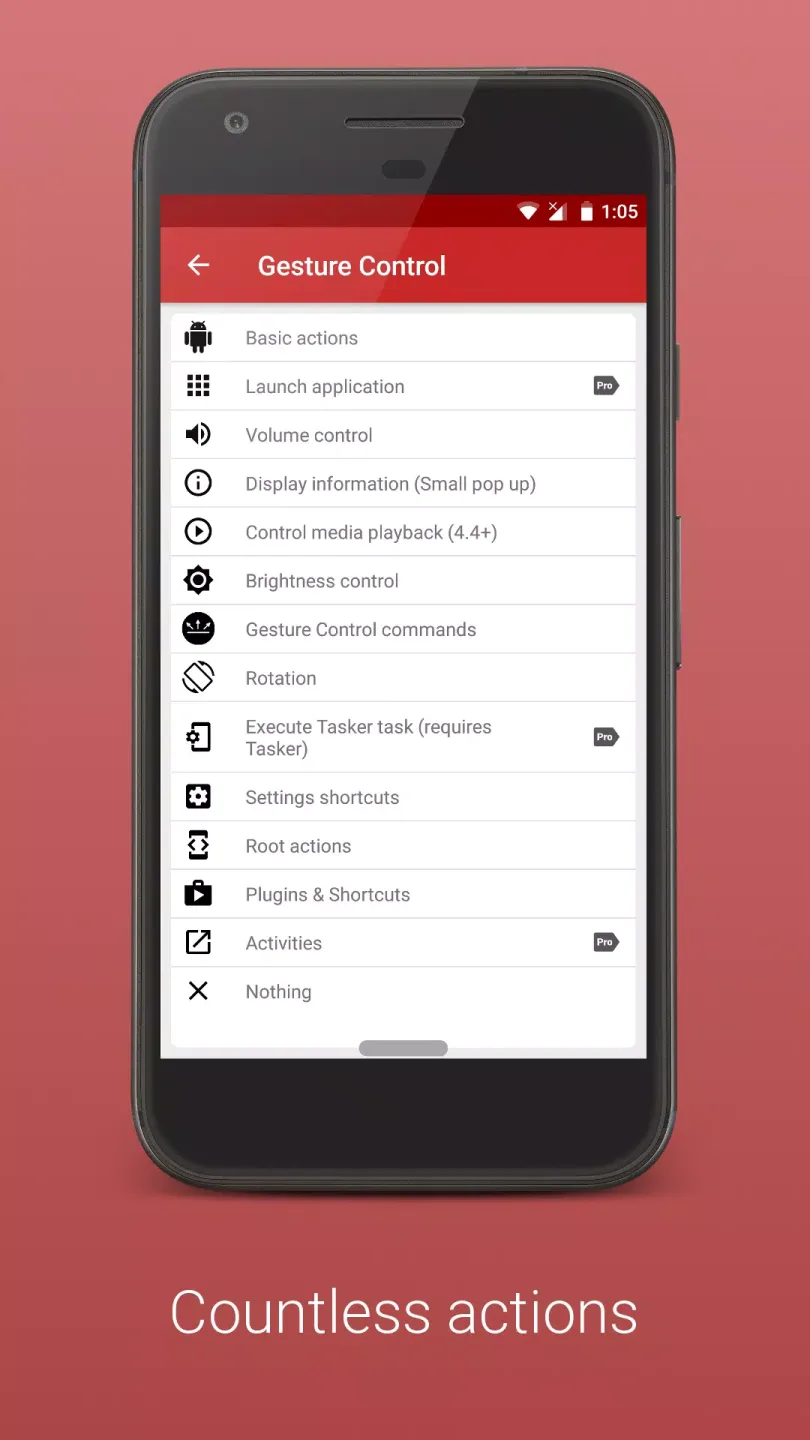
Back, Home, Recent Apps
Notifications
Quick Settings
Screen off
Most recent app
Power Dialog (Power off, reboot on some devices, etc.)
Multiwindow (Android 7+)
Lock device on app switch
Google assistant (if installed)
Execute Tasker tasks (Pro, requires Tasker)
Volume actions (Partially Pro required)
Show information (Partially Pro required )
Media control (Partially Pro required)
Brightness control (Partially Pro required)
Launch other apps(Pro required)
Torch (Android 6+, Pro required)
Take screenshot (Android 9+, Pro required)
Internal actions (Hide Bar for specific period, hide bar until app switch, etc. - Partially Pro required)
Power off options, Take screenshot, etc. (Root, Partially Pro required)
Numerous other actions
Highlights of Gesture Control Pro:
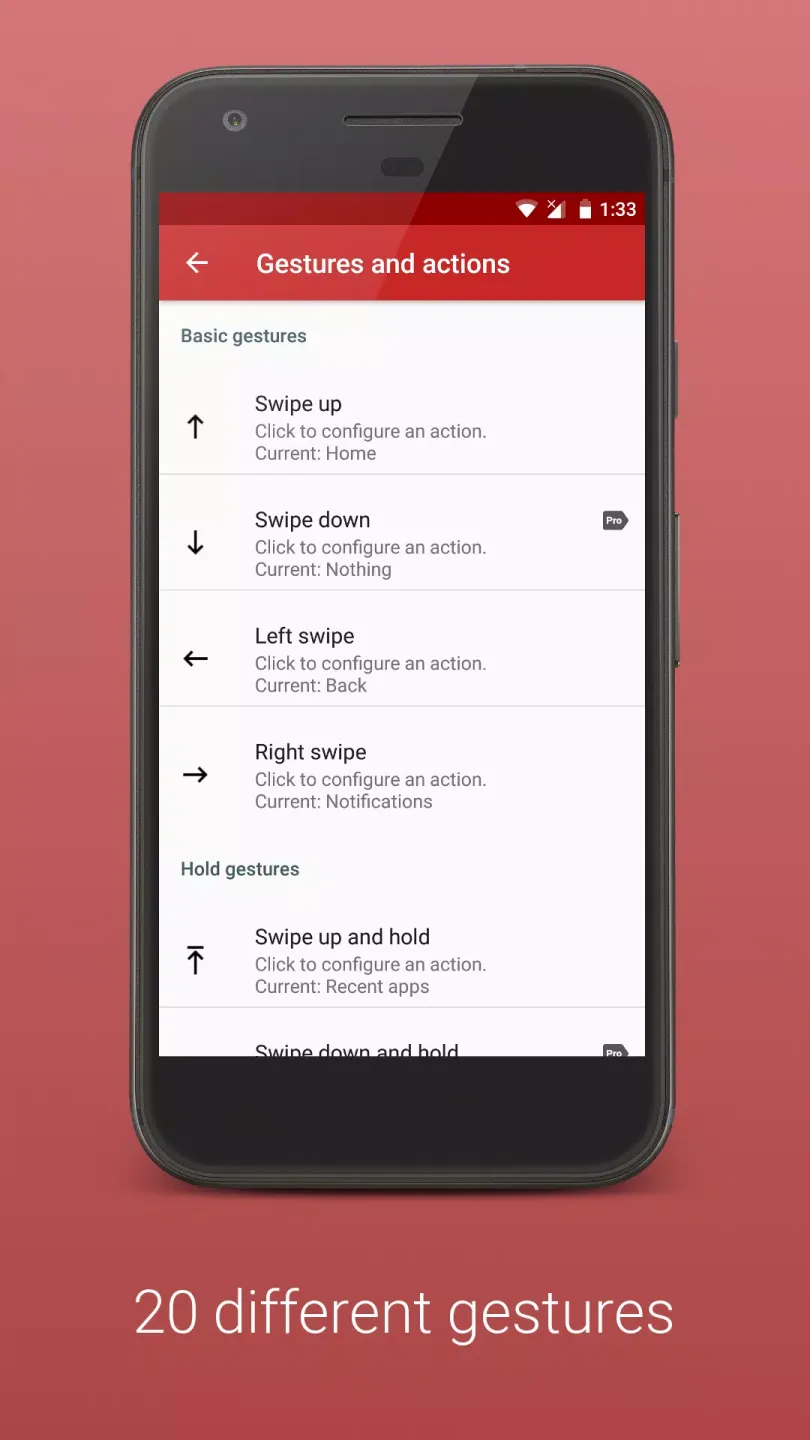
The app works with sensor bars placed along the edges of the display. You decide where they appear, how tall they are and how far they reach into the screen. Short swipes, longer swipes, holds, double taps and similar gestures can all point to different actions. One motion can open notifications, another can pull down quick settings, and a third can start Google Assistant or jump straight to the last app you opened. Because several bars can be active at the same time, you can shape a layout that matches the way you naturally hold your phone.
Each bar can behave differently. Some users prefer a very thin strip that almost disappears visually, while others choose a wide area that is easy to reach while wearing gloves. Individual bars may be disabled in selected apps, which is useful for games or video players where accidental inputs are annoying. Colors, transparency and sensitivity are adjustable, so the controls can be either clearly visible or almost hidden in the background.
Under the hood the app relies on Android’s accessibility system to perform its actions, but it stays completely offline and does not request internet access. It only needs to read your list of installed apps so it can launch them from gestures or change bar settings per app. This makes it a good option for people with broken hardware buttons, older phones or anyone who prefers smooth navigation without extra clutter.
Conclusion:
At the same time, the application is gradually developing and being supplemented with new features, combinations and other things. The program will appeal to those who want to go beyond the usual actions and those who are experiencing difficulties due to technical breakdowns and other factors. So everyone interested should definitely try this software in practice.








