

Want smoother gameplay? GFX Tool HeadShot can help. Here, you can adjust the game's graphics and sensitivity settings according to your preferences or your device's performance, potentially making your gameplay more comfortable. Want to enjoy Free Fire with high frame rates and high resolution? GFX Tool HeadShot can do that, or perhaps lower frame rates to save power? This tool also provides adjustment guides without restricting your freedom—ultimately, it's all about improving your Free Fire gaming experience!
Usage
If the game is running, please close it before launching this tool.
Open the Headshot GFX Tool application.
Customize the graphics settings according to your preferences and device performance.
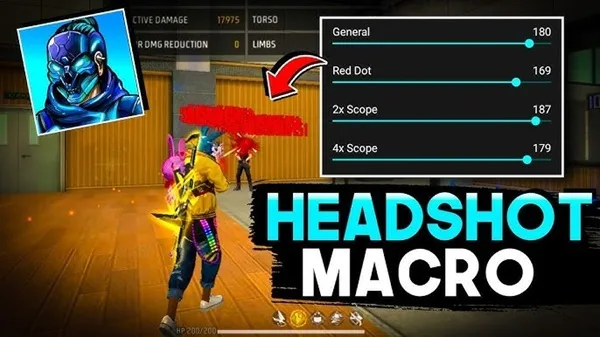
Customize sensitivity options.
Select options based on your phone's performance and graphics support.
Tap "Application Settings," then run the game.
Tips
Use the Bola Botón trick to improve your accuracy, designed to enhance aiming ability.
Choose a color from Azul and Roja that suits your style.
Remove the bola background for a cleaner, more streamlined interface.
Adjust the size and transparency for personalized control. Seamlessly switch between Azul and Roja for a personalized experience.
Features
- Resolution Adjustment
You can increase the game resolution for a sharper visual experience or decrease it for a smoother gameplay. This flexibility is crucial for matching visual effects to your device's performance.
- Frame Rate Control
Frame rate, often called FPS (frames per second), determines the smoothness of a game's visuals. Using GFX Tool HeadShot, you can increase FPS for competitive gaming or decrease it to save battery.
- Shadow and Texture Settings
Shadows and detailed textures enhance realism but also consume significant resources. Adjusting these settings can reduce unnecessary visual strain if your device is struggling.
- Anti-aliasing
This reduces jagged edges in games, improving visual smoothness. This is especially important in fast-paced games that demand high clarity.
- Graphics Modes
Some versions offer preset modes—Balanced, Smooth, or High Definition—for further fine-tuning, providing guidance while giving users freedom.
- Easy Enable/Disable Options
Quickly enable or disable various functions, allowing players to easily experiment and find the optimal balance between aesthetics and performance.
Pros & Cons
Pros: Focused on graphics customization
No need for extensive online searches
Cons: Graphics settings only
Not suitable for professional or development use
Summary
This top-tier tool optimizes your combat gaming experience, providing the best possible gameplay and optimal sensitivity settings. Ultimately, it will help you enhance your gaming experience and find the sensitivity settings right for professional Free Fire players.








