

SuperClone is an app duplicate software designed to help users log in to multiple accounts simultaneously on their devices. Whether it's social media accounts or games, users can easily create and log in to different accounts, thus improving efficiency. The software boasts strong compatibility, running on most devices. It employs advanced protection technology to safeguard user account security without collecting data or usage information during use, ensuring safe and secure operation. The software will be continuously updated, optimizing its protection technology and releasing more tools to help users run multiple apps and games simultaneously.
Click to load YouTube / 点击加载视频
YouTube ↗Features of SuperClone:
The primary function of Super Clone is its ability to create multiple clones of supported applications, enabling users to log into different accounts at the same time. This feature is especially beneficial for those who manage multiple social profiles or gaming accounts, as it allows for quick access and interaction with each account without the need for constant re-authentication. Users can customize each cloned app with unique labels and icons, making it easy to differentiate between accounts.
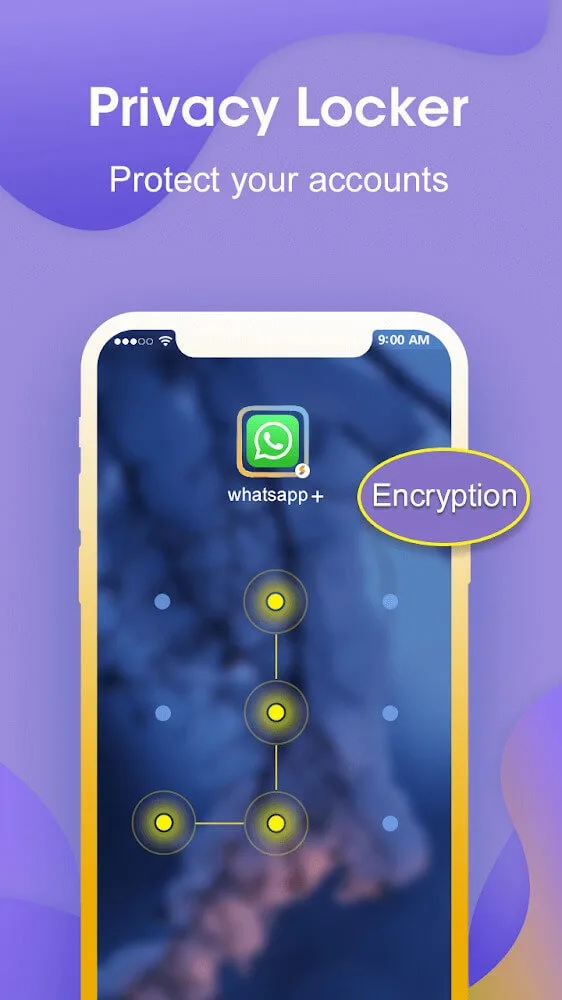
With Super Clone, managing notifications is straightforward. Each cloned account operates independently, meaning that users can receive notifications for each account separately. This organization helps users stay on top of messages and updates from various social platforms without confusion. The app also includes a privacy locker feature, which allows users to secure cloned accounts, providing an additional layer of security and privacy for sensitive information.
The app's design emphasizes user-friendliness, featuring a simple interface that allows for one-tap switching between recently used accounts. This ensures that users can quickly access their desired account without navigating through multiple screens. Super Clone efficiently handles background processes, allowing for smooth operation even with multiple accounts running simultaneously.
Integration with Google services is supported, enabling users to log in using their Google accounts within cloned applications. This feature enhances the overall functionality of Super Clone, making it easier to manage logins and maintain account security. The app is designed to consume minimal resources, ensuring that it does not significantly affect device performance, battery life, or data usage.
Another notable aspect of Super Clone is its stability and reliability. The app has been optimized for performance, ensuring that users experience minimal crashes or slowdowns while using cloned applications. This stability is crucial for users who rely on multiple accounts for both personal and professional purposes, as it allows for a consistent experience across different platforms.
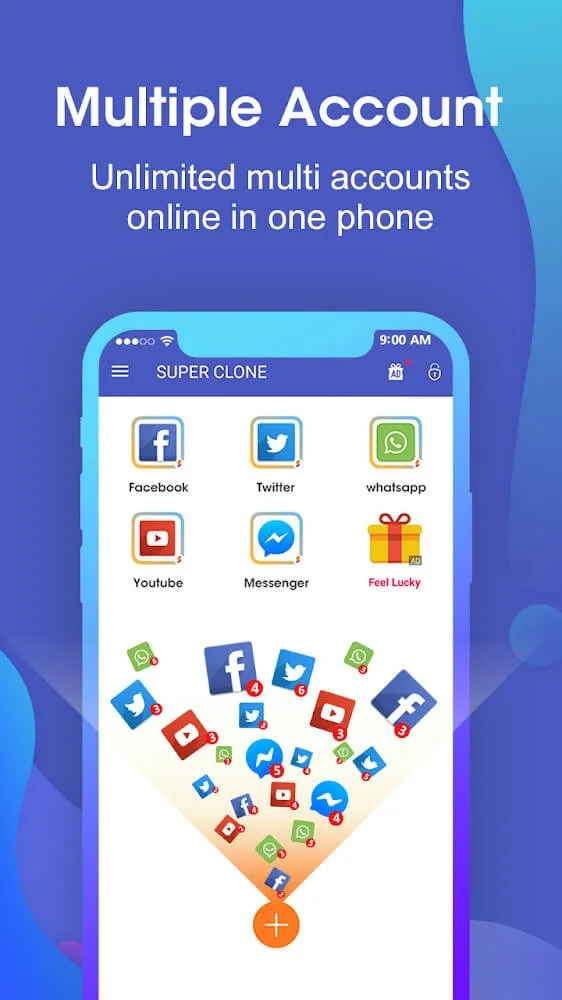
Highlights of SuperClone:
Privacy and security: To ensure privacy and security rights, Super Clone allows users to lock security to protect their cloned applications. You can use much different security locking methods to avoid the curiosity of those around you. It can be methods like setting Pin code, pattern, fingerprint, and more. Besides, the entire data of the copy will work independently of the original.
Work-life balance: Your life and work will be balanced by logging in to social networking applications at the same time in this application. Accordingly, Super Clone is compatible with many popular instant messengers, social networking applications, and games. At the same time, you can also connect to Google Play Games or other services in your clone for the best gaming experience. If you need more space to work and play, then Super Clone will be the right tool for you.
Change icons to avoid confusion: Sometimes, the continuous application of duplication will cause confusion for users when using it. Super Clone understands that. This application allows users to freely customize icons to limit confusion. That way, you can easily bookmark each app your own way to make it easier to sign in next time.Accordingly, you can change the attached icon image through a few basic operations. You can get images that are already in the app’s gallery or on the device. Not only customizing the icon, but you should also name each app icon to suit individual needs. We believe that personalizing the information of the applications will make them more convenient for you to use.
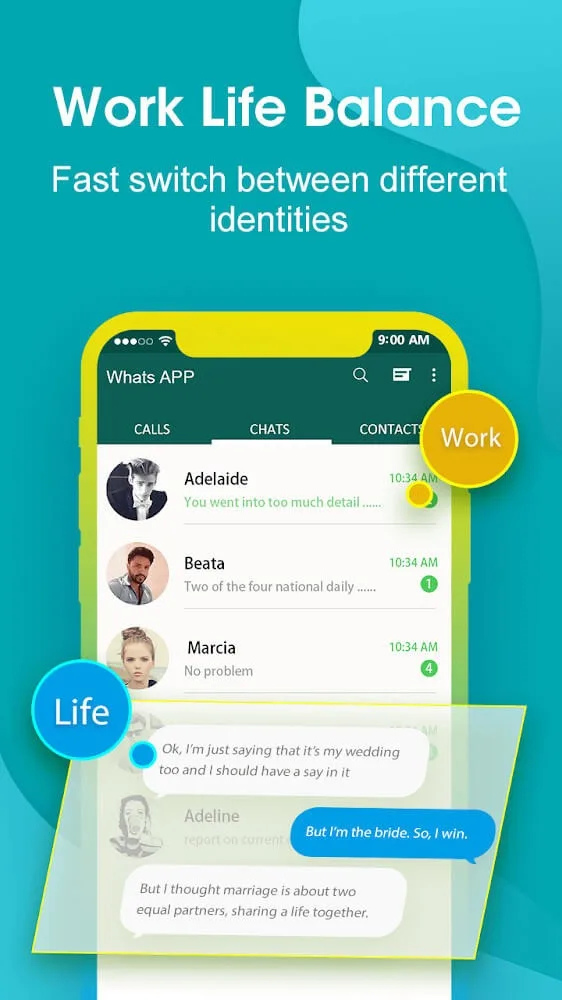
SetUp Tips of SuperClone:
Battery and data use comes from the apps you run inside the clones.
Customize app icons and labels to match work, family, or game roles.
Grant requested permissions to avoid crashes in cloned apps.
Add Super Clone to your system notification whitelist for timely alerts.
Allow shortcut creation if you want home screen access for specific clones.
User Reviews of SuperClone:
So far so good! I have been needing this in my life for a long time! I have 3 accounts on one app and it takes way too long to switch users on the one app. It's so very nice to have 3 of the same app: each logged in separately. Now instead of logging in and out and constantly verifying: I just click on the app that has that account! Why didn't I discover this sooner?
Have used at least 3 other similar apps which all eventually stopped working. But super clone has been great. I mean sometimes it will freeze and I'll need to restart but what app doesnt do that from time to time. Yes there are ads right before app starts but once it's going it's fine. Definitely recommend!!!
Wow....wow is all I can say...I have used app cloners before and this one by far surpasses them all...just a small glitch in opening Facebook the first time but if you close out the program and reopen it corrects it ...what I love the most is how you can add a shortcut to your home screen...very highly recommended.
I’ve used Super Clone to run multiple instances of the "Credit Debit" app for over 2 years. Suddenly, none of my cloned apps are opening they crash after showing the loading screen. The main app and clones in other apps (like Multi App) still work fine. I have very important ledger data inside these Super Clone instances, and I can’t afford to lose it. Please provide a way to recover data or fix the clones.
Final Thoughts:
All in all, Super Clone is a handy tool that you can turn to if you are looking to creating and managing multiple accounts for any application installed on your device. The app can clone almost any social app and mobile video game. Not only that, but its cloning process is simple and only takes a single click. However, the performance of the cloned program may be sub-par as compared to the original.








