

Zoom Workplace is an exceptional office collaboration tool designed to help employees and leaders handle work tasks with greater ease, making your workflow more efficient than ever. This application presents users with a clean, intuitive interface and a powerful collaboration platform. Users can access a rich suite of features—including meetings, messaging, calling, and document management—enabling them to quickly stay on top of workflows and real-time updates, receive important notifications and messages promptly, and effortlessly switch between tasks. The app offers users a well-organized workspace layout and features a robust AI assistant to help complete complex tasks, ensuring smoother collaboration among team members.
Click to load YouTube / 点击加载视频
YouTube ↗Attractive Features of Zoom Workplace
All Features in One Workspace
Zoom integrates meetings, chat, phone calls, whiteboards, calendars, email, and documents into a single application. You can start, follow up on, and review your entire day's activities all from a single screen. This reduces app clutter and helps you maintain focus as you switch between planning, real-time discussions, and written follow-ups.
Mobile AI Assistant
Zoom utilizes AI Companion to summarize unread team chat messages, help you prepare for upcoming meetings, and draft content while you are on the go. This feature is included at no extra cost in eligible Pro and Business plans, allowing you to quickly review key points and gain context. It enables you to focus on what matters most without having to sift through lengthy chat logs.
Reliable Meetings and Collaboration
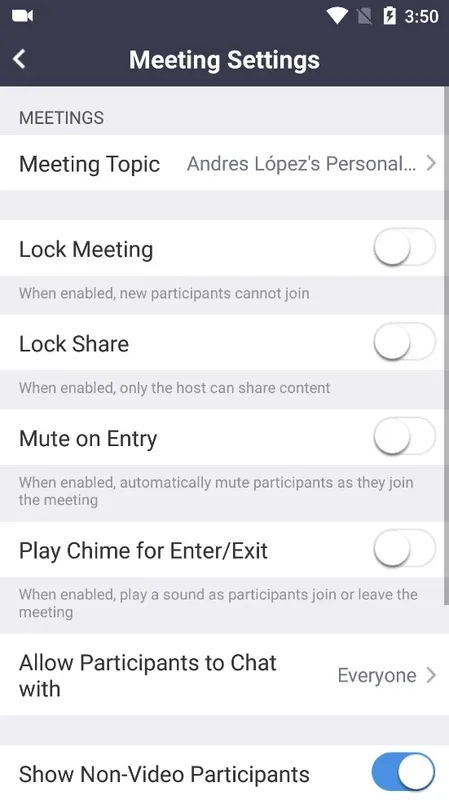
Zoom Meetings offers one-touch joining and scheduling capabilities, along with features such as screen sharing, breakout rooms, and whiteboards to facilitate team collaboration. You can seamlessly transition from a quick check-in to a formal business meeting without ever having to switch applications. These tools help teams reach consensus, document decisions, and keep work moving forward even after the meeting has ended.
Device Continuity and Multitasking
Zoom allows you to seamlessly transfer live meetings or calls between different devices as you move from one location to another. On Android devices, the "Picture-in-Picture" feature allows you to keep the meeting video visible on your screen while simultaneously viewing notes, messages, or emails. Tablet users benefit from split-screen functionality, further enhancing multitasking capabilities so you can reference documents or participate in chats while a meeting is in progress.
Wonderful Functions of Zoom Workplace
Microphone: Tap the small microphone icon to mute or unmute your microphone.
Participants: This tab displays the list of attendees currently participating in the meeting.
Video: If you wish to share content with others, you can enable your camera to allow participants to watch a live video feed.
Share Content: You can share your screen with others to display presentations, photos, and more.
Chat: You also have the option to chat with other team members.
More Options: You can tap the three-dot menu to access additional meeting controls—such as raising your hand—or navigate the interface by swiping left or right.

Helpful Tips of Zoom Workplace
First, open Zoom Workplace on your mobile device; if required by your organization, sign in using your work or personal account.
Next, follow the prompts to grant permissions for your microphone, camera, contacts, and notifications to ensure that calling and meeting features function correctly.
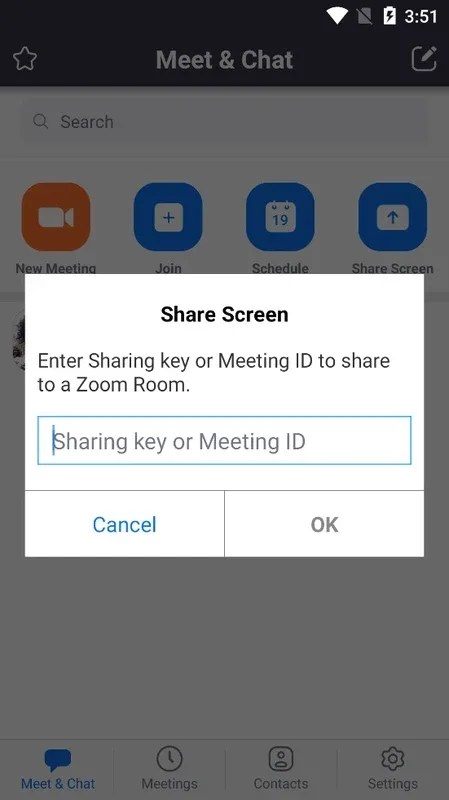
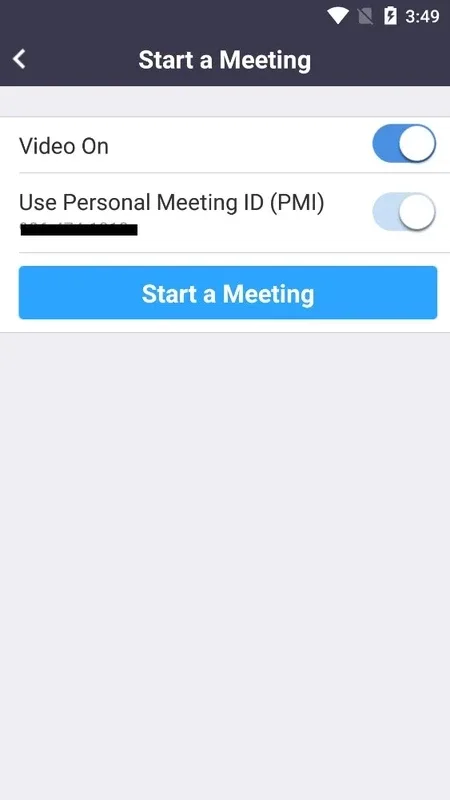
Then, join or schedule a meeting directly from the Home screen; you can connect via your calendar or by entering the provided meeting details.
Afterward, open Team Chat to continue conversations, share files, or initiate a quick call with a contact when you need a faster response.
Finally, you can use the Picture-in-Picture feature to multitask during a call, or seamlessly transfer an ongoing meeting to another device if you need to change locations.
Pros and Cons of Zoom Workplace
Pros
Clean and user-friendly interface
Quick and free access to connect with hundreds of people
High-definition (HD) audio and video calls for clear and smooth communication
Real-time collaboration capabilities
Integration with End-to-End Encryption (E2EE) technology allows users to utilize the platform while remaining protected against cyber threats.
Cons
Limited features in the free version
Requires a stable, high-speed internet connection
Not all features support video encryption
Final Verdict
Zoom is the premier platform for connecting multiple people via conference calls, enabling rapid, real-time collaboration. It integrates numerous innovative features that make team collaboration easier and more reliable. By fostering a highly efficient collaborative environment, Zoom empowers users—including large enterprises—to better manage meetings, share critical information, and quickly gather feedback from team members.








