

Are you frustrated by cluttered interface layouts that make it difficult to find the apps you need? Apex Launcher is the perfect solution. Users can manage and customize their apps, create folders to group similar apps and games together, adjust the layout of different apps to their liking, and hide the status bar for a cleaner interface. Users can also hide important information and apps in folders and encrypt them to protect their privacy.
Click to load YouTube / 点击加载视频
YouTube ↗Features of Apex Launcher:
Apex Launcher includes an App Lock feature, which enhances privacy by allowing users to hide and lock specific applications. This functionality is particularly useful for protecting sensitive information, as it allows users to secure access to applications such as Facebook, WhatsApp, and Gallery, among others. The App Lock can be secured with a pattern or password, and a fingerprint locking feature is expected to be available in future updates. This focus on privacy ensures that users can confidently store personal data on their devices without fear of unauthorized access.
Efficiency is a core aspect of Apex Launcher, which includes quick search capabilities to help users find applications and content rapidly. The app supports various gestures, such as swiping and pinching, to facilitate smooth navigation. Additionally, users can back up and restore their settings and data, providing peace of mind in case of device changes or updates. The scrollable dock feature supports up to 10 icons per page and allows for five pages, making it simple to organize and access frequently used applications.
The app's drawer customization options allow users to sort their applications according to various criteria, such as installation date or frequency of use. This makes it easier for users to manage their apps and find what they need without scrolling through an extensive list. Furthermore, the ability to hide specific applications from the drawer gives users additional control over their app visibility, enhancing their organizational capabilities.
Apex Launcher also includes advanced folder support, allowing users to create and manage folders more efficiently. Users can bulk add applications to folders and merge existing folders, streamlining app organization. The app also offers diverse folder preview styles, which can be customized to fit the overall theme of the user's device. This level of organization can significantly enhance the user experience, making it easier to access applications quickly.
Moreover, the app features an extensive theme engine that supports a variety of icon packs and skins. This allows users to further personalize their devices according to their tastes. With a selection of fancy transition effects, such as tablet and cube, users can enjoy a visually appealing experience as they navigate through their home screen and applications.
Functions of Apex Launcher:
Protect private apps: Apex Launcher lets you lock selected apps with a pattern or PIN. You can also hide apps from the drawer to reduce unwanted access. This helps when you share your phone or want extra discretion.
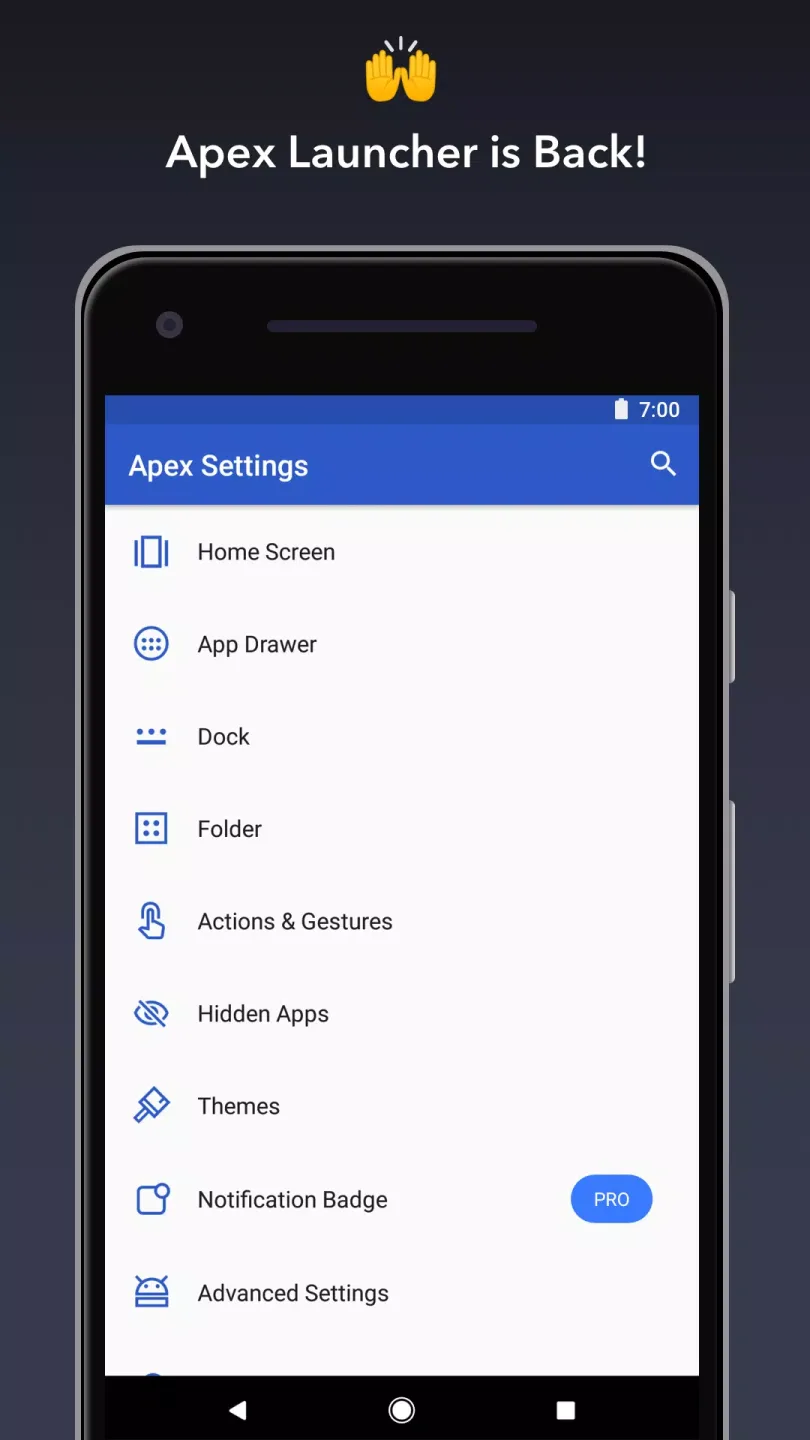
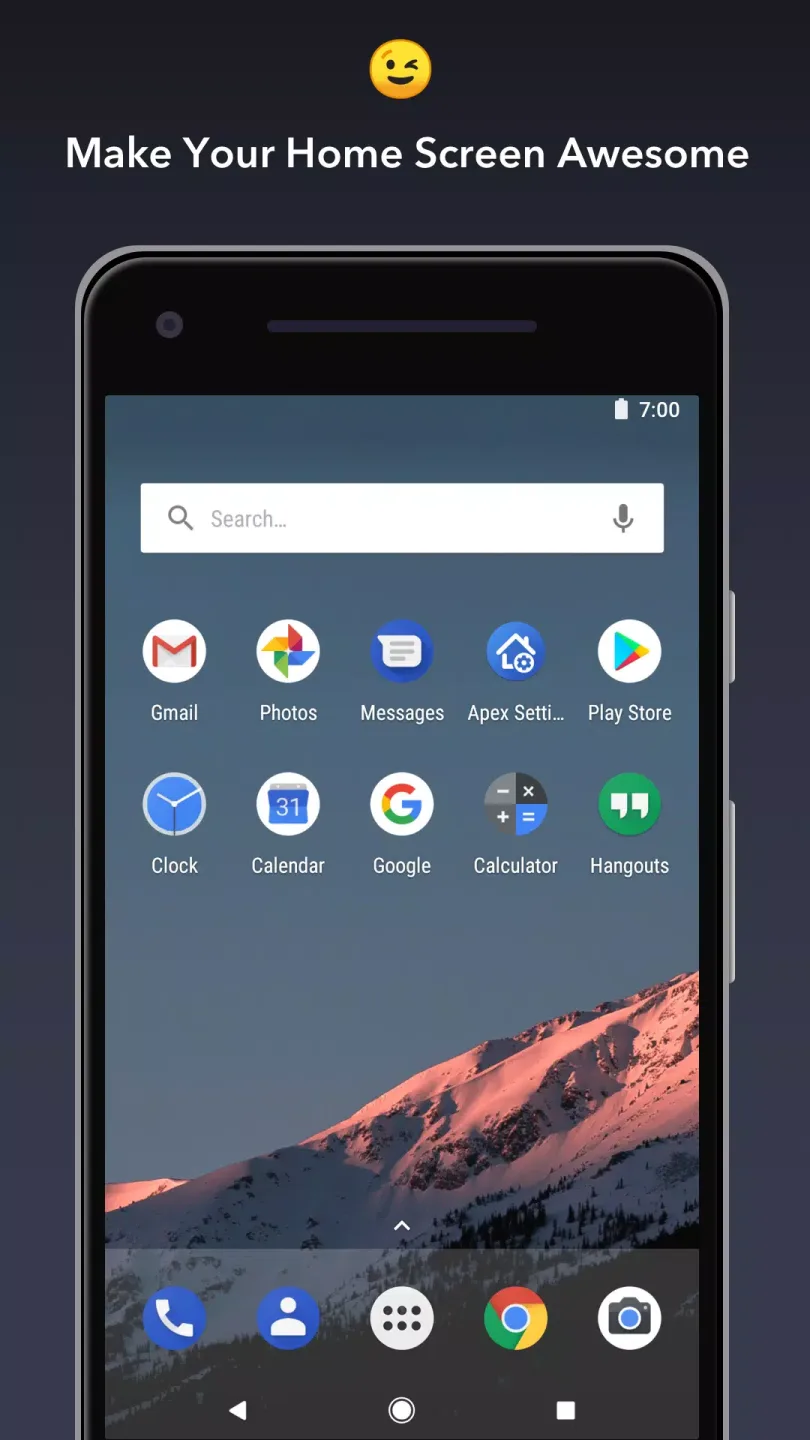
Home screen and drawer customization: Adjust grid size for pages and the app drawer.Apply icon packs and rename shortcuts or folders.Choose folder preview styles and backgrounds.Hide the status bar or dock for a clean look.Use transition effects for screen changes.
Faster access with gestures and sorting: You can open actions with pinch, double tap, or swipe up or down. The drawer supports sorting by name, install date, or most used, so frequent apps surface quickly. A scrollable dock gives space for more shortcuts across multiple pages.
Backup and stay organized: Apex Launcher can back up and restore layout and settings, which is useful when switching devices or after a reset. You can also lock the desktop to avoid accidental changes. The app runs on phones and tablets for a consistent setup across screens.
FAQs of Apex Launcher:
Can we change the transition effects in Apex Launcher?
Yes. We can easily change the transition effects in the Apex Launcher app. With access to hundreds of unique effects, you can choose anyone you like.
Is Apex Launcher a paid app?
No. Apex launcher is a free launcher app. You don’t have to buy any subscription or purchase the lifetime version of this app, as it’s completely free.
Is Apex Launcher safe to use?
Yes. Apex launcher app is completely safe to use on your device. You can install it on your device without any worries.
Final Verdict:
In this fast-paced world, everyone needs a smartphone as it is both necessary and indispensable. Life becomes easier when you get important information, check topics, and spend time on your phone. However, there may be times when you find yourself doing bland things with that widget screen. Use Apex Launcher immediately to experience immediate improvement on your way. Improve it so that when you turn on the device, it will create special dynamics that have a stronger impact on your emotions. Due to the wide variety of templates and the availability of free services, users no longer have to worry about anything.








