

Widgeet-Color Widgets is a highly acclaimed utility tool for wallpapers and themes, designed to help users achieve a fresh, stylish interface that makes your screen look more aesthetically pleasing and provides a delightful visual experience. The app presents users with an exquisite, stylish, and powerful platform for themes and wallpapers. Users can experience outstanding interactive drag-and-drop widget customization, experiment with personalized layout schemes, and enjoy convenient functional components that adapt to various screen configurations—ensuring that you achieve a beautiful screen while accommodating your flexible operational habits. The app features a continuously updated system, allowing you to enjoy an endless stream of novel designs.
Click to load YouTube / 点击加载视频
YouTube ↗Wonderful Features of Widgeet-Color Widgets
Quick Setup and Flexible Customization
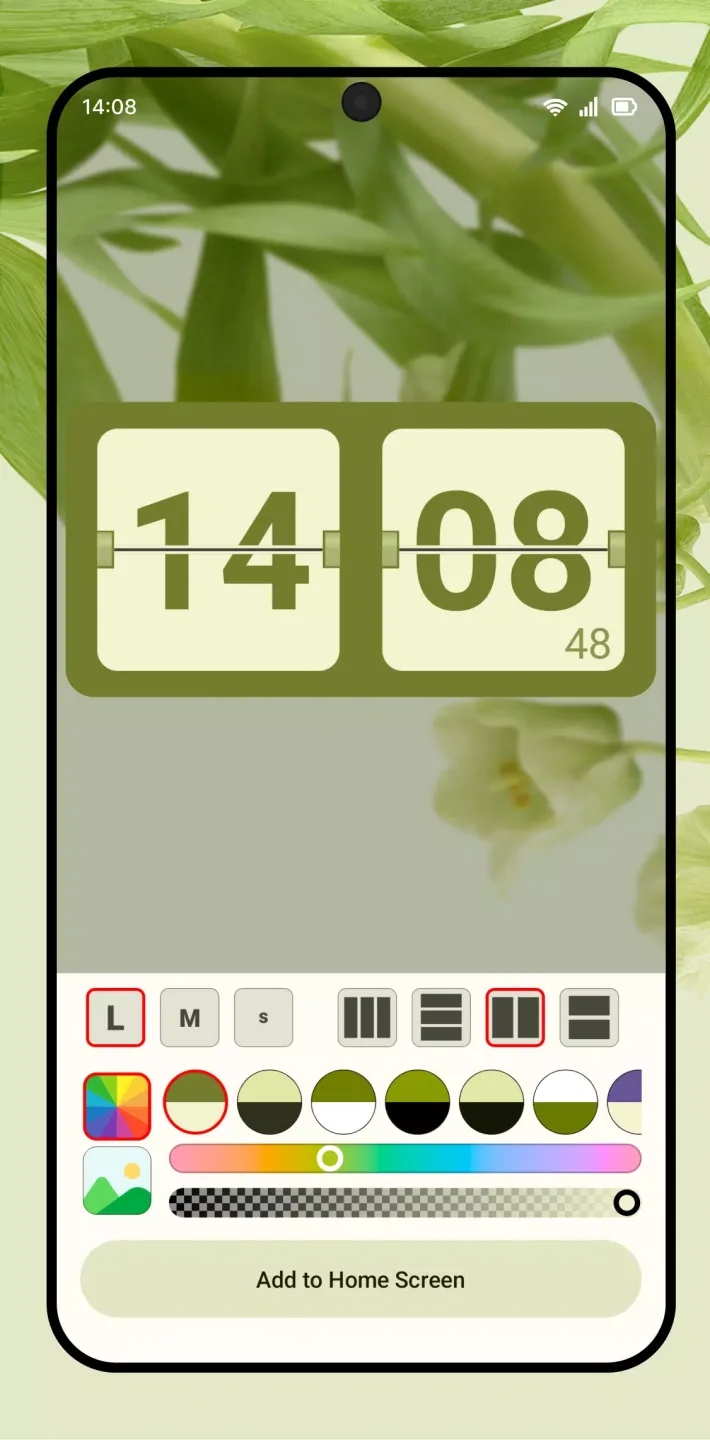
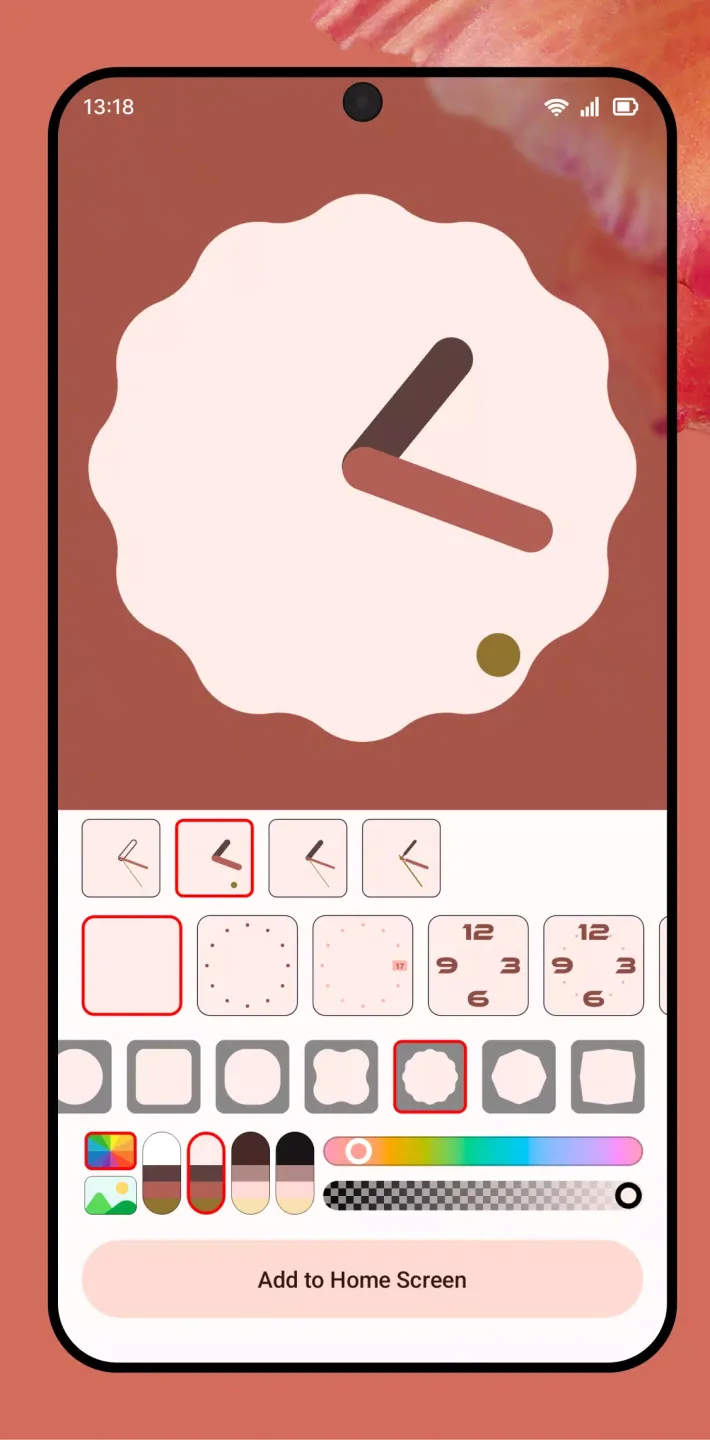
Widgeet allows you to add widgets with just a single tap, and then resize them to fit any layout. With a rich selection of colors, you can easily match the look of your screen. If you want to get started quickly, you can choose from preset styles—such as iPod-style, minimalist, or retro themes. These options make it effortless to create a home screen with a unified aesthetic.
A Comprehensive Library of Components for Daily Use
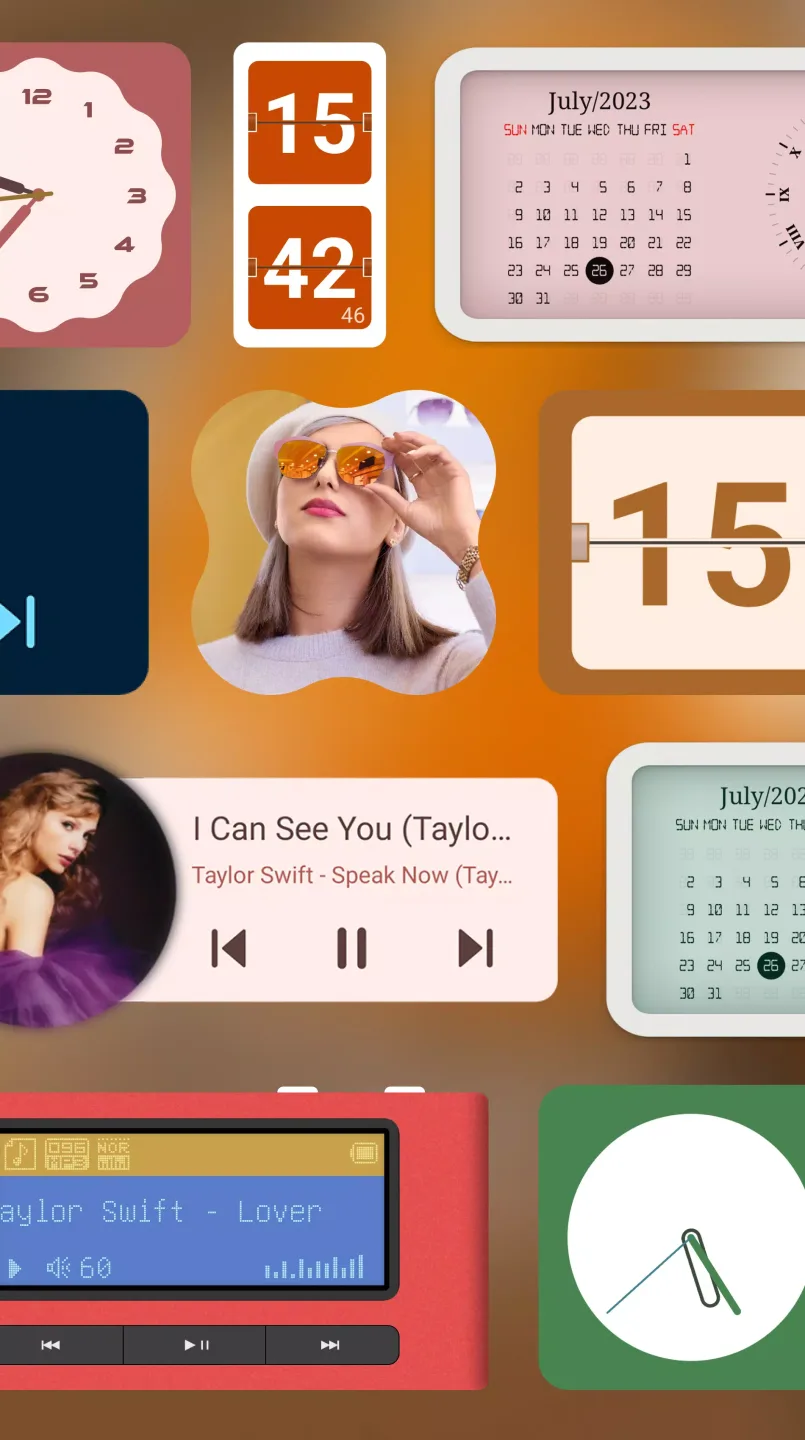
Widgeet offers a rich selection of components covering all your essential functions. You can add music players, analog clocks, flip clocks, calendars, device information tiles, or photo slideshows directly to your home screen. Each component focuses on a specific function, allowing you to view or control exactly what you need at a glance. This extensive selection of components helps reduce the need to open individual apps, keeping your key tools front and center in your field of view.
Music Controls Right on Your Home Screen
With the music player widget, you can play, pause, and skip tracks without ever needing to open your music app. Album art is displayed directly on the widget, giving you a clear visual of the current track. This widget is compatible with popular services such as Spotify and YouTube Music, allowing you to continue using your existing music library seamlessly. This setup places your audio controls right at your fingertips—simple, convenient, and effortless.
Fantastic Performance of Widgeet-Color Widgets
A Comprehensive Collection of Widgets
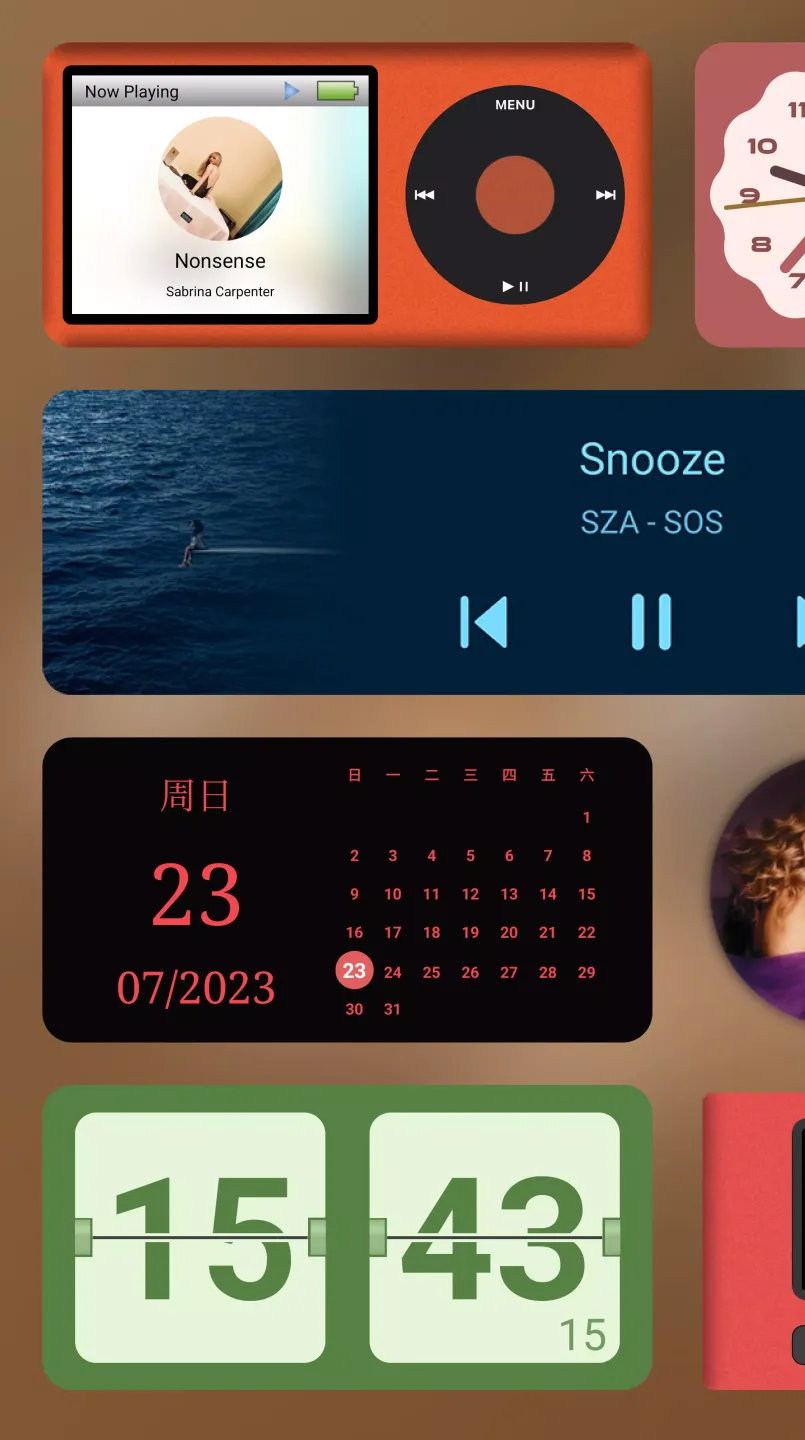
Widgeet offers a wide variety of Android home screen widgets designed to enhance both functionality and aesthetics. The music player widget allows for effortless music control, supporting both generic and specific music players—including Spotify and YouTube Music—and offers a diverse range of styles, from classic to minimalist. The app also offers analog and flip-style clock widgets, presenting elegant and customizable timekeeping styles. Furthermore, a calendar widget allows you to conveniently check your schedule at any time, while a device information widget provides real-time data on app usage and system performance.
Efficient Performance
Widgeet is designed with efficiency at its core, ensuring that your desktop customization does not compromise your device's battery life. Its energy-efficient architecture maintains optimal performance; even with extensive customization, your battery health remains unaffected. This efficient functionality ensures that your smartphone remains fast and responsive, even while you enjoy a beautifully customized desktop interface.
Helpful Tips of Widgeet-Color Widgets
On your home screen, long-press an empty area, tap "Widgets," then locate "Widgeet" and select your desired widget type.
Drag the widget onto your screen, then long-press it and use the handles to adjust its size; next, open Widgeet to select your preferred presets and colors.
To control music playback, place a music player widget on your screen, grant the necessary permissions, link it to your audio app, and then test the play, pause, and skip functions.
To create a schedule view, place a clock next to your calendar; set your preferred time format (12-hour or 24-hour) and choose an analog or flip-style design to complement your layout.
If you want to check your phone's status at a glance, add device information tiles for storage and memory usage; select a 24-hour time tile to provide context, and arrange them neatly around your clock.
User's Comments of Widgeet-Color Widgets
I love it!! It's very easy to use, straightforward, has no annoying ads, and I had a lot of fun customizing it. The only thing I would like is more options for the music player widget, and for it to support SoundCloud—since that's what I use for my music. Although it does play the music, it keeps the generic default album cover rather than displaying the actual cover art for the track currently playing. But other than that, I love it!!
When I first installed the app, it worked perfectly. I deleted it not long after (for reasons I won't go into), but when I went back to download it again, it wouldn't let me place the widget anymore. I'm not sure why that happened. It told me that the widget was on my home screen, but when I went to check, nothing was there. The problem is most likely on my end, though. Update!: If you're experiencing the same issue I did, just restart your phone or wait a good few hours, and it will probably start working again!
I LOVE this app. It offers lots of options and is easy to navigate. I also really appreciate that there isn't an ad popping up after every button I click—unlike other apps I've tried. However, I do wish there were more customization options for the calendar widget, specifically regarding colors and fonts. I would love to be able to choose the background and text colors myself. Aside from that, I 100% recommend this app!
Final Thoughts
Widgeet is committed to continuous improvement, releasing regular updates that introduce new widgets and features. We remain steadfast in this commitment, ensuring that your home screen stays fresh and perfectly aligned with your personal preferences. Join the millions of users who have elevated their Android experience with Widgeet, and enjoy a stylish, organized, and personalized home screen.








