
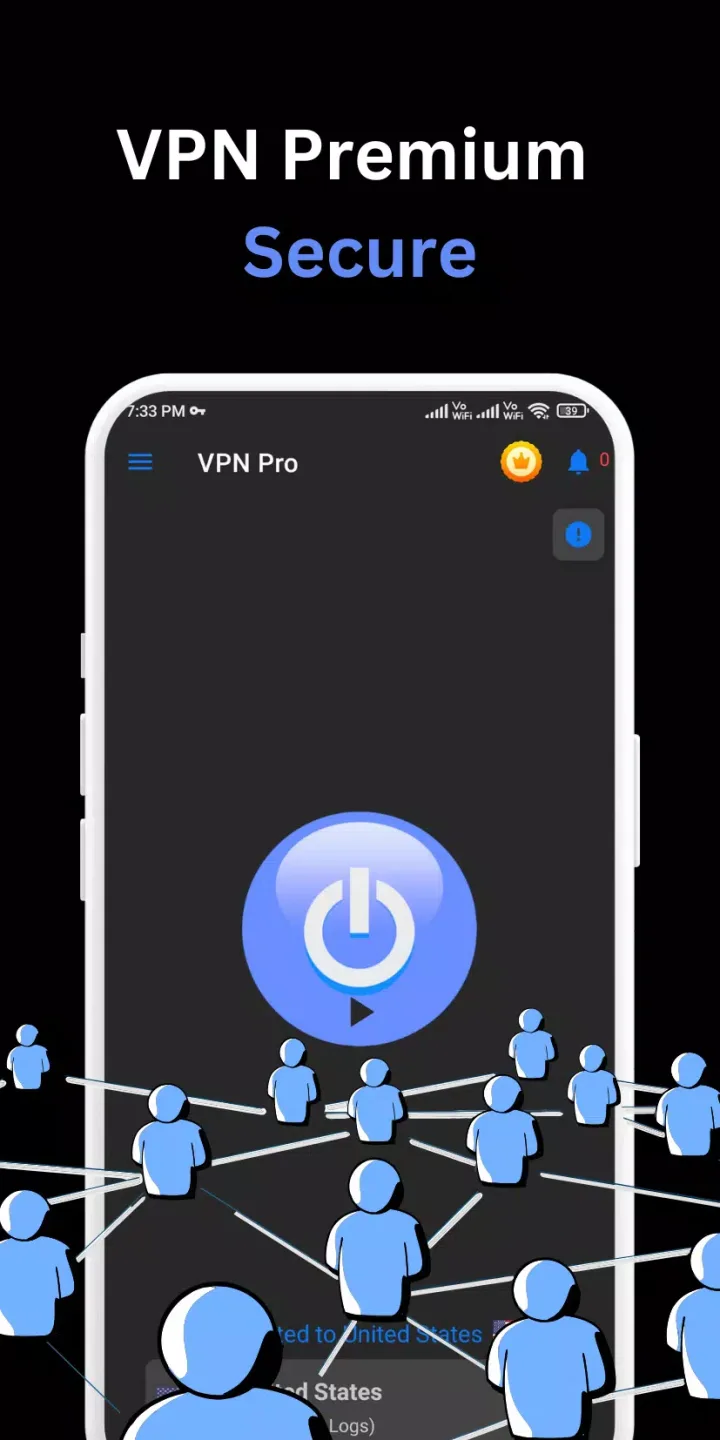
VPN Pro is a high-quality web browsing software with servers and network nodes located around the world. Connecting and switching between networks is as simple as a click, allowing you to enjoy a high-speed web browsing experience and download files and games to your device. The software boasts a clean and user-friendly interface, making it easy to use, and offers real-time IP address hiding and account data protection for secure use. There are no time or data limits during use, and it automatically blocks ads and pop-ups, ensuring a smooth browsing experience.
Features of VPN Pro:
No Ads: Enjoy a seamless experience without interruptions.
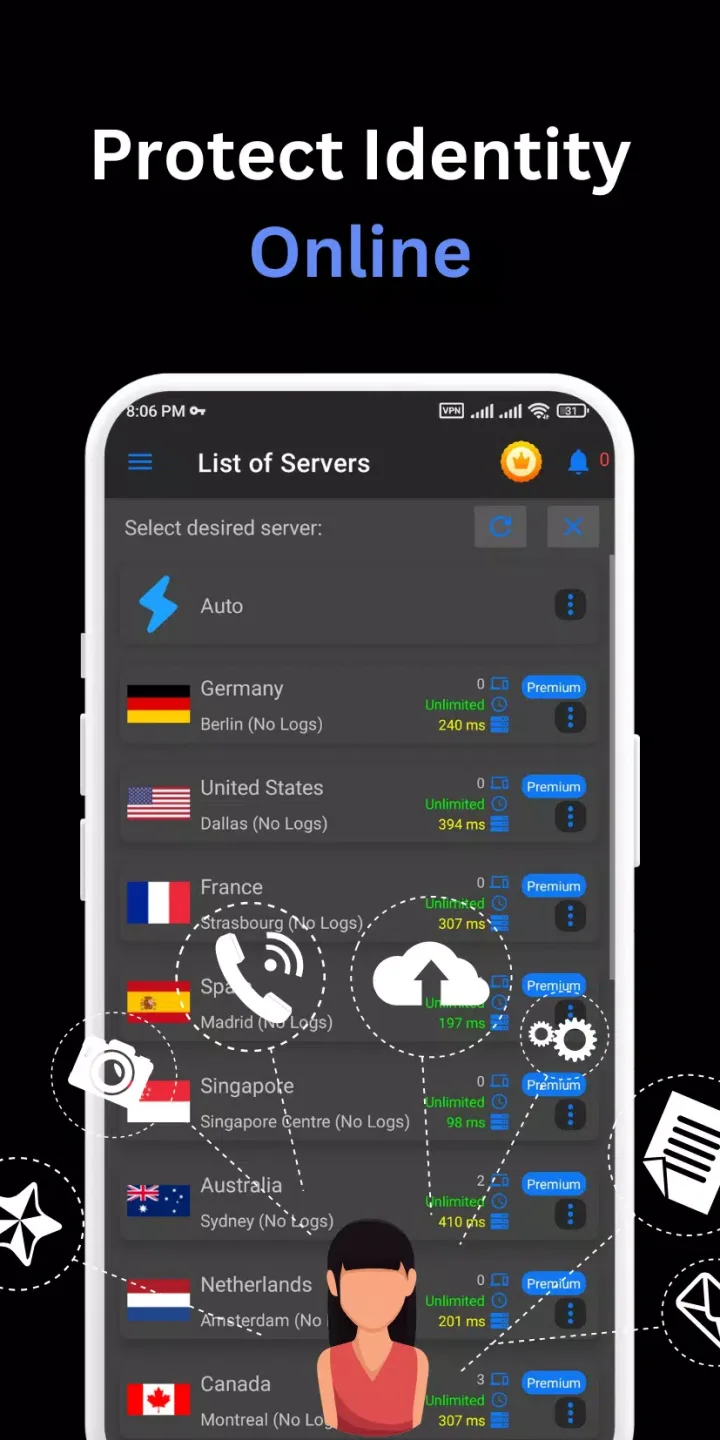
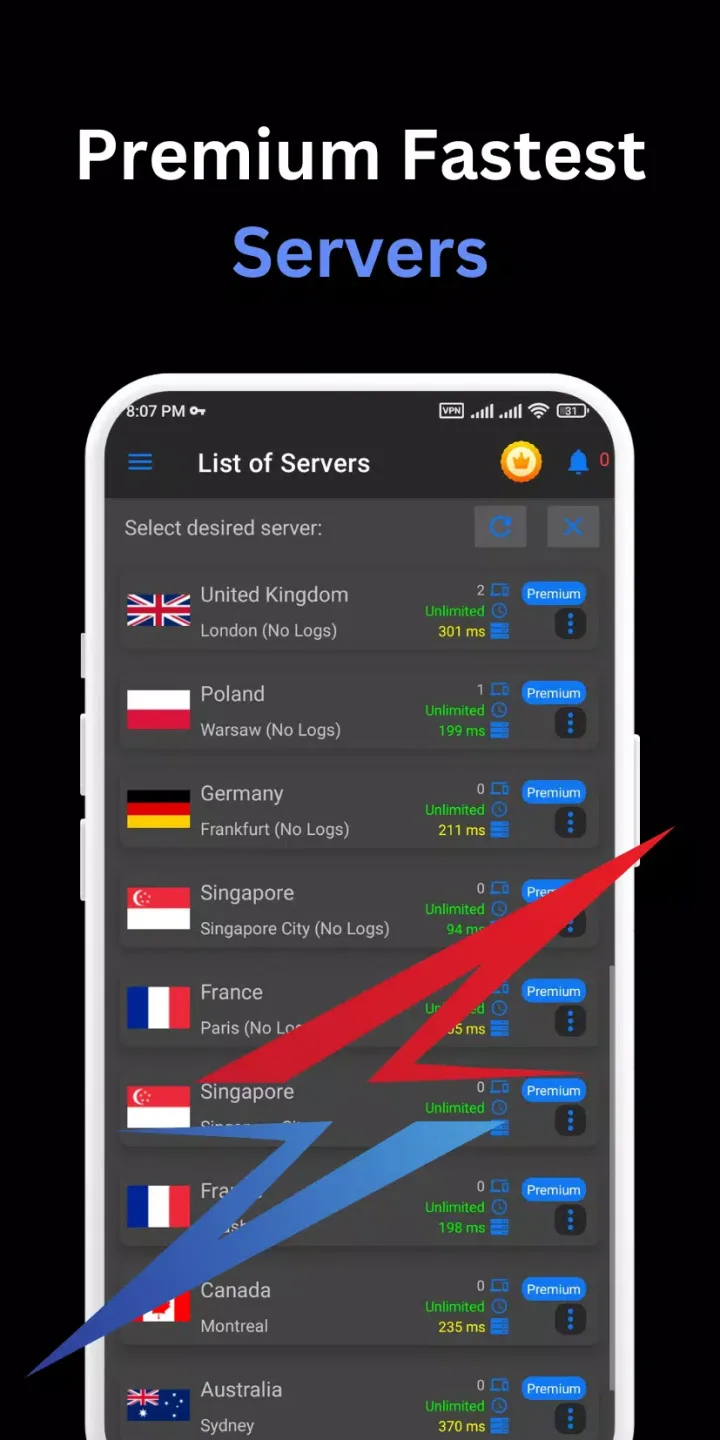
Access All Premium VPN Servers: Connect to top-tier servers worldwide.
Unlimited Bandwidth, Zero Buffering: Stream, browse, and download without limits.
VPN Premium Country Servers: Connect to servers in over 10+ countries.
VIP Servers in Top Locations: Get premium access to the best servers.
Works with Wi-Fi, 5G, LTE/4G, 3G: Seamless connectivity across all networks.
Smart Server Selection: Automatically connect to the best server.
Intuitive, Well-Designed Interface: Easy to use, even for beginners.
No Usage or Time Limits: Unlimited access, any time.
No Registration or Configuration Required: Simple setup, start in seconds.
User Reviews of VPN Pro:
Superb... Good for data user but in wifi i found little trouble some time may b of my mobile it's old that's y it's happened but yeah i like it n i find A great experience try it once n then see... I m really happy with this VPN.
This aap is very good working I really love it but I didn't connect the subscription I don't no why when I click the subscription it doesn't work but vpn is very good.
VPN Pro offers easy, one-tap access to secure browsing and geo-unblocking. It’s fast to connect and has a simple, user-friendly interface suitable for beginners. However, speeds can drop during peak times, and the free version has frequent ads and limited server options. Overall, it’s a decent choice for casual use, but not ideal for heavy streaming or advanced privacy needs.
FAQs of VPN Pro:
How to use VPN Pro?
All you need to do to ensure your online privacy and security is to download VPN Pro on the App Store, then you can select the virtual location you wish to view content from, open your browser or apps and use them freely. The virtual location you choose will make it appear as if you are located in that country. If you open VPN Pro for the first time or on a new device, you need to setup your VPN configuration by simply tapping “Allow” when prompted.
I cannot access Netflix!
Here’s how to access Netflix or (almost) any other streaming service with VPNPro:
Make sure you are a Premium user;
Close Netflix app/other streaming service;
Open a dropdown virtual location list;
Select “United States – Streaming” location (or any other location that has “Streaming” in the name);
Open Netflix app/other streaming service;
Disconnect VPNPro.
Enjoy unrestricted access.
Will using VPN slow down my internet connection?
It depends on what VPN service you use. Since VPN services encrypt your data and require you to connect to a specific server before accessing the internet, these extra steps may slow down your connection. Low-quality VPN services will cause a significant slowdown on even the fastest internet connection. Sometimes the difference is so drastic that it can render a high-speed connection almost unusable. You can use a VPN Speed Testing Tool to compare the performance of different applications. However, if you’re using a top-tier VPN service, the difference in speed usually isn’t noticeable, and can sometimes even speed up your connection. VPNPro servers are one of the fastest in the industry, due to our state-of-the-art VPN protocol.
How does VPNPro hide my IP address?
With VPNPro, you are effectively switching out your computer’s real IP address with the IP address and physical location of the VPN’s server. This ensures you do not expose your personal information. Given there are many people using the same server simultaneously, it’s much harder to separate your data from the data of others on that server. By changing your IP address, you can block people from tracking your location.
Conclusion:
With the dangers of joining the Internet today and the need for a safe place to use the network, VPN Pro is the space we are all looking for. It will give you a private space, safe so that no one can invade your private life. It’s great that we are all protected from the dangers of some lurking force now.








