
PGT+:Pro GFX & Optimizer is a powerful and user-friendly game optimization tool that helps players achieve excellent game launch and parameter adjustments, resulting in superior game performance and an ultimate gaming experience. The application presents a powerful game modification application with an intuitive interface and lightweight design, allowing players to experience excellent frame rate control, image presets and deep customization, audio tuning, and more. It boasts broad cross-platform compatibility, is easy to use, and flexibly meets players' gaming needs, providing professional game performance enhancement services.
Click to load YouTube / 点击加载视频
YouTube ↗Attractive Features of Pro GFX and Optimizer
Frame Rate and Performance Control
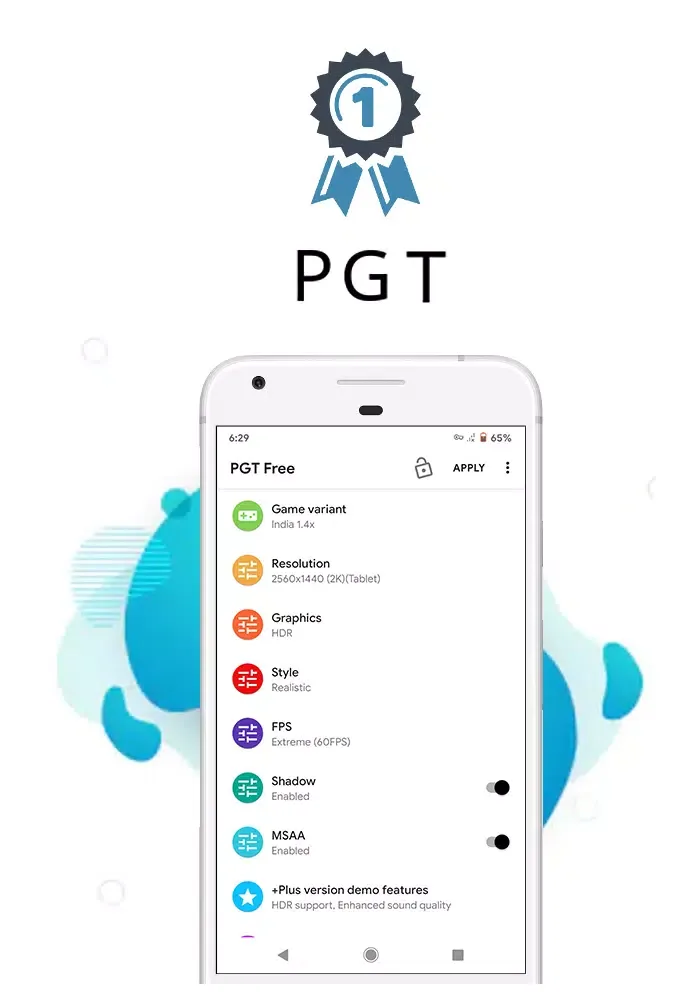
PGT: Graphics Processing, Launcher, and Optimizer allow you to unlock and optimize frame rates, up to 90 FPS in supported regions. You can also reduce stuttering by freeing up memory through the background application manager. These tools work together to help maintain smooth gameplay even during demanding game scenarios.
Graphics Presets and Deep Customization
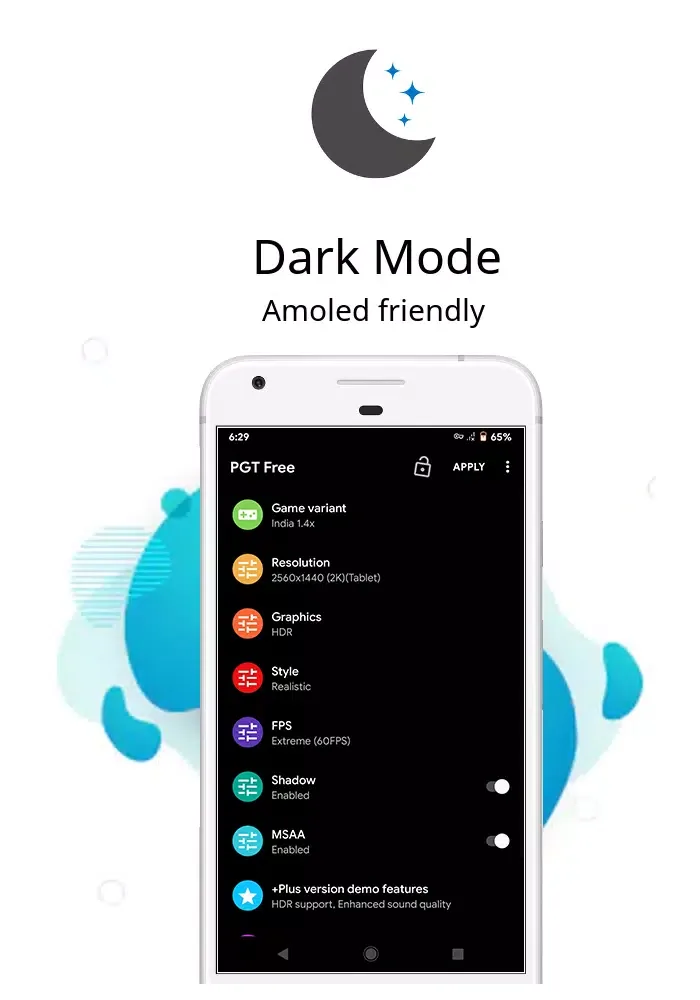
In addition to frame rate control, you can also use quick presets to simplify settings for different needs. The "Potato Quality" mode reduces effects for faster performance, while the "Simple Shader" mode aims to provide a cleaner look and lighter effects. Afterward, you can fine-tune details such as resolution, HDR or UHD (on supported devices), shadows, and anti-aliasing to find the balance that suits your device and gaming style.
Audio Tuning for a Clearer Gaming Experience
PGT: The graphics interface, launcher, and optimizer include a "Ultra High Quality Audio" option to enhance game sound effects. This setting focuses on clarity, helping you hear footsteps or directional cues. You can enable it simultaneously with the graphics settings without any extra steps.
Extensive Device and Build Support
The app supports a wide range of versions from Android 7 to 16. It is also compatible with multiple regional versions of the game, including the global version, Chinese version, Lite version, Korean version, Vietnamese version, Taiwanese version, and Beta version. This broad compatibility helps you maintain portability and consistency of your preferences when switching between different versions or devices.
Helpful Tips of Pro GFX and Optimizer
First, open the app and grant the necessary permissions, such as storage and background app control.
Next, select your game and choose the correct region version from the list, such as Global, CN, or LITE.
Then, choose a preset to start with, such as the slower "Potato Quality" or the visually balanced "Simple Shader," and adjust the frame rate, resolution, shadows, and anti-aliasing as needed.
After that, tap the app and launch the game from within the app for the changes to take effect.
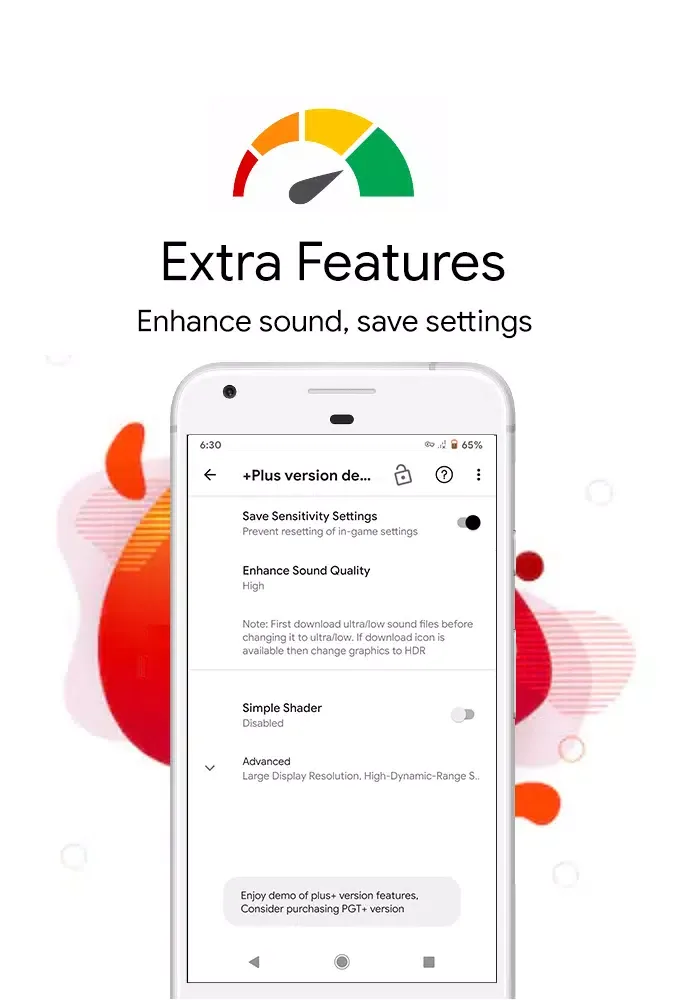
Finally, on Android 11 and higher, save your PGT settings using the built-in backup option, then copy the backup to a new device and restore it within the app to retain your configuration.
Frequently Asked Questions of Pro GFX and Optimizer
Is this app free?
PGT+: Pro GFX Optimizer APK is completely free and can be downloaded from LMHMOD. Download this app now to improve the graphics and performance of PUBG Mobile on your device without worrying about costs.
Is PGT+: Pro GFX & Optimizer Mobile Safe?
The PGT+: Pro GFX & Optimizer APK is 100% safe for users' mobile devices. The app meets security standards, preventing the leakage of personal information before being uploaded to the LMHMOD website and allowing users to download it.
Which devices is this app compatible with?
The PGT+: Pro GFX & Optimizer APK is compatible with devices running the Android operating system. Unfortunately, the app is not currently supported on the iOS operating system.
User's Comments of Pro GFX and Optimizer
control settings are not getting saved peak and scope button are not in place where it use to be according to my claw it's moves to another place even after changing and save
it really works.... I'm amazed how my game has been so smooth and improved visually.. thank you keep up the great work and add more options
Hi. this is a request for a feature. can you please add fps limiting features? the amount of stutters because my phone can't consistently output 120 fps is crazy. sometimes i drop frames. i want to set my max fps to 118 or 117 so that I don't have as many stutters. you should add this as a feature.
i got continue stable fps without heating gameplay more smooth this application very helpful but you need to orginal application download on playstore if you download from apk and any other 3pary app your gameplay more laggy and harm device you need toh download orginal only 19rs
Conclusion
All of the tool's main features are designed to create modes that are most conducive to the gaming experience. In PUBG Mobile, as with many other games, a high frame rate (FPS) is crucial, and this tool can easily optimize that. The "Potato Mode" is particularly noteworthy. It allows you to reduce the texture quality in the game to a minimum, so users will only see colors, outlines, and animations.








