
XoDos is a mobile utility. It integrates features like X Server and Winlator-style touch support, turning your Android phone into a uniquely functional computer. It comes with a powerful built-in toolkit, allowing you to interact with desktop applications and control Windows software with touchscreen controls, completely transforming the mobile operating environment. XoDos leverages the Android NDK to enhance overall performance and supports both Linux and Windows systems. The application interface is clean and user-friendly, with all operations natural and effortless, making it easy to use.
Usage
Install WineHQ or Crossover: Set up your Windows environment to run compatible PC games.
Tune Performance Settings: Adjust resolution, frame rate cap, and input settings to match your device's performance.
Use External Controllers: Connect gamepads via Bluetooth or USB for a better control experience.
Monitor System Resources: Use Termux or the built-in monitor to ensure optimal RAM and CPU utilization for a smooth gaming experience.
Features
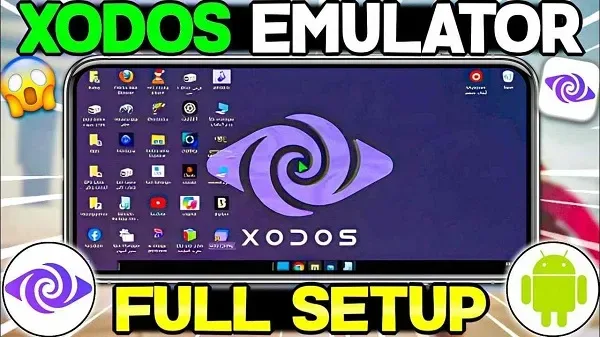
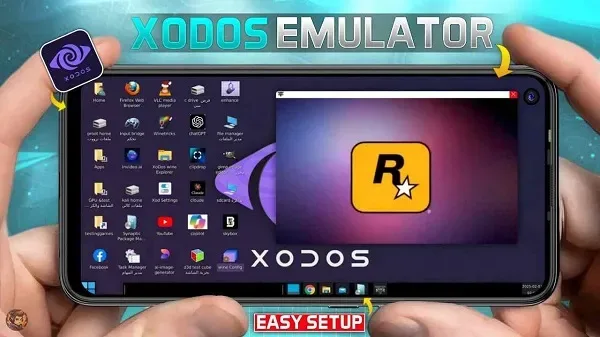
Desktop Environment – A complete Linux desktop environment on Android
Windows Support via Wine – Run Windows apps
Multiple Display Options – Termux X11, AVNC, noVNC (remote browser access)
Graphics and Gaming – DXVK, WineD3D, VirGL, and Turnip GPU drivers
External Input – Supports mouse, keyboard, and gamepad (using X11)
Built-in Utilities – Offline tools for developers and advanced users
Highlights
Run Windows Programs: From creative tools to lightweight office applications.
Use Linux Features: Build, write code, and manage real servers on Android.
Play PC Games: Hardware-accelerated graphics via Vulkan.
Security First: No root access required, no trackers installed, no paid subscriptions.
Freedom: Community-driven, ad-free, and constantly improving.
FAQs
What is XoDos?
XoDos is a powerful Android application that allows users to run full Linux and Windows environments, integrating Termux and touch controls.
How does the XoDos APK run on Android?
It combines the X server with Termux and Winlator-style gestures, allowing you to use desktop-level functionality directly on your phone or tablet.
Can I run Windows applications in XoDos?
Yes, XoDos supports Windows applications via Winlator touch controls, making them accessible and usable on Android.
Is XoDos suitable for developers?
Absolutely. With native terminal access, Linux support, and flexible coding styles, XoDos is ideal for mobile developers and system administrators.
Does XoDos require root access?
No, XoDos can run on unrooted Android devices, using the Android NDK to provide system-level functionality without superuser privileges.
In summary
So, if you enjoy fiddling with settings, trying new things, or simply want absolute control over your system—even Android—then XoDos might be the underrated gem you've been missing. It's not for the average user, but for those who want more than just "a normal app," it will absolutely transform your gaming experience.








