

EShare for SH is an outstanding multi-screen interactive control tool that helps users easily achieve wireless presentations, meeting common sharing needs for meetings, classrooms, and movie screenings. It allows for seamless and flexible switching between screen projection, surprise displays, and control. The application presents a powerful, easy-to-use, and stylish multi-screen interactive software for a wide user base. Users can enjoy smooth and clear business and educational presentations with simple operation steps, bringing you an efficient and convenient collaborative experience. The application supports cross-device synchronous projection, unlimited display, and remote control, enhancing the overall user experience.
Click to load YouTube / 点击加载视频
YouTube ↗Attractive Functions of EShare for SH
A fully functional multi-screen interactive software designed for projection, wireless display, and remote control between mobile devices (such as mobile phones, tablets, and laptops) and large displays. With the EShare application, you can achieve two-way mirroring and two-way touch control between laptops and large displays without any cables.
The user interaction is natural and smooth, providing a pleasant experience, perfectly suited for business and educational presentations. Wireless sharing is more convenient than ever before. Bring easy creative inspiration and an efficient collaborative experience to your business or school.
Amazing Features of EShare for SH
Clear Client and Server Setup
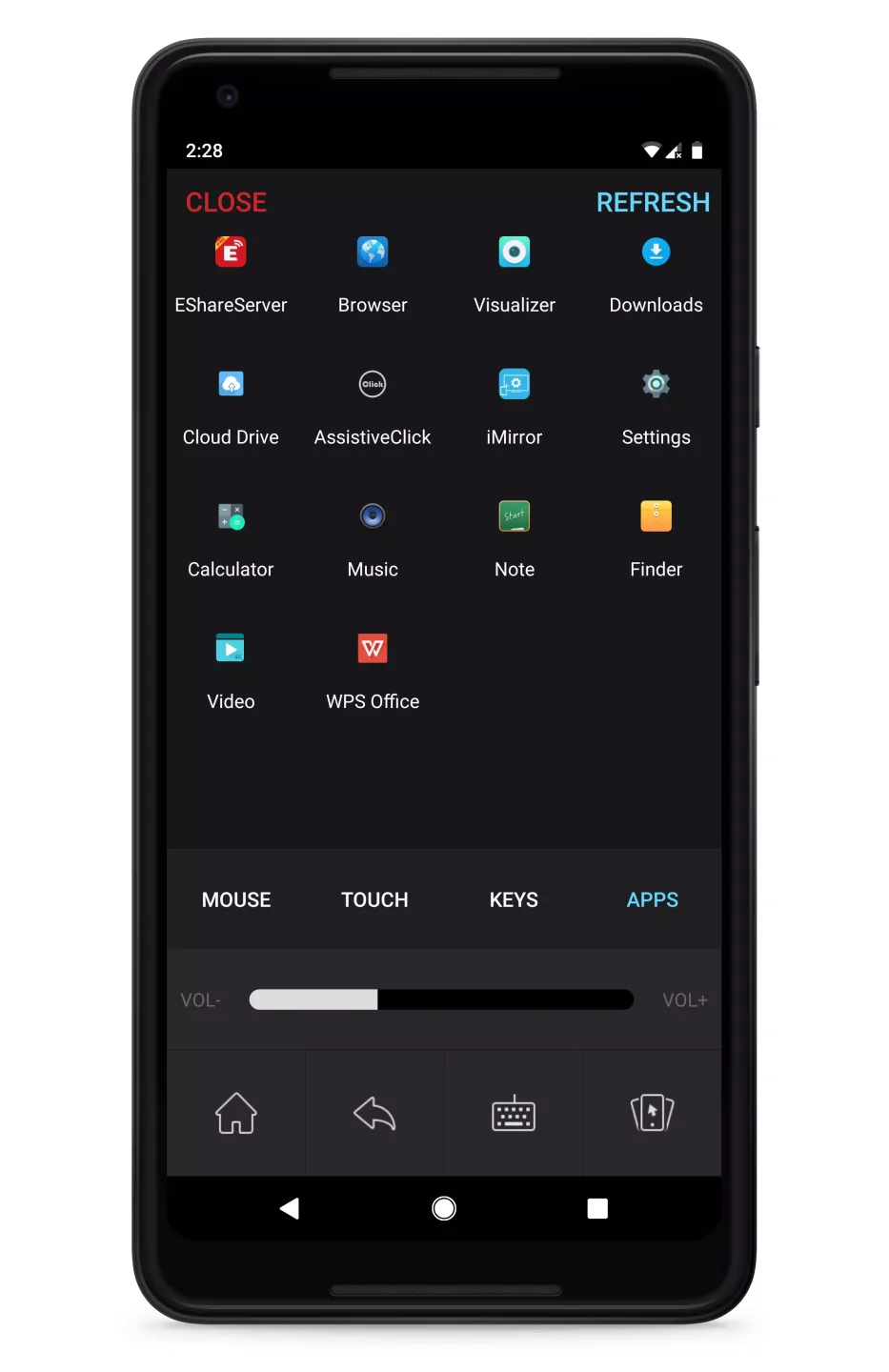
EShare runs as a client on your Android device. It can discover and connect to TVs, projectors, interactive displays (IFPDs), or interactive whiteboards (IWBs) with EShareServer or ESharePro installed. Once connected, the app opens a sharing session, allowing you to easily switch between casting, mirroring, and control tasks. This design is suitable for homes, meeting rooms, and classrooms using compatible panels.
Streaming and Casting Media
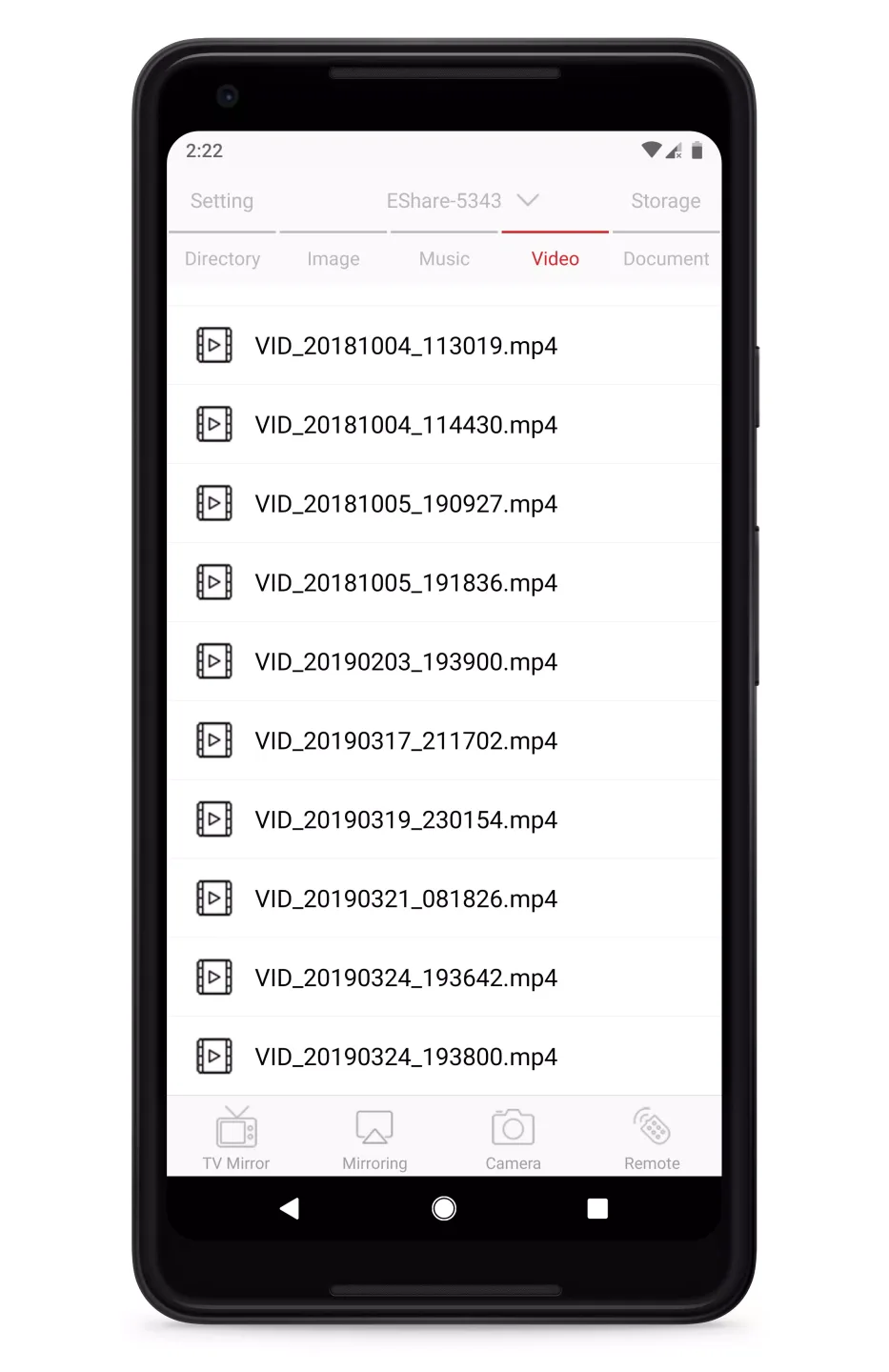
EShare lets you play audio and video from your phone on the receiving screen. Once connected, select files and send them to your TV for viewing without cables. This is great for personal media, training videos, or quick updates during meetings, while your phone can still be used for note-taking or messaging.
Display Remote Control
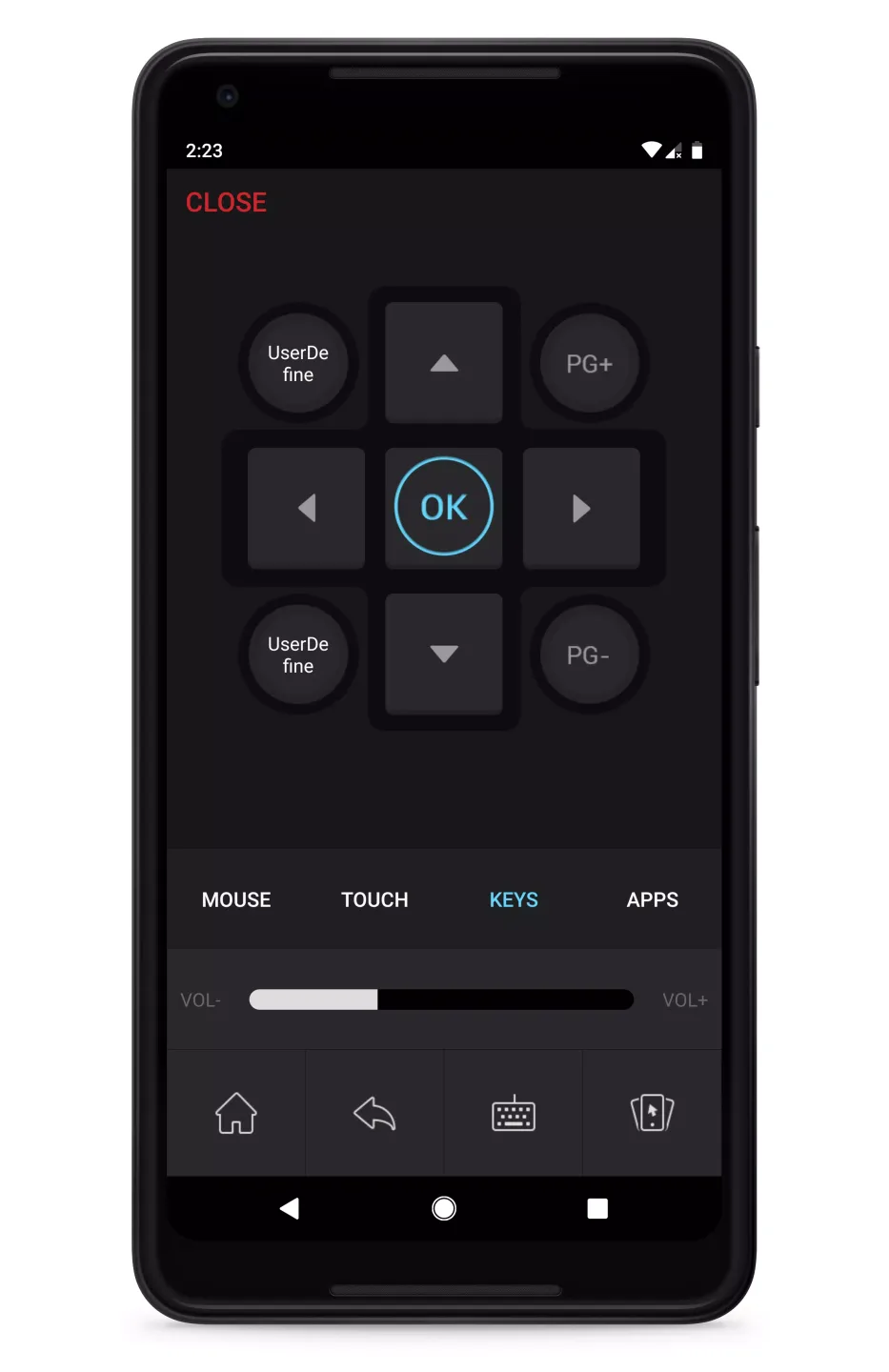
You can turn your smartphone into a remote control for navigation and basic control. EShare provides on-screen controls, allowing you to navigate and select options from menus. This reduces reliance on separate hardware remotes and is convenient for use in rooms where control panels are hard to reach.
Helpful Tips of EShare for SH
Open EShare and grant all network permissions. Ensure your phone and monitor are connected to the same Wi-Fi or local network.
Please wait a moment while EShare detects nearby devices, then select your TV or panel.
Tap “Connect,” confirm any pairing codes displayed on the screen, and the session screen will open.
Select “Share Screen” to mirror your phone screen, or select “Media” to choose the audio or video to cast.
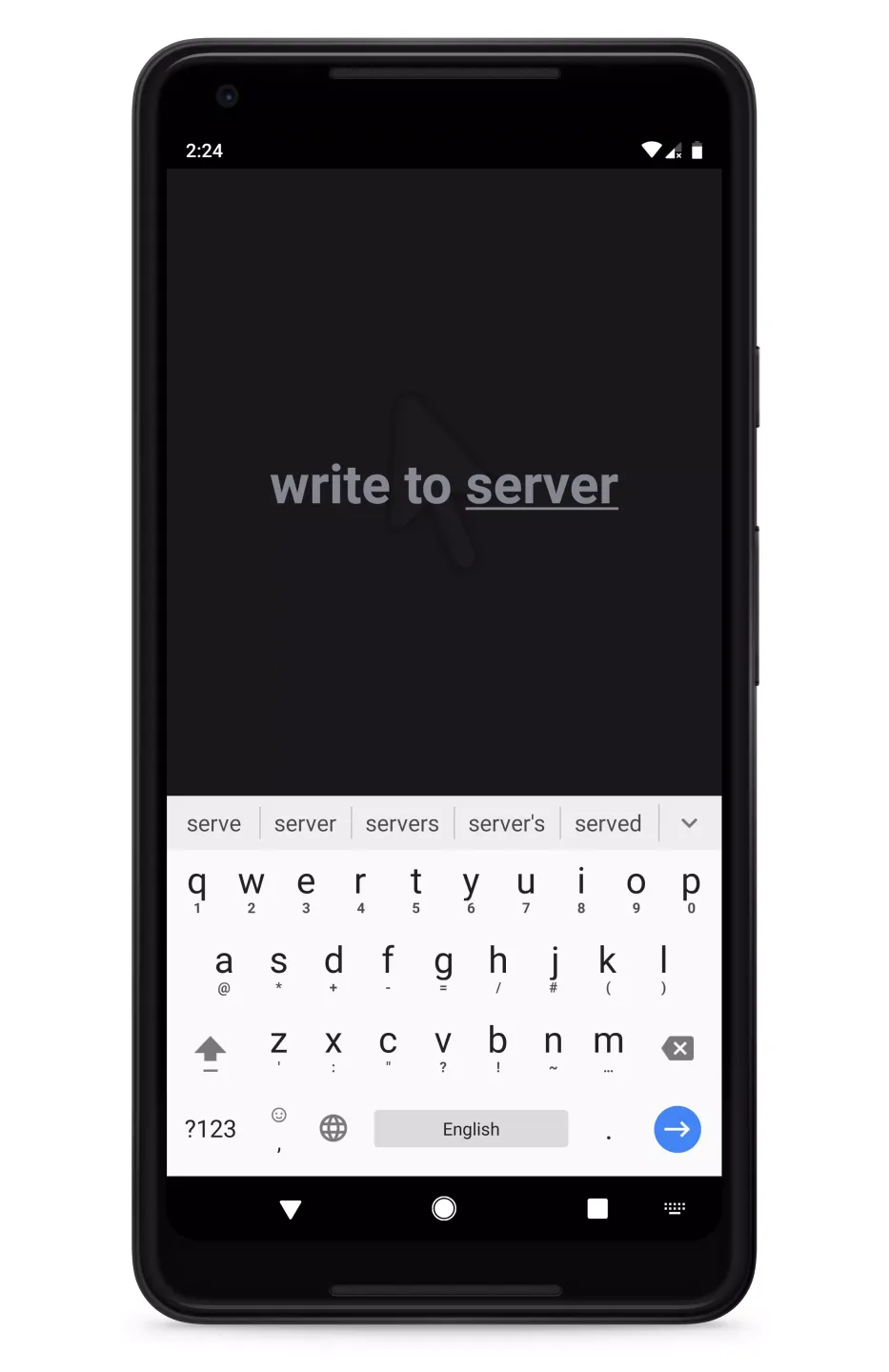
Use the remote control for navigation, or use reverse control for interactive tutorials. Tap “Disconnect” when finished.
Fantastic Highlights of EShare for SH
This app's main function is to connect different devices in real time, allowing users to easily cast content during meetings, online classes, or at home. It supports mirroring your Android screen to a larger display to play videos and music, or reverse connecting to view and control your TV screen from your phone. This flexibility makes it a powerful tool for both casual and professional settings.
One of its highlight features is “Reverse Device Control.” With this feature, your phone can not only be mirrored onto the screen, but you can also control your phone directly on the large screen. For example, you can use touch gestures to open applications or browse files on your TV, with smooth and intuitive operation.
Final Verdict
In summary, EShare is suitable for users who frequently switch between different devices or need to display digital content. It can be used for meetings, remote teaching, and even home movie nights, turning any compatible monitor into a shared, interactive screen.








