

Panda Gamepad Pro is an auxiliary tool designed for game enthusiasts. The software is compatible with most gamepads and mobile devices, allowing users to customize the controls for different buttons for a more comfortable gaming experience. Users can enjoy hundreds of popular games, unleashing the full potential of their gamepads, and loading various mods without worrying about account and game data security. Advanced protection technology ensures users won't be banned. The software is continuously being updated, releasing more compatible games and gamepads to meet user expectations.
Click to load YouTube / 点击加载视频
YouTube ↗Features of Panda Gamepad Pro:
Save Time: This application will help you save a lot of time by not having to launch many different duplicate applications to enjoy your favorite game.
Improve Performance: Moreover, when using our application, it will bring you improved productivity when playing games and at the same time reduce the burden on your phone system.
Google Play Support: In addition, our application has been designed to be compatible with Google Play accounts, helping you quickly log in to the game without having to do too much.
Fix Gamepads: This application will help you quickly solve control problems in the game to help you comfortably operate and easily control your game characters.
Smooth Controls: In addition, you can use this application with many different game genres from fighting, action, adventure or puzzle games, all of which can be used easily and effectively.
Wide Compatibility: Moreover, the application has been designed by us to be compatible with many different brands of keyboards and mice, allowing you to freely choose your keyboard and mouse when playing games.
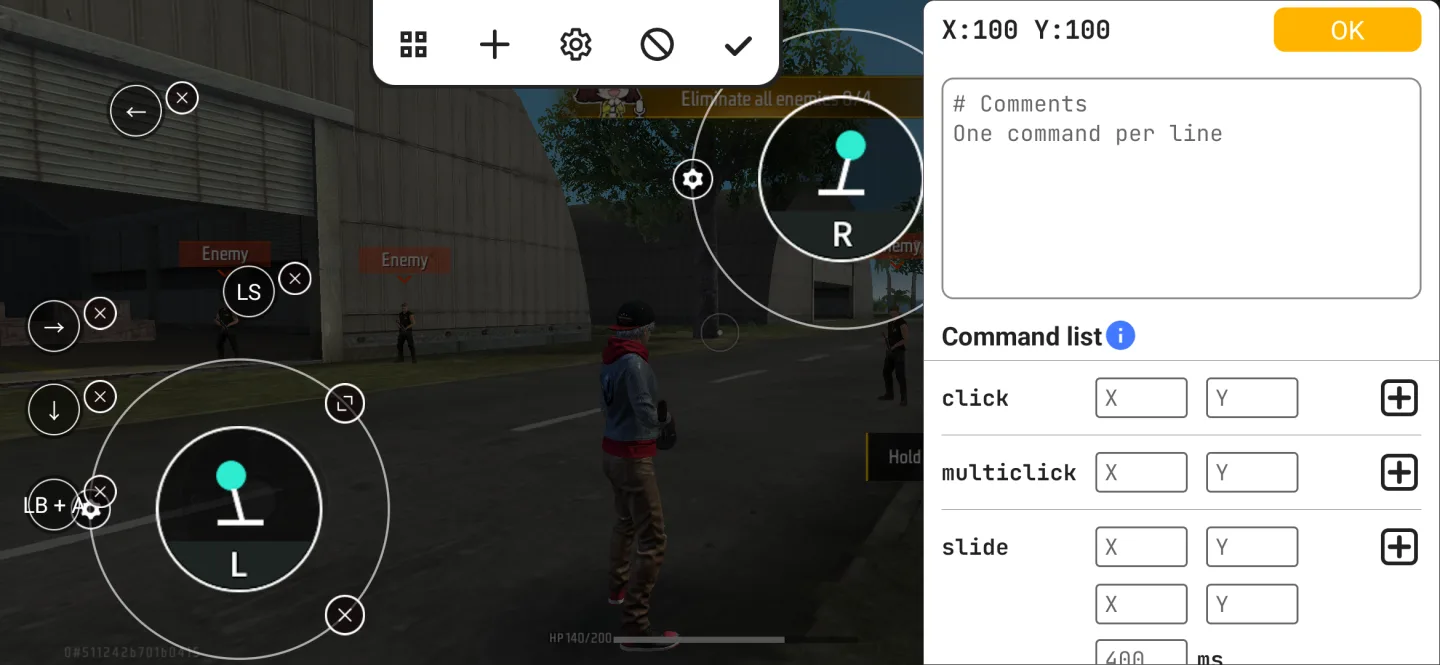
Highlights of Panda Gamepad Pro:
Direct launch without cloning: Panda Gamepad Pro opens games natively so you do not need to clone apps. You launch the title you already have and play with mapped controls right away. This design also avoids duplicate instances that some games try to block, which helps reduce the risk of detection related to cloned environments.
Account login stays intact: You can sign in with your usual Google account inside your games. Panda Gamepad Pro does not interfere with the normal login flow. This means progress, purchases, and cloud saves tied to your account remain accessible after you switch to a gamepad.
Broad controller support: The app works with many Bluetooth and USB gamepads, including older and newer models. You connect your controller to the phone, then map buttons and sticks to match each game’s actions. This approach suits different layouts and preferences, so you can keep using the hardware you already own.
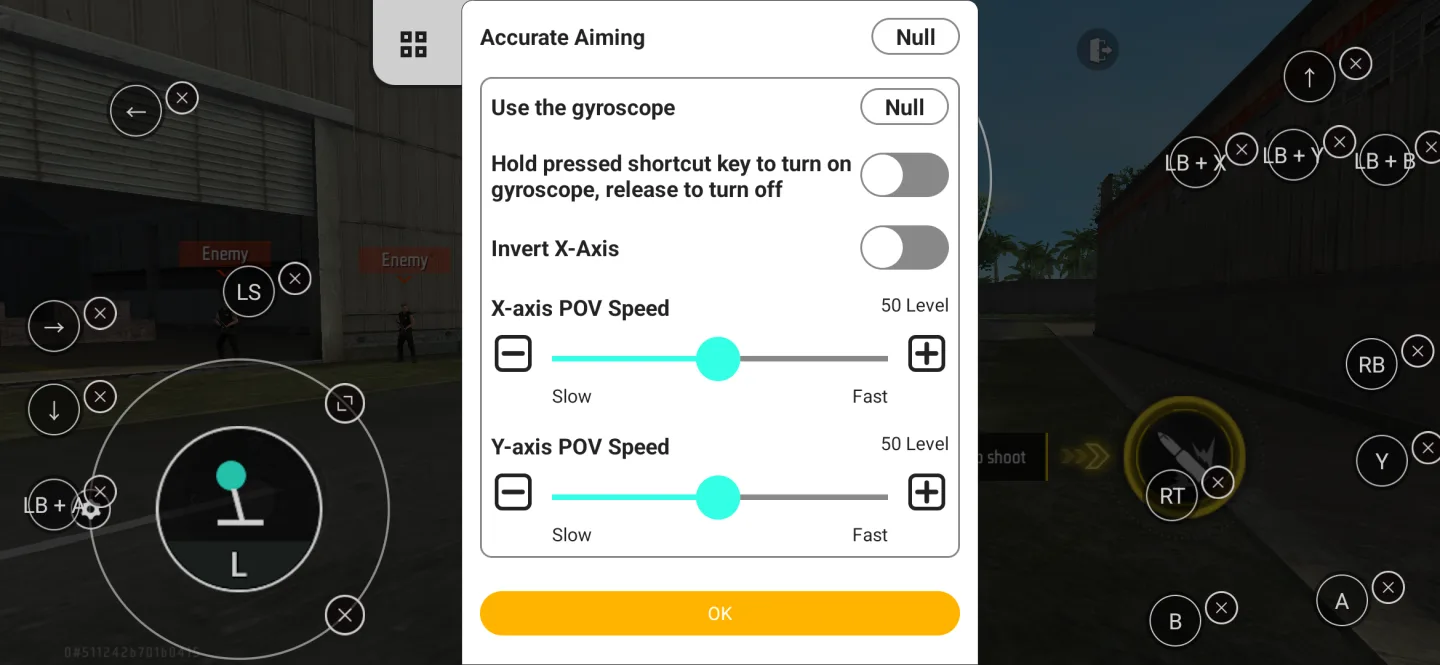
Works in most popular game genres: Panda Gamepad Pro supports many titles across shooters, MOBAs, sports, racing, and more. You assign movement, camera control, and action buttons so the controller feels natural during play. If a game updates its input behavior, you can adjust mappings and continue.
User Reviews of Panda Gamepad Pro:
Hello, I cant say how much I love this app. I've had it for 3 days now and I've played many games. That being said, it's really easy to set up. The activation really isn't an issue. I've only had to activate it once since I dont really restart my phone. But it takes less than a minute to get up and connect your phone to your PC to activate. I'm using a Scuf Vantage 2 and some games dont recognize it. Yes you can use it with CoD and PubG and Emulators like dolphine.
Far superior to the micro-transaction based alternatives on the market. Perfect for MOBA type games and easy to use and configure, unlike a certain power-user tool. Has pretty much all the functions required to play the game and comes with some pre-loaded profiles. Verified works with Xbox One gamepad and Mobile Legends. Skill hold/release is easy. Wish it had options to store multiple profiles though, for different in-game player types, with varied control configurations. Still, decent.
I've been using mappers for some time now. I can say that these Panda mappers apps are good. Very responsive and easy to setup. NO you dont need to be rooted to use it. You will need a PC to run a quick script to active the software. As long as you don't restart your device you will remain activated. Been playing a lot of games with my keyboard and mouse and loving it. My device remain activated even when switching games and even when updating to the new version. My device is a Galaxy Note 8.
great app. but please add recoil control like on panda mouse pro. I have both versions paid and love em. takes my gaming to next level. Dont listen to bad reviews, they're mad cos they can't work it out. it's not hard to work out. use wireless debug. also get shizku to make activation easier. also you can use this app to hide your controller in codm and still able to use controller along with touch at the same time. best key binder and I've tried them all.
FAQs of Panda Gamepad Pro:
Mouse And Keyboard Not Working On Xiaomi/Poco Phones?
Enable USB Debugging and Wireless Debugging in Developer Options.If available, also enable USB Debugging (Security Settings).
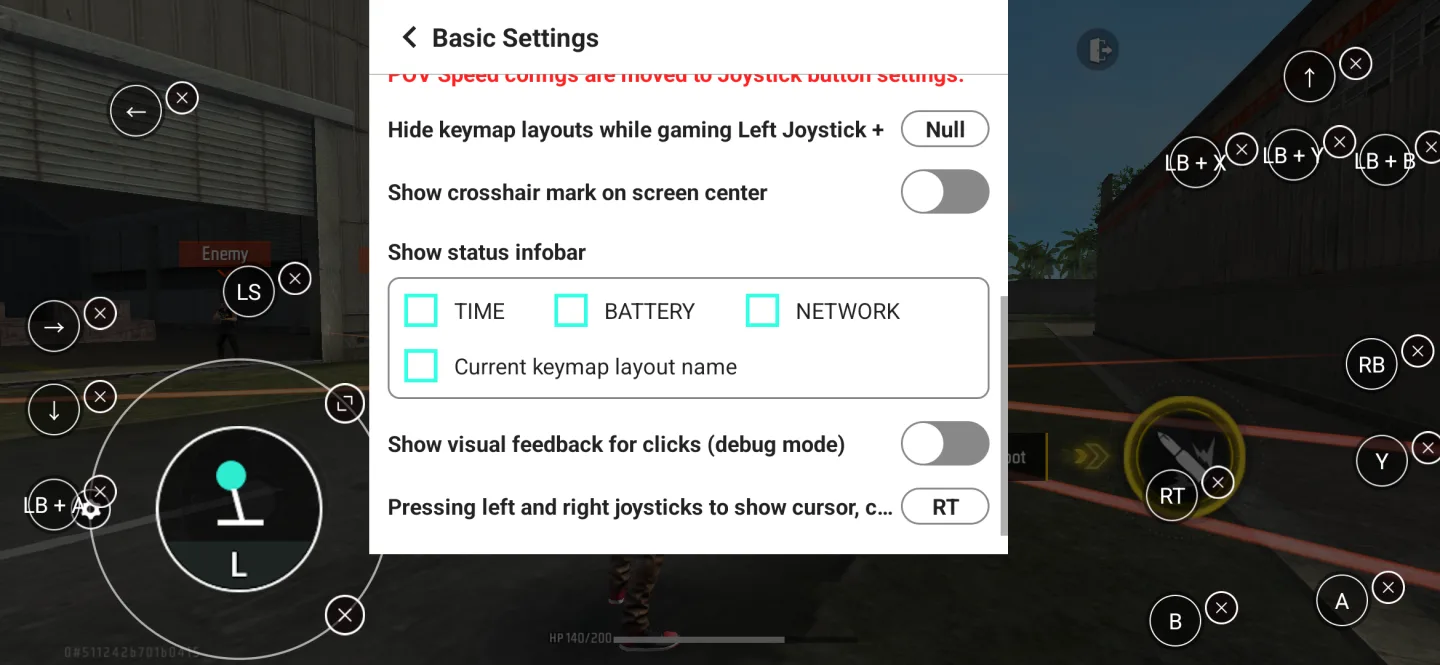
Keymap Layout Disappears While Gaming?
Your operating system may have killed the Panda app in the background.To fix this, exempt the app from battery optimization, allow auto-start, and lock it in Recent Apps.
Can’t Type Into Notifications On Xiaomi/Poco Phones?
Go to Settings → Notifications → Notification style.Change the style to Android style.
Can’t Activate On OPPO Phones?
In Developer Options, disable Permission monitoring.
Game Not Added After Tapping “Add Game”?
Go to Developer Options and disable Don’t keep activities.
Conclusion:
You are a lover of playing games, but controlling characters on the keyboard or mouse makes you boring. If you want to find a new control method, go to Panda Gamepad Pro (BETA). This is an all-in-one app that allows players to connect between their gamepad and their device. It makes the movement and control of the character more rhythmic and smoother.








