
All Video Downloader is a video download application. Have you ever encountered the frustration of finding a video you like online but being unable to download or share it? With All Video Downloader, you can easily download videos found online to your phone. All Video Downloader supports downloading almost all video formats and saves them to your phone in your preferred format. In addition, All Video Downloader is simple and easy to use, with fast download speeds and supports batch downloads, making it extremely efficient and providing an excellent user experience!
Usage
- Download and install the application.
- Open the application and select the video you want.
- Click "Download" or "Save".
- Select the desired quality and resolution.
- Click "Done" or "OK" to save the file.
Features
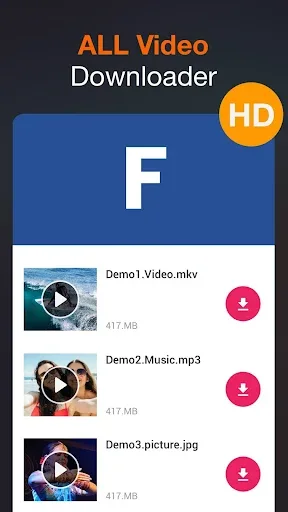
Download the videos you want on any platform. With this application, you can now enhance your viewing experience and say goodbye to the distractions and annoyances of online videos, such as ads or buffering. This application supports browsing all websites and social networks and downloading high-definition videos.
Whether it's trending videos on YouTube, popular documentaries on Vimeo, short videos or Reels on TikTok and Instagram, or the latest viral content on Facebook and X, this app offers a fast and easy way to download videos for offline viewing. Basically, almost any website you want to download videos from, All Video Downloader – V supports. And of course, it's all free; you don't even need to watch any ads to download.
This app boasts an intuitive and user-friendly interface; its clean and elegant design even won the 2017 Google Play Best App award. Rest assured, your user experience will be smooth and worry-free, and you can quickly and easily access all features.
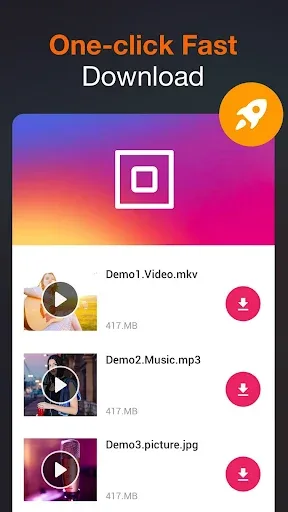
Paste the URL into the built-in browser to watch the video directly within the app. If you want to download it to your phone, simply click the HD download button. The app will provide relevant information such as estimated download time, download speed, and video storage folder.
All Video Downloader – V offers extremely fast download speeds, so you don't have to worry about downloading large videos. Furthermore, the app supports batch downloading, allowing you to download multiple videos simultaneously. With the background download feature, you can also use other tasks or apps on your phone while downloading videos.
All Video Downloader – V supports downloading all video formats.
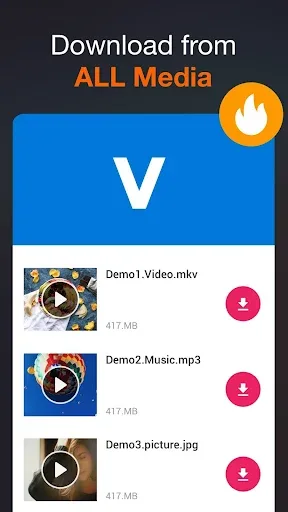
Another highlight of All Video Downloader – V is its compatibility with multiple file formats. Not all websites use the same video formats, and this feature ensures you can easily download your favorite videos without any errors or problems. It supports almost all formats, such as M4A, MP4, M4V, MOV, AVI, WMV, DOC, XLS, PDF, TXT, etc. You can flexibly choose the format that best suits your device and is compatible.
This app can not only download videos but also supports downloading various other media files. If you don't want to download videos, you can also download audio files separately in MP3 format. This allows you to download songs that are not available on some music players. In addition, the app also supports downloading images and GIFs.
Save downloaded files to folders.
You can create, organize, and categorize each downloaded video into different folders. For example, you can create folders based on specific content, such as movies, short videos, vlogs, etc., to easily track what you watch. If you have a personal folder, the app also offers the ability to create a password or PIN code to protect your privacy.
Furthermore, the app supports SD cards, so if you don't want to store videos on your phone, you can choose to store them on an SD card. You can rest assured that the app is committed to protecting user data and will not collect any of your information during use.
Pros and Cons
Pros: Supports all video formats
Simple and easy-to-use user interface
Cons: Issues with downloading some content
FAQs
What types of video formats does this player support?
The built-in player supports a variety of common video formats, ensuring compatibility with most downloaded content.
Can I download multiple videos at the same time?
Yes, the app supports simultaneous downloads, allowing you to save multiple videos at the same time, thus improving efficiency.
Is it safe to use "All Video Downloader & Player"?
The app is designed with user safety in mind; however, please be sure to pay attention to copyright laws and terms of service when downloading content.
Summary
For any user who wants a simple, easy-to-use, and user-friendly online video downloader, All Video Downloader basically meets their needs. It would be even better if the occasional button malfunction could be fixed and a video quality selection option could be provided.








