

Easy Homescreen is a user-friendly screen theme software designed to help cluttered interfaces become cleaner and more organized. Users can hide app icons, change themes and font styles, and create folders to group similar apps and games together for easy access and a more visually appealing screen. The software offers a diverse range of wallpapers, themes, and widgets; simply enter keywords to find what you're looking for. Personalize your experience to your liking and apply the theme to your screen with a single click, meeting all your user needs.
Click to load YouTube / 点击加载视频
YouTube ↗Features of Easy Homescreen:
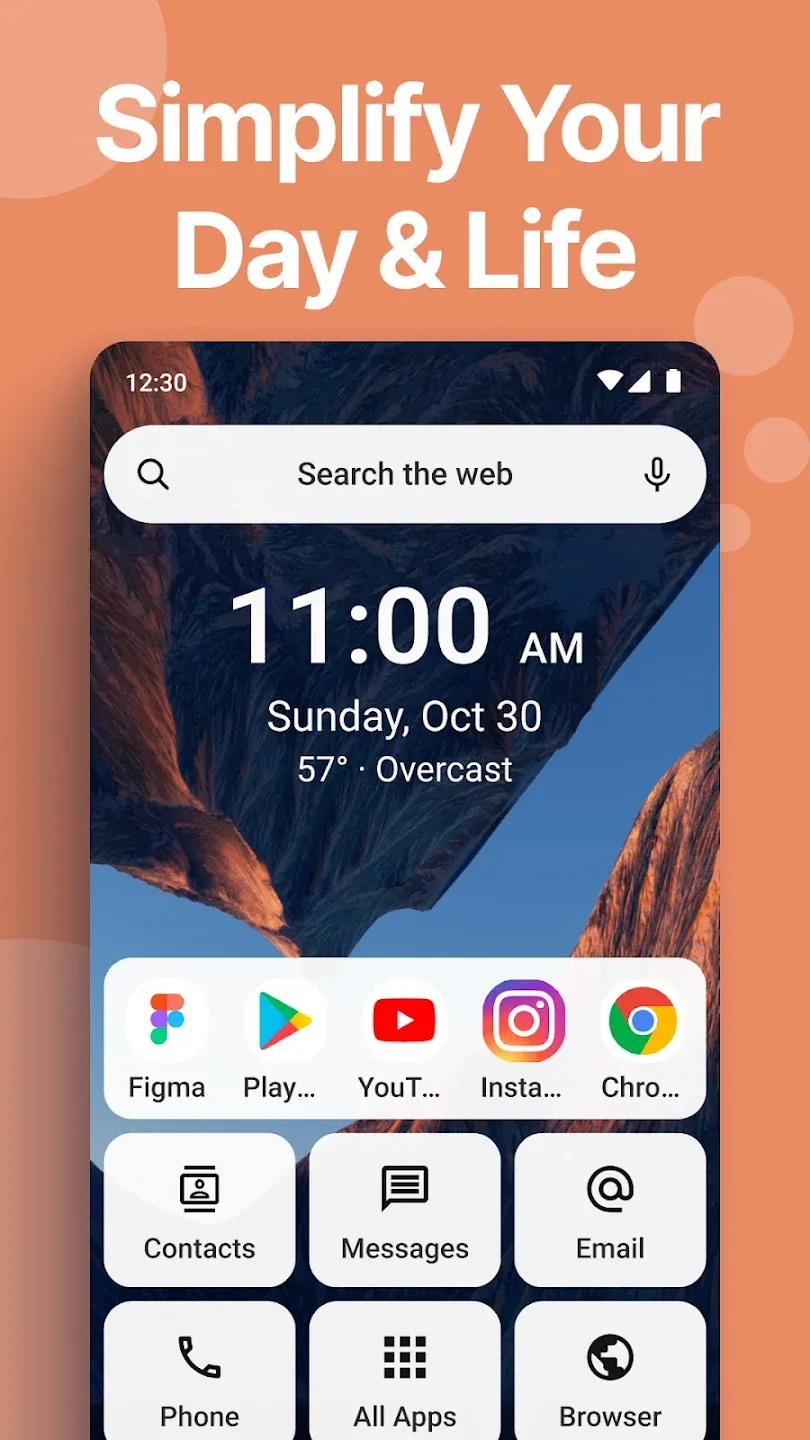
Simple interface: Easy Homescreen is equipped with a simple interface that is not too prominent. However, it still fully meets your needs during use. The simple interface design brings elegance and simplicity to your device. In addition, it also helps you feel less confused than the default interface of the phone. Therefore, you can quickly find the applications you need. Not only that, the application also offers many interface templates for you to choose from.
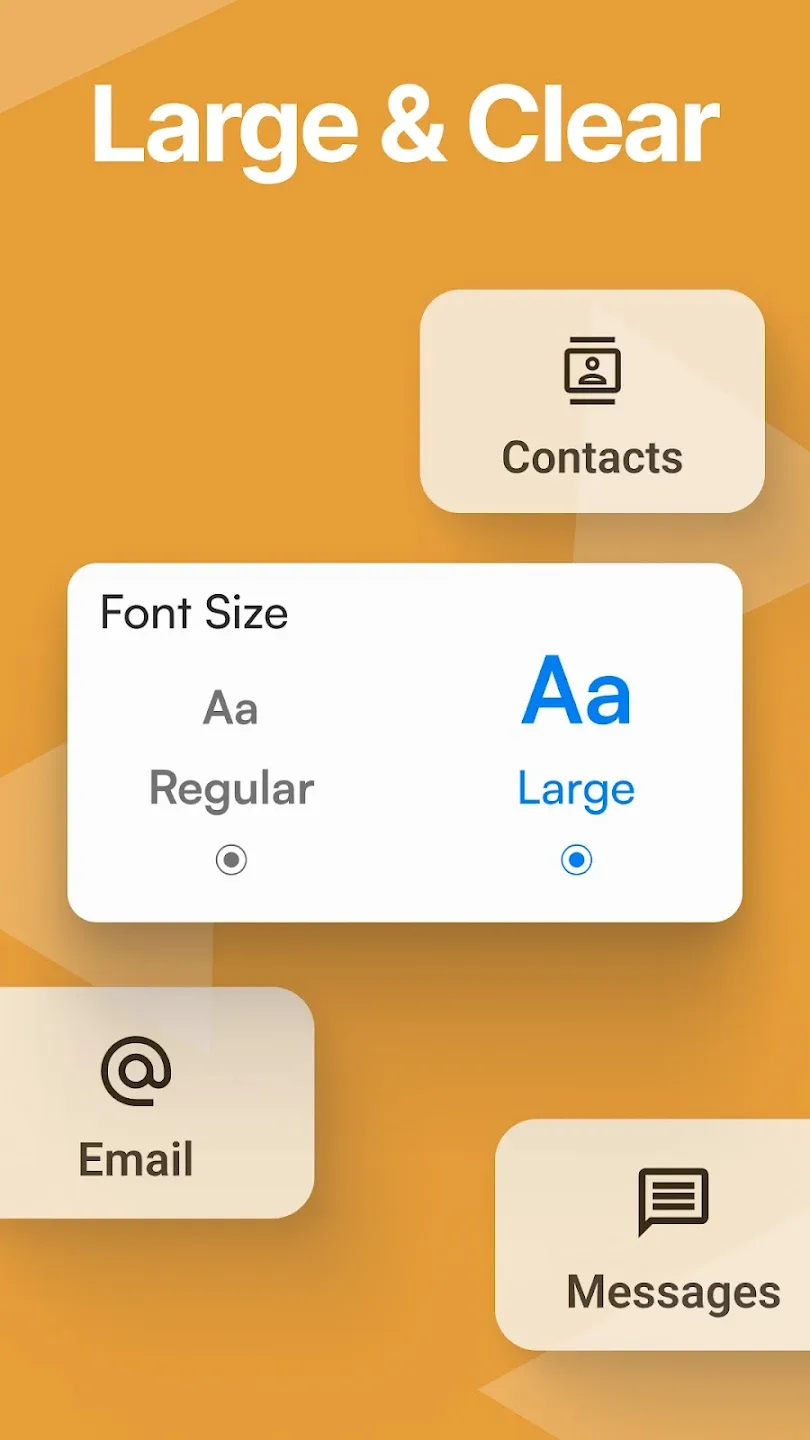
Large size interface: Easy Homescreen automatically increases the size of your apps. So you don’t have to waste time searching for them. For people with poor eyesight, this feature is really useful for them. Large app sizes also help you recognize them more easily. In addition, you can also customize them to suit yourself. If the app size is too large, you will lose a lot of space in the interface. Therefore, you should design an interface with a usable app size.
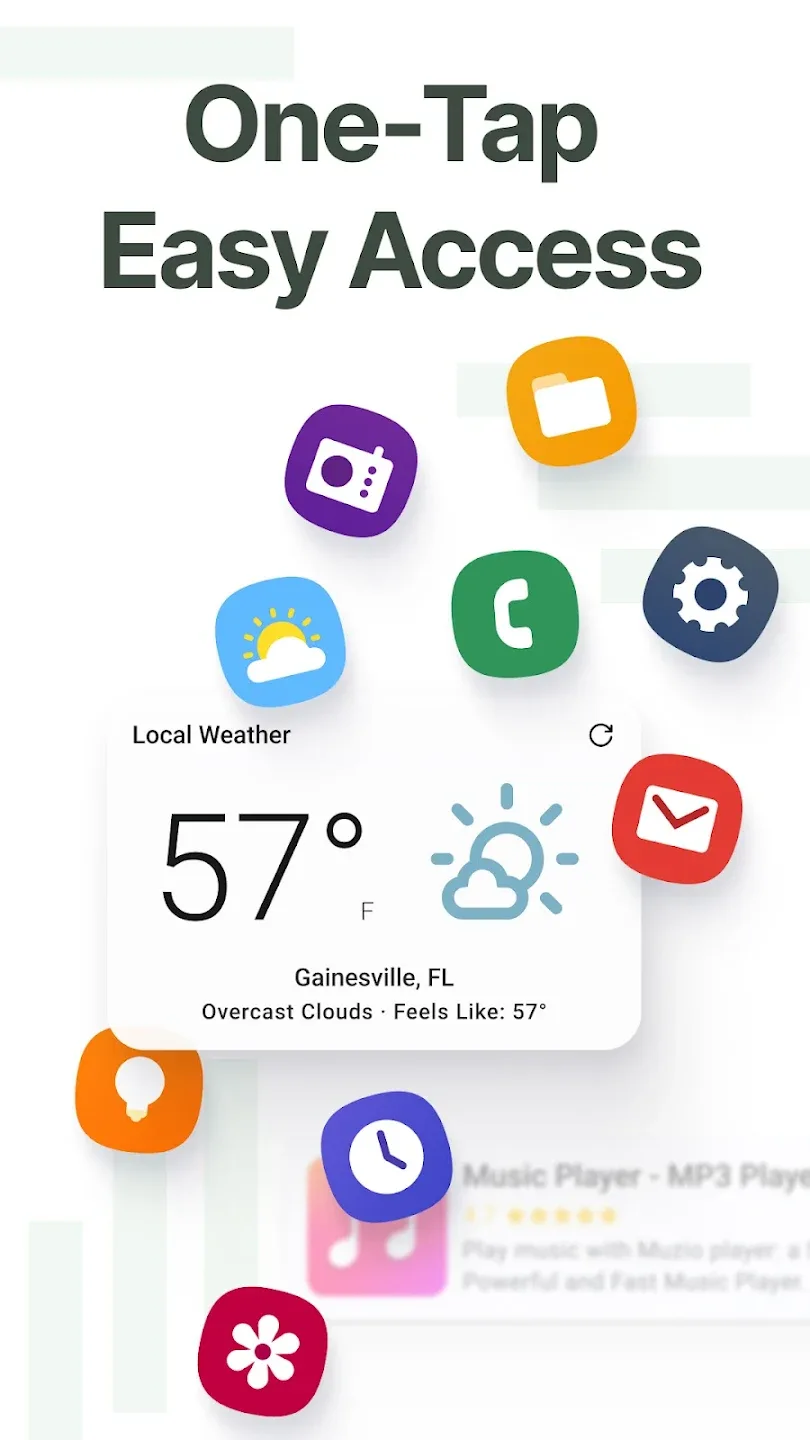
Visual customization and widget compatibility: Despite its clean design, the app lets you adjust several elements of the home page's appearance to better match your personal tastes. From the settings panel, you can modify icon packs, change the system font, and apply dark or light themes that completely change the overall aesthetic. You even get full support for adding widgets anywhere on the screen, allowing you to place the calendar, music player, or weather information right where it is most comfortable for you. Unlike other, more cluttered launchers that force you to use their own closed design, here you decide exactly what you want to be visible and what you prefer to leave in the secondary app drawer.
Strengths of Easy Homescreen:
Create folders and app drawers: The feature of creating folders and app drawers in Easy Homescreen helps users organize the home screen scientifically and conveniently. With this feature, you can group related applications into a common folder, making searching and accessing faster. These folders can be named as you like, suitable for the purpose of use or personal preferences.Besides, in order not to be messy, this application also supports creating an application drawer separately, where you can put seldom-used applications without cluttering the home screen. This function will optimize not only space but also bring an intuitive and easier-to-use feeling. You can also adjust the order of folders or icons in the application drawer according to your usage habit.
Easy to read, easy to search: This is probably the biggest advantage of Easy Homescreen. Creating a simple homescreen interface is all about making it easier for you to read or search for content. The homescreen interface is designed with larger fonts, simpler controls. In addition, all text on the device is enlarged for you to read more clearly.Now, you no longer have to struggle to read text on a small phone screen. In particular, the buttons are also enlarged to help you search for information online more easily and quickly. Of course, you can still use utilities such as voice search for quick lookups.
Support hiding applications and system icons: This feature allows users to easily hide applications that are rarely used or not wanted to be displayed, which helps reduce clutter and makes the interface neater. Specifically, the feature of hiding system icons in Easy Homescreen will help you remove unnecessary items on the screen. This is very useful when you want to focus on important applications or personalize the interface in your own style.Meanwhile, all hidden applications and icons are still available in settings or in the full application list not to lose any data that might be important. It is also easy to hide applications since the guidelines are clear right in the application. You only need to choose which application you want to hide, confirm, and everything will be arranged according to your wishes.
User Reviews of Easy Homescreen:
I needed a app to organize my applications, then I found Easy Homescreen, it's a few presses and your all set! The applications and etc get divided into many groups. It's hard to find what you need, making it kinda a time waster. Although, you don't even need to look for Google,or even chrome! It has a automated website searcher for you. It also shows your screen time, and recent apps you went on. 4 stars.
The Easy Homescreen app offers a unique service designed to enhance your mobile experience by allowing users to customize their home screen effortlessly. With a user-friendly interface, it facilitates the organization of apps and widgets according to personal preferences, enabling a more efficient and visually appealing layout. The app provides a variety of themes and design options, empowering individuals to express their creativity and style. Furthermore, Easy Homescreen incorporates advanced.
interesting interface -- easy to refer back to frequently used apps. It takes a few minutes to get used to, but those looking for something a bit different might want to try it. The app also has a page with news, human interest stories. This part isn't necessary. The browser is underneath the frequently used apps and isn't bad but not great either. It should be on top, easier to access. It has a limited amount of wallpaper choices. Overall, not bad for free!
Easy home is compact, takes up of my home screen. But I'm frustrated that I can't pick my own apps for and I can't remove any apps from my home screen. also I can't uninstall any of apps. I don't like how it's set up. I have to go All apps to get many of the apps I use everyday. To uninstall anything is NOT an OPTION, I GUESS.
FAQs of Easy Homescreen:
What platforms is Easy Homescreen available on?
This particular version of our app has been designed specifically for Android, utilizing the features and capabilities your Android device offers for a seamless user experience. However, we understand the importance of accessibility and usability for a diverse range of consumers. We are actively exploring ways to extend our app's reach to other platforms and hope to offer a cross-platform experience in future updates. Please stay tuned for upcoming developments.
Is my personal data safe and secure when using this app?
We have organizational and technical processes in place to protect your personal information. To learn more about how we keep your information safe, please see our Privacy Policy.
How can I report a bug to the developer?
Within the app's Settings page, tap the Contact Us link and send us an email with the bug that you found. Please include your device model and be as specific as possible about the bug or issue you encountered. We are always appreciative of our user's help in creating a better app experience.
How can I give general feedback or request a feature?
Within the app's Settings Page, tap the Contact Us link and you can send us an email to share your thoughts, ideas, or feedback, or just to say “Hi.” We build apps for our users and strive to provide our user's with best-in-class app experiences. Your feedback is always welcome and deeply appreciated.
Summary:
Easy Homescreen offers a gateway to a simpler, more organized smartphone experience. By prioritizing readability, simplicity, and aesthetics, this launcher transforms your device into a haven of calm in a chaotic digital world. With customizable options, easy navigation, and utility features at your fingertips, Easy Homescreen is the key to a more efficient and enjoyable mobile experience. Simplify your device, simplify your life - download Easy Homescreen today and rediscover the joy of a decluttered smartphone.








