

Kiwi Browser is an Android browser developed based on the Chromium open-source project. Its main features include support for installing Chrome desktop extensions, efficient ad blocking, and privacy protection. It has a built-in ad filter that automatically blocks pop-up ads, script tracking, and intrusive banners, improving page loading speed and protecting privacy. Users can also customize the homepage, night mode, font size, dark theme, etc., adapting to different usage scenarios. It is widely considered one of the mobile browsers that offers the closest experience to desktop browsing.
Click to load YouTube / 点击加载视频
YouTube ↗How to use:
Getting started is straightforward, and most settings are easy to find in the menu. If you plan to download Kiwi Browser for extensions or privacy controls, set aside a minute to tune the basics before browsing. The steps below outline a simple first run setup.
Open Kiwi Browser after installation, then choose whether to set it as the default browser so links open in Kiwi.
Go to Settings and adjust privacy options. Turn on tracker blocking, disable AMP if desired, and review site permissions such as notifications and location.
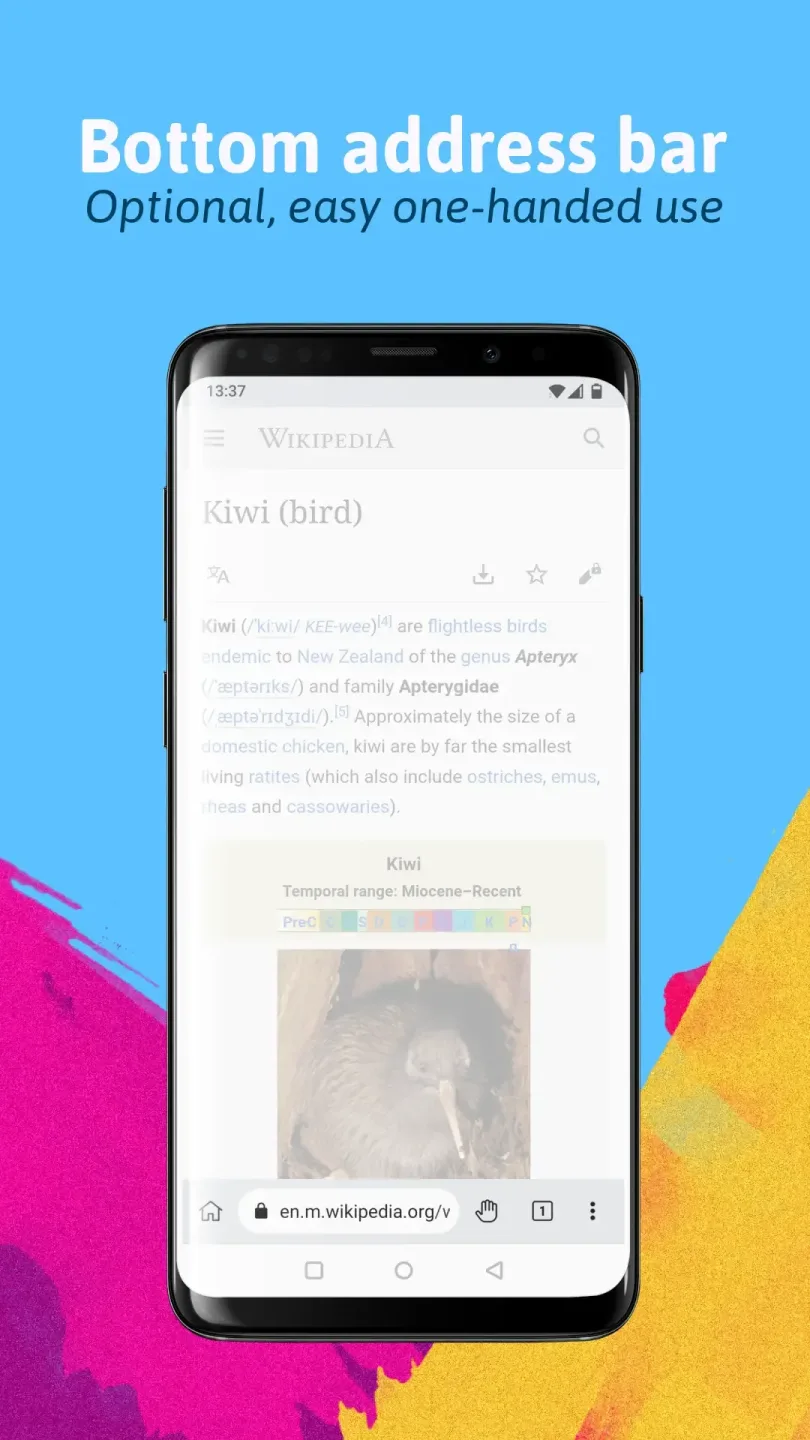
Customize your layout. Move the address bar to the bottom, edit the homepage tiles, pick a download folder, and import bookmarks if you are switching from another browser.
To add desktop style extensions, open the menu and tap Extensions. Then visit the extensions site in desktop mode, add the extension you need, and manage permissions from the Extensions page.
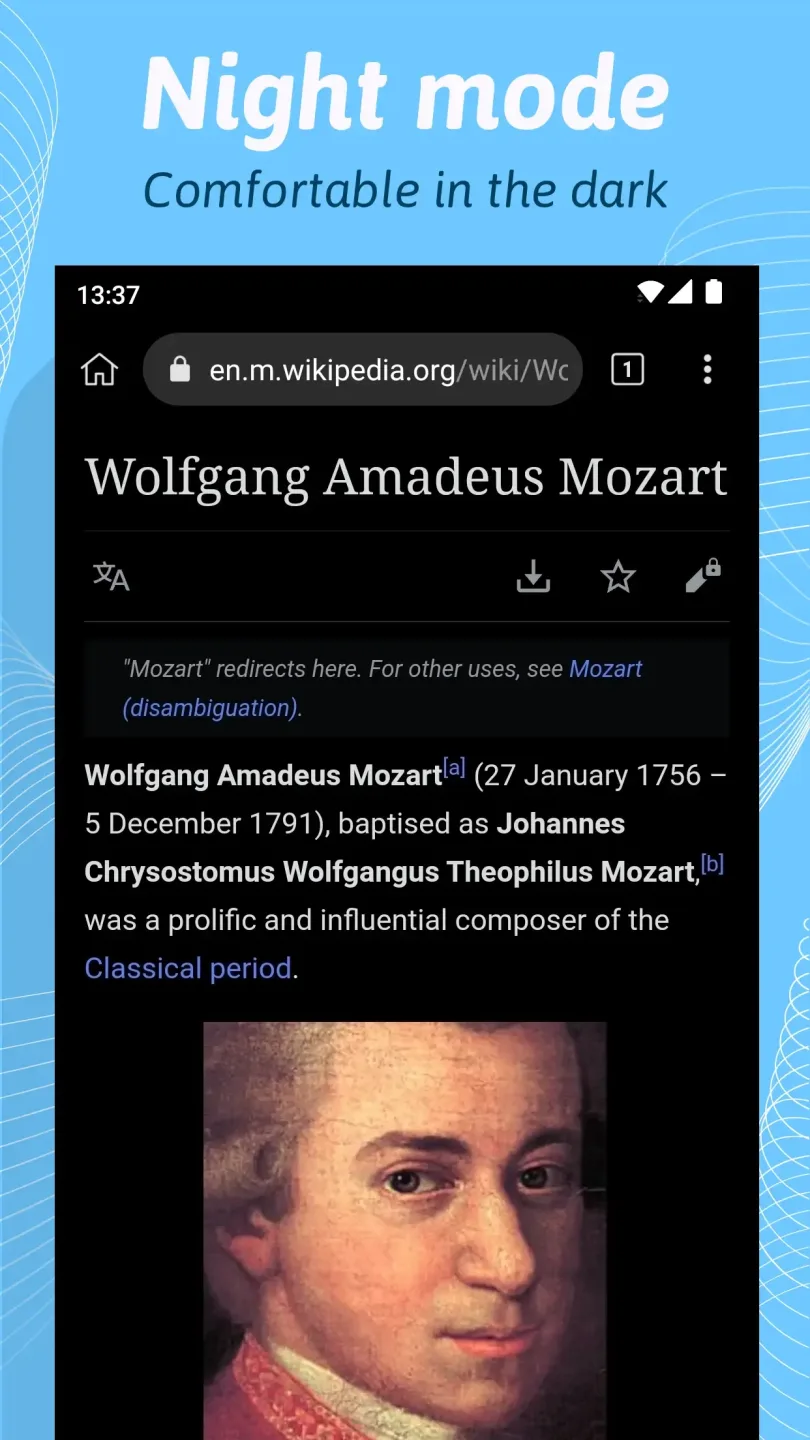
Finally, enable Night Mode from the menu for evening use. Adjust contrast and grayscale until pages are comfortable to read in low light.
Features:
Built-in Security Features
People has switched to this app because of its strong focus on privacy. The Browser has a built-in ad blocking feature , so you don’t need to worry about pop-ups, Royal x Casino Download trackers, or disturbing cookie banners. It blocks what you don’t want and speeds up your browsing at the mean time Latest Earning games.
Speed and Lightweight
Kiwi Browser is based on Chromium, the same engine on which chrome is built —but it’s even faster because it cuts out the extras that slow other browsers down. It has a much smoother performance, faster page loads, and better responsiveness overall even on a low-end phone to running it on a laptop.
Full Chrome Extension
This feature makes Browser stands taller and more functional. It allows you to install desktop Chrome extensions right from the Chrome Web Store—even on your phone. This turns your mobile browser into a productivity powerhouse, something no other mainstream browser does as smoothly and effectively.
Content Personalization
This app manages this entirely within your browser and without sacrificing your privacy, learns and knows about you. It has intelligent content discovery and seamless browsing. It offers its users an adaptive browsing experience and shapes web-browsing.
Speech-to-Text & Voice Input
Speech-to-Text and Voice Input: If you would rather speak to type, use voice input directly in your browser. It supports Google’s speech-to-text service for all languages. It is a browser with privacy built in by default. The Kiwi app stands tall in the browsing world.
Multimedia Support
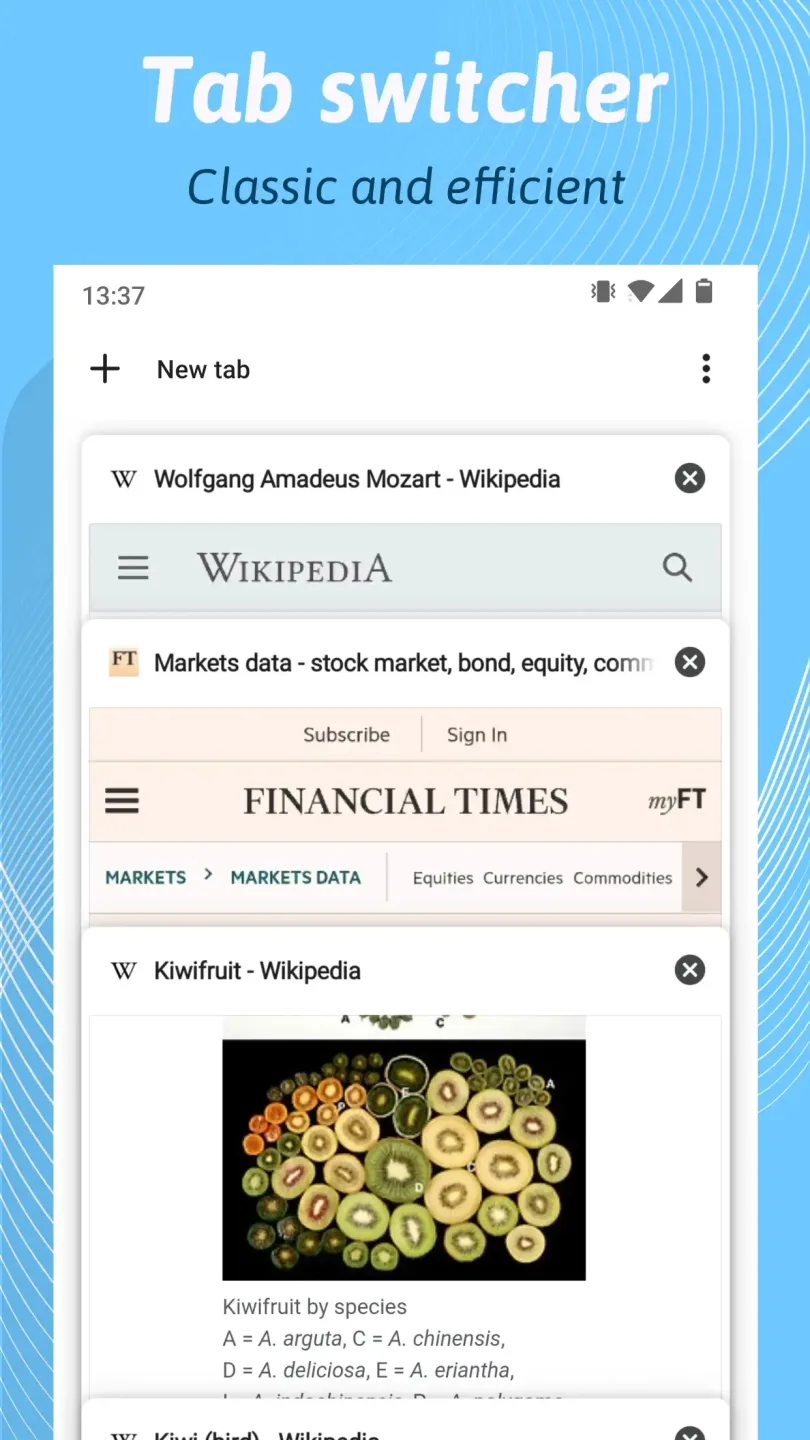
Kiwi Browser isn’t only text-and-link material—it’s crafted to deal with today’s media-intensive web, and it works well for people everywhere in the world. It supports multiple tabs, which makes this app useful for users all around the world.
Pros and Cons:
Pros
Clean and minimalistic UI based on Chromium and WebKit
A built-in ad blocker allows users to block intrusive advertisements
Import and export bookmarks to manage your saved sites
Integrated to Chrome Web Store to add add-ons
Lightweight and speedy utility to save your device storage
Gives your feedback and report in case of facing bugs or other crashes
Improved performance with quick loading pages
Unlock Facebook Messenger to chat with your friends without installing the app on your device
Customizable night mode for your eyesight and battery life
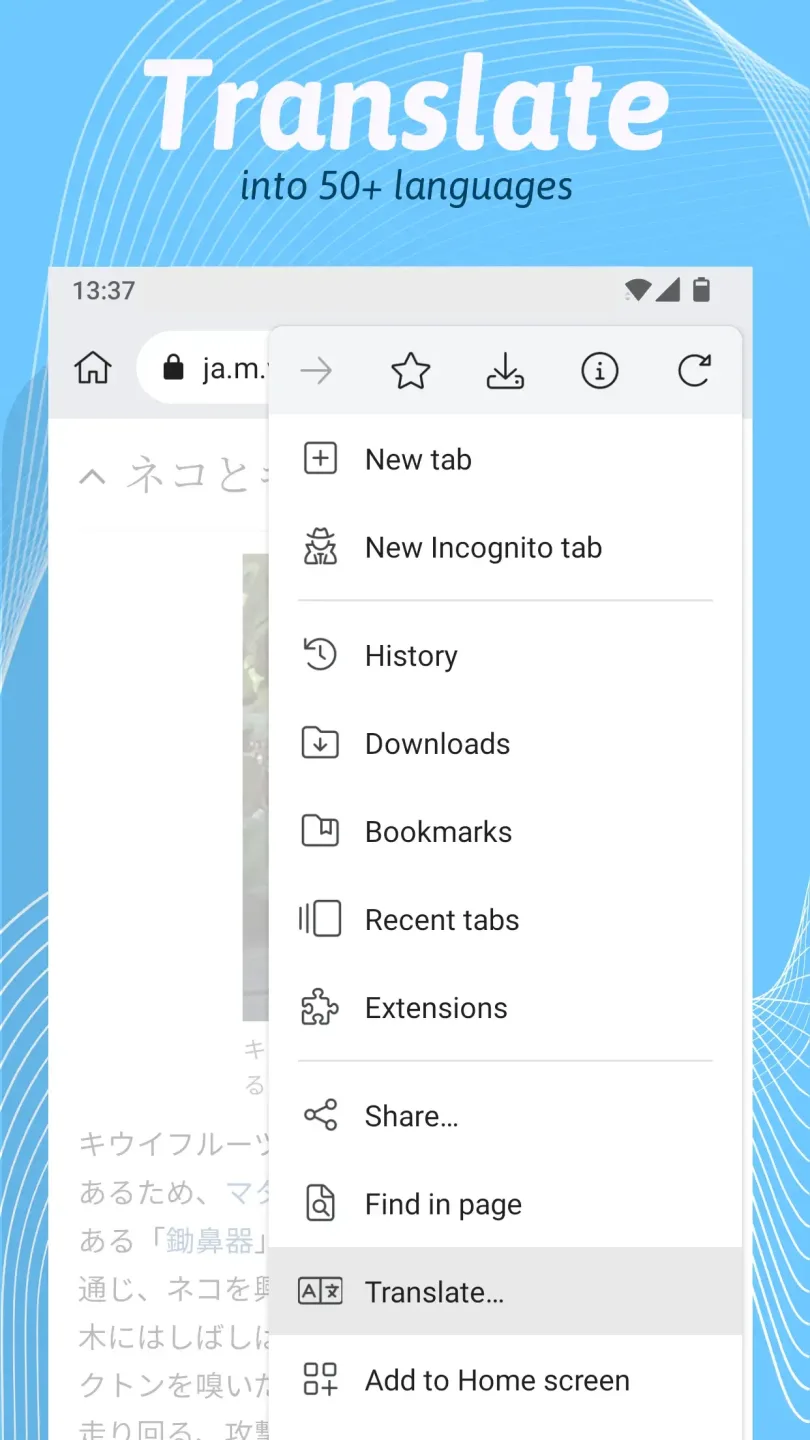
Support translation tool for up to 60 languages
Cons
Some extensions will not respond properly
FAQs:
Is Kiwi Browser safe to use?
Yes, Kiwi Browser is considered safe. It’s based on Chromium, uses a secure rendering engine, and has several privacy-focused features such as ad-blocking, anti-tracking, and cryptojacking protection.
Can I use Chrome extensions on Kiwi Browser?
Absolutely. Kiwi Browser is one of the few mobile browsers that support Chrome extensions directly from the Chrome Web Store.
Does Kiwi Browser support dark mode?
Yes, it has a built-in night mode that applies a dark theme across all websites, helping with eye strain and battery life.
Does Kiwi Browser track user activity?
No, Kiwi does not collect data or track your usage. It runs only when in use and respects user privacy.
Conclusion:
Kiwi Browser is the best browsing app where you can choose your favourite search engines. This browser is safe to use as the data is not tracked when you use certain search engines like DuckDuckGo and other safe browsers. The download speed is also amazing. Kiwi browser app doesn’t take much internet data and helps you save data in case your country has expensive internet.








