

OpenVPN Connect – OpenVPN App is a fantastic utility for internet proxy services, helping users achieve high-quality, professional encryption and delivering a secure and reliable browsing experience. The app presents a powerful yet lightweight and convenient internet proxy program, allowing users to enjoy stable connections and advanced customization options to meet their flexible network connectivity needs with simple steps. The app supports broad platform compatibility and offers tunnel separation to ensure the privacy of network sessions.
Click to load YouTube / 点击加载视频
YouTube ↗Fantastic Performance of OpenVPN Connect
Strong Encryption and Protocol Security
OpenVPN Connect uses the OpenVPN protocol and employs AES-256 encryption and TLS 1.3 to protect traffic between your device and the server. This approach helps ensure session privacy and reduces exposure on public networks. DNS leak protection further enhances security by restricting name lookups to within the tunnel.
Simplified Configuration File Import, Supports SSO and MFA
You can import connection configuration files via URL or .ovpn file. Access Server and CloudConnexa offer one-step URLs to shorten setup time. If your organization uses SAML single sign-on, the application will redirect you to an identity provider for login. If multi-factor authentication is required, OpenVPN Connect will guide you through the prompts before connecting.
Connection Control for Everyday Use
OpenVPN Connect offers split tunneling, allowing you to route selected application or target traffic to the VPN while other traffic remains local. Automatic reconnection helps sessions resume after brief network changes. If the tunnel breaks, a kill switch blocks traffic, while the Android Always-On VPN feature maintains the connection based on your device settings.
Enterprise Status Checks and MDM Configuration
For managed deployments, OpenVPN Connect supports device status checks when used with Access Server or CloudConnexa. Administrators can enforce rules such as OS compliance or security status before allowing access. The application also accepts global configurations from mobile device management tools, ensuring consistency and repeatability across large-scale deployments.
Network and Platform Compatibility
OpenVPN Connect supports WiFi, LTE, 4G, and 5G networks, allowing users to switch networks during the day. Forced portal detection helps users log in smoothly in places like hotels or airports. The application supports HTTP proxies and IPv6, adapting to more network environments without additional setup. These features are designed to reduce connectivity issues between different carriers and access points.
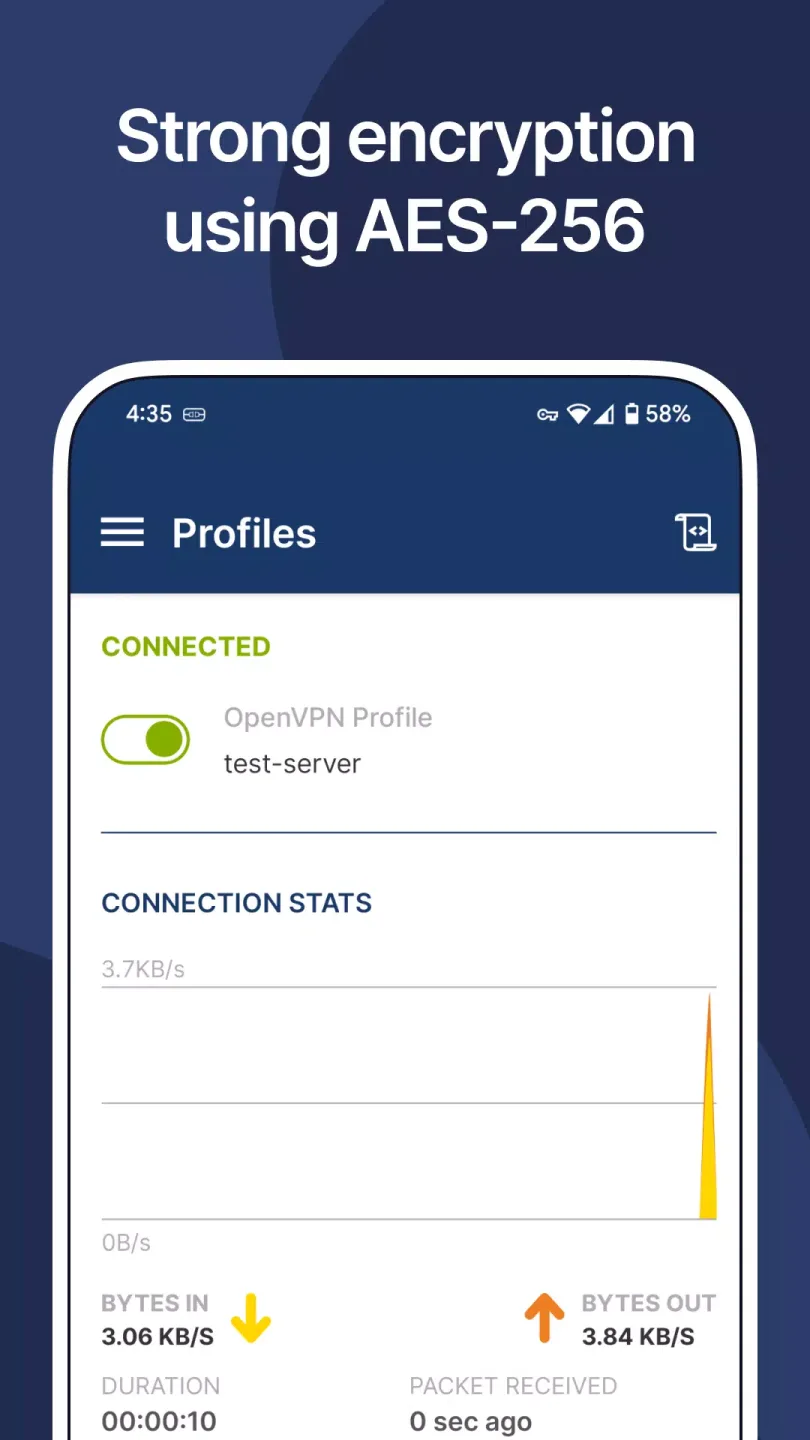
Amazing Highlights of OpenVPN Connect
Supports all OpenVPN protocols, including TCP, UDP, and HTTP.
Supports multiple authentication methods, including username/password, SAML, RADIUS, LDAP, and PAM.
Supports automatic connection, automatically connecting to the VPN server when the device starts up or when specific conditions are met.
Supports split tunneling, allowing users to specify which applications should go through the VPN and which should not.
Supports DNS leak protection, preventing DNS queries from leaking outside the VPN tunnel.
Supports internet disconnection protection, automatically disconnecting the internet connection when the VPN connection drops.
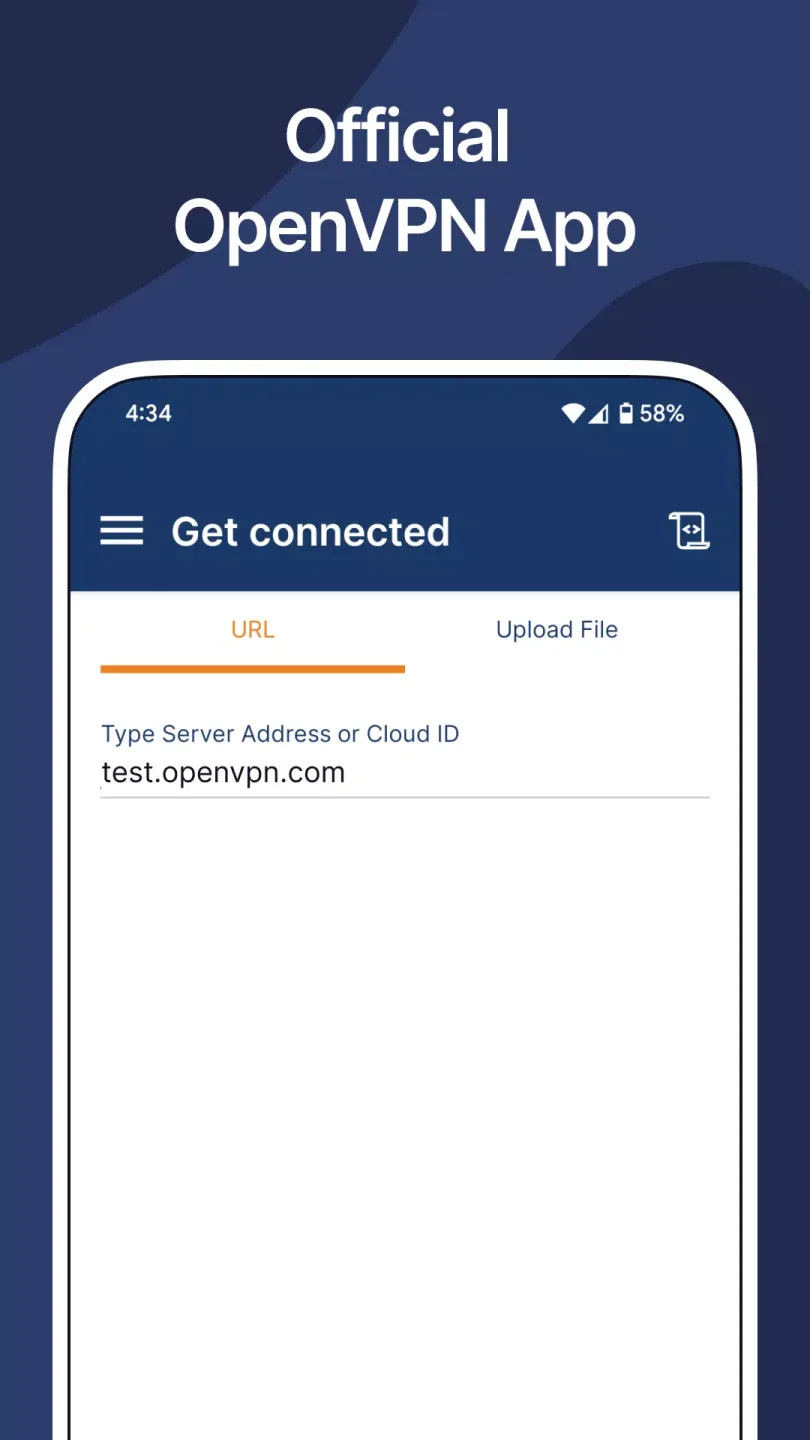
Helpful Tips of OpenVPN Connect
Install OpenVPN Connect and open the application to access the main screen.
Click “Import,” then select a URL or .ovpn file. Enter the provided URL or browse to the file on your device.
When prompted, sign in using SAML single sign-on or your account credentials, and complete multi-factor authentication as needed.
Review options such as split tunneling or always-on VPN, then save the settings to apply them to your profile.
Click “Connect,” wait for the tunnel to establish, and confirm the status shows “Connected” before using internal resources.
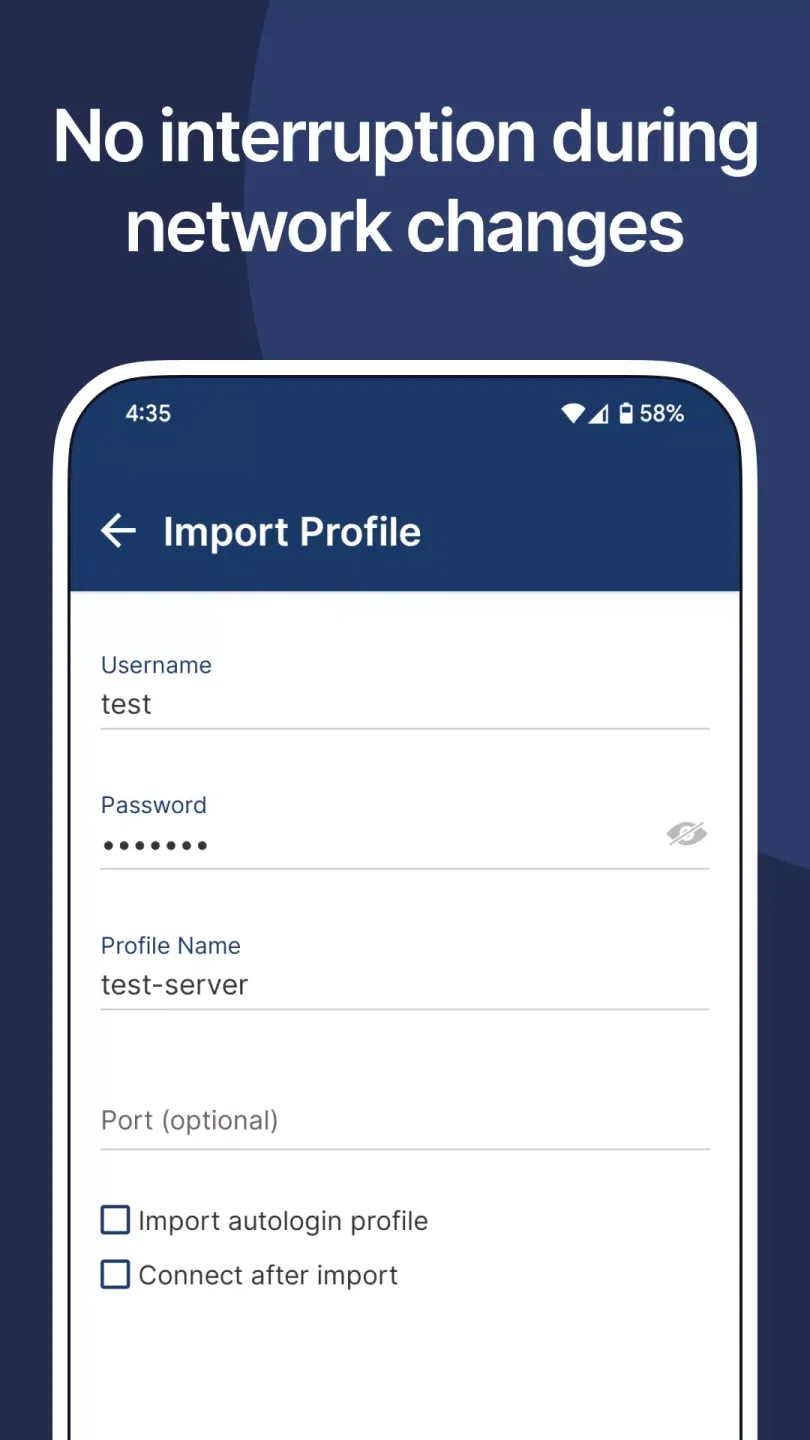
User's Comments of OpenVPN Connect
Nothing to complain about. Even though the protocols are not among the fastest, it just works... smoothly! Here are a few features I'd love to have in future versions: 1) whitelist certain apps ( if I don't want certain app to use the VPN, for example: Office/work related apps) 2) Auto connect on startup feature 3) Auto connect when I change networks
By-Gingo this app is good! Best Android app ever in terms of user experience. Works flawlessly as far as I can tell. 'User friendly' (anyone else remember that concept?). Connection shortcuts for home screen! Richly configurable with lots of info. Only wish the windows client was nearly as pleasing. Only feature I would like is the ability to use the app to either launch other apps or URL's so it can ensure the vpn first; but that's just greedy of me.
Fantastic open source app. I have a feature request: if we can have temporary pause mechanism it would be great. For example, often times, I have I could pause my VPN anywhere between 15 seconds and 15 minutes. However, I forgot to resume the connection. If a temporary pause automatically established the network, that would be great. Thank you for all your hard work :)
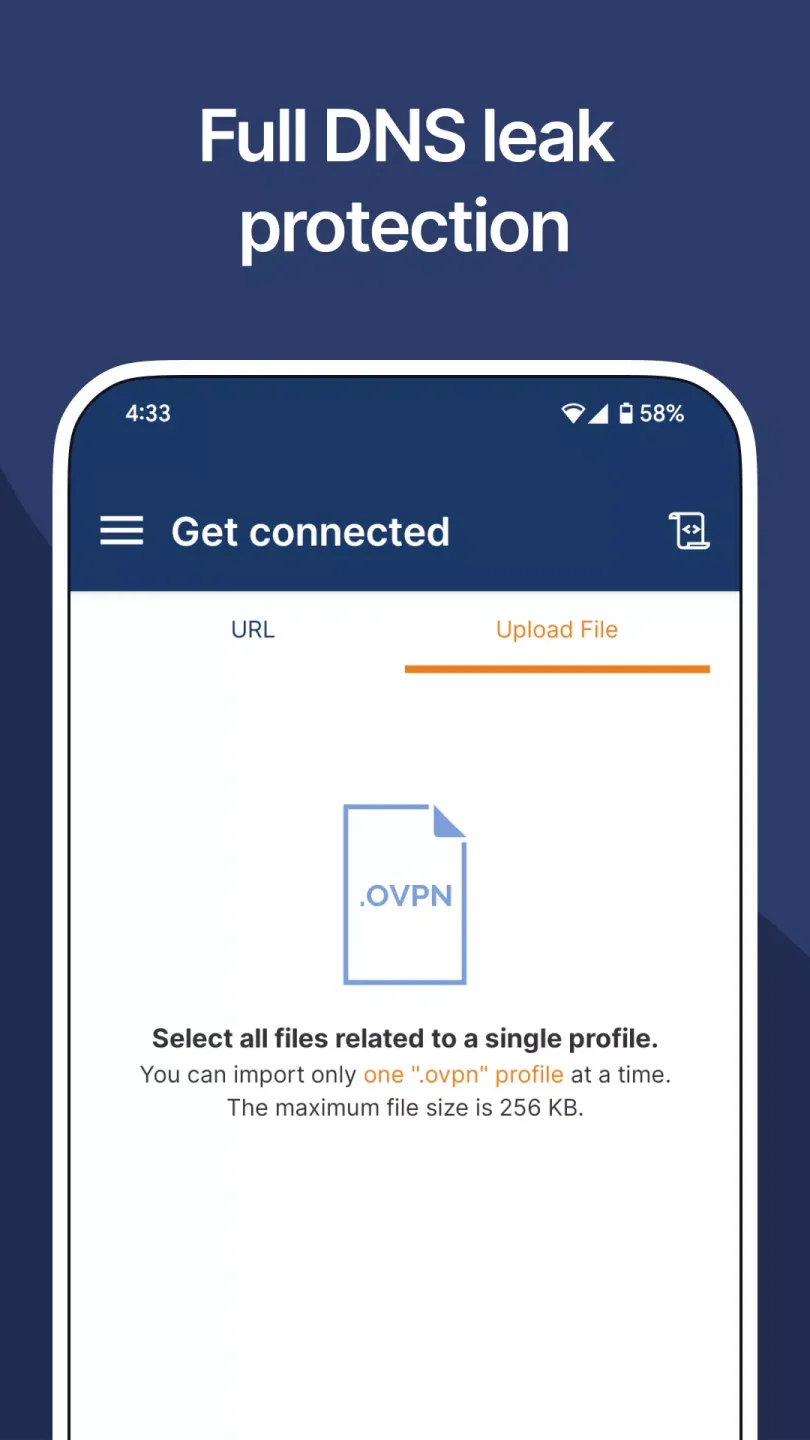
Final Thoughts
With these core features focused on data privacy and security, OpenVPN Connect is one of the best VPN options available. Download OpenVPN Connect for free and enjoy secure, anonymous internet access.








